00197042-04_SM_X-Serie-S_Customer_EN.pdf - 第103页
4 Electrics and control system 4.1 Electrical System Service Manual SIPLACE X-Serie S 06/2019 103 4 Electrics and control system DANGER Observe User Manual ► Please observe the safety instructions in the user manual for …

3 Power supply
3.5 Power supply and transformer module (from serial number Hxxxx)
102 Service Manual SIPLACE X-Serie S 06/2019
4 Electrics and control system
4.1 Electrical System
Service Manual SIPLACE X-Serie S 06/2019 103
4 Electrics and control system
DANGER
Observe User Manual
► Please observe the safety instructions in the user manual for all work!
4.1 Electrical System
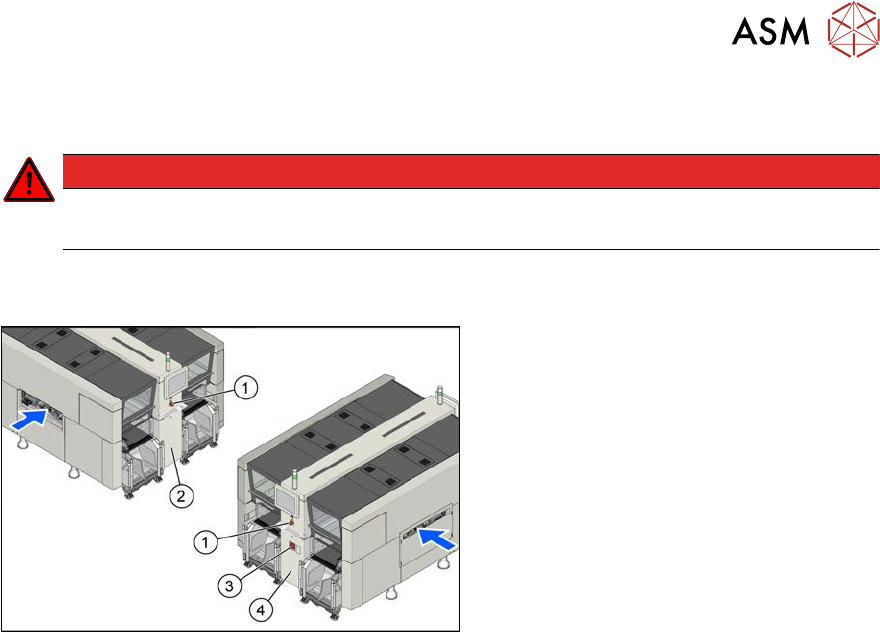
Fig.121: Electrics (example of X4i S shown)
1. EMERGENCY STOP button
2. HCU, GCU, BoxPC
(behind the cover)
3. Main switch
4. Power supply (behind the cover)
4 Electrics and control system
4.2 BoxPC
104 Service Manual SIPLACE X-Serie S 06/2019
4.2 BoxPC
4.2.1 Replacing the Control Computer BoxPC
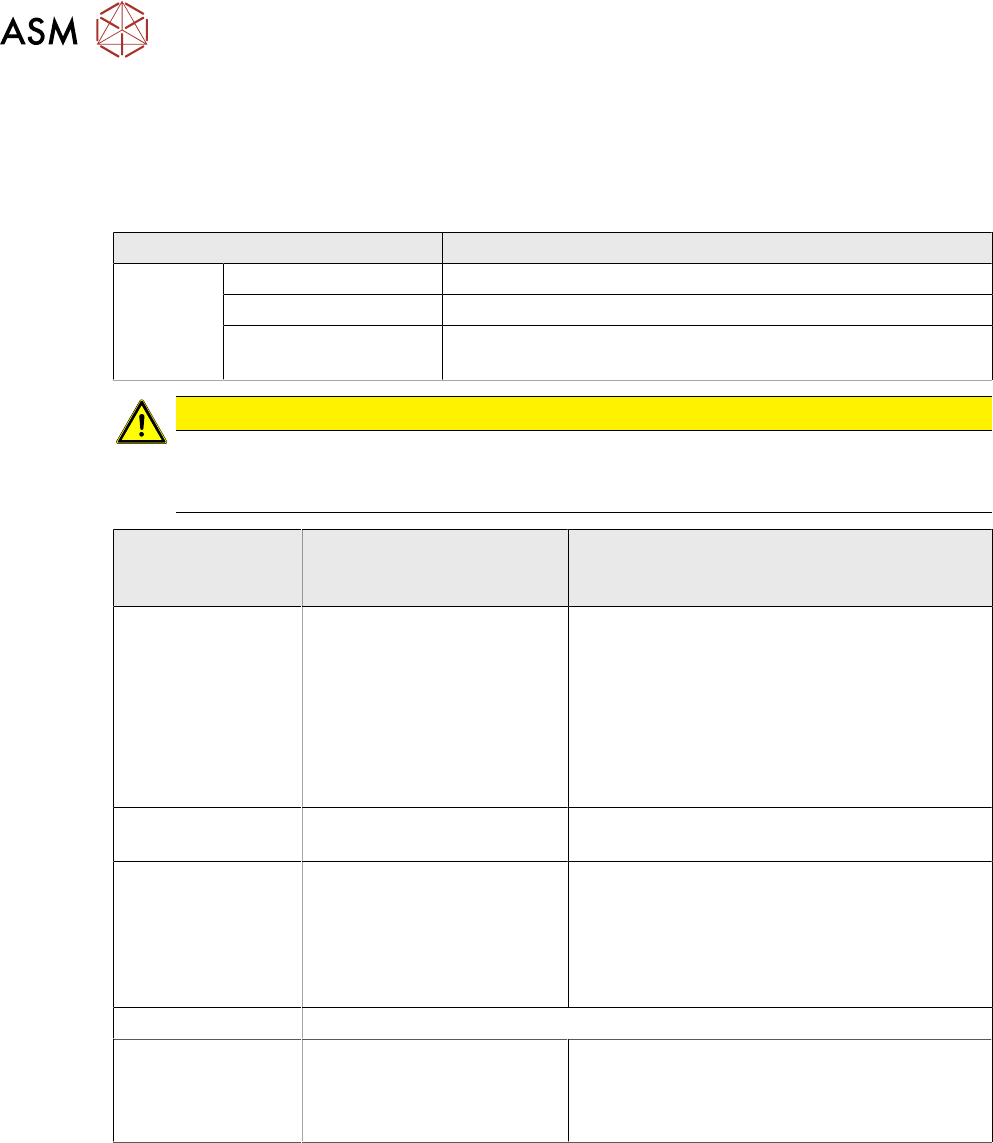
Parts, equipment and tools
Machine type PC type
SIPLACE
X‑SeriesS
Up to serial no. Gxxxx Control computer BoxPC 827C [03094732-xx]
From serial no. Hxxxx Control computer BoxPC 427D [03114177-xx]
Option for 3D coplan BoxPC ABP402-A CPU1020E 2xPCI SSD (iBase)
[03120423‑xx] (replaces: BoxPC 627C [03094731‑xx])
CAUTION
Additional hardware for the BoxPC
The BoxPC is supplied without the following parts. If required, these must be removed from
the old BoxPC and fitted in the new one or ordered as new parts:
SIPLACE X-Series S up to
Gxxxx,
SIPLACE SX4/DX4
SIPLACE X-Series S from Hxxxx
(BoxPC 427D)
Hotlink interface For BoxPC 827C only:
PCI-A24-K01 (1x, with sta-
tionary camera 2x)
[03052135-xx]
Cable: hotlink interface/
power [03042074-xx]
4.2.8 "Replacing the Hotlink
interface card" [}111]
No hotlink interface
GigE interface
(cameras)
No GigE interface GigE ethernet adapter PCI-E I340-T4
[03105575‑xx]
CAN card BoxPC 827C only:
CAN card COM168V2-PCI
[03079973‑xx] (replaces:
[03052590‑xx])
In machines from Hxxxx, this task is assumed
by the "CAN Interface CINX" [03108598‑xx].
This is connected to the BoxPC427D
[03114177‑xx] via a LAN cable (see also 4.9
"Replacing the CAN interface CINX (from
serial no. Hxxxx)" [}126]).
RAM
See 4.2.9 "Replacing the RAM in the BoxPC" [}112]
Ethernet adapter Permanently installed. Permanently installed.
If a 3D Coplan or a barcode scanner is in-
stalled, the "LAN card PCI Express 2x Gigabit
LAN" [03118416-xx] is needed in addition.
●
Installation Manual Windows Embedded Standard 7 [00197737‑xx]
Removal/installation of coplanarity computer
To replace the coplanarity computer, read the applicable assembly instructions.
●
Assembly instructions "SIPLACE X‑Series S 3D-Sensor Coplanarity" [DEEN:00197395‑xx]
Removal/installation of control computer
► Replace the BoxPC.
4.2.1.2 "Replacing the BoxPC 427x" [}107]
4.2.1.1 "Replacing the BoxPC 627x/827x" [}105]