P-TOOL说明书.pdf - 第173页
3-53 3 Board Editor 4.4 Edit single combined program On single combined program, mount information of each lane is same because each lane mounts on same board. So mount information of all lane are changed if its of one l…
3-52
3
Board Editor
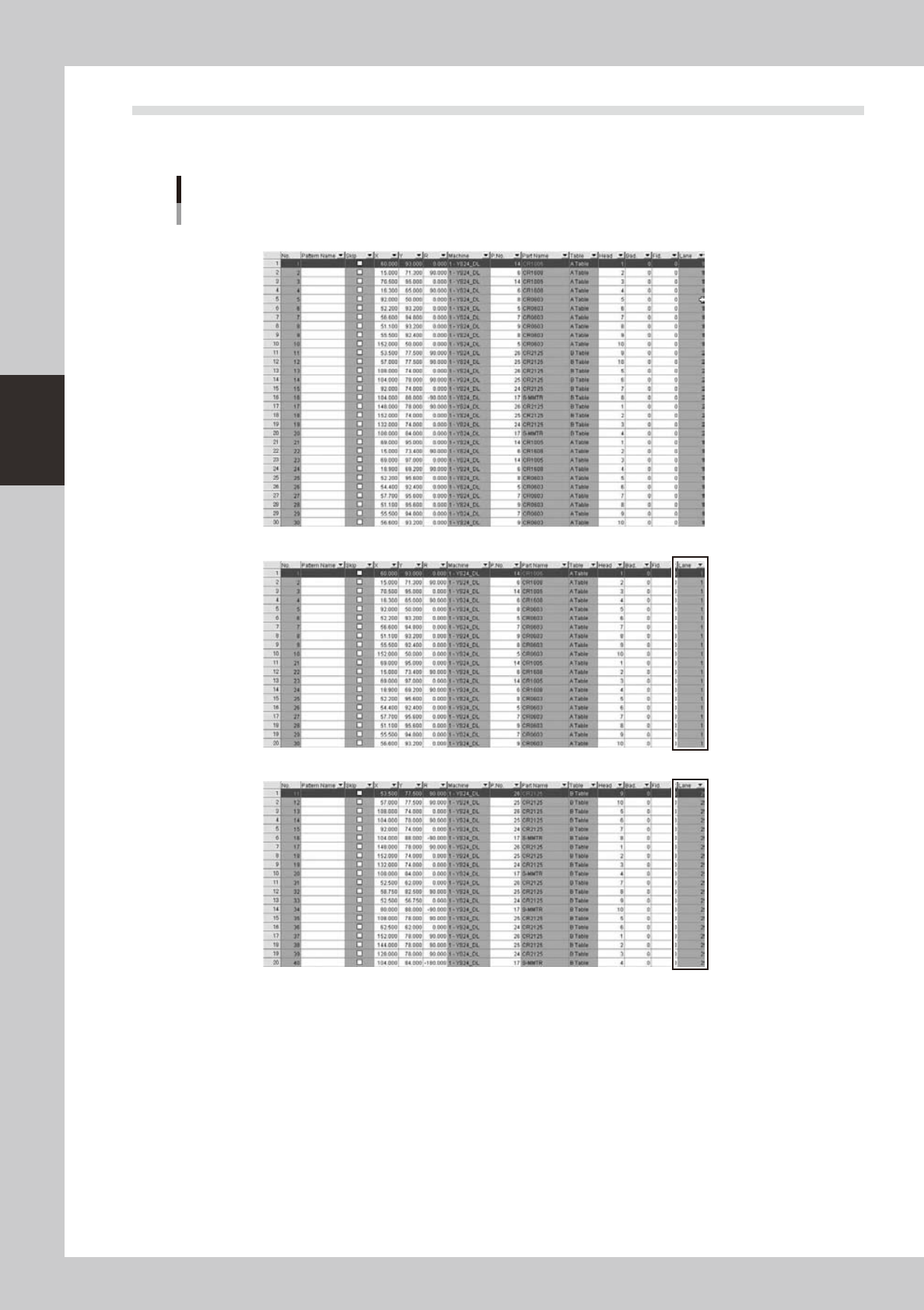
4.3 [Lane] column is added on [Mount] information
It shows which lane each mount data.on YGX(Combined) board data, when mount information for each lane is
opened, [Mount] column is filtered by selected lane.
[Lane] column is added
[Original Data]
Mount information of [Lane 1 Board] is selected]
Mount information of [Lane 2 Board] is selected]
64382-S0-00
3-53
3
Board Editor
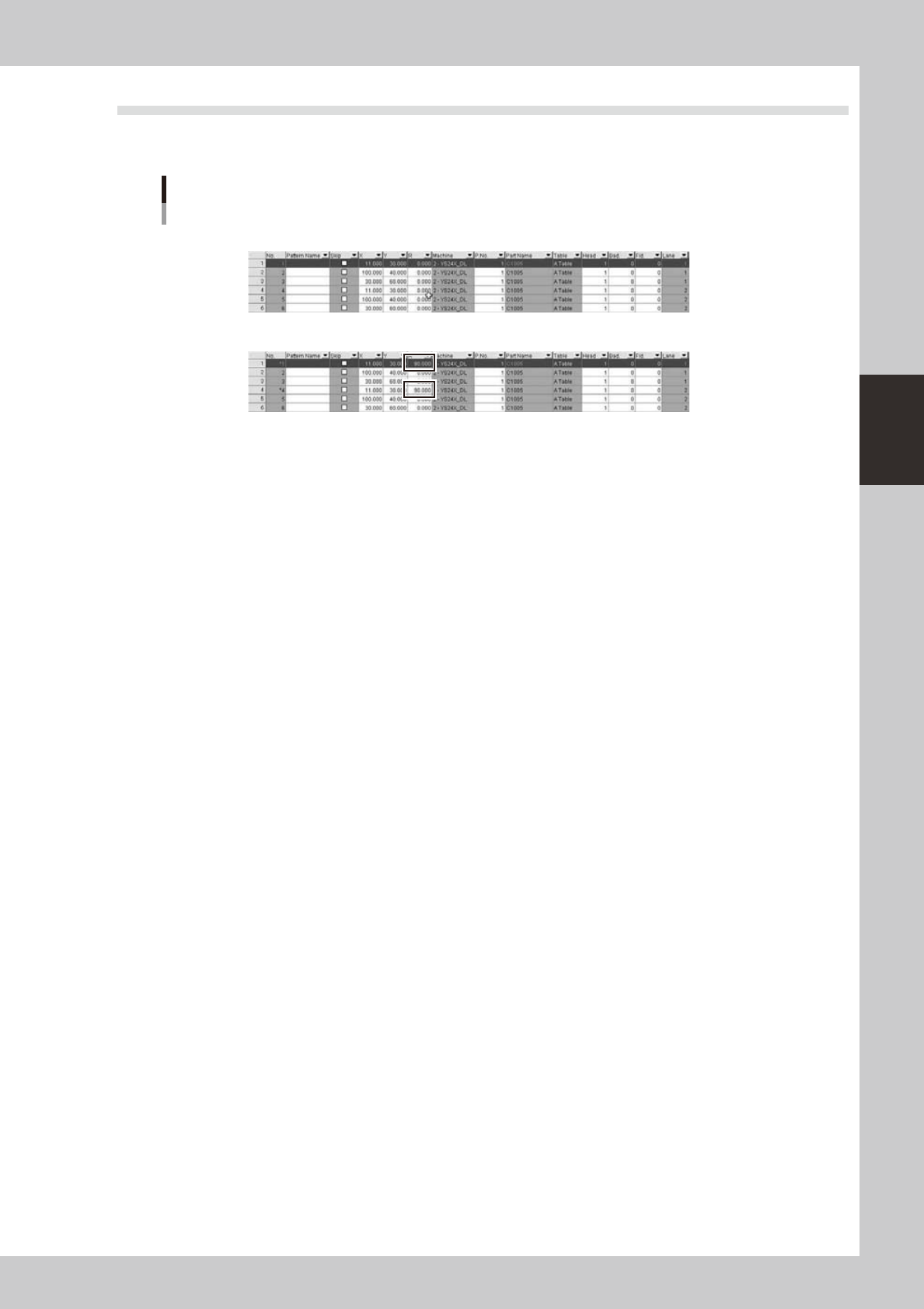
4.4 Edit single combined program
On single combined program, mount information of each lane is same because each lane mounts on same
board. So mount information of all lane are changed if its of one lane is changed.
Edit single combined program
[Befor]
[After] If Mount information of lane 1 is changed, its of lane 2 is also changed.
64383-S0-00

Chapter 4 Feeder Viewer
Contents
1. About the Feeder Viewer 4-1
1.1 Starting the Feeder Viewer 4-1
1.2 Quitting the Feeder Viewer 4-3
2. Basic operation 4-4
2.1 Plan information screen 4-4
2.2 Creating new plan information 4-18
2.3 Opening a plan file 4-21
3.
Editing the data on the plan information screen
4-22
3.1 Switching the production lines 4-22
3.2 Adding or deleting board data 4-23
3.2.1 Adding board data 4-23
3.2.2 Deleting board data 4-24
3.3 Changing the order of board data 4-25
3.4 Editing the board data 4-27
3.5 Saving the board data 4-28
3.6 Changing the feeder or tray position 4-30
3.6.1 Moving a feeder within the same machine 4-30
3.6.2 Moving a feeder between machines 4-32
3.7 Dividing the parts 4-34
3.8 Combining the parts 4-36
4. Feeder Viewer Setting 4-38
4.1 Feeder Viewer Setting 4-38
4.1.1 Start of setting screen (menu selection) 4-38
4.1.2 Content of setting 4-39
4.2 Dump Station Arrangement Setting 4-40
4.2.1 Detailed explanation of operation 4-40
4.2.2 Settings 4-42
4.2.3 Error Message 4-44
4.2.4 Limitations 4-44
4.3 For 0 mount point parts 4-45
4.3.1 Setting 4-45
4.3.2 Display 4-46
4.3.3 Move parts 4-47
4.3.4 Multiply parts (Only at the feeder layout display) 4-48
4.3.5 Combine parts (Only at the feeder layout display) 4-48
4.3.6 Interference Check (Only at the feeder layout display) 4-49
4.3.7 Setup Assignment 4-49