DuraBlue II Customer Product Manual.pdf - 第118页
Control switch Pump speed arrow keys Troubleshooting 6-6 Part 1126931_01 2018 Nordson Corporation Changing a Motor Control Parameter The motor control parameters are factory set and do not need to be changed. Use this …
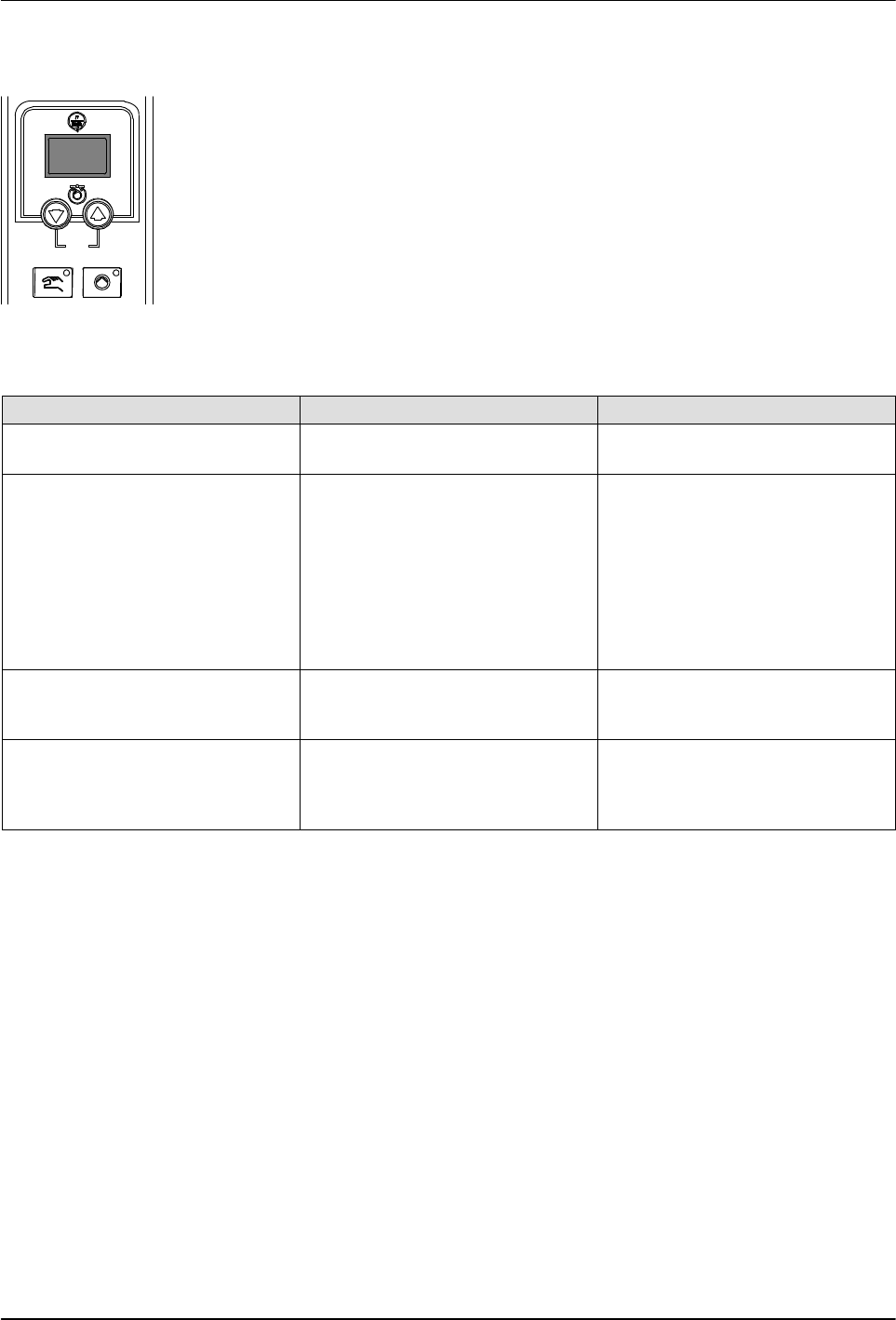
Pump speed display
Troubleshooting
6-5
Part 1126931_01
2018 Nordson Corporation
Motor Control Faults
Table 6‐2 lists the motor control fault codes that may appear on the pump
speed display(s).
Table 6‐2 Motor Control Faults
Motor Control Fault Possible Cause Corrective Action
no EnA (motor control fault code
shown on pump speed display)
Master pump enable key not
turned on
Press the Master pump enable
key until the LED is illuminated.
hOt (motor control fault code
shown on pump speed display)
Motor thermostat open Wait for the motor to cool, ensure
that the pump speed setting is
not too low, and then restart the
pump. If the hOt code continues
to appear, troubleshoot the
problem that is causing the motor
to overheat, such as binding or
blockage in the pump, a locked
pump rotor, etc.
Displayed rpms do not match
motor speed
Pump speed display not
calibrated
Calibrate the pump speed
display. Refer to Calibrating the
Pump Speed Display.
Motor control not operating as
expected
Improper motor control
parameter settings
Check motor control parameter
settings. Refer to Changing a
Motor Control Parameter in this
section.
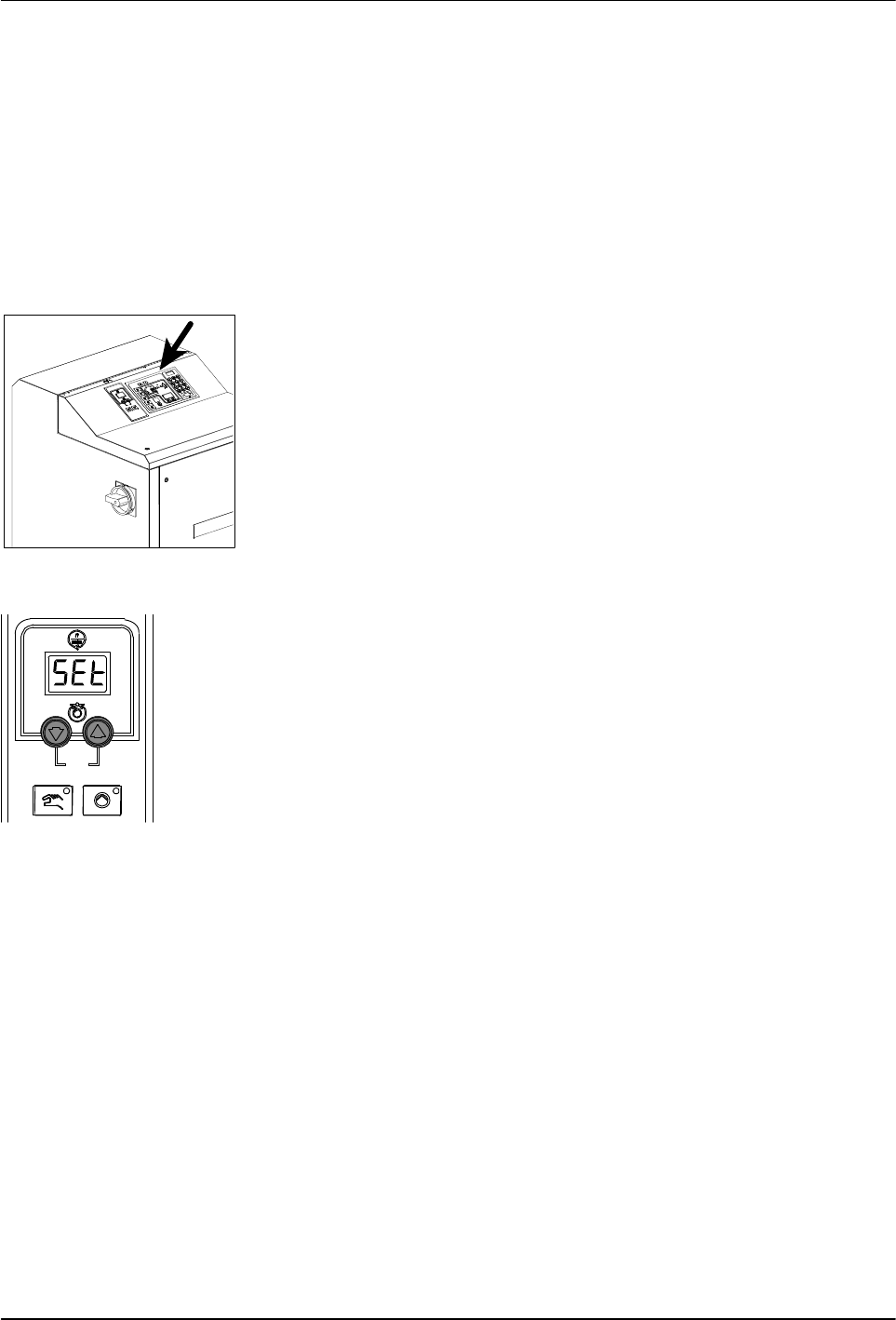
Control switch
Pump speed arrow keys
Troubleshooting
6-6
Part 1126931_01
2018 Nordson Corporation
Changing a Motor Control Parameter
The motor control parameters are factory set and do not need to be changed.
Use this procedure only if a motor control parameter is inadvertently changed
and needs to be changed back to the factory setting shown in Table 6‐3. The
motor control parameters are changed through the motor control panels
located on the front of the melter.
To change the a motor control parameter
1. Place the main power switch in the OFF position.
2. Place the control switch in the OFF position.
3. Press and hold both Pump speed arrow keys and then switch the
control switch back on. When the pump speed display indicates SEt,
release the keys.
4. Use the Pump speed arrow keys to select a value for the parameter
shown on the pump speed display. Refer to Table 6‐3 for a parameter list.
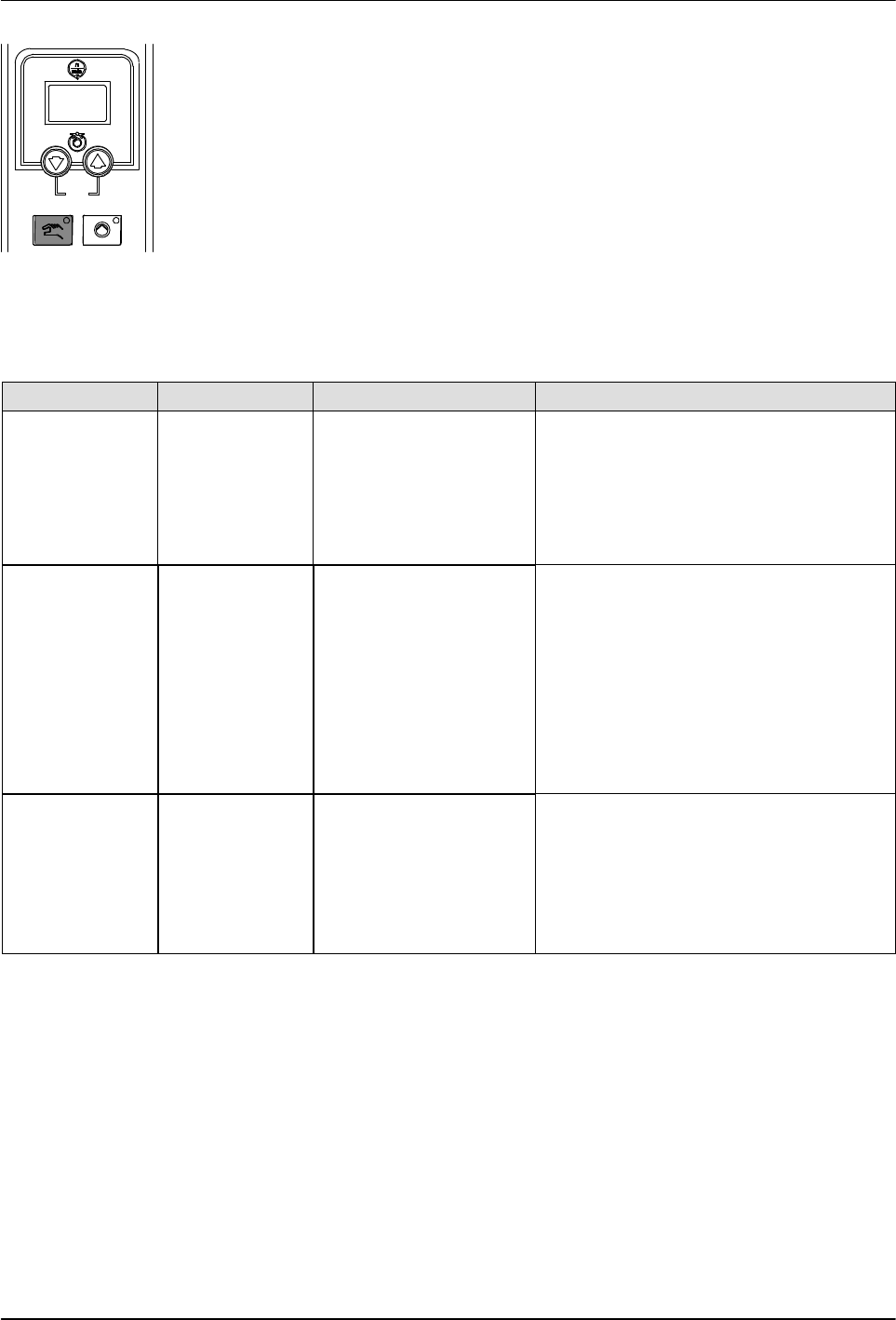
Pump mode key and LED
Troubleshooting
6-7
Part 1126931_01
2018 Nordson Corporation
5. Press the Pump mode key to save the value and move to the next
parameter.
6. Repeat steps 3-4 for each parameter you want to change.
7. To exit the setup mode, press the Pump mode key one additional time
after the last parameter has been displayed.
Table 6‐3 Motor Control Parameter Factory Settings
Parameter Factory Setting Description Explanation
SEt 94 Maximum pump rpm This parameter controls the increment of
change in motor speed that occurs upon
each press of a pump speed up or down
arrow key when the melter is operating in
the manual mode. To change the rpm in
increments of 1, set this parameter to the
maximum pump rpm.
Srt 0 Motor start mode This parameter controls the method used
to start the motor(s):
To start a motor by pressing the pump
start/stop key on a motor control panel,
enter 0. This setting is typically used if a
melter has more than one motor.
If you want a motor to start when the
pump enable signal is activated, enter 1.
This setting is typically used if a melter
has only one motor.
LoS 0 Minimum pump speed
in gear‐to‐line mode
If the melter will be operated in the
manual mode, enter 0.
If the melter will operated in the
gear‐to‐line mode, enter a minimum line
speed. The motor speed will not fall
below this valve even if the signal drops
to 0 V.