DuraBlue II Customer Product Manual.pdf - 第126页
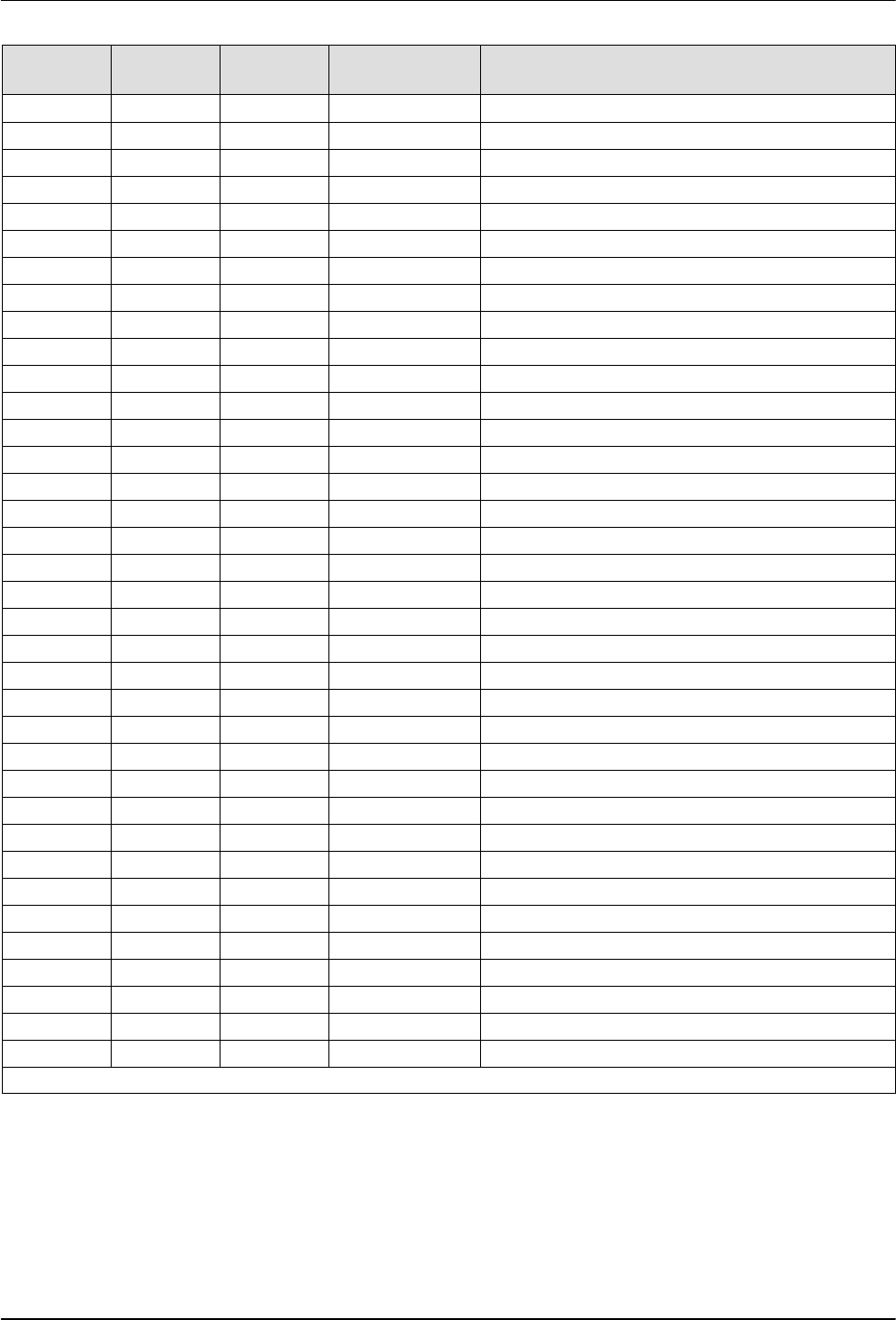
Troubleshooting 6-14 Part 1126931_01 2018 Nordson Corporation Error Messages (contd) Error Code (Hex) Error Code (Dec) Fault Type Keypad Description 0xFF51 65361 Fault id tag error PU Load error of the id tag calibrati…
Troubleshooting
6-13
Part 1126931_01
2018 Nordson Corporation
Error Code
(Hex)
Error Code
(Dec)
Fault Type
Keypad Description
0x8111 33041 Configurable TO RxPDO1 CAN time-out Rx PDO 1
0x8112 33042 Configurable TO RxPDO2 CAN time-out Rx PDO 2
0x8113 33043 Configurable TO RxPDO3 CAN time-out Rx PDO 3
0x8131 33073 Configurable CAN hbeat C1 CAN heartbeat time-out consumer 1
0x8132 33074 Configurable CAN hbeat C2 CAN heartbeat time-out consumer 2
0x8133 33075 Configurable CAN hbeat C3 CAN heartbeat time-out consumer 3
0x8134 33076 Configurable CAN hbeat C4 CAN heartbeat time-out consumer 4
0x8141 33089 Configurable WD exprd Fieldbus watchdog expired
0x8142 33090 Configurable Cycl data left Fieldbus disruption of cyclic data exchange
0x8143 33091 Configurable Inval cycl data Fieldbus invalid cyclic process data
0x8190 33168 Configurable TO Modbus Modbus network time-out
0x8191 33169 Warning Modbus EC Modbus wrong request from master
0x8192 33170 Fault FLBS new module Fieldbus new module detected fault
0x8193 33171 Fault FLBS confg error Fieldbus module configuration mismatch fault
0x8286 33414 Configurable F.PDO mapping Fieldbus PDO mapping error
0xFF06 65286 Configurable OS motor Motor over speed
0xFF09 65289 Configurable F.VolPhases Motor phase failure
0xFF0A 65290 Configurable F.VolPhaseU Motor phase failure phase U
0xFF0B 65291 Configurable F.VolPhaseV Motor phase failure phase V
0xFF0C 65292 Configurable F.VolPhaseW Motor phase failure phase W
0xFF0D 65293 Configurable OC motor Motor over current
0xFF10 65296 Configurable F.AIn01 Analog input 1 fault
0xFF13 65299 Configurable F.AIn02 Analog input 2 fault
0xFF15 65301 Warning W.UV dc link DC link circuit under-voltage warning
0xFF16 65302 Warning F.AOut01 Analog output 1 fault
0xFF18 65304 Warning W.OV dc link DC link circuit over-voltage warning
0xFF19 65305 Warning F.AOut02 Analog output 2 fault
0xFF40 65344 No response TMO no reaction Test monitor generated no reaction
0xFF41 65345 Warning TMO warning Test monitor generated warning
0xFF42 65346 Trouble TMO trouble Test monitor generated trouble
0xFF43 65347 Fault TMO fault Test monitor generated fault
0xFF44 65348 Fault TMO fault delay Test monitor generated fault with fault reset delayed
0xFF45 65349 Fault TMO fault block Test monitor generated fault with fault reset blocked
0xFF48 65352 Fault Safety fault Safety supervision fault
0xFF49 65353 Fault EPM invalid data EPM contains invalid user data
0xFF50 65360 Fault EPM not present EPM not present
Continued...
Troubleshooting
6-14
Part 1126931_01
2018 Nordson Corporation
Error Messages (contd)
Error Code
(Hex)
Error Code
(Dec)
Fault Type
Keypad Description
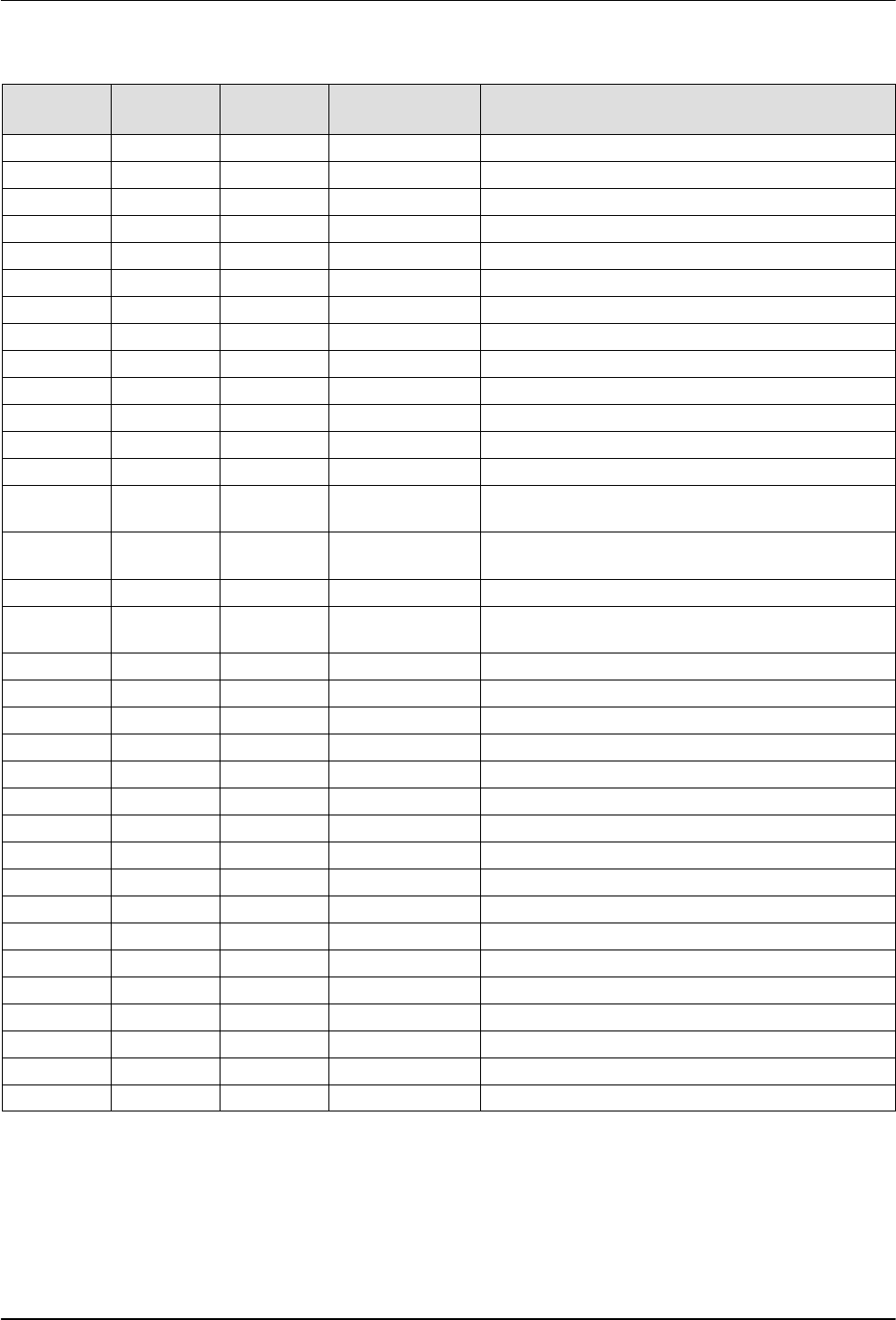
0xFF51 65361 Fault id tag error PU Load error of the id tag calibration data power unit
0xFF52 65362 Fault id tag error CU Load error of the id tag calibration data control unit
0xFF53 65363 Fault Improper connect Connection list wrong connected
0xFF54 65364 Configurable F.fdb open circ Feedback system open circuit
0xFF56 65366 Warning OL modbus tx Modbus transmit message ring buffer error
0xFF57 65367 Configurable OL diag. rx Diagnosis receive message ring buffer error
0xFF58 65368 Configurable OL diag. tx Diagnosis transmit message ring buffer error
0xFF59 65369 Fault EPM access fault EPM access failure
0xFF60 65376 Warning F.fan heatsink Heat sink fan fault
0xFF61 65377 Warning F.fan internal Internal fan fault
0xFF62 65378 Warning Reverse protect Reverse direction protection warning
0xFF63 65379 Fault F. pole ident Pole position identification fault
0xFF64 65380 Trouble Sync error CU PU Power stage communication is out of synchronization
0xFF65 65381 Fault PSCOM mismatch Power stage communication protocol version
mismatch
0xFF66 65382 Trouble Rx error CU Power stage communication receive error on control
unit
0xFF67 65383 Fault rx error PU Power stage communication receive error
0xFF68 65384 Fault PSCOM SDO
abort
Power stage communication SDO abort
0xFF69 65385 Fault F.PU generic Power unit generic fault
0xFF70 65392 Fault F.PU uC supply Power unit uC supply voltage drop down
0xFF71 65393 Configurable W.OC12 Brake resistor overload warning
0xFF72 65394 Configurable F.OC12 Brake resistor overload fault
0xFF73 65395 Fault Auto run inhibit Automatic start inhibited
0xFF74 65396 Warning TO.OBEE OBEE job timer overrun
0xFF75 65397 Warning TO.EEPROM.EPM EPM job timer overrun
0xFF76 65398 Warning I2C conn lost I2C connection lost
0xFF77 65399 Warning I2C bus error I2C bus error
0xFF80 65408 Fault Trouble overflow Maximal allowed troubles exceeded
0xFF81 65409 Warning W. powUp voltage DC link voltage to low for power up
0xFF82 65410 Warning EPM is blank Installed EPM is blank
0xFF83 65411 Fault Keypad removed Keypad removed fault
0xFF84 65412 Fault AC user fault AC control user fault
0xFF85 65413 Fault Netwrk user flt1 Network user fault 1
0xFF86 65414 Fault Netwrk user flt2 Network user fault 2
0xFF87 65415 Fault NetWordIN1 Setup NetwordIN1 duplicate bit connection fault
Troubleshooting
6-15
Part 1126931_01
2018 Nordson Corporation
Changing a Motor Drive Parameter
Keypad
The motor drive parameters are pre‐set at the factory. You need the motor
drive keypad with display to view and change the motor drive parameters.
Install the keypad on the front of the motor drive.
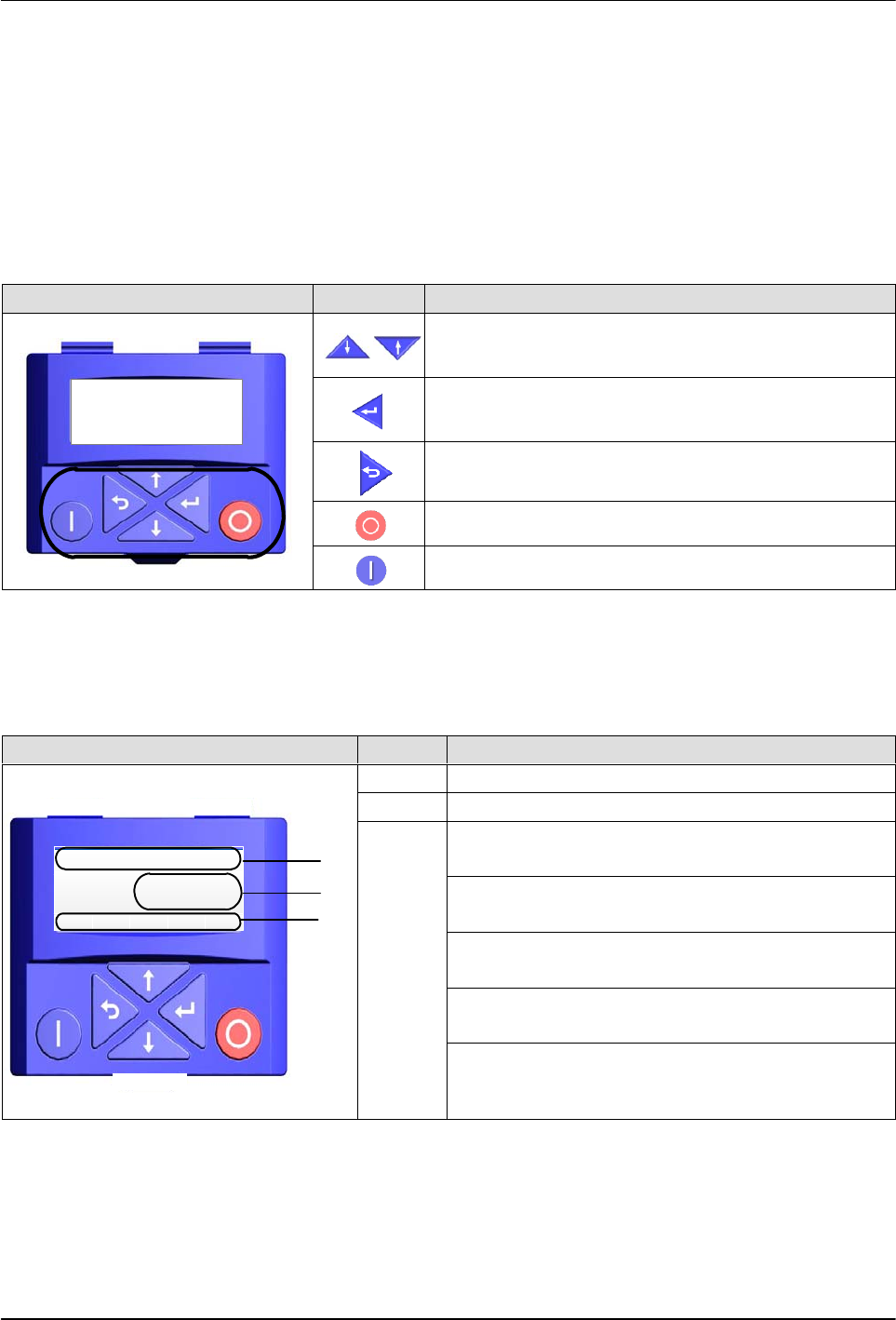
An explanation of the keypad button functions is given in the following table.
Keypad Buttons Description
Anal og I nput 1
PAR 43 0
LOC REM MAN AUTO
SET8
Menu navigation
Adjust parameter values
Enter (sub-) menu/parameter
Confirm parameter
Exit (sub-) menu/parameter
Stop motor drive
Release motor drive
Display
An explanation of the display parameters is given in the following table.
Display Item Description
Vel:Run:FWD Hz
LOC
20. 0
REM MAN AUTO SET
1
2
3
1 Status and unit
2 Speed, Parameter value, and Fault code
3
LOC – Local start button on keypad is active
(stop button is always active)
REM – Local start button is inactive (start is
initiated remotely)
MAN – Up/Down arrows are active and control
speed
AUTO – Up/Down arrows are inactive (speed
control is external)
SET8 – The blinking indicates that a setting or
value has changed and needs to be entered.
Once the settings are saved, the icon is steady