DuraBlue II Customer Product Manual.pdf - 第133页
Pump speed arrow keys Pump mode key and LED Troubleshooting 6-21 Part 1126931_01 2018 Nordson Corporation Calibrating the Pump Speed Display The melter is shipped with the pump speed display calibrated to show the pump…

Troubleshooting
6-20
Part 1126931_01
2018 Nordson Corporation
Motor Drive Parameter Factory Settings
Code Pr. Description Setting
GROUP2 P211:00 Max Frequency 102Hz
GROUP3 P303:01 Base Voltage 230V
GROUP3 P303:02 Base Frequency I02Hz
GROUP3 P315:01 Slip Compensation 5%
GROUP3 P320:04 Motor Speed 1350
GROUP3 P320:05 Motor Frequency 102
GROUP3 P320:06 Motor Power 0.25
GROUP3 P320:07 Motor Voltage 230
GROUP3 P320:08 Motor cos PHi 0.6
GROUP4 P430:03 Frequency at max signal 102Hz
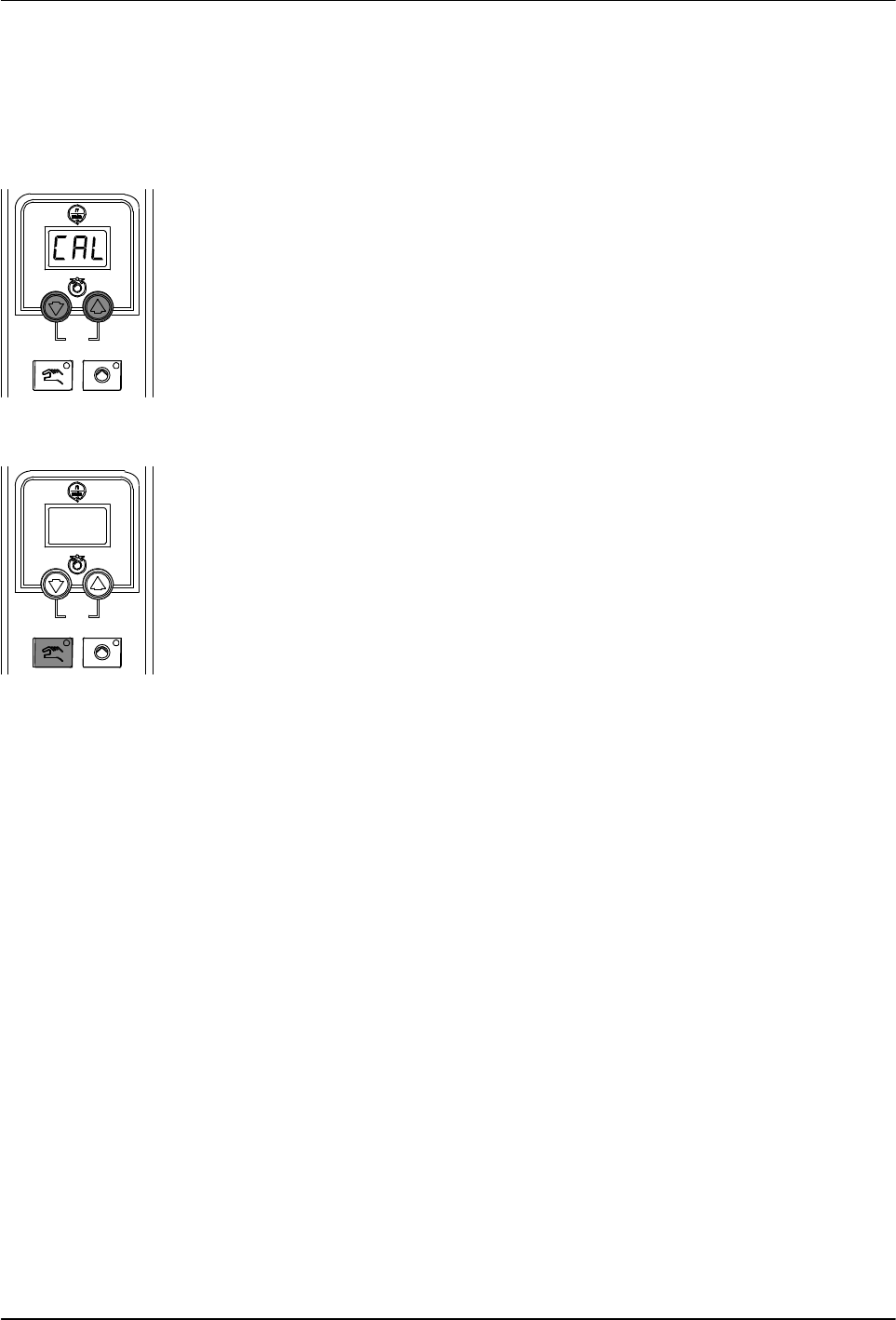
Pump speed arrow keys
Pump mode key and LED
Troubleshooting
6-21
Part 1126931_01
2018 Nordson Corporation
Calibrating the Pump Speed Display
The melter is shipped with the pump speed display calibrated to show the
pump rpm. If recalibration becomes necessary, follow this procedure.
1. Ensure that the motor is running at 50 percent speed or higher.
2. Press and hold both Pump speed arrow keys.
3. When the pump speed display indicates CAL, release the keys.
4. Enter the actual pump rpm.
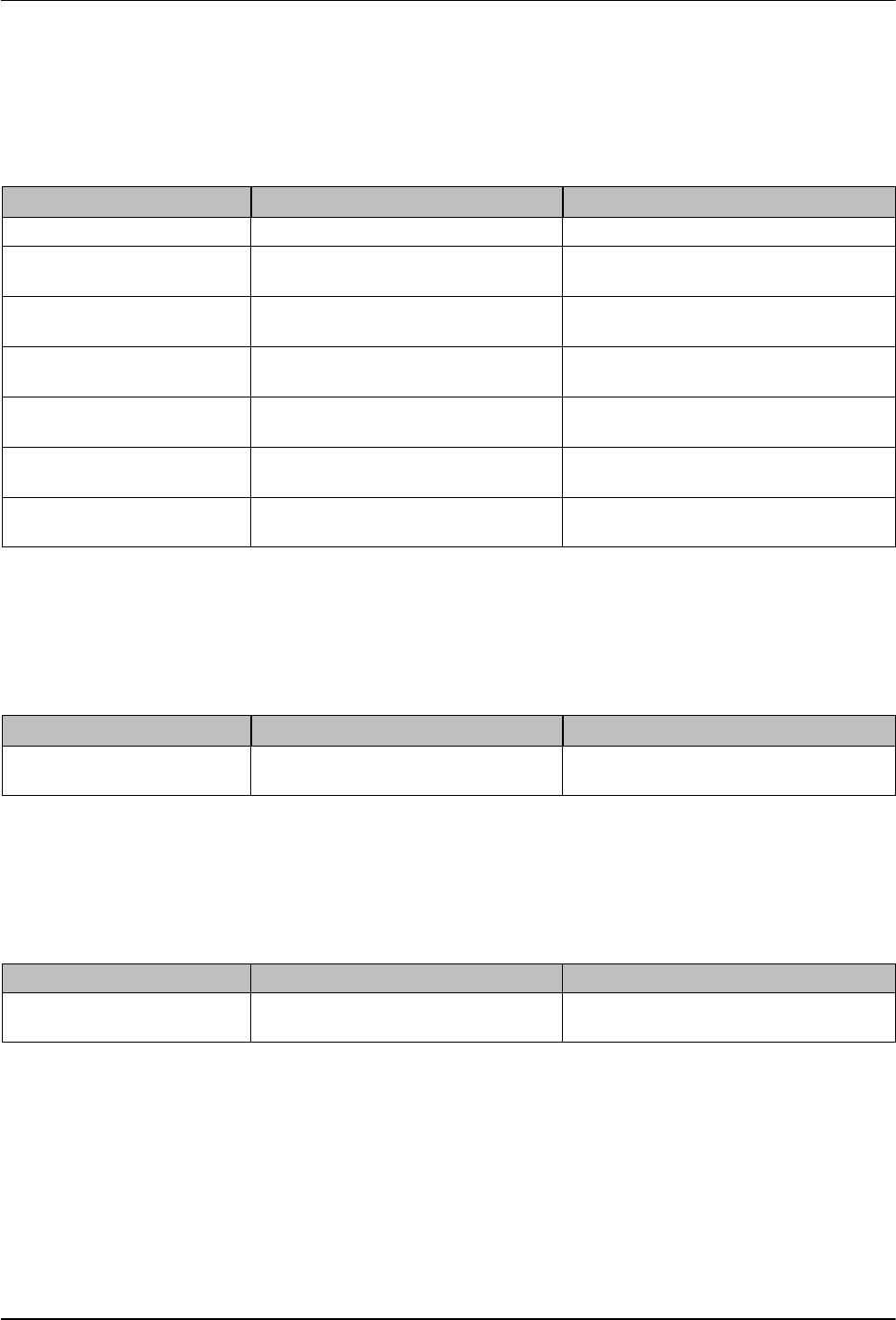
5. Press the Pump mode key.
Troubleshooting
6-22
Part 1126931_01
2018 Nordson Corporation
Troubleshooting Tables
Melter Not Functioning
Possible Cause Possible Fault / Troubleshooting Corrective Action
1. No line voltage — Connect line voltage
2. Main power switch
not switched on
— Place main power switch in ON
position
3. Main power switch
defective
— Replace main power switch
4. Main circuit breaker
activated
— Switch on main circuit breaker
5. Main circuit breaker
activated again
Check for short circuit in melter or
accessories
—
6. 24 VDC power supply
defective
— Replace
7. Frequent melter
shutdown
Electromagnetic compatibility
disruptions
Add mains filter
One Channel (Heating Zone) Does Not Heat
Possible Cause Possible Fault / Troubleshooting Corrective Action
1. Channel is disabled /
switched off
— Enable / switch on
Control Panel Does Not Function
Problem Possible Cause Corrective Action
1. Display is blank SPS broad‐band cable not
connected
Connect