DuraBlue II Customer Product Manual.pdf - 第198页
Melter Communications C-4 Part 1126931_01 2018 Nordson Corporation Removing the Software from Your PC Use the Remove feature provided by the Blue Series InstallShield Wizard to remove the software from your PC. Remov…

Melter Communications
C-3
Part 1126931_01
2018 Nordson Corporation
To install Blue Series software
1. Do one of the following:
If you are installing using the single file installation, locate and
double‐click on the file BlueSeries.exe.
If you are installing from the span diskette set, insert Disk 1, and
then locate and double‐click on the file Setup.exe.
The Blue Series Software Setup wizard appears.
2. Click Next, and then follow the on‐screen instructions. If you are installing
from the span disk set, you will be prompted to insert additional diskettes
(2 through 5) as required by your operating system.
NOTE: When prompted to select an installation location, Nordson
Corporation recommends that you select the default location offered.
3. When the installation complete message appears, click Finished.

Melter Communications
C-4
Part 1126931_01
2018 Nordson Corporation
Removing the Software from Your PC
Use the Remove feature provided by the Blue Series InstallShield Wizard
to remove the software from your PC. Removing Blue Series software from
your PC will not remove melter settings files that you have saved using the
NCM. Settings files (.ncm extension) are stored in your Windows My
Documents folder.
NOTE: Windows XP, 2000, and NT users must have administrator rights in
order to remove software from their PC.
To remove Blue Series software
1. From the Windows Start menu, select Settings > Control Panel, and then
double‐click Add/Remove Programs.
The Add/Remove Programs dialog box appears.
2. Select Blue Series Software from the list, and then click Remove.
11
22
00
44
55
33
66
99
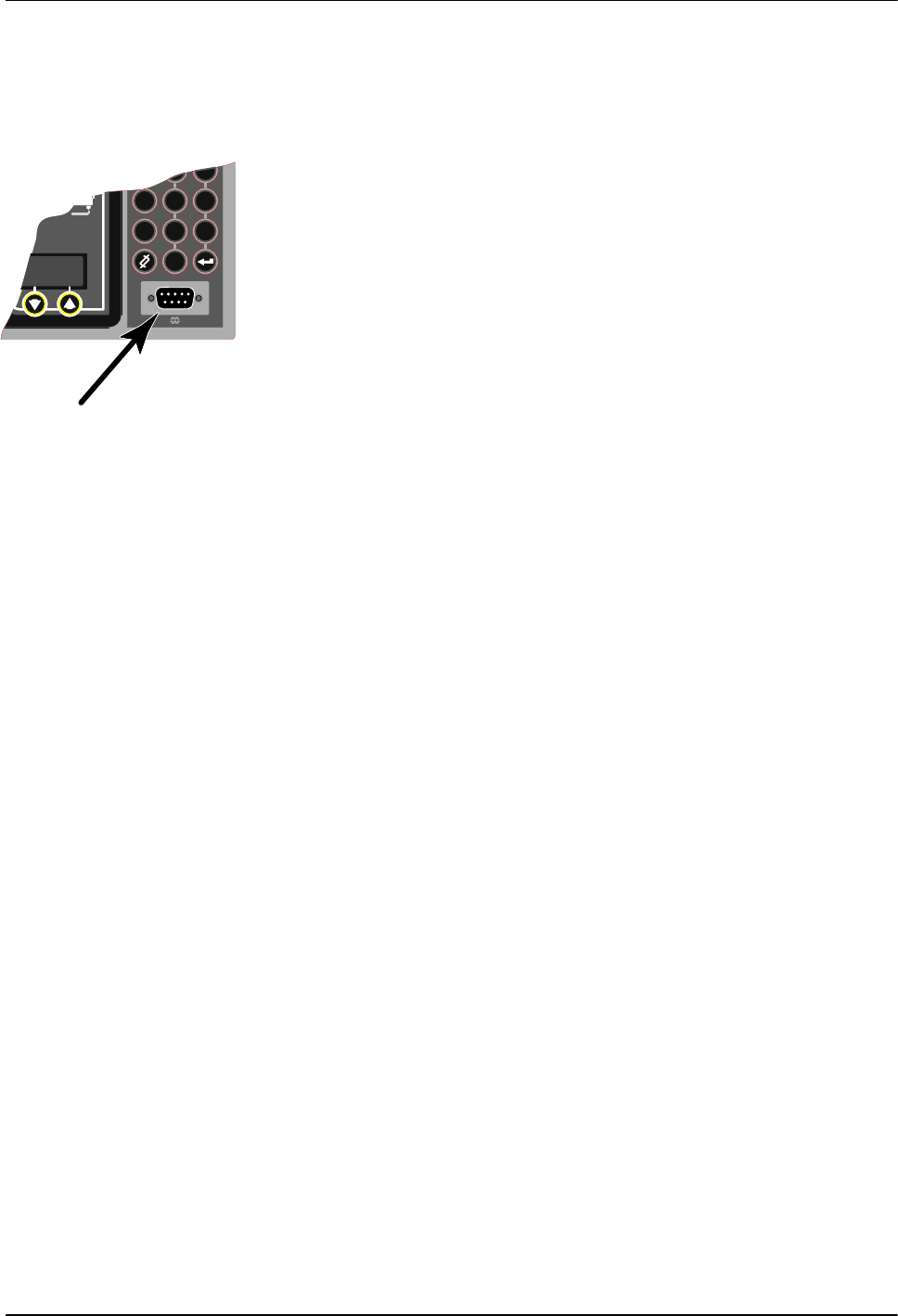
Serial port
Melter Communications
C-5
Part 1126931_01
2018 Nordson Corporation
Connecting the PC and the Melter
Connect a serial cable between the PC COM port (selected during the
software installation routine) and the serial port connection (COM port) on
your melter's control panel.