OM-1833-001w_SL.pdf - 第57页
4. Operation Panel On the operation panel, the following displays and operations are available. • Display of the set pitch • I/O status display for the sensor, etc. • Display of the selected lane • Subject Lane S…
1504-001
3.3 TMulti-Reel Stocker (Option)
Procedure
• SIGMA-G5
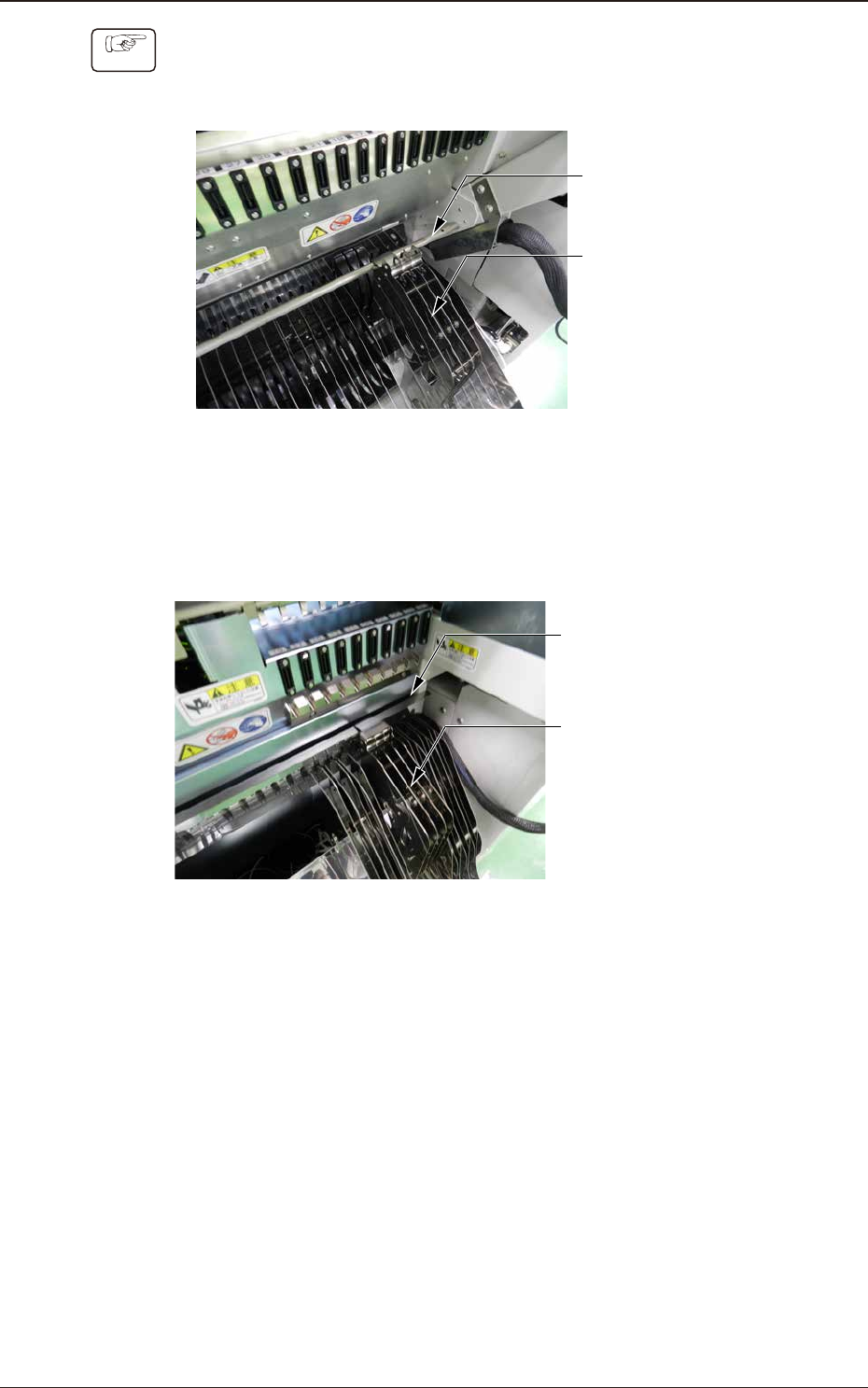
(1) Catch the multi-reel stocker hook on the cart bar.
Cart Bar
Multi-Reel
Stocker
Fig. C7
•
SIGMA-F8/G5S
(1) Catch the multi-reel stocker hook on the Gap in the Cart.
Gap in the Cart
Multi-Reel
Stocker
Fig. C8
OM-1833
3-8
4. Operation Panel
On the operation panel, the following displays and operations are available.
•
Display of the set pitch
•
I/O status display for the sensor, etc.
•
Display of the selected lane
•
Subject Lane Selection
•
Tape Feeding
•
Feed Pitch Setting
•
Display of the error codes
•
Tape returning operation
•
Tape Loading Operation
•
Forcible Feeding Operation
•
Tape Unloading Operation
4.1 Name and Function of Each Section on Operation Panel
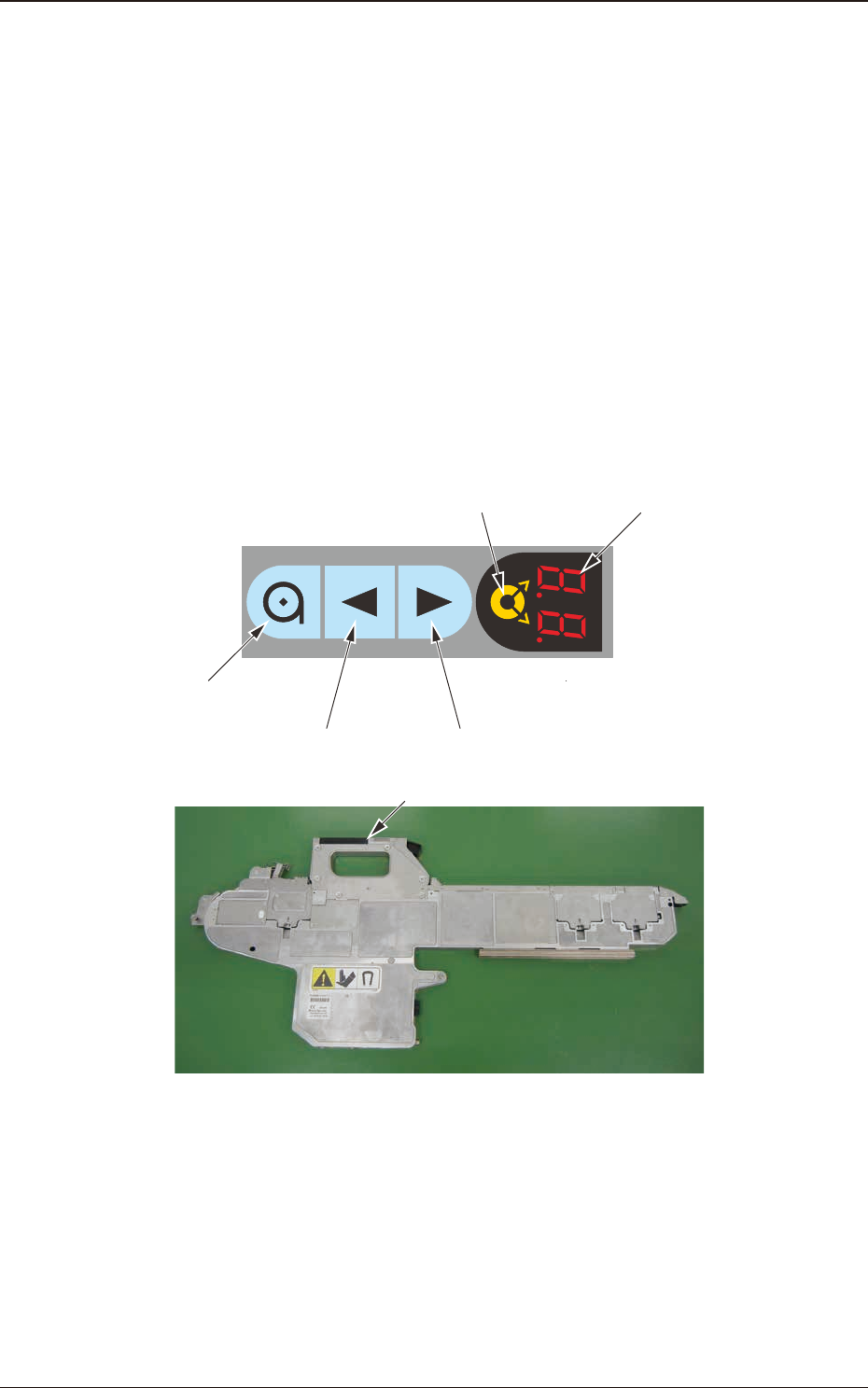
The tape feeder operation buttons and indicators are arranged integrally on the
operation panel.
Digital IndicatorLane Selection Button
Forward ButtonBackward Button
Loading Button
Operation Panel
Fig. D1
1504-001
4. Operation Panel
OM-1833
4-1
1504-001
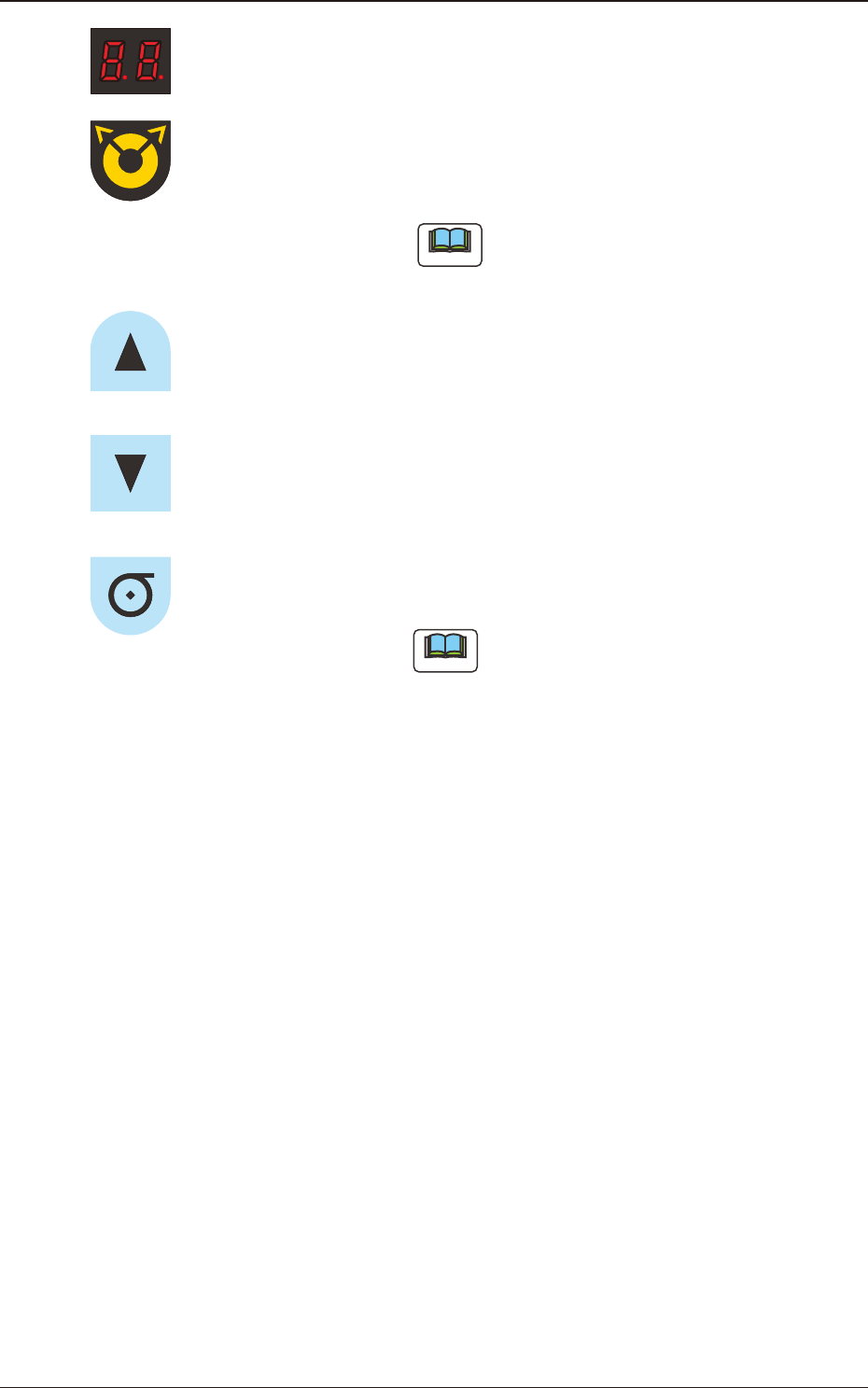
Digital Indicator
: Shows the set pitch, selected lane, error code or
splicing guide.
Lane Selection Button
: Used when the lane is selected.
Each pressing on this button changes the lane to the
left or right.
Note
Use the return button together with it in the
tape returning operation.
Forward Button
: Used for tape feeding operation and feed pitch data
change.
Backward Button
: Used for tape returning operation and feed pitch
data change.
Loading Button
: This button is used when the tape loading operation
is performed.
Note
In the unloading operation, the return
button is used together with this button.
4.1 Name and Function of Each Section on Operation Panel
OM-1833
4-2