Productivity Lift.pdf - 第61页
User Manual - Productivity Lift Soko 00166631-01 / 12031477 5 Configuration Software version V 43.140 Edition April 2006 5.1 1 AL T protection 53 5.1 1 AL T protection With this function (adjustment „switched on”) the in…
5 Configuration User Manual - Productivity Lift Soko 00166631-01 / 12031477
5.9 Underneath belt Software version V 43.140 Edition April 2006
52
5.9 Underneath belt
If the lift is installed as the end module in the line, it no longer has an underfloor conveyor. This
function must then be disabled in this menu.
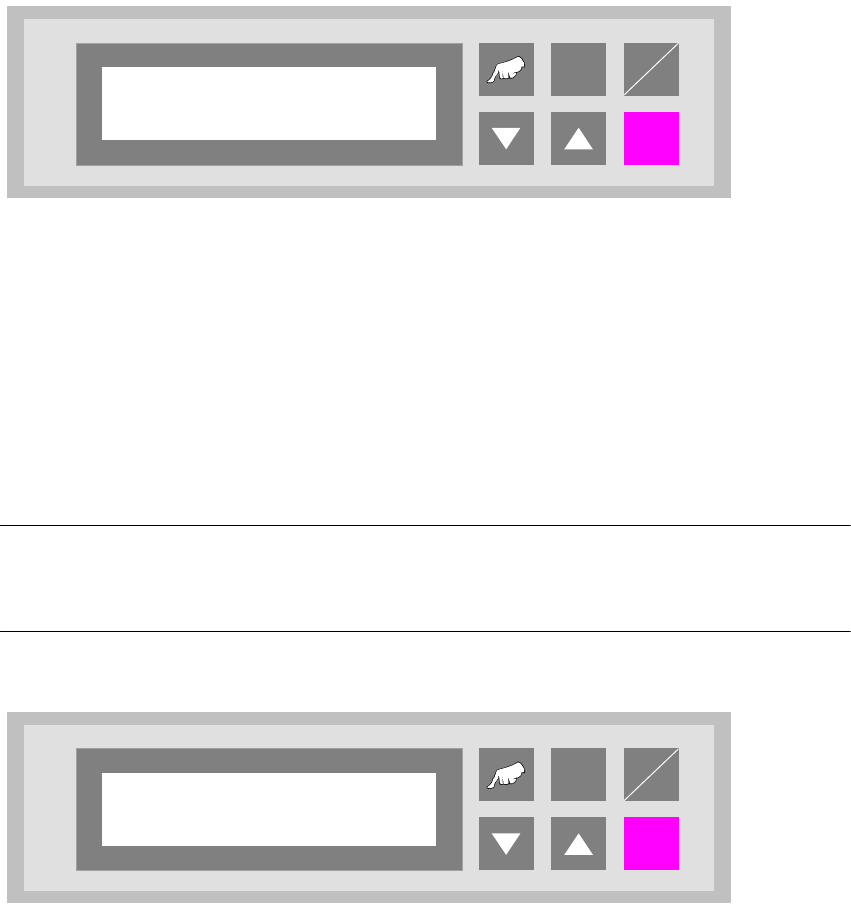
Fig. 5 - 9 Underneath belt
5.10 Check PCB status
In order to maintain the compatibility to older units, the mode „Check PCB status“ can be disabled
to allow use with units without double tracks. In this case all the PCB`s which are received from
the lower conveyor will be recognised as unmounted.
NOTE
If this function is disabled, the software will be as in version V40.02.Consequently it will then only
be possible to connect together two siplace units of the same type.
Fig. 5 - 10 Check PCB status
ALT
Enter
Start
Stop
Underneath belt
Turned off
ALT
Enter
Start
Stop
Check PCB status
Turned off

User Manual - Productivity Lift Soko 00166631-01 / 12031477 5 Configuration
Software version V 43.140 Edition April 2006 5.11 ALT protection
53
5.11 ALT protection
With this function (adjustment „switched on”) the input possibilities in the configuration menu („V”
and „ALT” - cursor) and in the adjustment mode („ALT” - cursor) are locked. Input is only possible
when the interlock is used.
Fig. 5 - 11 ALT protection
ALT
Enter
Start
Stop
ALT protection
Turned on

5 Configuration User Manual - Productivity Lift Soko 00166631-01 / 12031477
5.12 Width adjustment 1 Software version V 43.140 Edition April 2006
54
5.12 Width adjustment 1
This menu can be used to set the mode for operation of the automatic tracking facility (option) for
width adjustment for the lift belt.
The following are possible:
turned off : The device has no electrical width adjustment (standard).
manual : The device has an electrical width adjustment facility but no automatic track-
ing facility. The width must be adjusted in the manual-operating mode using
the corresponding function.
automatic : The device has an automatic tracking facility. This setting is then used to con-
stantly check the transport width of the device, which prescribes the width.
only at start : The device has an automatic tracking facility. This setting is then used to
check the transport width of the device, which prescribes the width, but only
at the start of the lift.
Fig. 5 - 12 Width adjustment 1
ALT
Enter
Start
Stop
Width adjust 1
manual