Productivity Lift.pdf - 第65页
User Manual - Productivity Lift Soko 00166631-01 / 12031477 5 Configuration Software version V 43.140 Edition April 2006 5.16 Reference width 1 57 5.16 Reference wid th 1 This setting defines the re ference width of the …
5 Configuration User Manual - Productivity Lift Soko 00166631-01 / 12031477
5.14 Width adjustment Software version V 43.140 Edition April 2006
56
5.14 Width adjustment
In this menu the method of width adjustment is defined.
absolute : An electrical width adjust available. The with of every SPL must be set in the menu
6.2 “Width board”.
CAN-Bus : The width of the SPL is adjusted automatically via CAN-Bus (Option). Please refer
now to the menu 6.11 Address width 1 / Address width 2 since this is now also acti-
vated.
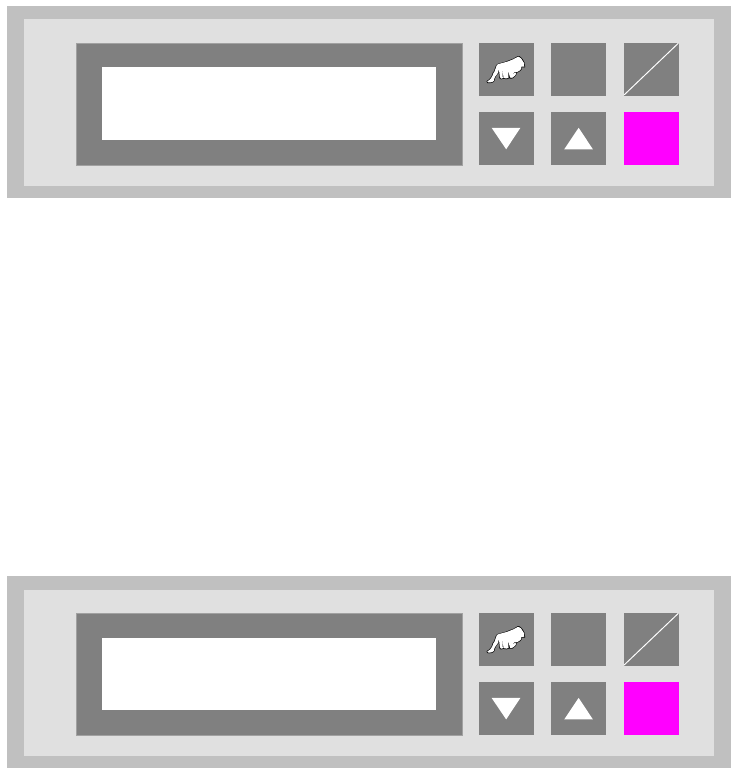
Fig. 5 - 14 Width adjustment
5.15 Check width – Option
When this function is activated, the width of the SPL is compared with the width of the downstream
machine. For this method, an additional sensor is required at the outlet of the SPL.
turned off : The function is inactive.
at outlet : The function is switched on.
Fig. 5 - 15 Check width
ALT
Enter
Start
Stop
Width adjust
CAN-Bus
ALT
Enter
Start
Stop
Check width
turned off

User Manual - Productivity Lift Soko 00166631-01 / 12031477 5 Configuration
Software version V 43.140 Edition April 2006 5.16 Reference width 1
57
5.16 Reference width 1
This setting defines the reference width of the Shuttle Conveyor. This setting allows the matching
of displayed width and actual width of the Shuttle Conveyor. By changing the setting the width is
increased or decreased. A typical value is between 0480 - 0490.
This menu item is only available, if the function „Width adjustment 1” is activated (chapter 5.12).
The standard configuration is equipped with an automatic width setting of the Shuttle Conveyor.
The unit of value is [0.1mm].
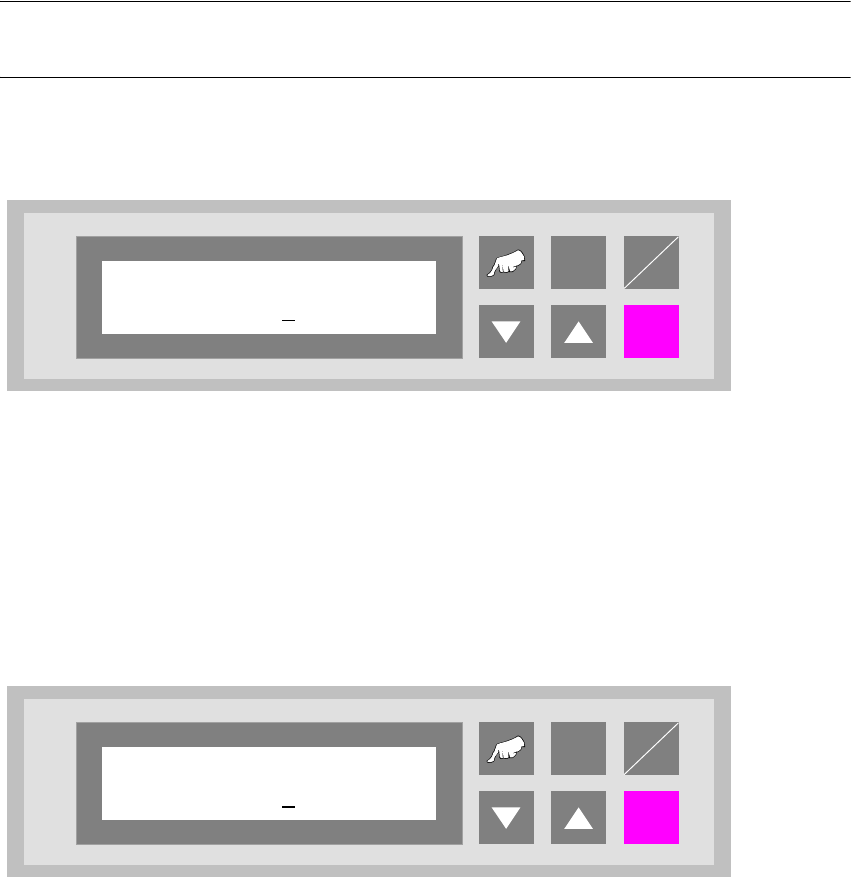
Fig. 5 - 16 Reference width 1
ALT
Enter
Start
Stop
Reference width 1
0480
5 Configuration User Manual - Productivity Lift Soko 00166631-01 / 12031477
5.17 Reference width 2 Software version V 43.140 Edition April 2006
58
5.17 Reference width 2
This setting defines the reference width of the Underfloor Conveyor. This setting allows the match-
ing of displayed width and actual width of the Underfloor Conveyor. By changing the setting the
width is increased or decreased. A typical value is between 0480 - 0490.
This menu item is only available, if the function „Width adjustment 2” is activated (chapter 5.13).
The standard configuration is equipped with an automatic width setting of the Underfloor Con-
veyor.
NOTE
If the lift is implemented as an end module, this menu does not appear.
The unit of value is [0.1mm].
Fig. 5 - 17 Reference width 2
5.18 Max. width board
Here the maximum transport width permissible for the system is set. The unit of value is [0.1mm].
The setting range is between 500 and 4600, which corresponds to a width of 50mm to 460mm.
Fig. 5 - 18 Max. width board
ALT
Enter
Start
Stop
Reference width 2
0490
ALT
Enter
Start
Stop
Max. width board
4600