Productivity Lift.pdf - 第83页
User Manual - Productivity Lift Soko 00166631-01 / 12031477 6 Set-up mode Software version V 43.140 Edition Apri l 2006 6.8 PCB take over / PCB hand over 75 6.8 PCB t ake over / PCB hand over With these set up possibilit…
6 Set-up mode User Manual - Productivity Lift Soko 00166631-01 / 12031477
6.6 Underneath buffer Software version V 43.140 Edition April 2006
74
6.6 Underneath buffer
The lower belts can be used as so-called underfloor buffers. This means that if the function is
switched on, two PCBs could be transferred on the belt. As a result, there is an additional further
storage space available for each belt.
NOTE
This menu is not displayed if the underfloor conveyor is switched off (see 5.8).
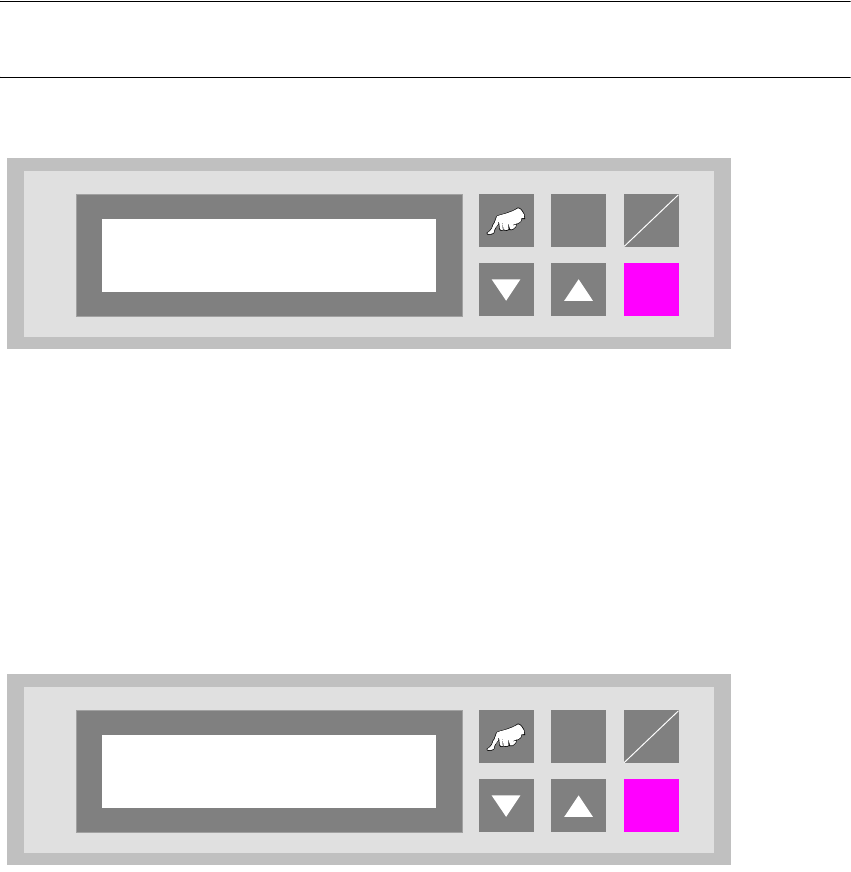
Fig. 6 - 11 Underneath buffer
6.7 Pass through
If this function is turned on, PCBs are only taken at the upper inlet track 1 or 2 and only delivered
again at the corresponding upper outlet. This is implemented by the additional top conveyor mod-
ule, which is lowered pneumatically to the transport level. This also serves to turn off the shuttle.
Fig. 6 - 12 Pass through
ALT
Enter
Start
Stop
Underneath buffer
Turned off
ALT
Enter
Start
Stop
Pass through
Turned off
User Manual - Productivity Lift Soko 00166631-01 / 12031477 6 Set-up mode
Software version V 43.140 Edition April 2006 6.8 PCB take over / PCB hand over
75
6.8 PCB take over / PCB hand over
With these set up possibilities it is for example possible to take a feeder out of the line, if the PCB
handover at the first lift and the PCB takeover on the second lift are switched off. The PCBs will
now only be transferred over the lower conveyor to the next lift.
6.8.1 PCB take over
The set up possibilities for the take over of PCBs at the inlet of the upper transport level. The fol-
lowing settings are possible:
Track 1 : PCBs are only taken over on track 1 of inlet 1.
Track 2 : PCBs are only taken over on track 2 of inlet 1.
Double track : PCBs are taken over on both tracks of inlet 1.
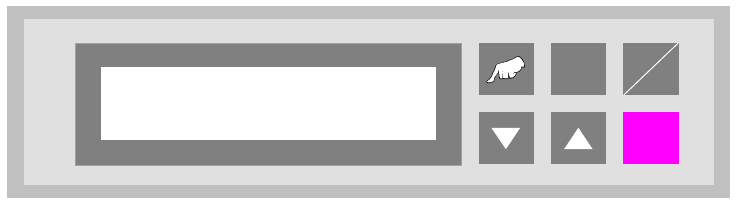
Fig. 6 - 13 PCB take over
ALT
Enter
Start
Stop
PCB take over
Double track
6 Set-up mode User Manual - Productivity Lift Soko 00166631-01 / 12031477
6.9 PCB inspection 1 Software version V 43.140 Edition April 2006
76
6.8.2 PCB hand over
The set up possibilities for the hand over of PCBs at the outlet of the upper transport level. The
following settings are possible:
Track 1 : PCBs are only handed over on track 1 of outlet 1.
Track 2 : PCBs are only handed over on track 2of outlet 1.
Double track : PCBs are handed over on both tracks of outlet 1.
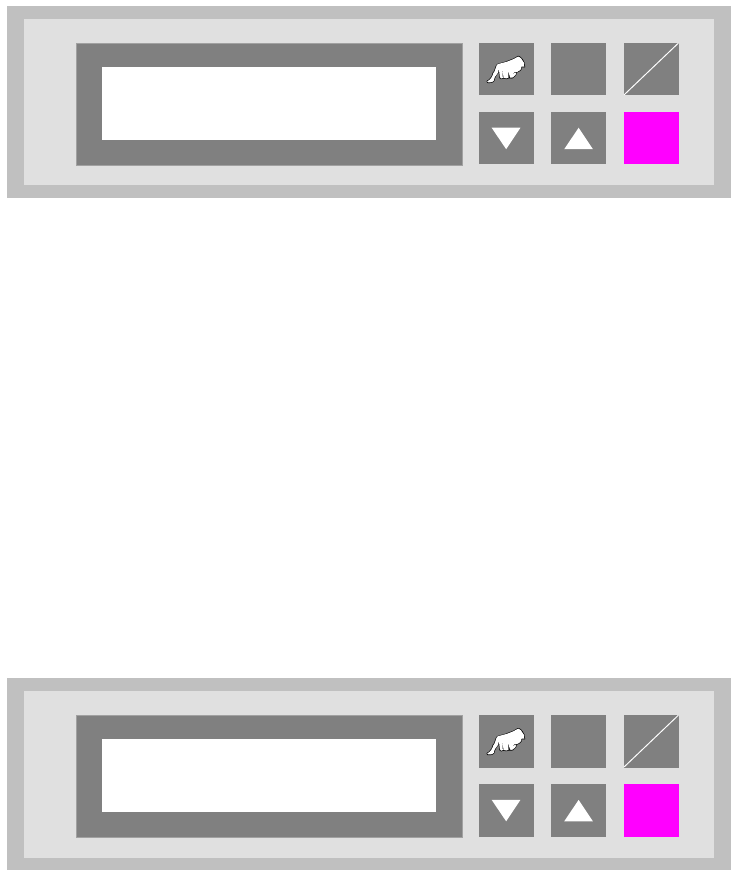
Fig. 6 - 14 PCB hand over
6.9 PCB inspection 1
This feature allows to inspect a PCB on the transport modul placed before the Productivity Lift.
This feature can be enabled for an input or cluster module. The PCB inspection 1 will be con-
ducted on track 1. The entered value defines the control cycle. The value can be set between 0-
99.
Value „0”: Function disabled
Value „1”: Each PCP is stopped
Value „3”: Every third PCB is stopped.
Fig. 6 - 15 PCB inspection 1
ALT
Enter
Start
Stop
PCB hand over
Double track
ALT
Enter
Start
Stop
PCB inspection 1
0 … 99