Productivity Lift.pdf - 第89页
User Manual - Productivity Lift Soko 00166631-01 / 12031477 7 Manual mode Software version V 43.140 Edition April 2006 7.1 Manual mode 1 - Lift 81 7 Manual mode In the manual mode, the individual functions c an be tested…
6 Set-up mode User Manual - Productivity Lift Soko 00166631-01 / 12031477
6.11 Address width 1 / Address width 2 Software version V 43.140 Edition April 2006
80
User Manual - Productivity Lift Soko 00166631-01 / 12031477 7 Manual mode
Software version V 43.140 Edition April 2006 7.1 Manual mode 1 - Lift
81
7 Manual mode
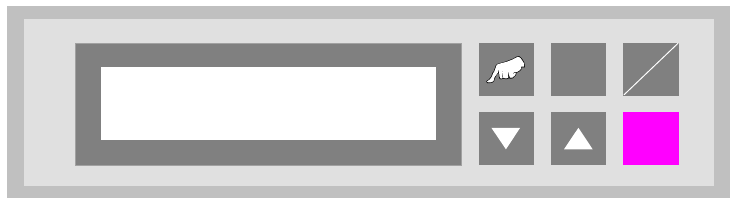
In the manual mode, the individual functions can be tested with the aid of the cursor keys.
The "Hand" key is used for change over in the manual mode.
7.1 Manual mode 1 - Lift
Test function for the shuttle.
The cursor keys "V" and "W" can be used to move the shuttle upwards and downwards, while the
"ALT" key can be used to switch the belt drive on for as long as the key is pressed down. The
shuttle can only be moved upwards if top conveyor is in its upper position.
The "Enter" key can be used to proceed to the next test function. To cancel the procedure, exit the
menu using the "Start/Stop" key.
Fig. 7 - 1 Manual mode 1 - Lift
ALT
Enter
Start
Stop
Manual mode 1
Lift
7 Manual mode User Manual - Productivity Lift Soko 00166631-01 / 12031477
7.2 Manual mode 3 - PCB Belt Software version V 43.140 Edition April 2006
82
7.2 Manual mode 3 - PCB Belt
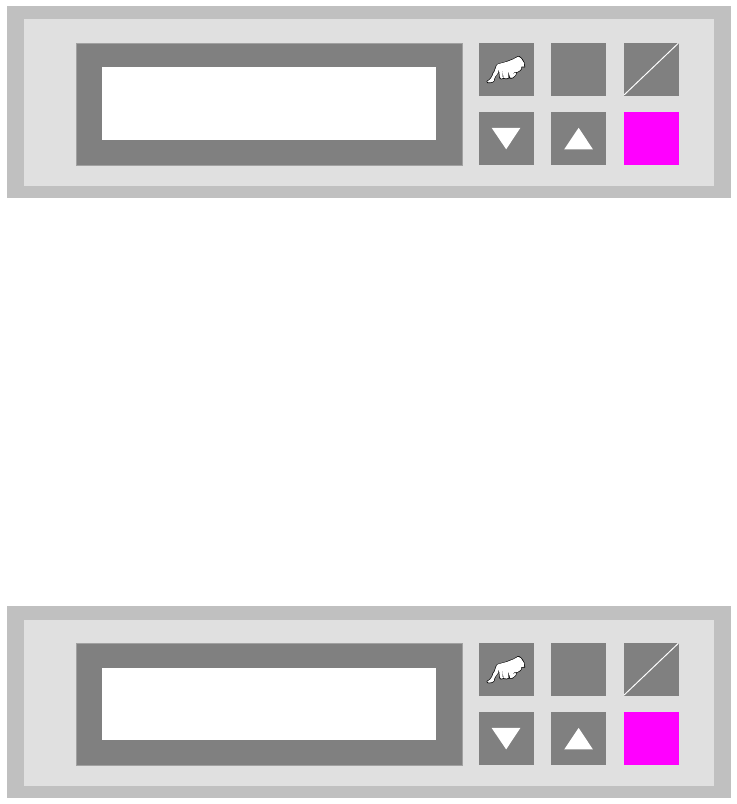
Test function for the shuttle conveyors.
The cursor key "V" can be used to switch on the conveyor drive unit.
The "Enter" key can be used to proceed to the next test function. To cancel the procedure, exit
the menu using the "Start/Stop" key.
Fig. 7 - 2 Manual mode 3 - PCB belt
7.3 Manual mode 4 - Underneath belt
Test function for the underfloor conveyor.
The cursor key "V" can be used to switch on the drive of the first segment (inlet) and the "W" key
to switch on that of the second segment (outlet).
The "Enter" key can be used to proceed to the next test function. To cancel the procedure, exit the
menu using the "Start/Stop" key.
Fig. 7 - 3 Manual mode 4 - Underneath belt
ALT
Enter
Start
Stop
Manual mode 3
PCB belt
ALT
Enter
Start
Stop
Manual mode 4
Underneath belt