00198150-02_SM_TX_en.pdf - 第63页
4 Electrical System and Control 4.1 Electrical System and Control - Overview Service Manual SIPLACE TX Series 06/2017 63 4 Electrical System and Control DANGER Observe User Manual ► Please observe the safety instructions…

3 SMPS
3.12 Replacing the CAN Interface CINX [03108598‑xx]
62 Service Manual SIPLACE TX Series 06/2017
4 Electrical System and Control
4.1 Electrical System and Control - Overview
Service Manual SIPLACE TX Series 06/2017 63
4 Electrical System and Control
DANGER
Observe User Manual
► Please observe the safety instructions in the user manual for all work!
NOTICE
Observe the detailed circuit diagrams!
For more detailed information refer to the circuit diagrams folder of your machine.
●
Detailed circuit diagrams folder for SIPLACE TX-Series (up to no. 499) [DE+EN: 00197933-
xx]
●
Detailed circuit diagrams folder for SIPLACE TX-Series (from no. 500) [DE+EN: 00198274-xx]
4.1 Electrical System and Control - Overview
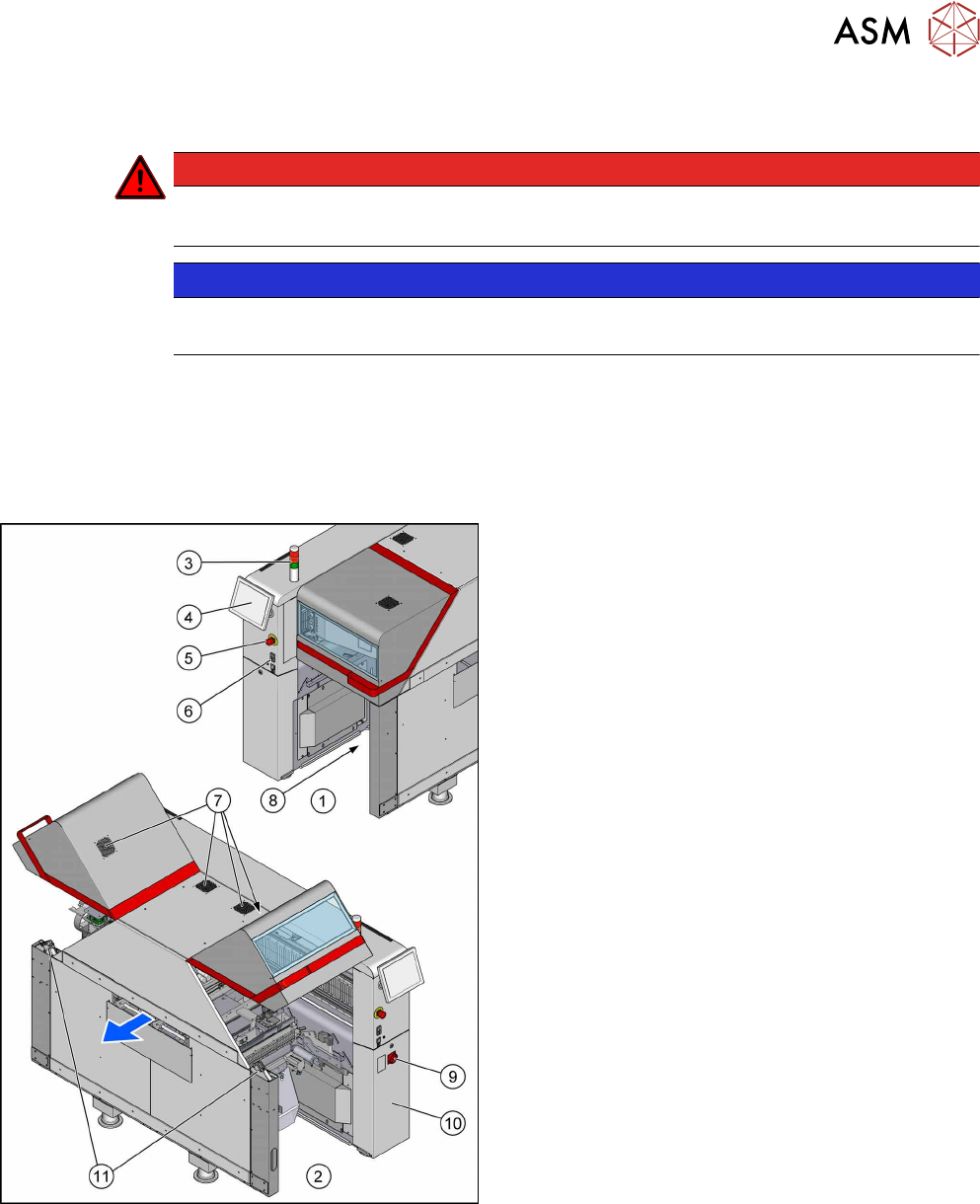
Fig.65: Overview of electrics
1. Location 1
2. Location 2
3. Indicator lamps
4.7 "Indicator Lamps and Illumination" [}72]
4. Monitor
4.5 "Replacing the Monitor [03115169-xx]" [}69]
5. EMERGENCY STOP button
6. Start/Stop buttons
7. Cover fan
4.8 "Replacing the Cover Fan
[03110692-xx]" [}74]
8. Control Computer BoxPC
4.2 "Replacing the Control Computer
BoxPC" [}64]
– 4.3 "Replacing the RAM in the BoxPC" [}67]
– 4.4 "Replacing the GigE Ethernet Ad-
apter" [}68]
9. Main switch
10. Power supply (behind the cover)
11. Cover switch
4.6 "Replacing the Cover Switch
[03110691-xx]" [}70]
4 Electrical System and Control
4.2 Replacing the Control Computer BoxPC
64 Service Manual SIPLACE TX Series 06/2017
4.2 Replacing the Control Computer BoxPC
Parts, equipment and tools
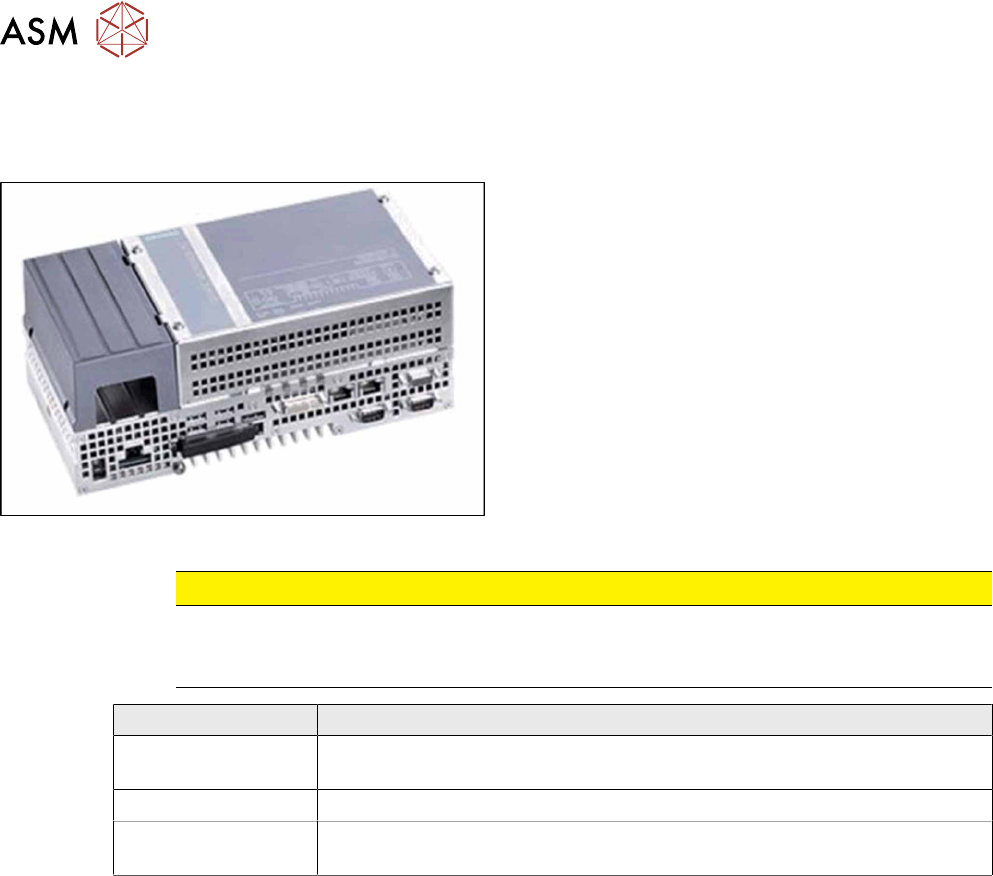
Fig.66: BoxPC 427D
●
Control computer BoxPC 427D processor i3
2xPCIe [03114177‑xx]
CAUTION
Additional hardware for the BoxPC
The BoxPC is supplied without the following parts. If required, these must be removed from
the old BoxPC and fitted in the new one or ordered as new parts:
BoxPC 427D
GigE interface
(cameras)
GigE Ethernet adapter PCI-E I350T2V2BLK [03115569‑xx]
RAM
See 4.3 "Replacing the RAM in the BoxPC" [}67].
Ethernet adapter If a 3D Coplan or a barcode scanner is installed, the "LAN card PCI Ex-
press 2x Gigabit LAN" [03118416-xx] is needed in addition.
●
Installation manual for Windows Embedded Standard 7 [00197737-xx]