EUKYX-199-2100_G5S2_Instruction_Vol2_E.pdf - 第55页
EUKYX 1-5 199-2100 2.1 Local Window [ 3] Product ion Dat a F2A5 PCB Pr ocess Time : Displays the time re quired to finish one PCB excluding the PCB in the middle of p roces s. Displaye d is the tota l time required bet w…
EUKYX
1-4199-2100
2.1 Local Window
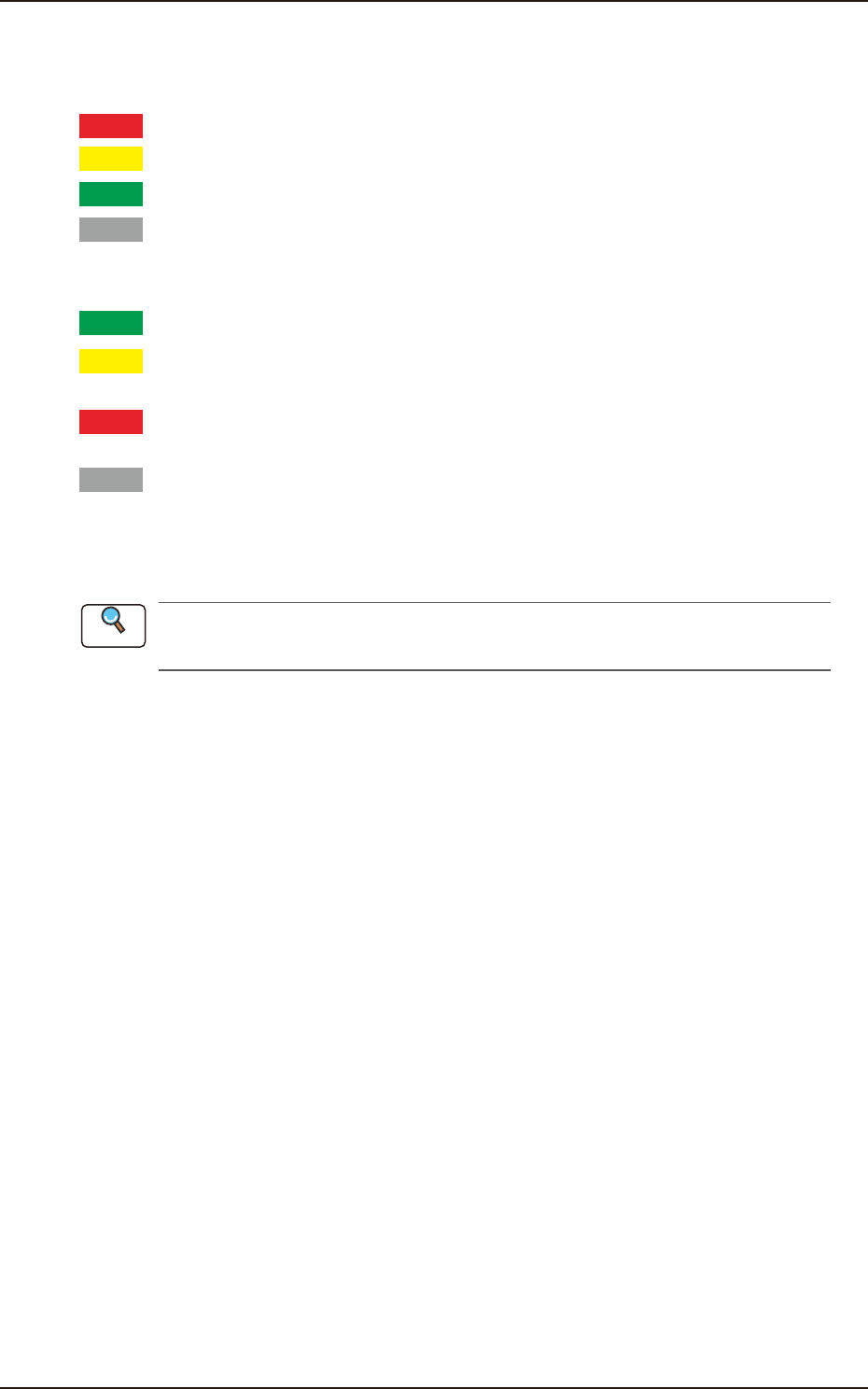
(2) Feeder Status
The current status of the feeder base is classified by color and displayed. How to understand the
status of each color is as follows.
Red
: There are some feeders of which pick-up rate is remarkably dropped.
Yellow
: There are some feeders of which pick-up rate is dropped.
Green
: The pick-up condition is normal.
Gray
: It shows an unused feeder.
The component reload data for the corresponding feeder is displayed in this section.
Green
: All feeders are normal.
Yellow
: There are some feeders for which the close attention is required, such as the
feeders with the component shortage alarm.
Red
: There are some feeders which can not be used because of component shortage
or because the feeder has not been installed.
Gray
: It shows an unused feeder.
(3) [Cover READY] Buttons
Using this button, the transparent cover lock/unlock status is displayed.
Refer to “2.2.2 Feeder Ready Switches and Cover Lock Switches” in "Chapter 1 (Vol. 1)" for
the cover lock switches on the main body of the machine.
(4) Product PCB Status
The PCB under placement is shown in dark green and the standby PCB is shown in pale green.
Reference
EUKYX
1-5199-2100
2.1 Local Window
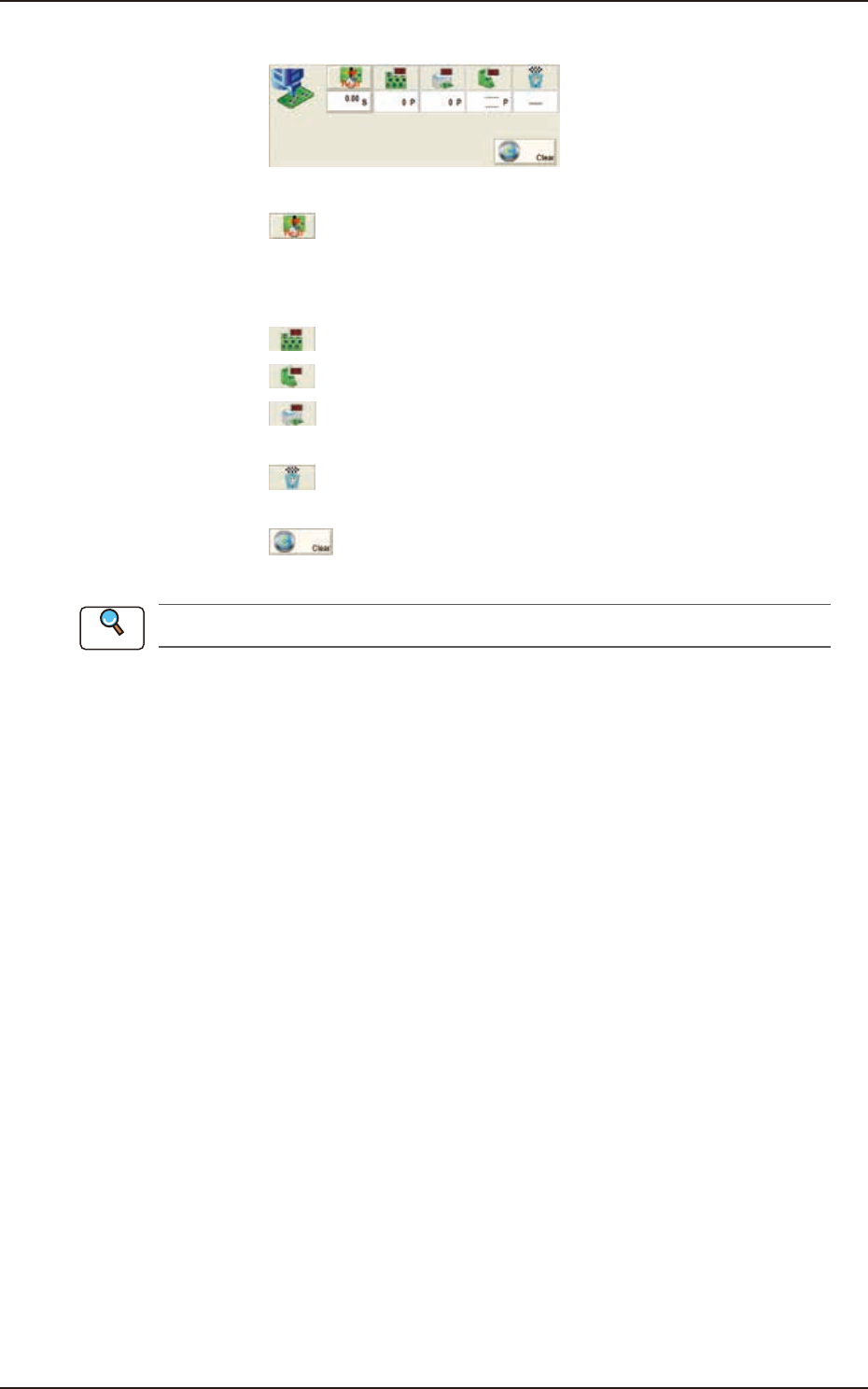
[3] Production Data
F2A5
PCB Process Time : Displays the time required to finish one PCB excluding the PCB in
the middle of process.
Displayed is the total time required between the PCB receiving
start and the completion of the last component placement.
Product PCB
: The number of produced unit PCBs is displayed.
PCB Count
: The number of produced PCBs at present is displayed.
Planned Product Count
: The number of PCB products to be produced is displayed in this
data box.
Production End Planned Time
: The PCB production end planned time is displayed in this data
box in the case that the "Planned Product Count" has been setup.
[Clear] Button
: When pressed, this button clears the number of produced PCBs
to "0"(zero).
Refer to “8. “PCB.CNT.” Window” in "Chapter 6" for how to use the "PCB Count".
Reference
EUKYX
1-6199-2100
2.1 Local Window
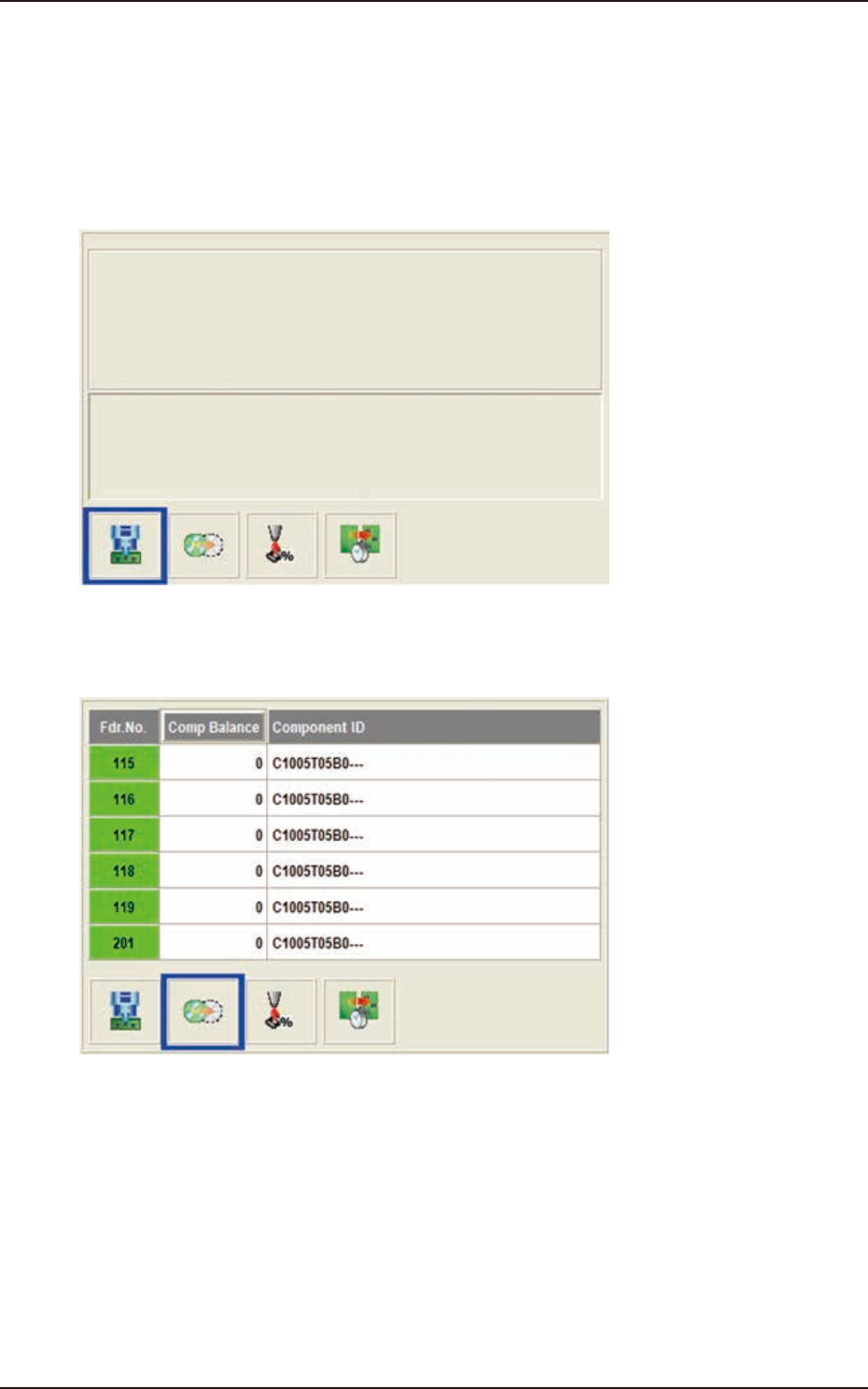
[4] Data Display Section
The production data, component reload data and component handling rate data parameters are
displayed in this section. Each data display is changed using the button on the lower right of the
display section.
Production Data
When the display change button (left) is pressed, this window appears.
F2A6
Feeder Reload Data
The data of the feeder where the component replenishment is required, is displayed.
F2A7