00195963-03_MM SWS-EN.pdf - 第76页
M ain ten ance Wo rk at the Wa fer Table Cleaning the S upporting Rails for the Wafe r Frames Interval: Weekly Equipment: Ethyl alc oho l, lint - free c loth Legend [1] Wafer su pport ra il Clean th e support ra ils fo…
75
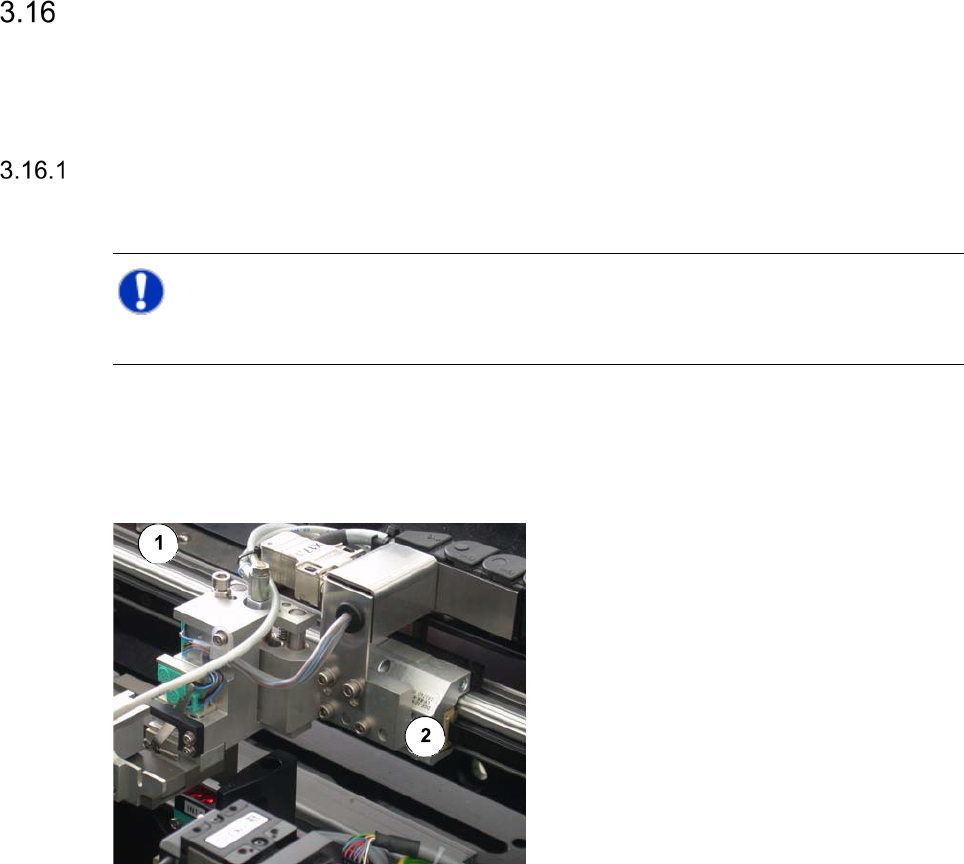
Maintenance Work at the Wafer Changer
Cleaning the Guide Rail of the Gripper
NOTE
The guide rail of the gripper has got a lifetime lubrication, so that it is only necessary to clean it.
Interval: 1 month
Equipment:
SIPLACE cleaning tissue
Legend
[1] Gripper rail
[2] Carrier
Wipe the gripper rail with a SIPLACE
cleaning tissue.
Maintenance Work at the Wafer Table
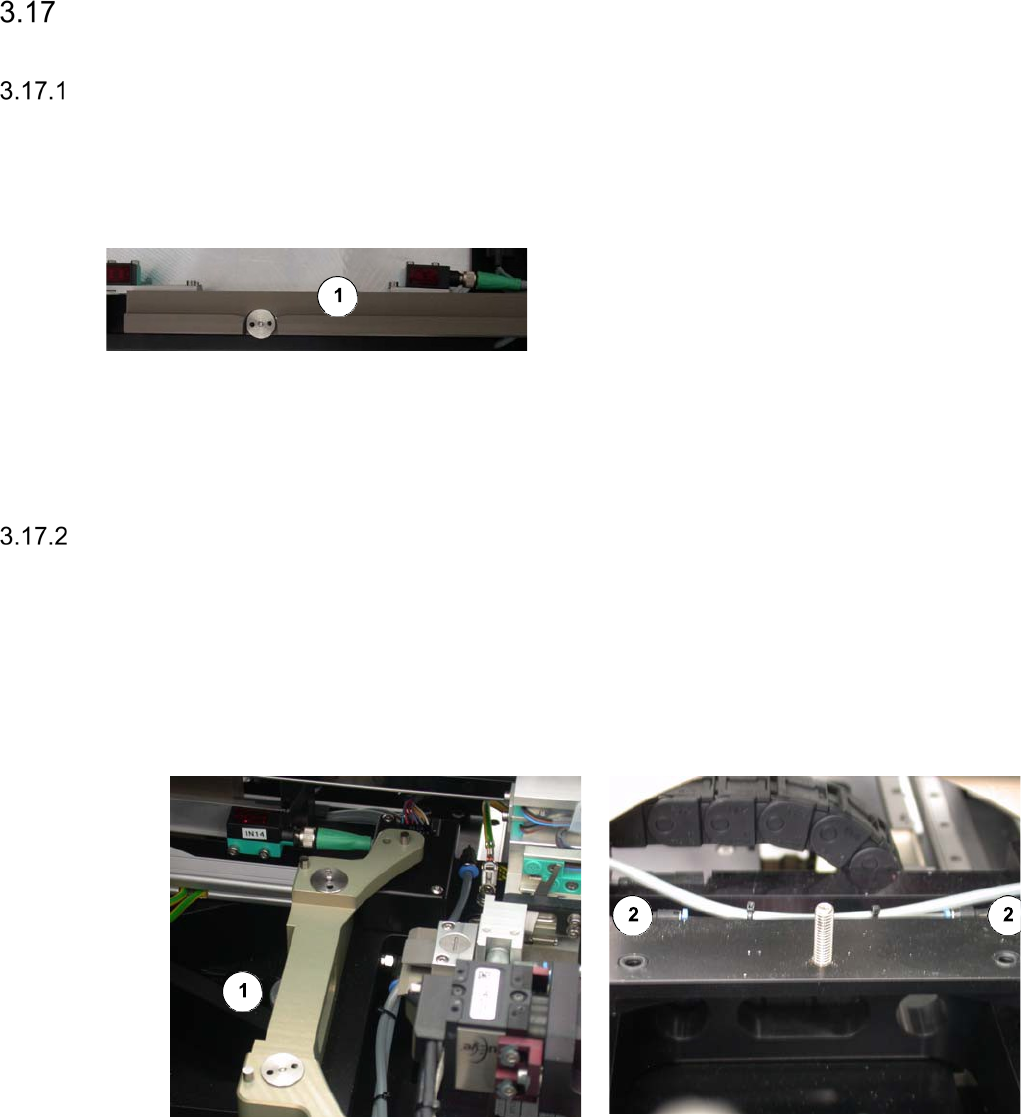
Cleaning the Supporting Rails for the Wafer Frames
Interval: Weekly
Equipment:
Ethyl alcohol, lint-free cloth
Legend
[1] Wafer support rail
Clean the support rails for the wafer frames
with a lint-free cloth moistened with ethyl
alcohol.
Check for spots of abrasion and signs of
wear.
Checking the O-Rings at the Wafer Support for Leaks
The O-rings under the wafer locking bar should be checked for leaks, if necessary, e. g. in case
of frequent product changes.
Interval: If necessary
Equipment:
If necessary new O rings and UNISILIKON L250
Legend
[1] Fastening nut for the wafer locking bar
[2] O ring
77
Remove the fastening nut [1] of the wafer locking bar and lift off the wafer locking bar.
Take out the two O rings and check them for signs of damage or wear.
If necessary, the O rings must be exchanged and lubricated afterwards with UNISILIKON
L250 (see the Service Manual for further details).
Re-insert the O rings.
Refit the wafer locking bar and fasten it, using the fastening nut.
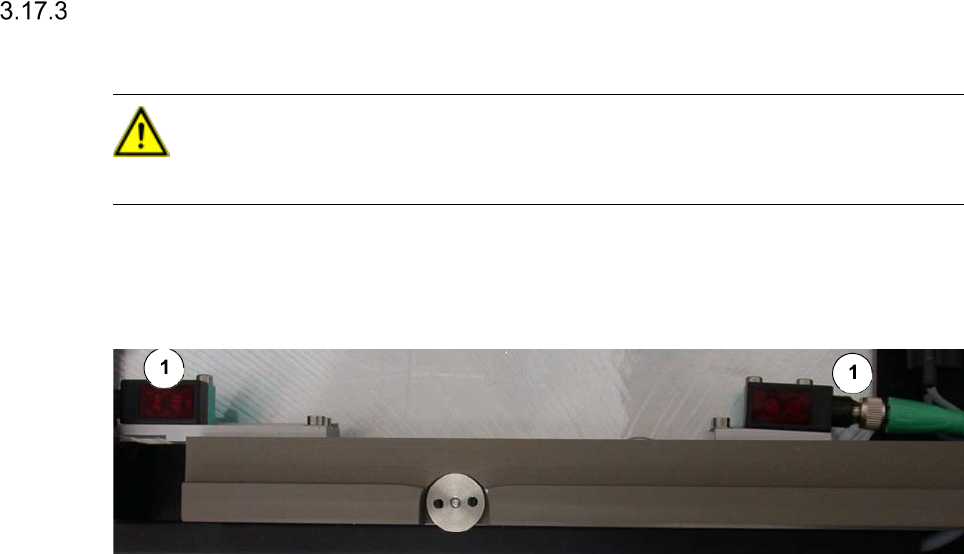
Cleaning the Optical Sensors
CAUTION
Never use a solvent for cleaning the sensors, to prevent the plastic surface from being damaged.
Interval: Monthly
Equipment:
optical cloth
Legend
[1] Optical sensor
Clean the sensors with an optical cloth.