Printer 710_810 v8 Preventive Maintenance.pdf - 第27页
PREVENTI VE MAINTENA NCE MONTH LY MAINTE NANC E Chapter Issue 6 Oct 06 Technical Reference Manual 33.27 Month June Maint enance Procedure SPC Alignment Check and Ma chine Cycle Count Fill out det ails: SPC Alignment Chec…
PREVENTIVE MAINTENANCE
MONTHLY MAINTENANCE
33.26 Technical Reference Manual Chapter Issue 6 Oct 06
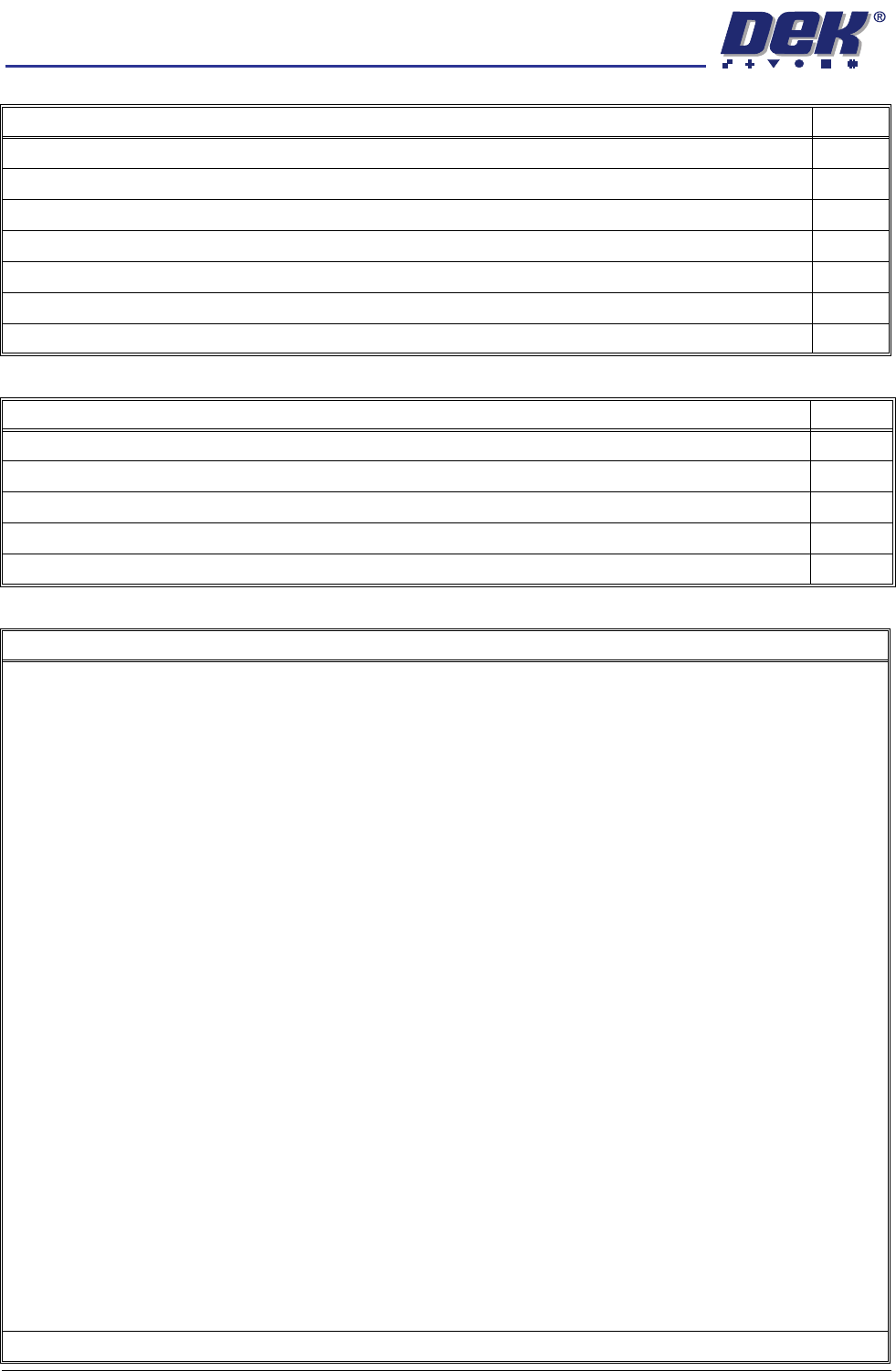
Paste Dispenser (if fitted) Tick
Cycle the carriage, ensure smooth operation.
Check the carriage up and down sensors operate correctly.
Check the vanes do not foul the sensors.
Check the linear bearing guides for contamination.
Check the paste dispense movement on the linear bearing.
Check the critical home dimension.
Inspect wiring/connections and pneumatics.
ProFlow (if fitted) Tick
Clean the attachment spindles, apply a wipe of light oil.
Check the pressure mechanism operates smoothly.
Check the pressure mechanisms secure when raised.
Check the pneumatics and connectors are secure.
Check the operation and setting of the paste low sensor.
Summary/Remarks
Signed: Date:
PREVENTIVE MAINTENANCE
MONTHLY MAINTENANCE
Chapter Issue 6 Oct 06 Technical Reference Manual 33.27
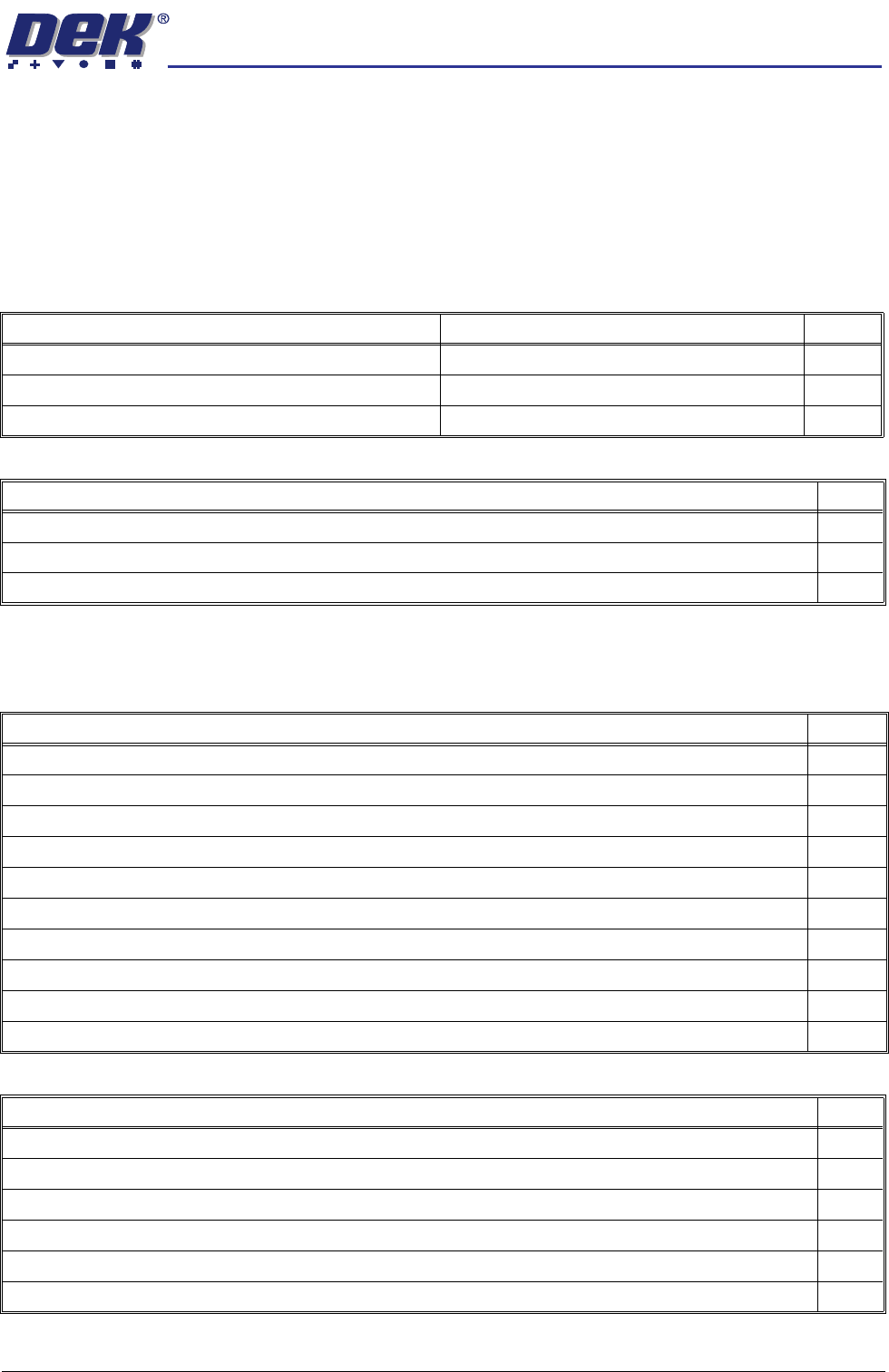
Month June Maintenance Procedure
SPC Alignment
Check and Machine
Cycle Count
Fill out details: SPC Alignment Check and Machine Cycle Count at the start of
this section.
Software
Monthly Maintenance
Software Check Record Tick
Check the date and time settings.
Check the software loaded and options.
Check the software version is the latest issue.
View Event Log Tick
Check for initialisation errors.
Check for screen position errors (31210, 31211, 31212).
Check for camera errors (31207, 31208).
Under Screen Cleaner (USC) (if fitted) Tick
Check that the paper feed mechanism operates correctly (Blue and Cyclone).
Check the oscillation motor moves the cleaner mechanism back and forth (Cyclone and Vortex).
Check the condition of the squeegee blades (Blue).
Check that the cleaner mechanism raises and lowers smoothly.
Check the screen cleaner height.
Check that the solvent dispenses and it is at a suitable pressure.
Check that solvent dispenses evenly across the paper or cassette.
Check the condition of all hoses and connections.
Check the correct operation of the vacuum filtration unit.
Perform a USC cycle and confirm correct operation.
Environmental Control Module (if fitted) Tick
Inspect the air filters clean/replace (as detailed in the equipment manual).
Check for leakage in the system.
Check the system holds the temperature (as described in the equipment manual).
Clean the evaporator and condenser fans.
Clean the evaporator and condenser coils.
Clean the evaporator and condenser filters.
PREVENTIVE MAINTENANCE
MONTHLY MAINTENANCE
33.28 Technical Reference Manual Chapter Issue 6 Oct 06
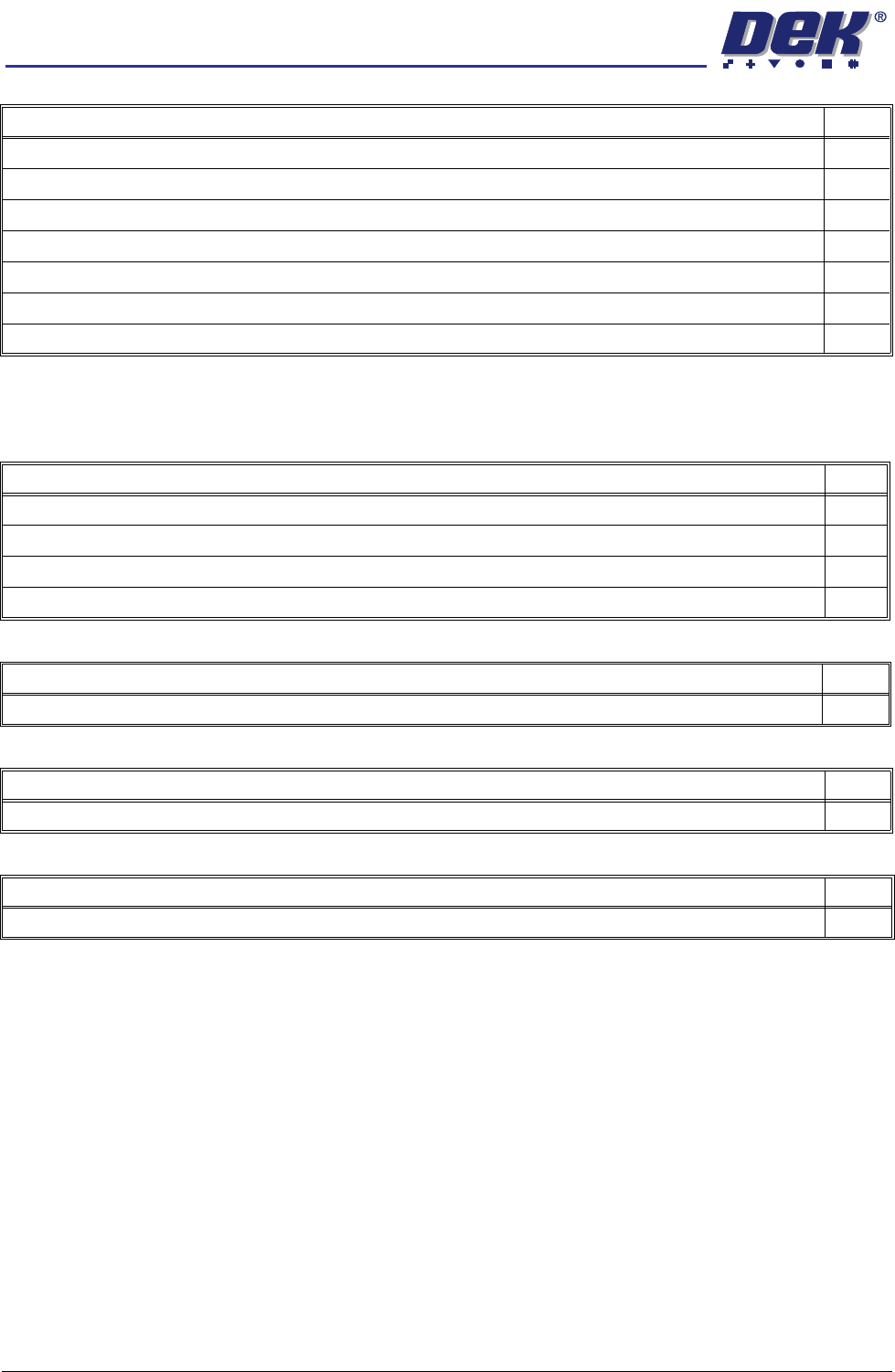
Monthly Hardware Check
General Maintenance Tick
Check the condition of the board clamps.
Cycle the board clamps ensure that clamping and release is smooth.
Cycle the Test 265test 1 board on the transport rails ensure smooth operation.
Clean the table top of paste and debris, apply a wipe of light oil.
Clean the transport rails of paste and debris.
Inspect tooling pins/assemblies/modules for wear, replace any formflex tooling modules leaking excessively.
Inspect the air filters and clean/recommend replacement.
Screen Alignment Tick
Inspect the wiring and connections.
Inspect the three striker plates, clean and apply a wipe of light grease.
Check the actuator fixed ball at the end of the actuator shaft is clean.
Check all actuators home correctly.
USC Vacuum Filtration Unit (if fitted) Tick
If pre purchased, replace the paper, HEPA and carbon filters.
DC Power Supplies Tick
Check the DC voltage levels are within tolerance as detailed in the DEK Power Monitor program.
Machine Level Tick
Ensure machine is level and all feet exert pressure on the floor.