KE2040Instruction Manual Ver2.01,REV04.2003.6.25.pdf - 第442页
5 − 52 3-4 Det ailed description of each setting item Setting item Description Name Enter a nam e (up to 32 al phanumeric charac ters) t o be assi gned to an extended array . Y ou c an om it thi s item . W hen omi tted, …
5 − 51
Setting item Description
Count Set the number of leads (balls) to be checked.
Pitch Set the distance between two consecutive leads (balls) to be
checked.
Column, Row
Tolerance Enter the allowable pitch range. (Not used)
Missing Elements Column,
Row
Start,
Count
Set the missing leads (balls) to be checked.
Up to four blocks of missing leads or balls can be set per
column/row.
Set blocks from a block of missing leads/balls nearest the
reference lead (ball).
Add Sets a new reference element.
Edit Allows you to edit an element already set.
Element
(Only one element can be set
for an element group.)
See Section 3-5 “Element”.
Delete Deletes an element.
OK Registers data then displays the “Extended Vision” screen,
where the registered data appears on the “Element Group
List”.
Cancel Cancels your entering/editing, then displays the “Extended
Vision” screen again.
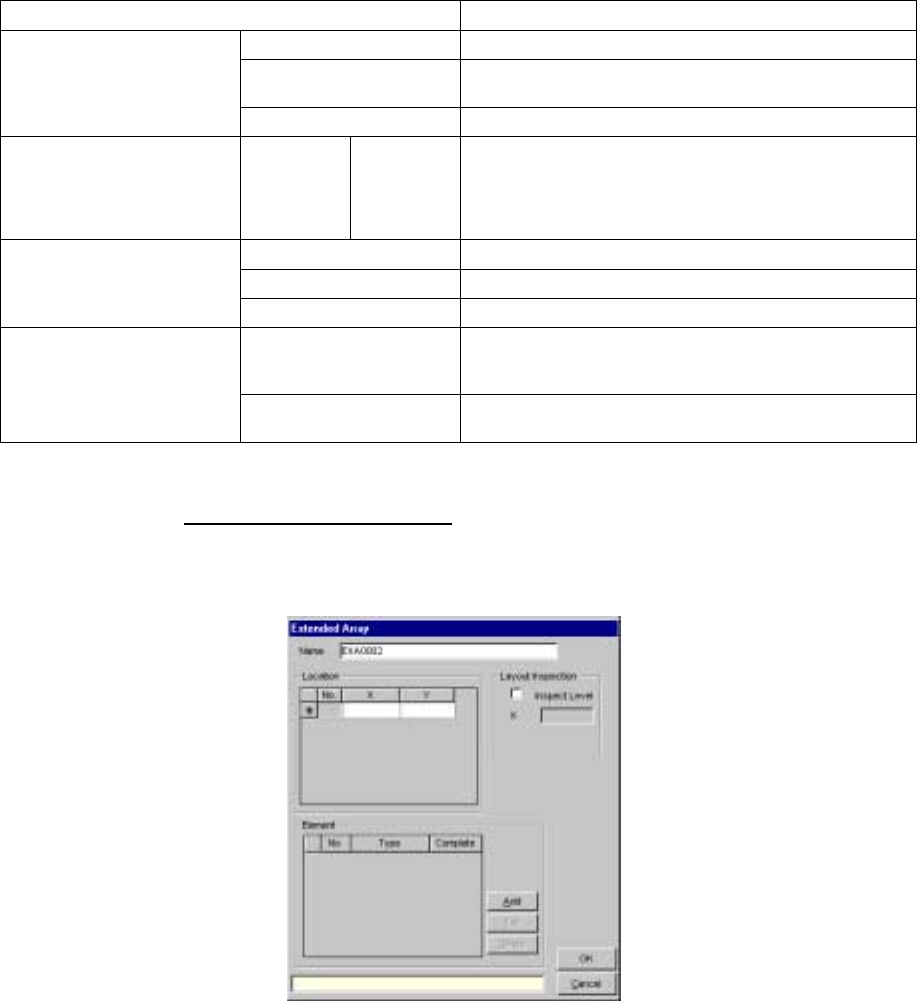
3.3 Extended array data format
When you check the “Extended array data format” check box, and click
the <Add> or <Edit> button, the following screen appears.
5 − 52
3-4 Detailed description of each setting item
Setting item Description
Name Enter a name (up to 32 alphanumeric characters) to be assigned to an extended
array.
You can omit this item. When omitted, “ENGxxxx” is assigned to a name, where
xxxx is a four-digit integer automatically obtained.
Location X, Y Enter the coordinates of a ball to be checked with being viewed from the center of
a component. Up to 256 balls can be defined.
Add Adds an element setting.
Edit Allows you to edit an element already set.
Element
See Section 3-5
“Element”.
Delete Deletes an element.
Layout inspection is performed by checking off the check box. Layout Inspection
Inspect Level Set the level used for checking a layout error.
OK Registers data then displays the “Extended Vision” screen where the registered
data appears on the “Extended Array List”.
Cancel Cancels your creating/editing, then displays the “Extended Vision” screen again.
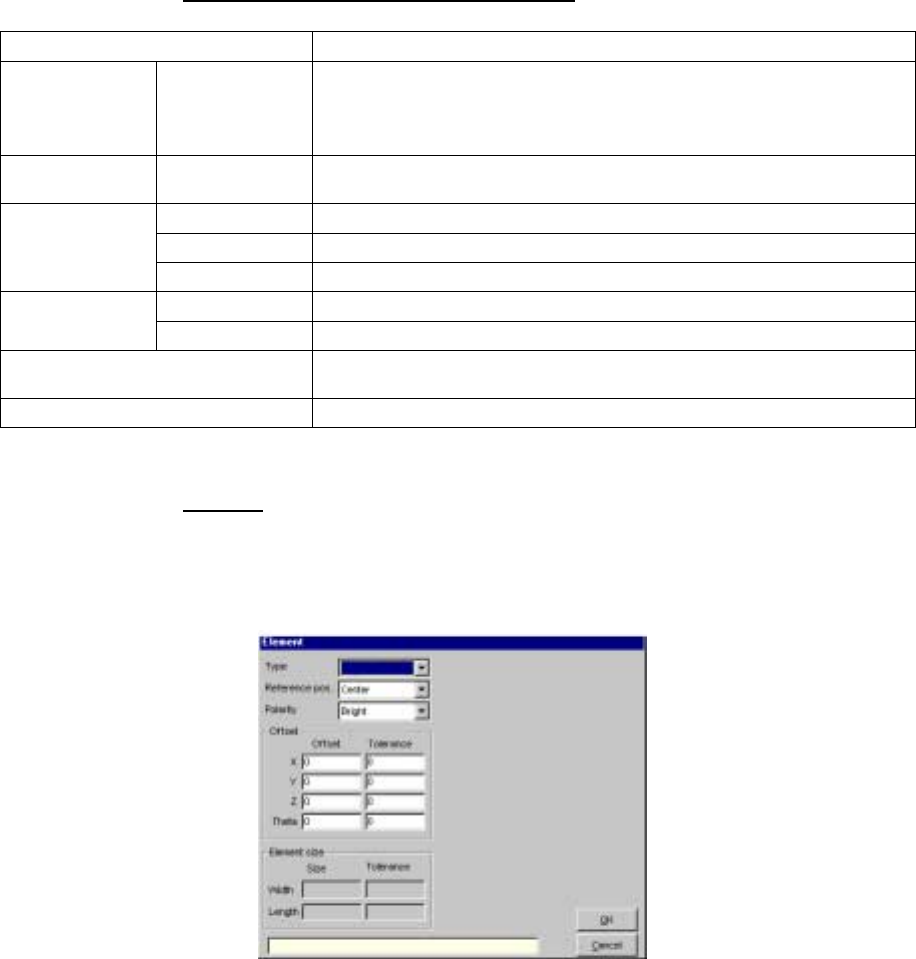
3.5 Element
When you click the <Add> or <Edit> button displayed on the “Element
Group” or “Extended Array” screen, the following screen appears.
- Set the conditions under which a lead (ball) is to be checked.
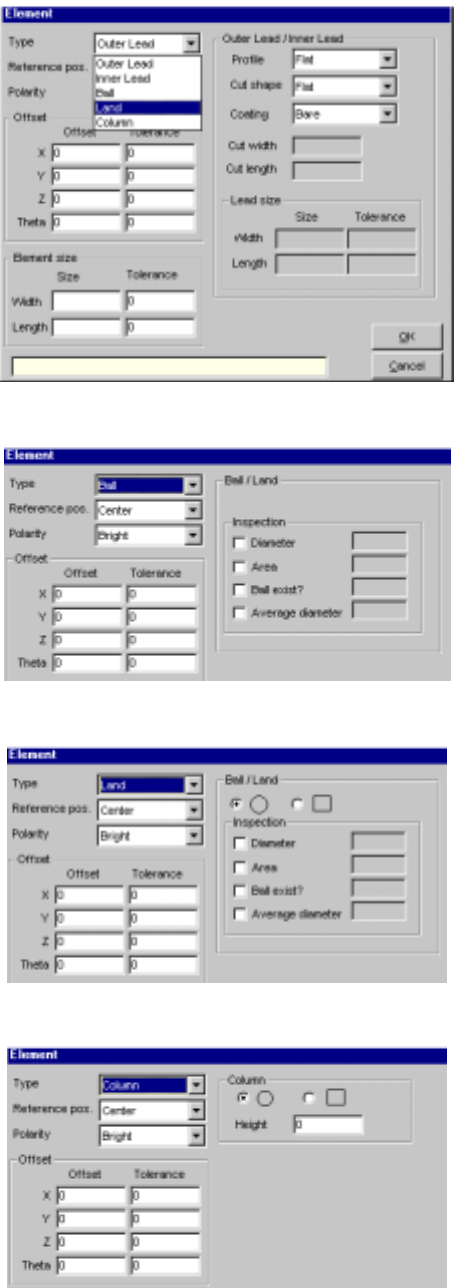
• When you select an element type from the “Type” combo box, the
following dialog box appears on the right side of the screen shown
above.
5 − 53
(1) When you select “Outer Lead” or “Inner Lead”
(2) When you select “Ball”
(3) When you select “Land”
(4) When you select “Column”