KE2040Instruction Manual Ver2.01,REV04.2003.6.25.pdf - 第693页
8 − 49 8.2.2.16 Copl anarity − Y ou have t o set the f ollowing menu item on the “O ption Device enable” tab shown in Figure 8.2. 2.10.2. − Check to see if you check t he check box “Coplanarity” in the “Others” column. S…
8 − 48
(3) Actions taken after you click the <DONE> button
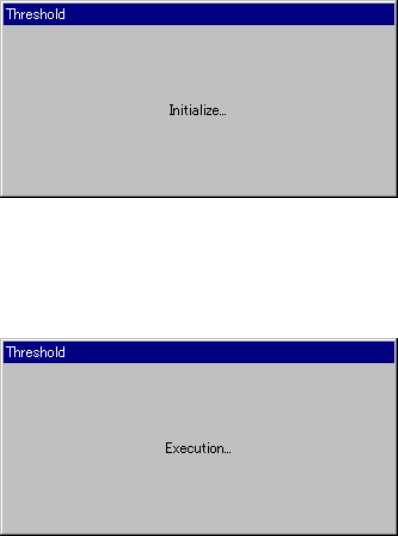
− When you click the <DONE> button, the "Threshold - Initialize" dialog box
appears on the screen, then the system initializes the bad mark sensor.
Next, the "Threshold - Execution" dialog box appears on the screen which
indicates the system automatically performs the teaching operation.
Figure 8.2.2.15.2 "Threshold - Initialize" dialog box
Figure 8.2.2.15.3 "Threshold - Execution" dialog box
8 − 49
8.2.2.16 Coplanarity
−
You have to set the following menu item on the “Option Device enable” tab
shown in Figure 8.2.2.10.2.
−
Check to see if you check the check box “Coplanarity” in the “Others”
column.
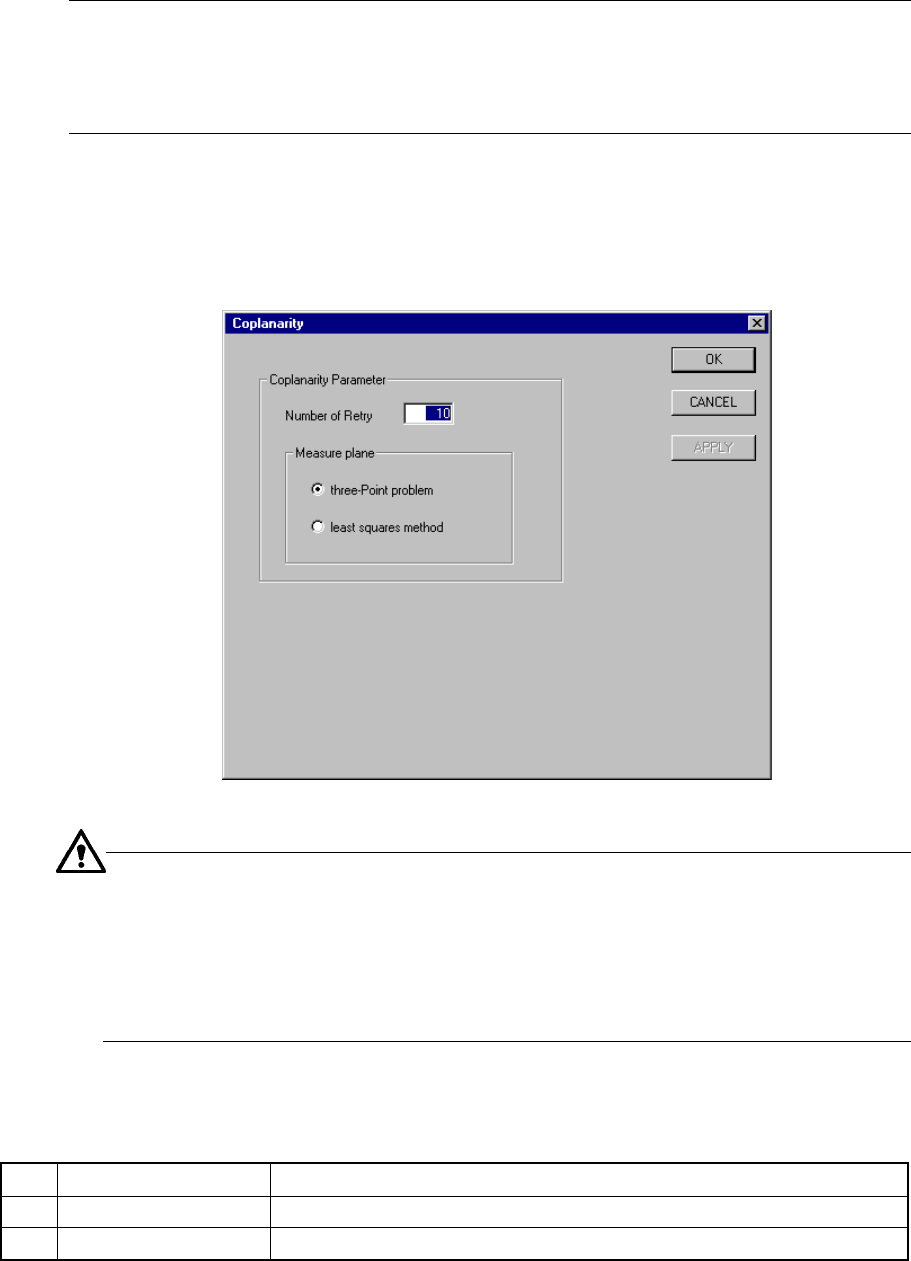
Select the [Setup] command from the menu bar, and the [Machine setup] command.
Next, select the [Setting Group] command on the “Machine setup” menu, then the
[Coplanarity] command. The “Coplanarity” setting dialog box appears on the
screen as shown in Figure 8.2.2.16 (available to a KE-2020/KE-2040 only).
Figure 8.2.2.16 “Coplanarity” setting dialog box
−
For a ball component: the system measures this type of component in the
least squares method regardless of the setting of the menu item “Measure
plane.”
−
For a unidirectional lead connector: the system measures only colinearity
of this type of component in the least squares method regardless of the
setting of the menu item “Measure plane.”
(1) Setting items
No. Item Description
1 Number of Retry Sets the number of a retry operation to be done for a coplanarity check.
2 Measure plane Sets the reference plane used for a coplanarity check.
8 − 50
(2) How to set
① Number of Retry
− Specify a value in the range from 0 to 10 (default: 0).
② Measure plane
− With using the radio button, select either “three-Point problem” or “least
squares method” (default: “three-Point problem”).
8.2.3 Disp (Display)
This command allows you to select whether to display the tool bar/status bar on the
screen or not.