00193786-02.pdf - 第53页
S I P L A C E G EM S W V e r s i on G EM 505 . 03 SP 1 H O S T I n t e r f a c e M anua l ©S i e m en s A G, a ll r i gh t s r e s e r v ed page 53 o f 241 3 . 9 C l o ck T he S I P L A C E c on t a i n s C l o ck / Ca l…

SIPLACE GEM SW Version GEM 505.03 SP1 HOST Interface Manual
Page 52 of 241 ©Siemens AG, all rights reserved
3.8 Error Messages
The SIPLACE provides standard Stream 9 messages to report SECS-II errors. See 4.9
"SECS Message Detail" for detailed description of these messages:
{XE "S9F1"}S9F1 {XE "Unrecognized Device ID"}Unrecognized Device ID
{XE "S9F3"}S9F3 { XE "Unrecognized Stream"}Unrecognized Stream
{XE "S9F5"}S9F5 { XE "Unrecognized Function"}Unrecognized Function
{XE "S9F7"}S9F7 { XE "Invalid Data"}Invalid Data
{XE "S9F9"}S9F9 { XE "Transaction Timeout "}Transaction Timeout
{XE "S9F11"}S9F11 {XE "Data Too Long"}Data Too Long
3.8.1 Related Variables
There are no Variables relevant for Error Messages.
3.8.2 Related Collection Events
There are no CEID related to Error Messages.
SIPLACE GEM SW Version GEM 505.03 SP1 HOST Interface Manual
©Siemens AG, all rights reserved page 53 of 241
3.9 Clock
The SIPLACE contains Clock/Calendar hardware, by which it knows the current date and
time.
The Host can send {XE "S2F31"}S2F31 to set the Equipment's Clock/Calendar
hardware.
The Host can send {XE "S2F17"}S2F17 to read the Equipment's Clock/Calendar
hardware.
The Operator can initiate a Date/Time request from the Host. The Equipment will send
S2F17 to the Host and will set its clock according to the data in the S2F18 reply.
3.9.1 Related Variables
The following table lists the variables (SV's, EC's, or DVVALS) which are relevant to
material movement. For a more complete description of these variables, see "Appendix
A -- Variables".
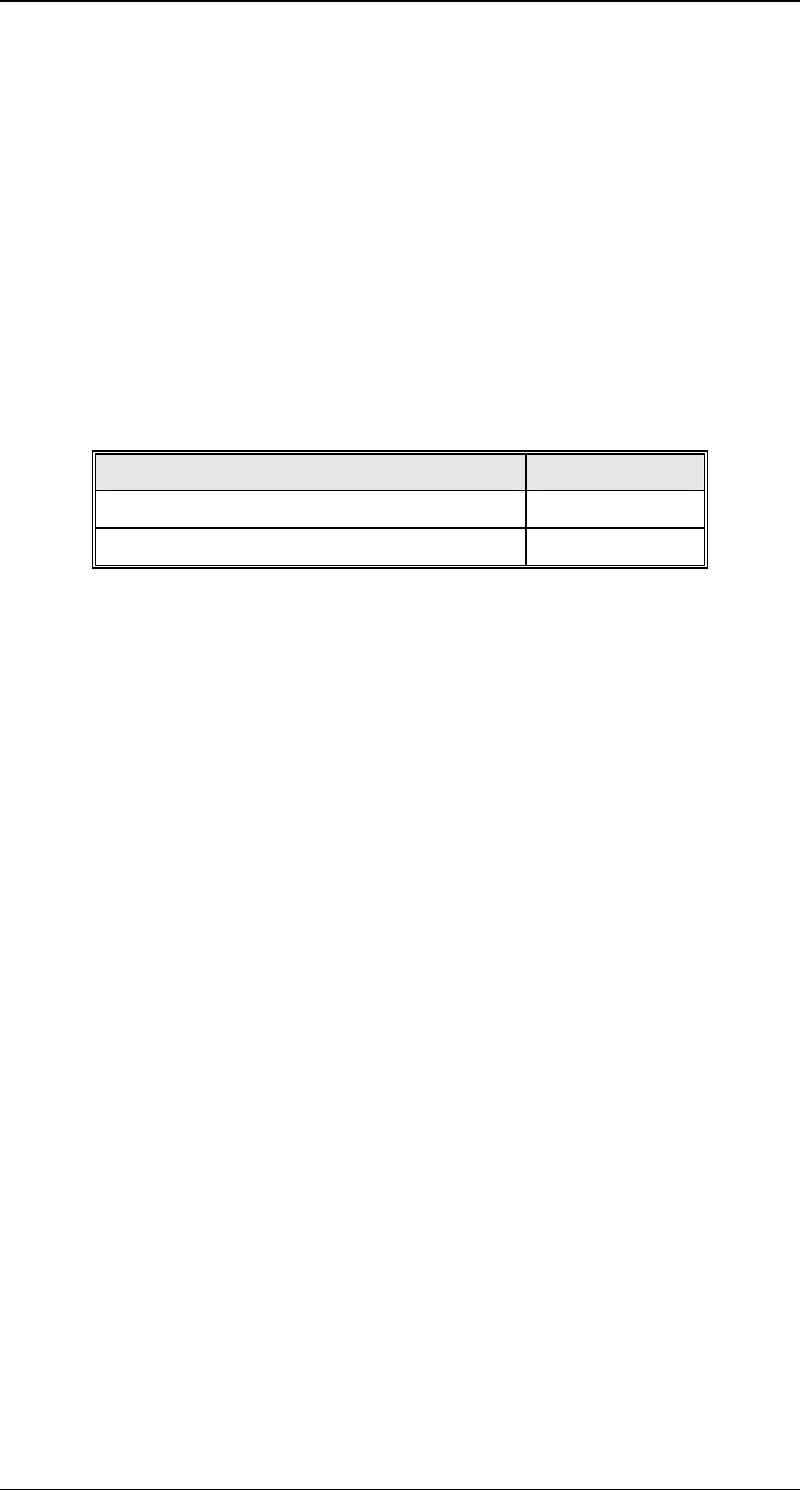
Variable Name VID
{XE „CLOCK“}CLOCK
1002022
{XE „TIME“}TIME
1002023
3.9.2 Related Collection Events
There are no CEID related to the Clock Capability.

SIPLACE GEM SW Version GEM 505.03 SP1 HOST Interface Manual
Page 54 of 241 ©Siemens AG, all rights reserved
3.10 Spooling{XE "Spooling"}
When the SECS link between the Host and the SIPLACE goes down (RTY error on the
Equipment side), the SIPLACE will spool appropriate messages so that the Host can
read them once the link comes back up (after a successful Connect Request
transaction).
The Host can set spooling attributes on the SIPLACE by setting certain Equipment
Constants with the S2F15/16 transaction.
The Host can define streams and functions of messages to be spooled through the
S2F43/44 transaction. Stream one (S1Fx) messages are not eligible for spooling. The
Host can also disable spooling for messages through this S2F43/44 transaction. Stream
9 messages are not spooled.
The Host may read spooled messages or purge the Equipment's spool through the
S6F23/24 transaction.
3.10.1 Word of Caution
If the Host does not intend to use the spooling features of the Equipment, the Equipment
Constant ConfigSpool (VID 66) should be set to zero. Setting this EC to zero disables
the spooling feature. If this is not set to zero, and the Host does not support spooling,
the SECS connection with the Equipment will be crippled. This happens because of the
following:
1. When spooling becomes active (transmission error), the Equipment will not send non-
stream 1 primary messages to the Host. That is, it will not send, events, alarms,
process programs, terminal display, etc.
2. When spooling becomes active, the ONLY way to deactivate it is to read or delete the
spool from the Host. In complying with the GEM standard, he Equipment does not
have the ability to reset its spooling state.
3. Therefore, if your Host does not support spooling and spooling becomes active, you
will never again receive non stream 1 messages from the Equipment. If this occurs,
you will need to use a Host simulator such as SECSIM to delete the spool.
If the Host does not intend to use the spooling features of the SIPLACE, {XE
"CONFIGSPOOL "}CONFIGSPOOL (VID 1002045) should be set to zero. This will
disable the spooling feature and the Equipment will never transition to Spool Active
state. After a transition is made to Spool Active, the only way to get out of the state is to
read or purge the spool.
3.10.2 Spooling Sequence
Messages are sent to the spool only if the Host has enabled these messages for
spooling. This precondition will not be repeated throughout this section. Assume that
the messages referred to in this section have been enabled for spooling.
While spooling is active, the Host may initiate primary messages and the SIPLACE will
respond, if it is in the COMMUNICATING state.