DT_ELMC-V3-EN_REV-B.1_L.pdf - 第39页
ELECTROVA P ® E LMC 39 5.2 HUMIDIFI ER STATUS MENU An y press on the enter ke y from an y of these me nus MENU: CHANGI NG UNIT CONFIGU RA TION HUMIDIF IER CONFIGURA TION CONTROL SIGNAL IN xxxxxxxxxxxx T O T AL STEAM PRO …
ELECTROVAP® ELMC
38
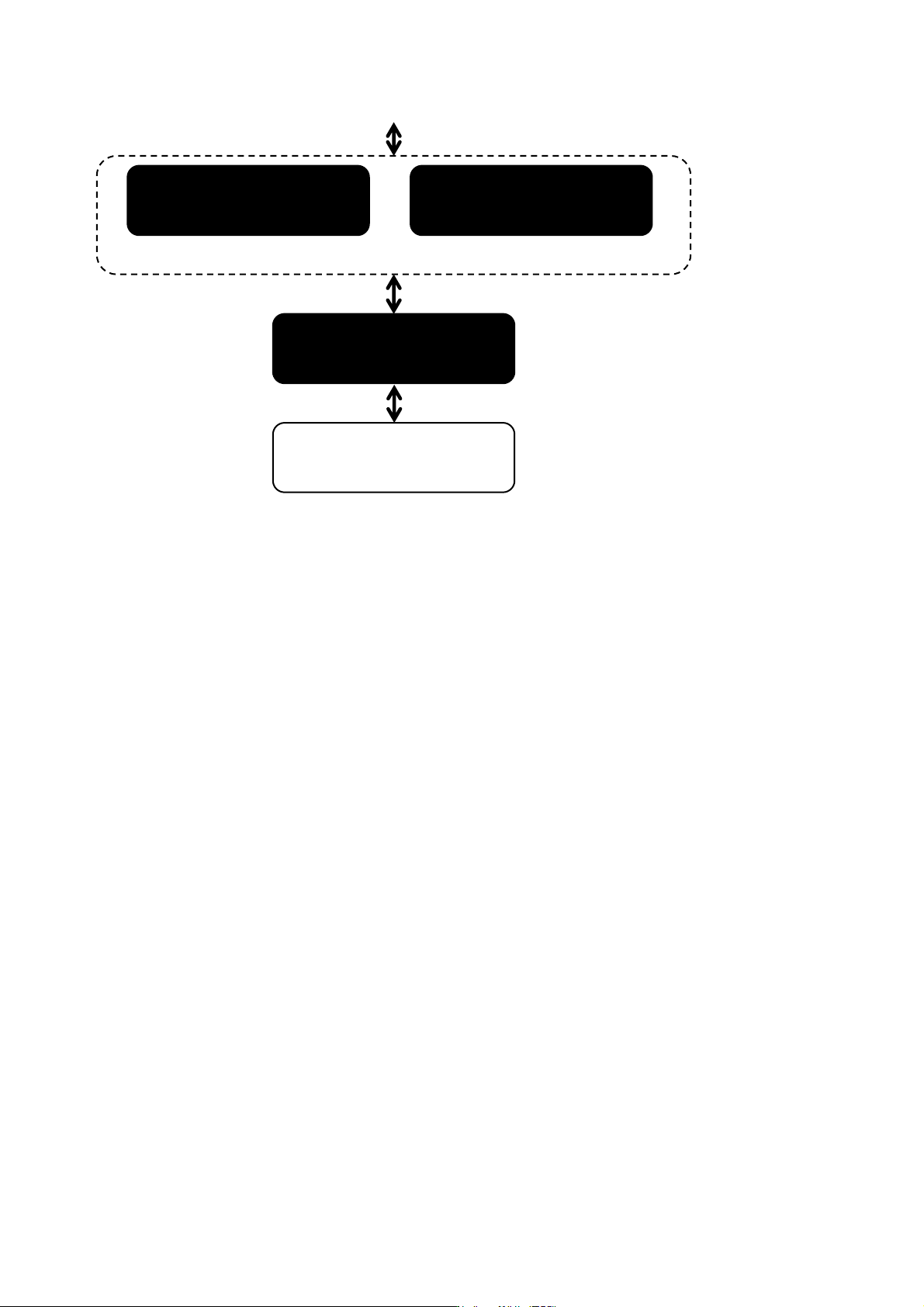
CONCENTRATION IN
PROGRESS: WAIT
MINERAL
CONCENTRATED
If high level detected
If high level undetected
ELECTRICAL POWER
Xx. X KW
BACK TO THE
BEGINNING
ELECTROVAP® ELMC
39
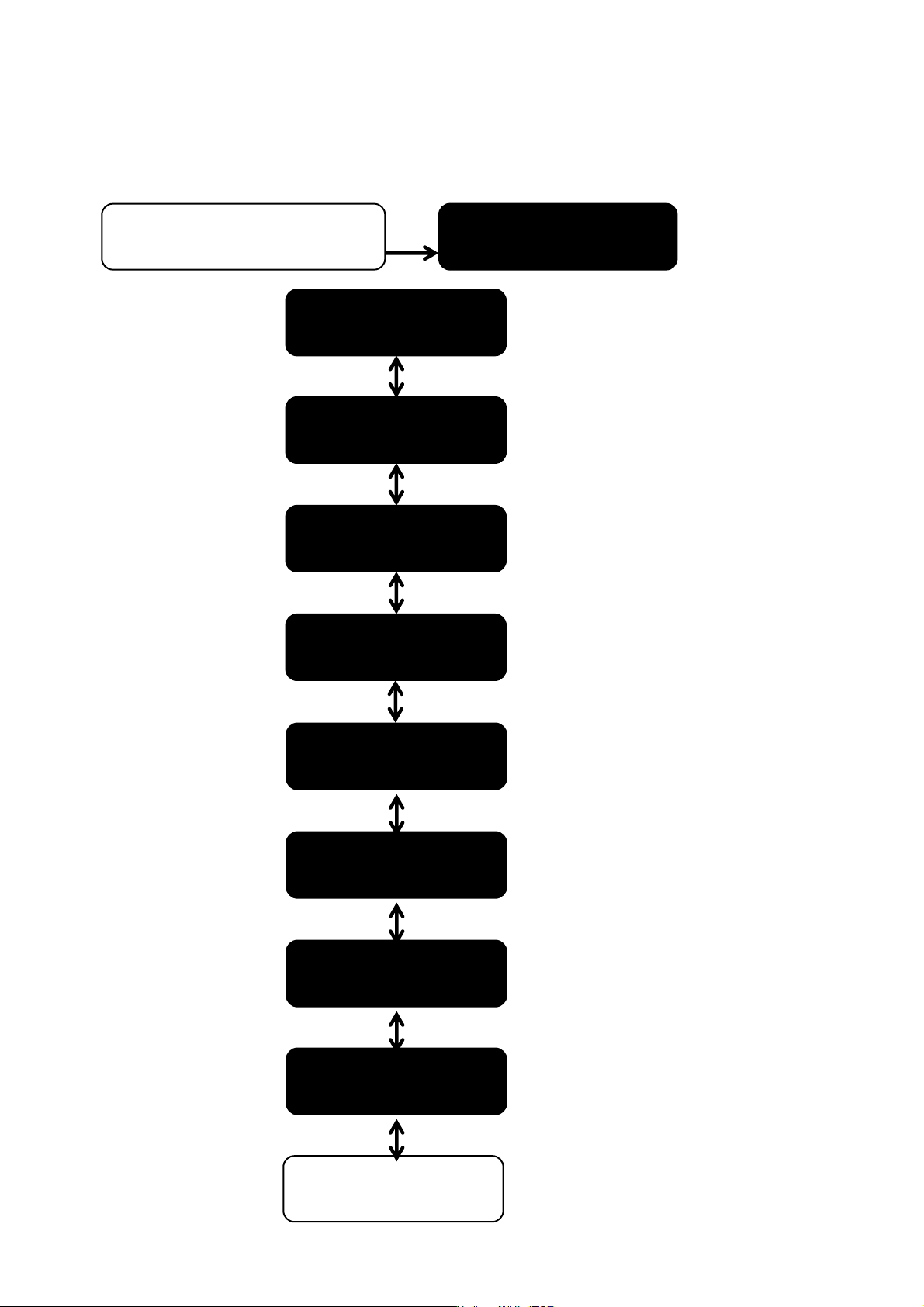
5.2 HUMIDIFIER STATUS MENU
Any press on the enter key
from any of these menus
MENU: CHANGING
UNIT CONFIGURATION
HUMIDIFIER
CONFIGURATION
CONTROL SIGNAL IN
xxxxxxxxxxxx
TOTAL STEAM PRO
(XXXX KG)
TOTAL HOURS RUN
XXXX H
WATER QUALITY
Xxxxxxxxxxxx
CYLINDRER USED
Xxxxxxxxxxxx
POWER SUPPLY
XXXXX V
MAXIMUM POWER
INSTAL XXX KW
BACK TO THE
BEGINNING
ELECTROVAP® ELMC
40
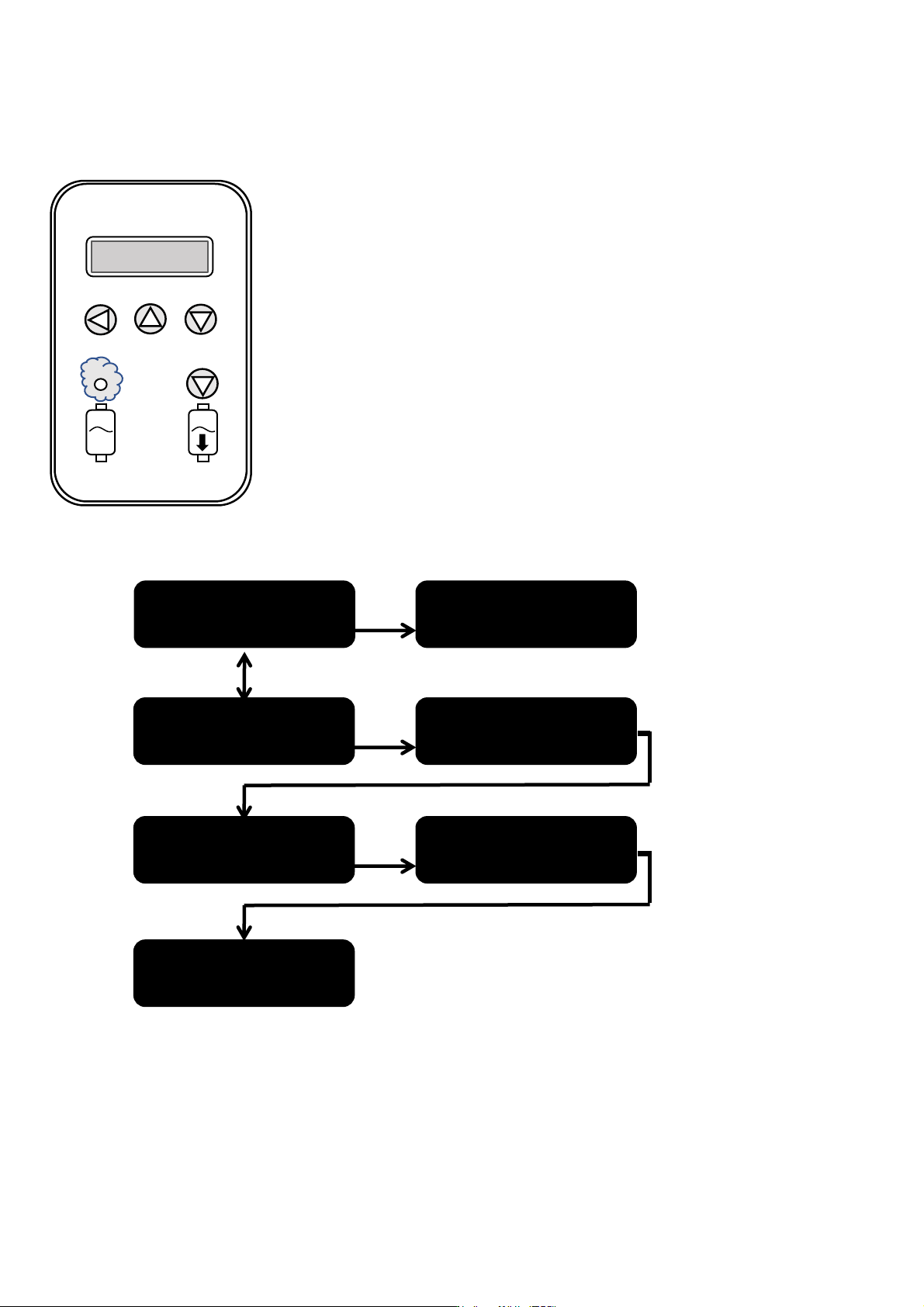
5.3 CHANGE SETTINGS MENU
Procedure to enter the access code:
• Press the "1" key: the first cross flashes.
• Press the "2" key to increase the digit or the "3" key to decrease it.
• Once you have reached the desired digit of the code, press the "1" key to validate it:
the 2nd cross flashes.
• Proceed in the same way for the following digits, and do not forget to validate the
code by pressing the "1" key.
HUMIDIFIER
CONFIGURATION
HUMIDIFIER STATUS
ENTER ACCESS
CODE: XXX
ENTER ACCESS
CODE: 2XX
ENTER ACCESS
CODE: 23X
ENTER ACCESS
CODE: 234
ACCESS MENU
GRANTED
5
1
2
3
4