KE2010.Instruction Manual.Ver.2.01,Rev.08.pdf - 第102页
3 − 29 3.6.9 Saving the machine informat ion This f unction allows you to compress and save the machine inf ormation t hat is saved as a file by your operation on t he “Production” scr een or the Emer gency Stop message …
3 − 28
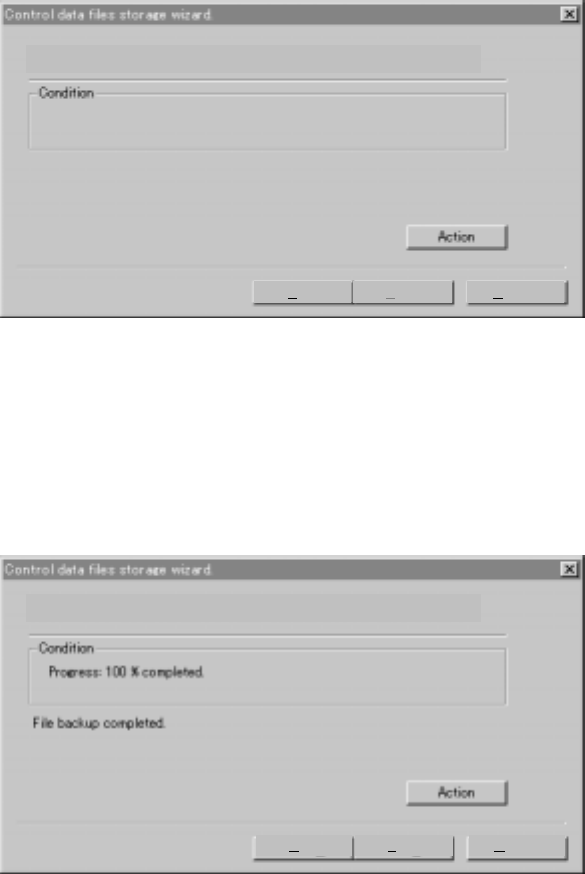
3.6.8.3 Starting the save operation
When you click the <Action> button, the system starts saving the control data on a
floppy disk.
3.6.8.4 Finishing the save operation
When the system finishes saving a control file, the following dialog box appears on
the screen. Click the <Finish> button, then eject the floppy disk and store it at a safe
place.
The backup is executed. Please push the action button when you can.
Back Finish Cancel
The backup is executed. Please push the action button when you can.
Back Finish Cancel
3 − 29
3.6.9 Saving the machine information
This function allows you to compress and save the machine information that is saved
as a file by your operation on the “Production” screen or the Emergency Stop
message onto a floppy disk.
Note: Use this function only if our service person or distributor requests you to do so.
Handle the obtained file as instructed also.
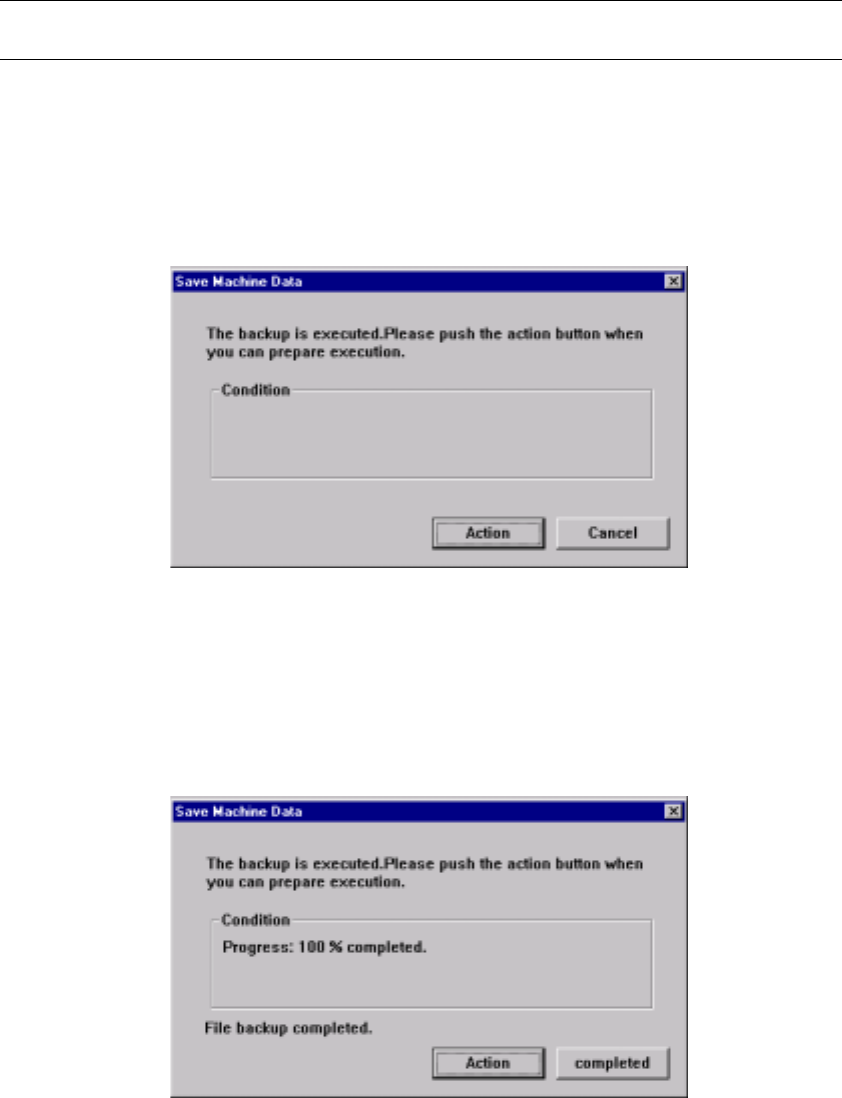
3.6.9.1 Start of the save operation
When you click the <Action> button on the dialog box shown below, the machine
information is saved onto a floppy disk.
Figure 3.6.9.1 Saving the machine information
3.6.9.2 End of the save operation
When the system finishes saving the information, the dialog box displays the
following information.
Figure 3.6.9.2 Dialog box indicating that the system has
finished saving the information
3 − 30
3.6.10 Saving vision data
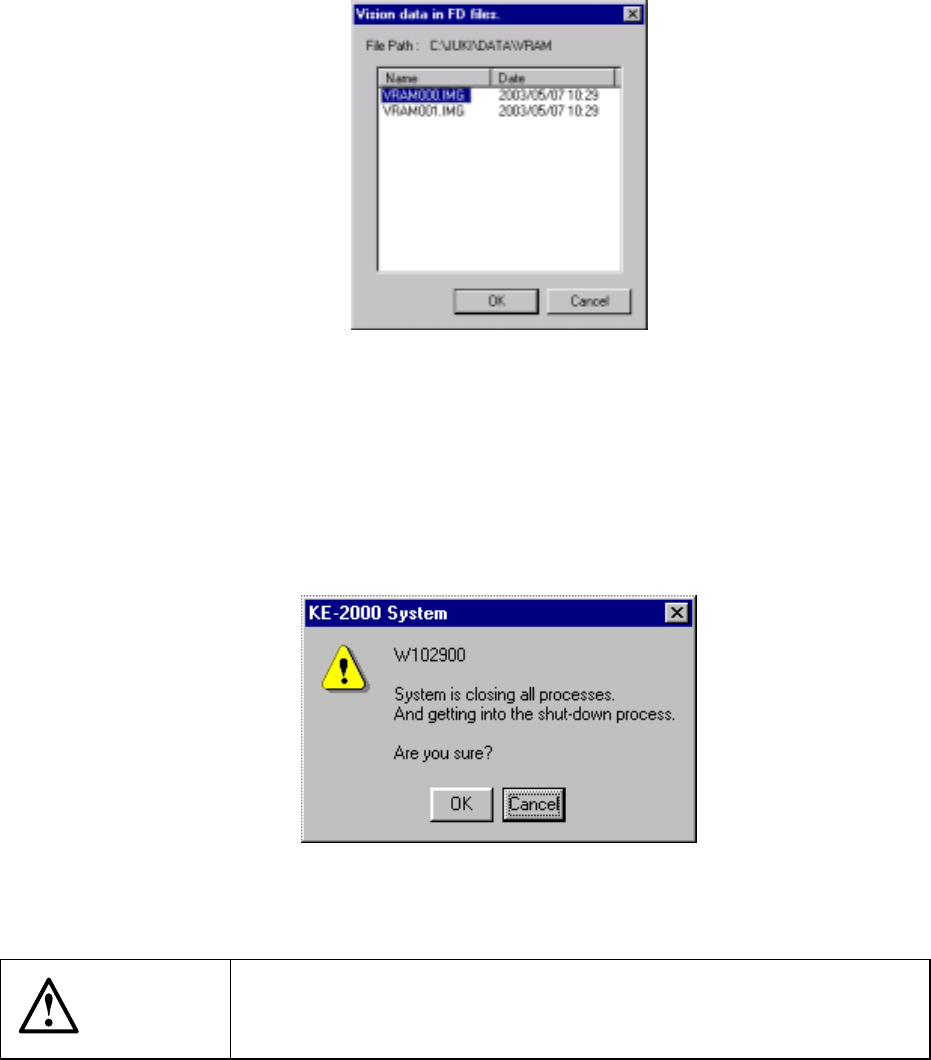
This function allows you to save the vision data obtained during production onto a
floppy disk.
Select a file you want to save onto a floppy disk on the dialog box shown below, and
click the <OK> button. The selected file is saved onto a floppy disk.
Figure 3.6.10 “Vision data in FD files” dialog box
3.6.11 Exit
This command executes the shut-down process to quit the system.
See Section 3.4 “Starting up or Terminating the System” for the procedure for shutting
down the system.
Figure 3.6.11 Shut-down confirmation dialog box
CAUTION
If you turn off the machine without performing the shut-down process,
you may not be able to restart the machine. Be sure to perform the
shut-down process to terminate the system.