KE2010.Instruction Manual.Ver.2.01,Rev.08.pdf - 第263页
4 – 156 4.10.1 Optimization This comm and executes optimization: Figure 4.10.1.1 Optimi zation Commands The result of opt imization varies great ly depending on the option set tings or the number of components t o be fed…
4 – 155
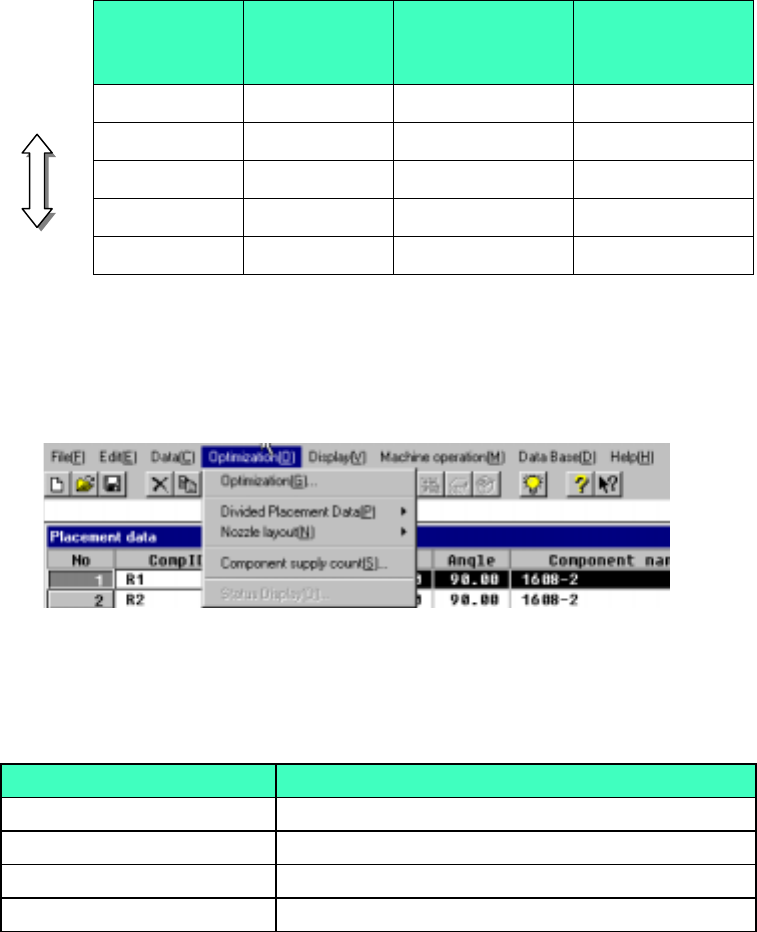
(4) Layer priorities
Priorities are given to each layer as follows:
Placement layers > Component layers > Component types and heights* >
smaller nozzle sizes*
*: Only when the options are enabled.
Example:
Table 4.10.3 Layer priorities
Placement
layer
Component
layer
Component
types&heights
(option)
Smaller nozzle
size (option)
Higher
1 1 1 501
3 4 3 503
4 4 4 502
6 3 1 504
Lower
7 7 7 508
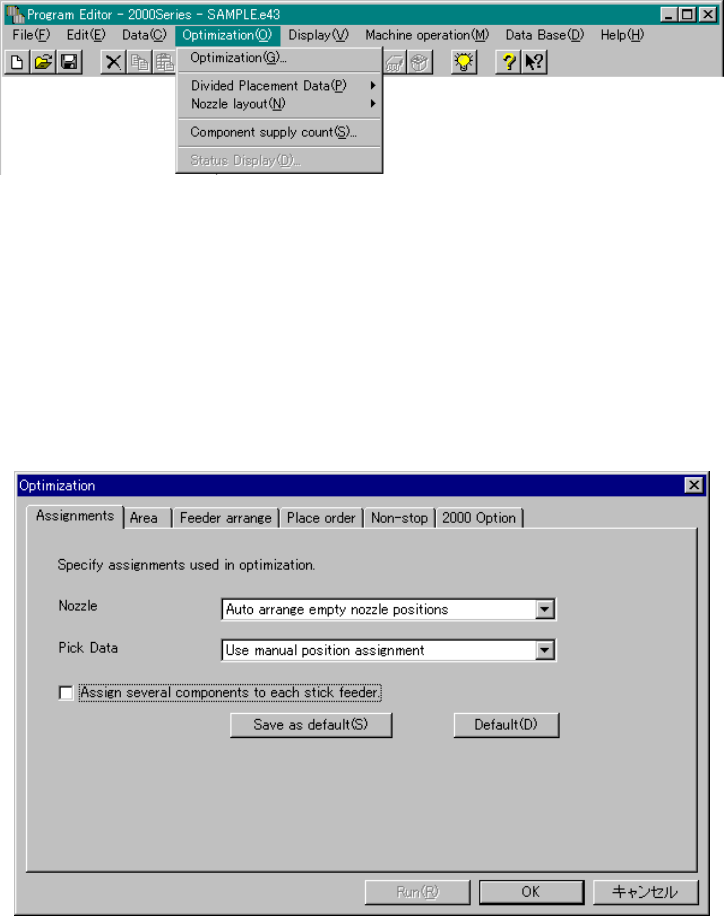
(5) Optimization Menu Organization
The Optimization menu is organized as shown below:
Figure 4.10.2 Optimization Menu Organization
Table 4.10.4 Optimization Menu Items and Their Descriptions
Item Descriptions
Optimization (G) Sets optimization options and executes optimization
Divided Placement Data (P) Displays placement data distributed to each station
Nozzle layout(N) Displays nozzle information distributed to each station
Component supply count (S) Sets the number of reels for each component type
4 – 156
4.10.1 Optimization
This command executes optimization:
Figure 4.10.1.1 Optimization Commands
The result of optimization varies greatly depending on the option settings or the
number of components to be fed. We recommend that you understand the meaning
of each option and the number of components to be fed to control the optimization
output.
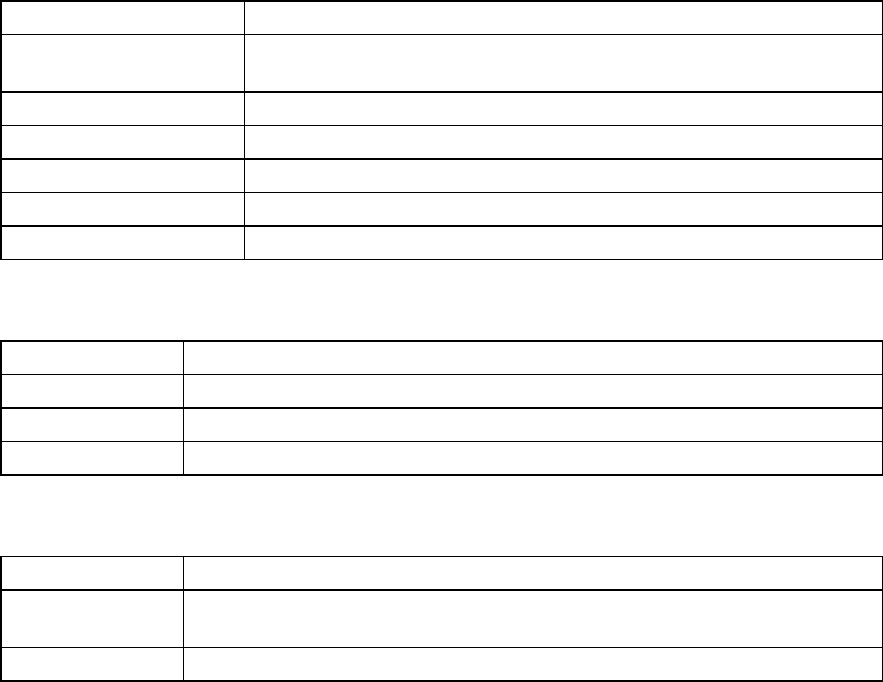
Select the [Optimization] command from the Optimization menu. The following
Optimization dialog displays:
Figure 4.10.1.2 Optimization Dialog box
4 – 157
The dialog box consists of options and buttons related to optimization.
Table 4.10.1.1 Optimization Option Types
Option types Purpose
Assignments Option Specifies the options to be referred to by the Optimization utility to assign a
nozzle or Pick data.
Area Option Specifies the area in which feeders can be mounted.
Feeder arrange Option Specifies the option for arranging feeders.
Place order Option Sets the options for rearranging placement order.
2000 Option Specifies the options unique to the KE-2000 series of products.
Non-stop Option Specifies a station that is to perform the Non-stop operation.
Table 4.10.1.2 Common Buttons
Button Name Function
Run Executes optimization with the options specified on the Optimization dialog box.
OK Validates the changes in the Optimization option(s), and closes the dialog box.
Cancel Cancels the changes in the Optimization option(s), and closes the dialog box.
Table 4.10.1.3 Buttons for Each Option
Button Name Function
Save as Default Saves the settings on the Optimization dialog box as the default setting. These
settings are used when a new program is created.
Default Returns the settings to the standard settings at the factory.