KE2010.Instruction Manual.Ver.2.01,Rev.08.pdf - 第365页
5 − 12 5.4 Teaching a M ark 5.4.1 Teaching of a board mark The f ollowing describes the basic operat ing procedur e for teaching t he board mark . ① Move the cursor t o the mark of the desired dat a position. T o star t …
5 − 11
5.3.3 Teaching Z-axis
For Z-axis teaching, the operator must first select the device with which Z-axis is to be
taught as described in the procedure given in 5.3.1 “Basic operating procedure”.
Only the head and HMS can be selected as the device to teach the Z axis. An error
results with an alarm beep if any other device is selected, and the operator must start
the operation from the device selection.
This teaching is for height teaching. Move down slowly the nozzle tip until it touches
the object for measurement, and measure the height. Never push the nozzle into
the object.
To perform teaching with using the HMS, use the camera to teach the XY axes.
Move the camera to the measurement point, then press the HMS key of the device.
The HMS starts teaching operation and data entry is allowed with your pressing the
ENTER key.
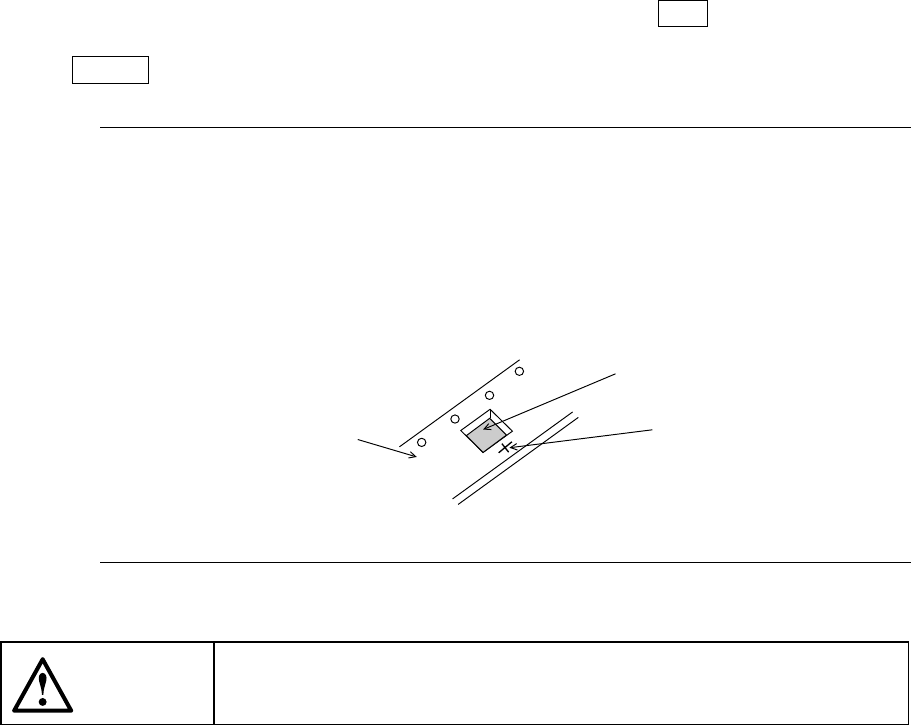
Note: When you use the HMS to perform teaching, laser beam is reflected at
random depending on the top side (side to be measured) surface condition
of a component to be measured (such as gloss and roughness), then the
component may not be measured. In this case, move the laser beam over
the tape carrier as shown in the figure below, then teach the Z axis by using
that spot as a substitute of the measured point.
CAUTION
When you use the HMS, avoid the direct of indirect (reflected with a
mirror or the like) laser beam getting into your eyes.
Tape carrier
Component
Measured point
5 − 12
5.4 Teaching a Mark
5.4.1 Teaching of a board mark
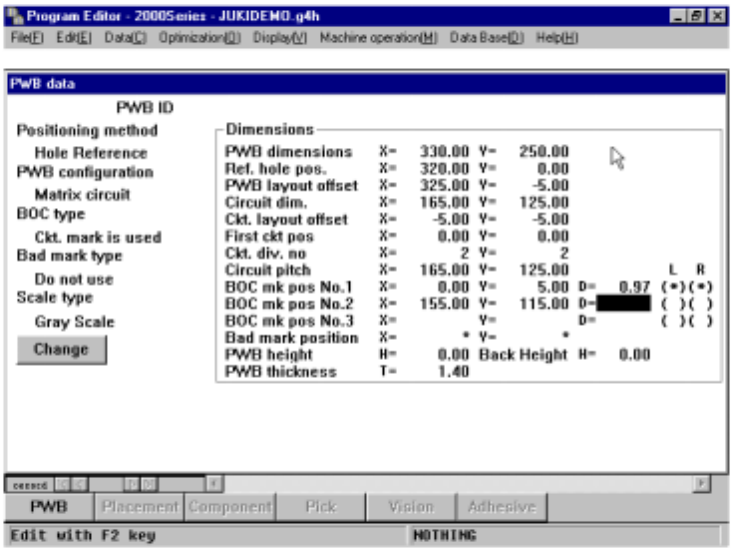
The following describes the basic operating procedure for teaching the board mark.
① Move the cursor to the mark of the desired data position.
To start teaching recognition, X- and Y-coordinates of the mark shall be entered
beforehand.
Figure 5.4.1 PWB mark teaching (1)
5 − 13
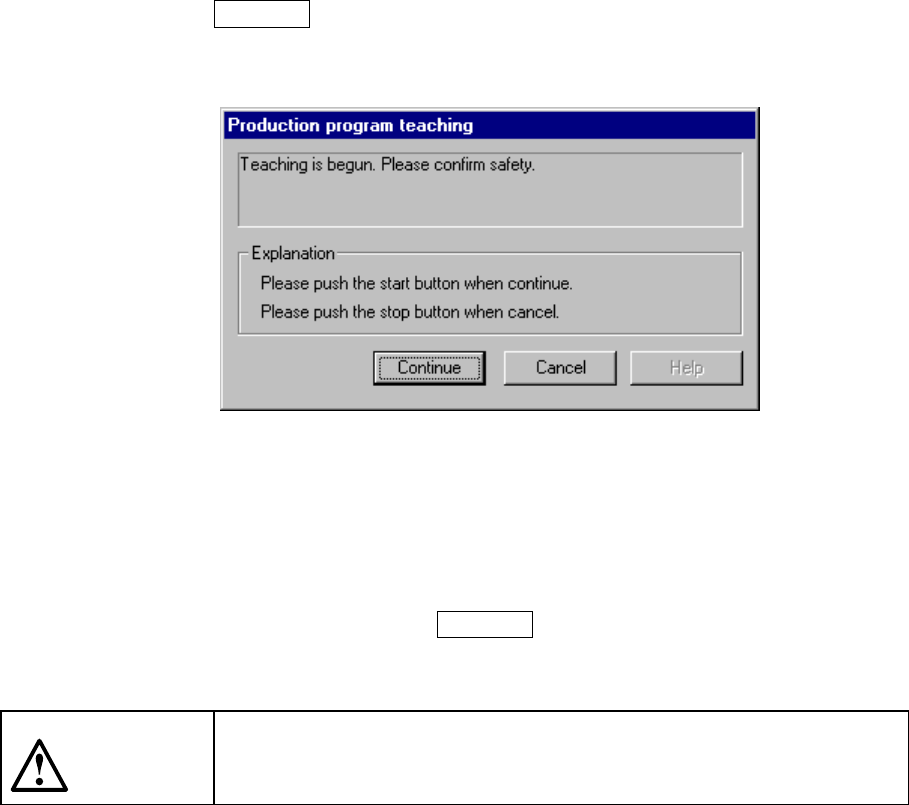
② Press the CAMERA key of the HOD, then specify the L and R heads.
The following dialog box appears on the screen.
Click the <Continue> button to start teaching the mark.
The camera moves to the X and Y coordinates of a mark, then the pattern of the
selected mark (to be memorized) appears on the monitor screen. If there is no
pattern which you want to teach displayed on the monitor screen, check to see if
the entered coordinates are correct.
If you press a key other than the CAMERA key, an error beep sounds and you
cannot perform a teaching operation for recognition.
CAUTION
To avoid a risk of injury, do not place your hand in the machine, nor
move your face or head close to the machine while you are operating
the HOD.