KE2010.Instruction Manual.Ver.2.01,Rev.08.pdf - 第485页
6 − 109 6.4.14.6 “Production start ” dialog box W hen y ou check the radio button “Start productio n after placement tracking. ” .” on the Production start (new production) dialog box, the f ollowing “Production star t” …
6 − 108
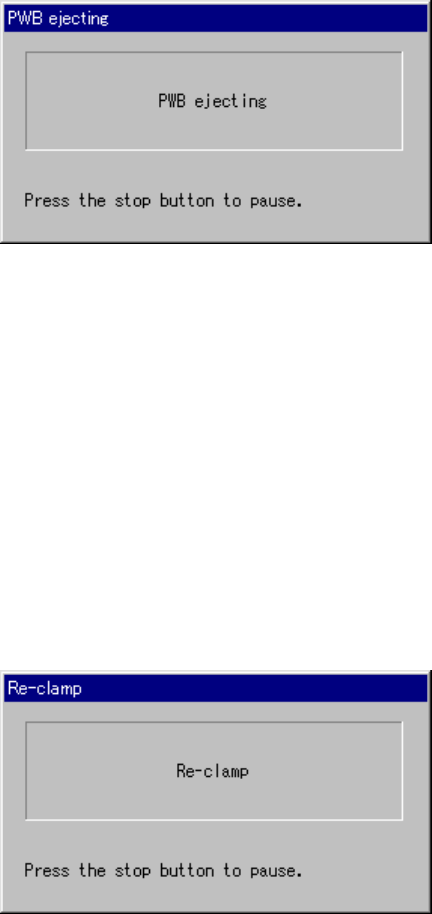
6.4.14.4 “PWB ejecting” dialog box
When you press the <START> switch on the “PWB eject" dialog box, the “PWB
ejecting” dialog box appears on the screen, and then the system ejects a board.
When the system finishes ejecting the board, it starts production.
Figure 6.4.14.4 “PWB ejecting” dialog box
• When you press the <STOP> switch on the dialog box above, the system stops
ejecting a board, and enters Production Idle mode again.
6.4.14.5 “Re-clamp” dialog box
When you check the radio button “Re-clamp current PWB” and press the <STAT>
switch on the “Processing before production begins” dialog box, the “Re-clamp” dialog
box appears on the screen, and the system clamps a board again. When the system
finishes ejecting a board, it starts production if the continuous production is specified.
Otherwise, the “Production start” (new production) dialog box appears on the screen.
Figure 6.4.14.5 “Re-clamp” dialog box
• When you press the <STOP> switch on the dialog box above, the system stops
re-clamping a board, and enters Production Idle mode again.
6 − 109
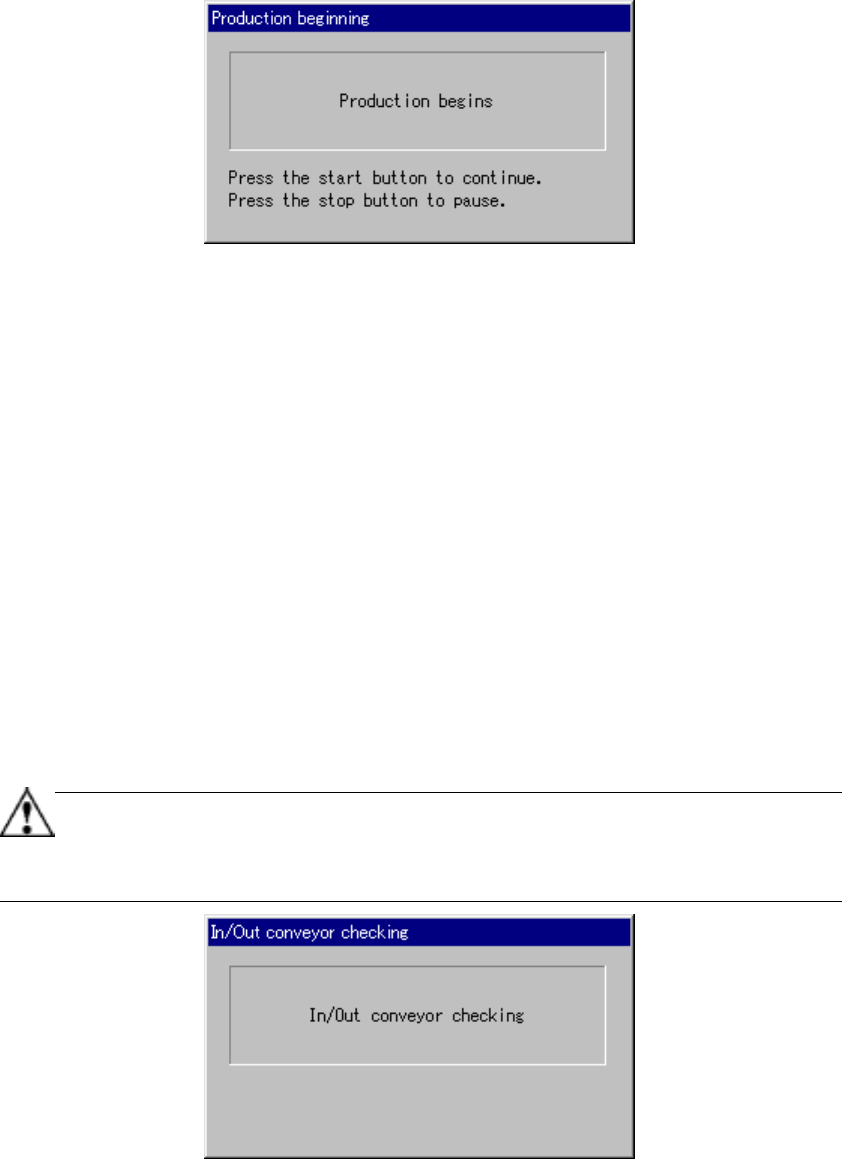
6.4.14.6 “Production start” dialog box
When you check the radio button “Start production after placement tracking.
”
.” on the
Production start (new production) dialog box, the following “Production start” dialog
box appears on the screen, and prompts you to decide whether to start production.
Figure 6.4.14.6 “Production start” dialog box
• When you press the <START> switch on the dialog box above, the system
resumes the current production.
• When you press the <STOP> switch on the dialog box above, the system enters
Production Idle mode again. (If a board located on the PWB transport path is
clamped, the system releases the clamped board.)
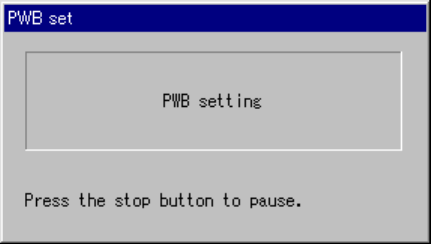
6.4.14.7 “In/Out conveyor checking” dialog box
The “In/Out conveyor checking” dialog box appears on the screen before the machine
ejects a board or re-clamps it on the “Processing before production begins” dialog box
[Figure. 6.4.14 (a)-(b)], or before the machine starts new production. If a board is
located on the PWB transport path between the IN and the OUT sensors, the machine
automatically sets the board over the sensor.
Note that this function can be activated only when the machine starts production after
an error occurs while the machine is transporting a board from the entrance or to the
exit.
This function cannot be activated when a board is already on the sensor either.
When you check the check box “Not automatically check the IN/OUT board
sensor” on the “Production (Function 2) Figure. 11-4-4” tab invoked from the
CHAPTER 11 OPTIONS dialog box, the machine does not check a board at
start of production.
Figure 6.4.14.7 “In/Out conveyor checking” dialog box
• When you press the <STOP> switch on this dialog box, the machine enters
Production Idle mode again.
6 − 110
6.4.14.8 “PWB set” dialog box
When you click an image indicating the condition of the PWB transport path displayed
on the “Processing before production begins” dialog box, the machine moves a board
located on the center station to a place where the system can re-clamps it.
Figure 6.4.14.8 “PWB set” dialog box
• When you press the <STOP> switch on this dialog box, the machine enters
Production Idle mode again.