KE2010.Instruction Manual.Ver.2.01,Rev.08.pdf - 第691页
10 − 7 ② Using the laser alignment unit, measur e the laser sensor height. (W hen the left 1 head is select ed) The machine has f inished measuring the selected head. T o repeat the measurem ent operation, click the <…
10 − 6
(1) Setting items
No. Item Description
1 Sensor height of LA Height of the laser sensor viewed from the top of a board
(2) How to set
− For the head selected in the “Select Head” combo box, set the various values
by followings the instructions displayed on the dialog box.
− When you click the <OK> button, your setting becomes valid (but not be
saved at this point).
− When you click the <CANCEL> button, your setting becomes invalid.
− How to operate
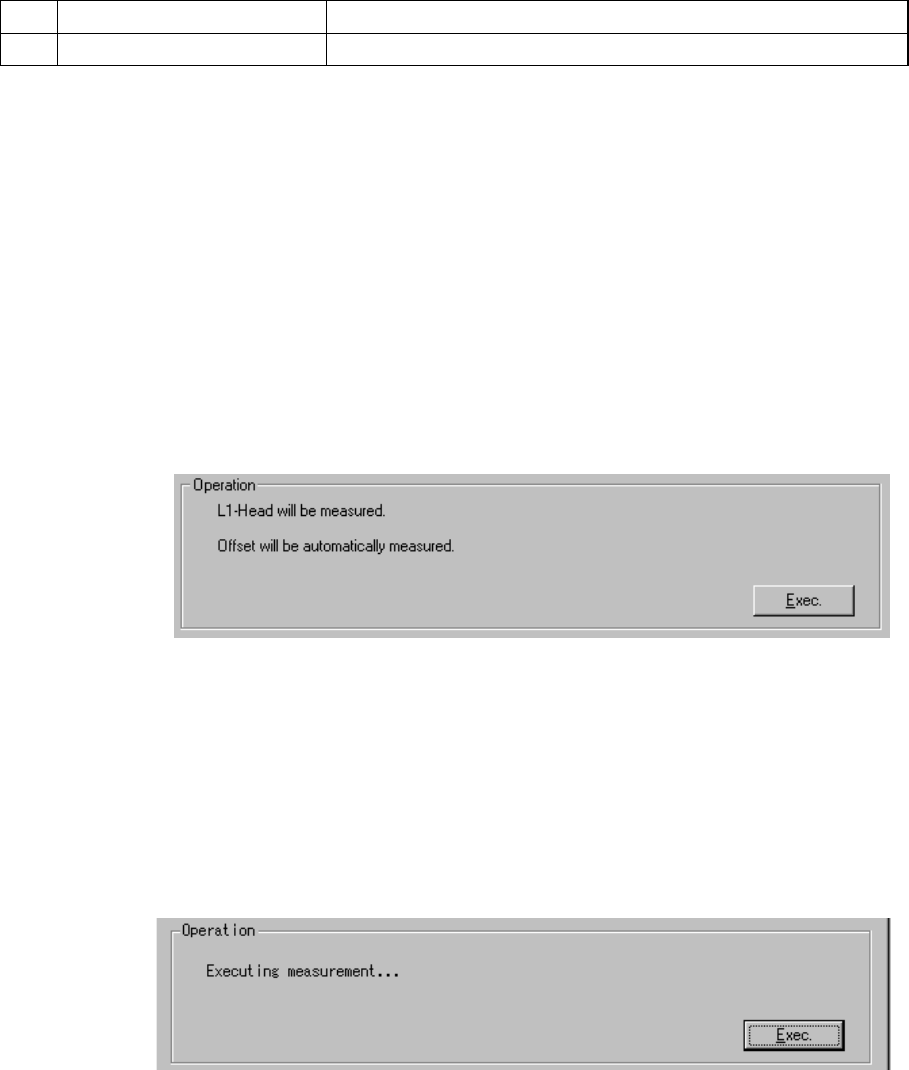
By following the instructions displayed, the appropriate value is automatically
obtained.
(When the left 1 head is selected)
The head selected in the “Select Head” combo box is to be set.
Select the <Exec.> button.
When you select the <Exec.> button, the nozzle (No. 500, 501 or 502) is
attached onto the head, and the laser sensor height is automatically
measured.
− Measurement operation
① The nozzle (No. 500, 501 or 502) is attached on the selected head.
An error occurs if the nozzle is not set for the ATC. In this case, assign
the nozzle on the “ATC nozzle setup” menu which is invoked from the
Machine Setup menu.
10 − 7
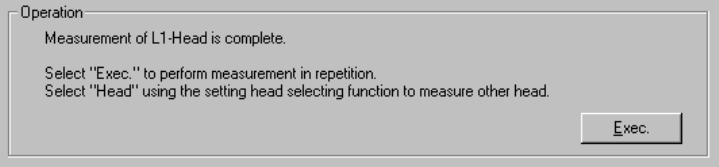
② Using the laser alignment unit, measure the laser sensor height.
(When the left 1 head is selected)
The machine has finished measuring the selected head.
To repeat the measurement operation, click the <Exec.> button.
When you click the <Exec.> button, the previous screen reappears.
To measure another head, select the desired head in the “Head” combo box.
When you change the head in the “Select Head” combo box, the initial screen
appears.
To quit Self calibration mode, click the <OK> button.
10 − 8
10.4 Rotation Center of the Nozzle
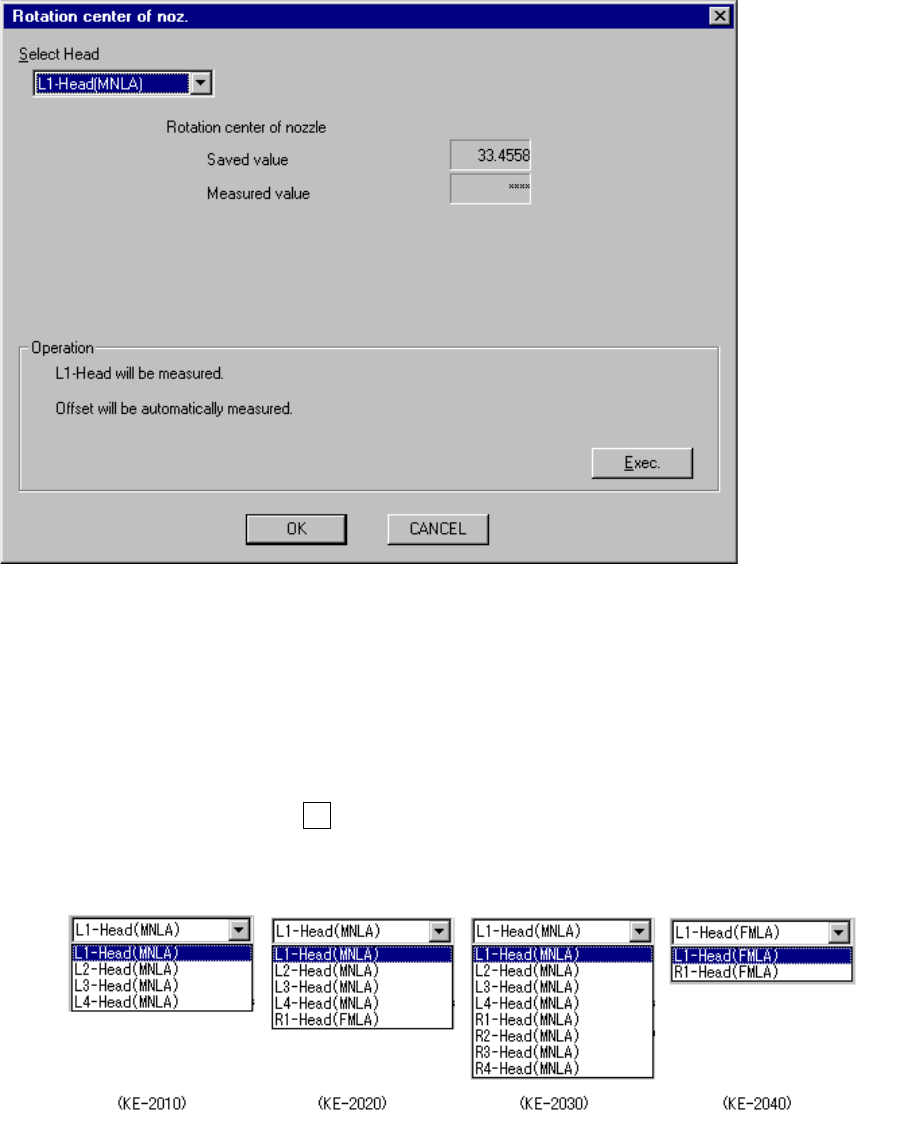
When you select the [Set-up group] command on the menu bar, then the [Rotation
center of noz] command on the displayed menu, the following “Rotation center of
noz.” dialog box appears on the screen.
Figure 10.4.1 “Rotation center of noz.” screen
− Select Head
Using the “Select Head” combo box, select the head to be set.
You cannot select the head which is not checked on the “Device enable” menu
invoked from the Machine Setup menu.
When you press the Alt key and the down arrow key at the same time, the
following list appears on the screen.
(When the left 1
head is selected)
(Rotation center of the
nozzle already set)
(Rotation center of the
nozzle measured)