KE2010.Instruction Manual.Ver.2.01,Rev.08.pdf - 第707页
10 − 23 − Measurement ① T he head you selected moves over the vacuum calibration unit, then measures the nat ural vacuum break ing condition thr ee times. - T he machine tak es an average of the values measured f or the …
10 − 22
− Measurement
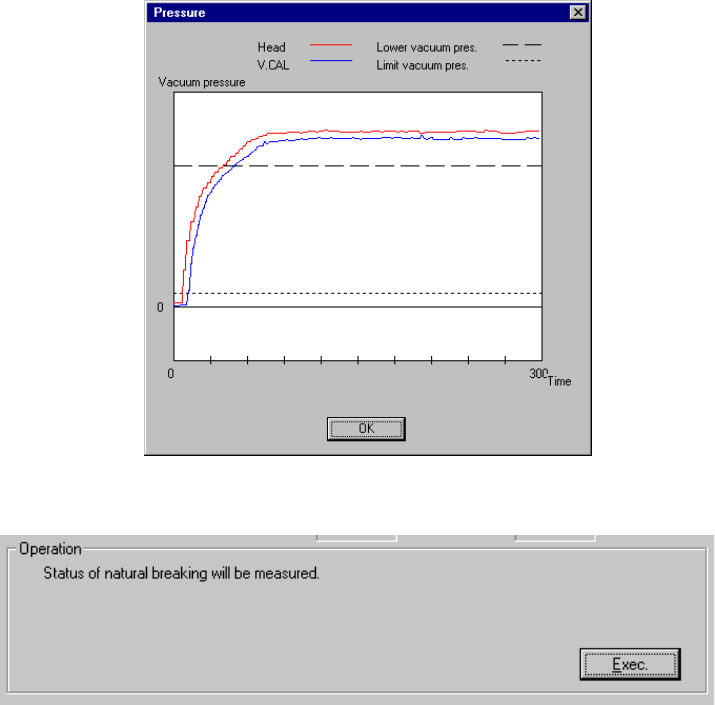
① The head you selected moves over the vacuum calibration unit, then
measures the vacuum condition three times.
The machine takes an average of the values measured for the second time
and third time, then displays it.
After measurement, the machine displays a graph of the pressure values
obtained by the third measurement performed for the third time.
Set the head selected from the "Select Head" combo box.
- Click the <Exec.> button.
- When you click the <Exec.> button, the machine automatically calculates the
natural vacuum breaking condition.
10 − 23
− Measurement
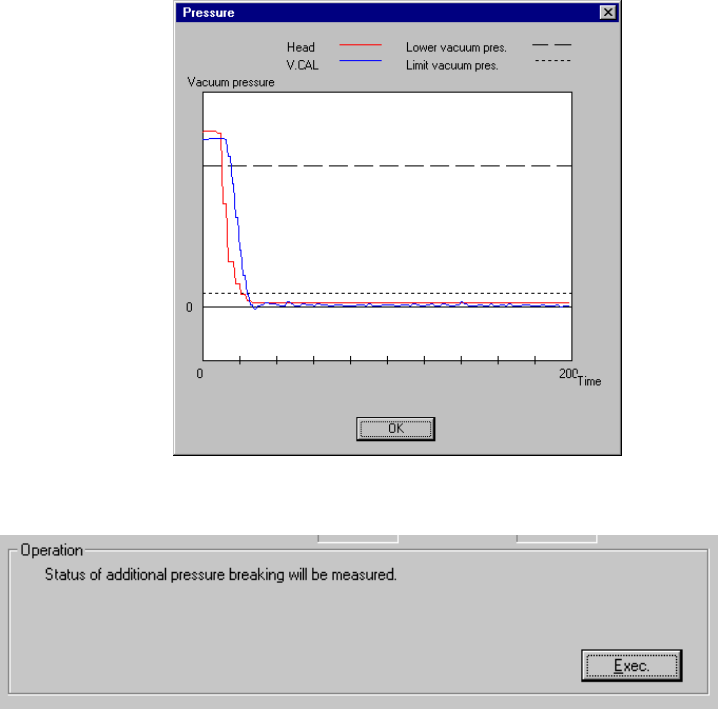
① The head you selected moves over the vacuum calibration unit, then
measures the natural vacuum breaking condition three times.
- The machine takes an average of the values measured for the second time
and third time, then displays it.
- After measurement, the machine displays a graph of the pressure values
obtained by the measurement performed for the third time.
Set the head you selected from the "Select Head" combo box.
- Click the <Exec.> button.
- When you click the <Exec.> button, the machine automatically measures the
pressurization breaking condition.
10 − 24
− Measurement
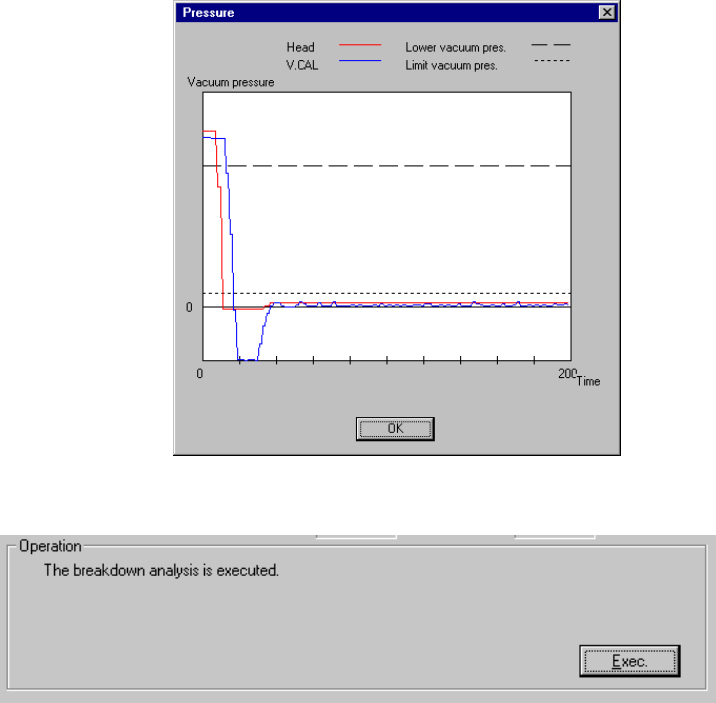
① The head you selected moves over the vacuum calibration unit, then
measures the pressurization breaking condition three times.
- The machine takes an average of the values measured for the second time
and third time, then displays it.
- After measurement, the machine displays a graph of the pressure values
obtained by the measurement performed for the third time.
Set the head you selected from the "Select Head" combo box.
- Click the <Exec.> button.
- When you click the <Exec.> button, the machine executes the malfunction
analysis.