KE2010.Instruction Manual.Ver.2.01,Rev.08.pdf - 第801页
8 PWB transport shutt er (right side view ed from the f ront) PWB transport shutt er (left side viewed f rom the fr ont) Note : When you set t he switch t o “AUTO” , the shutt er automat ically opens/closes while the sys…
7
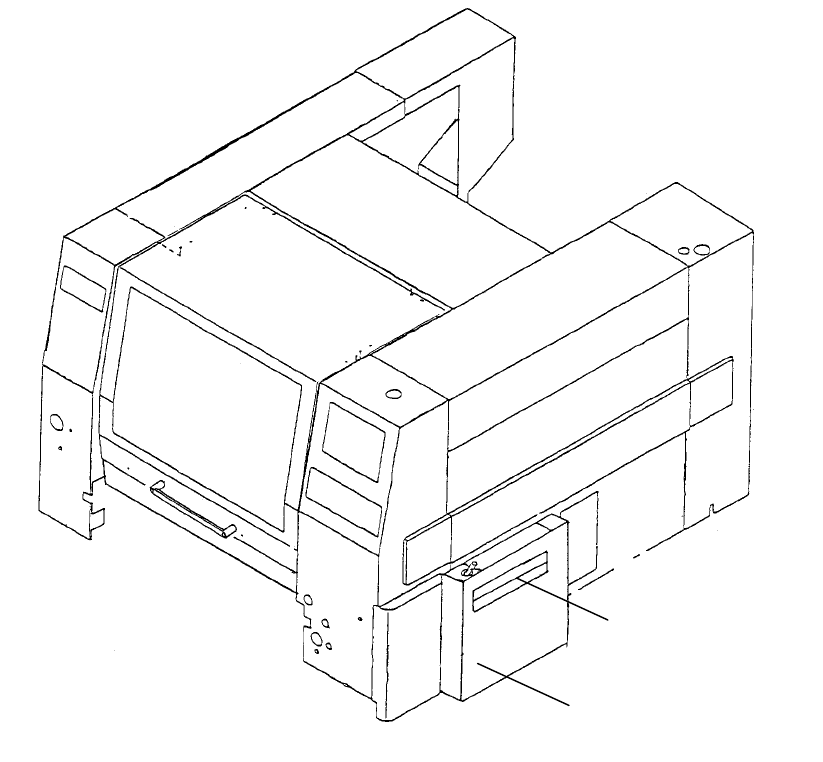
3. Cover
PWB transport shutter
PWB transport cover
8
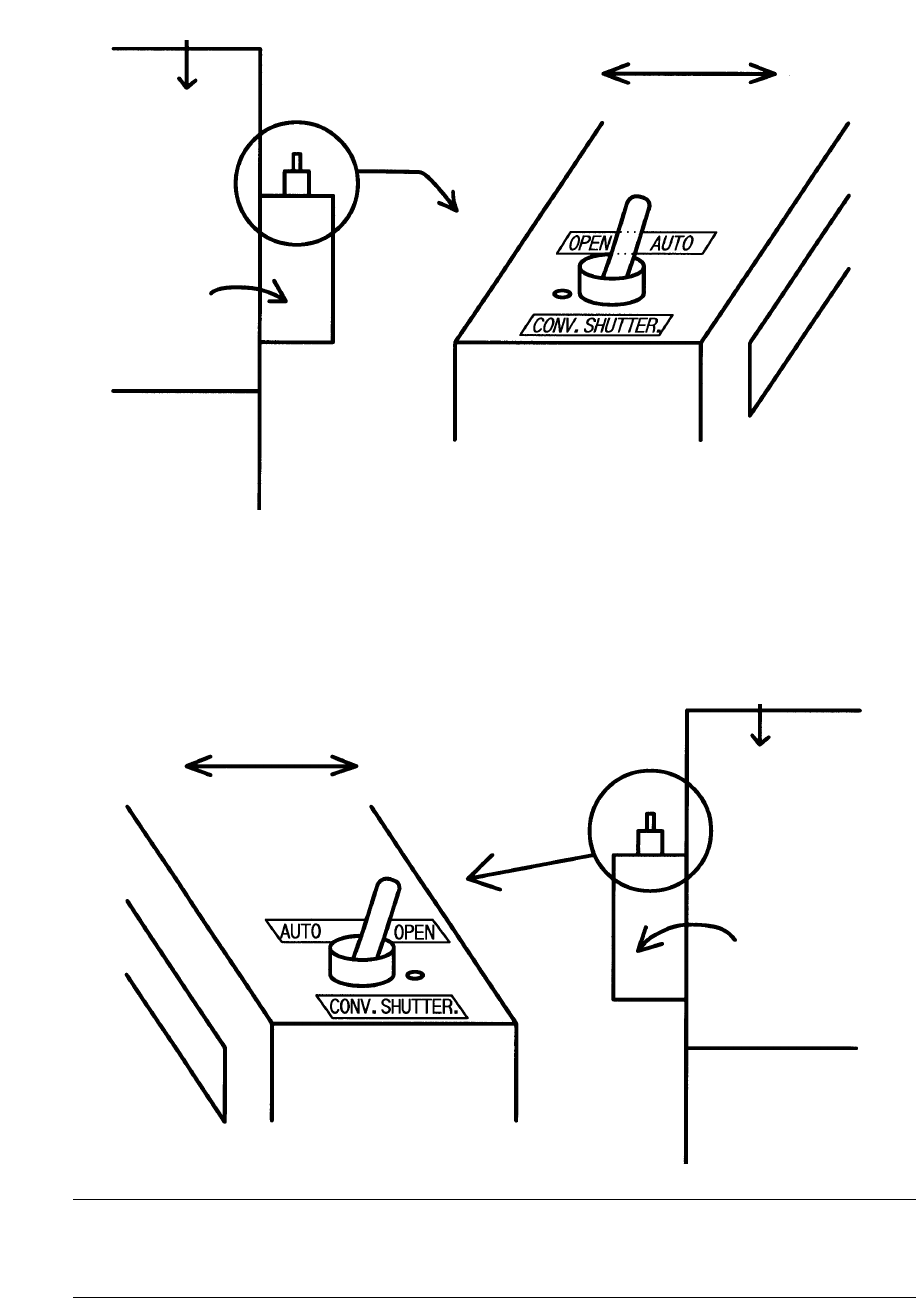
PWB transport shutter (right side viewed from the front)
PWB transport shutter (left side viewed from the front)
Note: When you set the switch to “AUTO”, the shutter automatically opens/closes
while the system is transporting a board. When you set it to “OPEN”, the
shutter opens.
Mounter main unit
PWB transport cover
Mounter side
Outer side
Mounter main unit
PWB transport cover
Mounter side Outer side
9
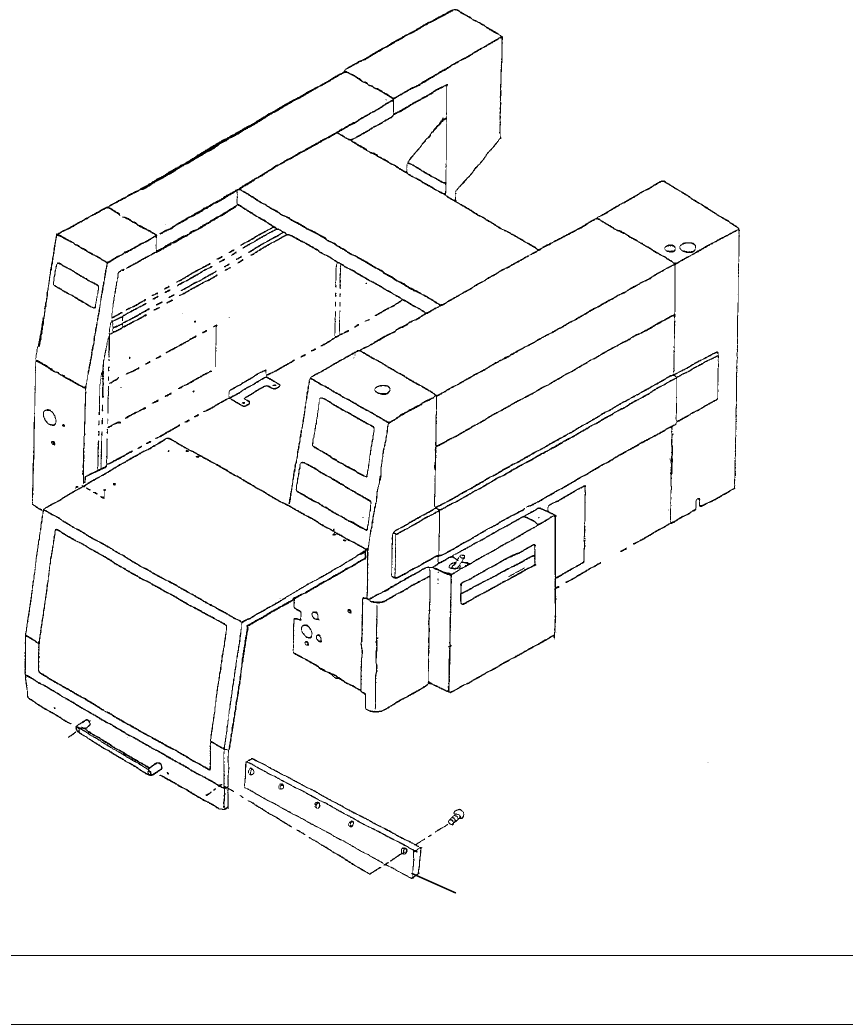
Note: When you attach a special feeder on your main unit, remove the screw, then
the safety cover guard if it is in contact with the safety cover guide.
Safety cover guide