1OM-1603-006_w.pdf - 第136页
1OM-1603 3-1 1 1. Automatic Operation : Chap.3 1007-004 1.3.3.1 Work during Automatic Operation • ConrmationofOperationModeandProductionLog The operation mode and the production log can be conrmed in the "…
1OM-1603
3-10
1. Automatic Operation : Chap.3
1108-005
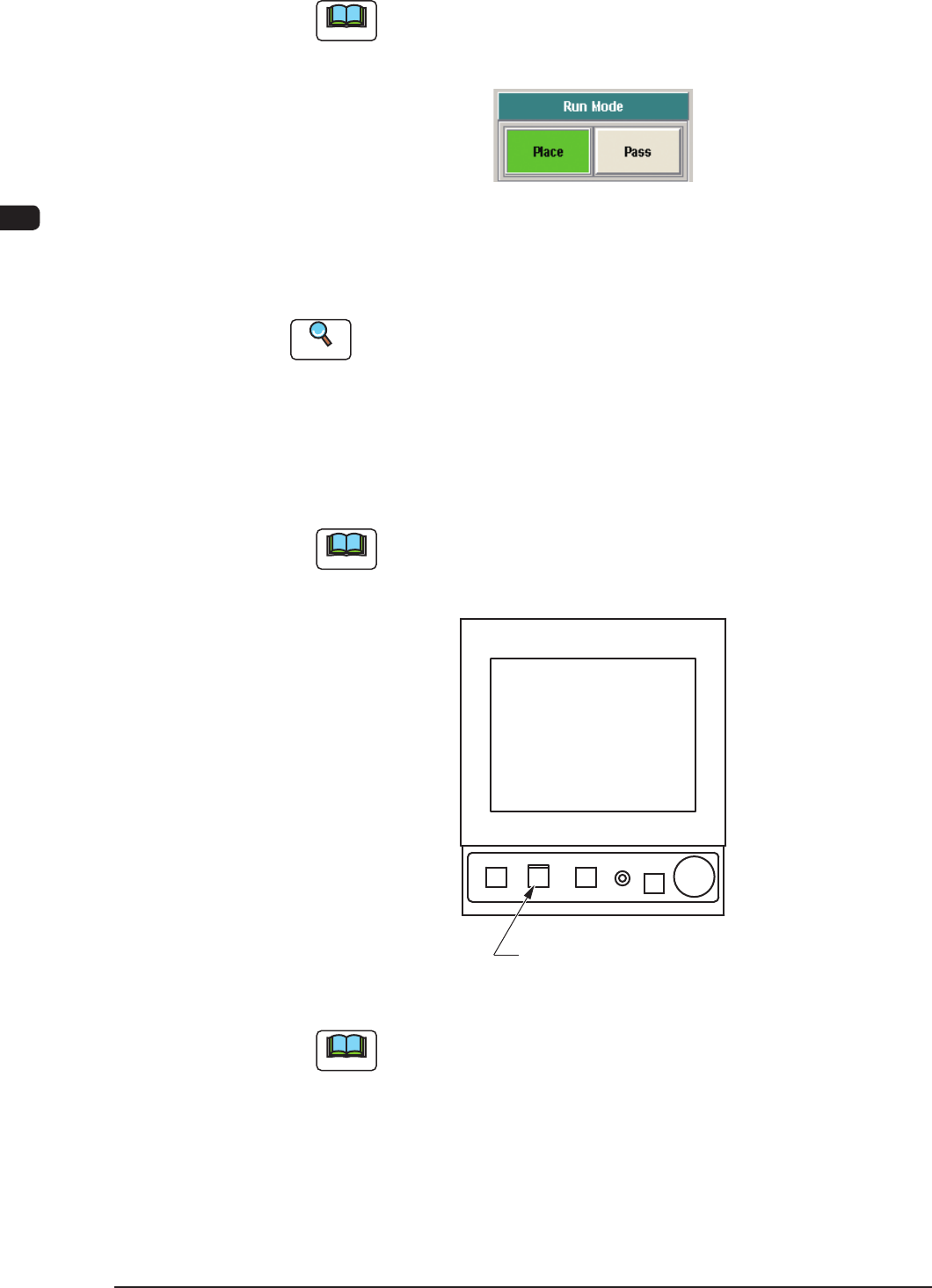
(3) Press the [Place] button (entitled "Run Mode").
Note
Press the [Pass] button (entitled "RUN MD") to set the "Pass" mode.
When the machine is set in the "Pass" mode, it just carries the PCB to the
output machine without placing any components on the PCB.
F1C10
(4) Change the pattern program to the one for the automatic operation for the
product to be produced.
Reference
Refer to "2. Program Change Operation" in Chapter 3 for details.
(5) Press the [START] button twice on the operation panel.
(When the [START] button is pressed once, the button ashes. Then,
when the [START] button is pressed again while the button is ashing, the
automatic operation (machine) is started.)
Note
In the case that the machine operation is not available when the [START]
button is pressed the rst time, a management information message is
displayed.
[
START
]
Button
F1C11
Note
(a) The [START] button does not icker when a window other than
the "Product" window is active. Therefore, the automatic operation
cannot be started.
(b) When the PCB positioning section is already loaded with a PCB, the
machine discharges the PCB without placing any components on it.

1OM-1603
3-11
1. Automatic Operation : Chap.3
1007-004
1.3.3.1 Work during Automatic Operation
•
ConrmationofOperationModeandProductionLog
The operation mode and the production log can be conrmed in the "Product"
window during the automatic operation.
Under the normal running condition, the current condition such as the program
names, the number of produced PCBs, etc., can be conrmed. In addition to
that, it can also be conrmed how many PCBs can be nished prospectively
and what degree of deterioration in the operation rate can be expected based on
pickup errors, etc.
By using the "Product" window, it can be conrmed if the machine is producing
the PCBs under normal condition or not, if there is any factor to deteriorate
the productivity or not, and what is happening due to the factor and where it is
happening.
When the productivity has deteriorated prominently, it is reported to the
operator with a message issued on the "Product" window.
•
Replenishment of Components and PCBs
When a component shortage error occurs during the automatic operation, the
machine issues an error alarm. In this case, replenish the component supply.
Reference
Refer to "3. Component Replenishment" in "Chapter 3" for details.
When a PCB shortage error occurs during the automatic operation, the input
machine issues an error alarm or this machine stops running automatically.
Reference
Refer to "4. PCB Replenishment" in "Chapter 3" for details.
•
Interruption & Restart and Emergency Stop & Restoration of Automatic
Operation
Refer to the following when the automatic operation must be interrupted during
the automatic operation, the machine must be stopped immediately in an
emergency, or the automatic operation must be restarted or restored.
Reference
5.1 Stop of Machine Operation in Chapter 3
5.2 Interruption of Automatic Operation in Chapter 3
1OM-1603
3-12
2. Pattern Program Change : Chap.3
1108-005
2. Pattern Program Change
2.1 Outline of Program Change Operation
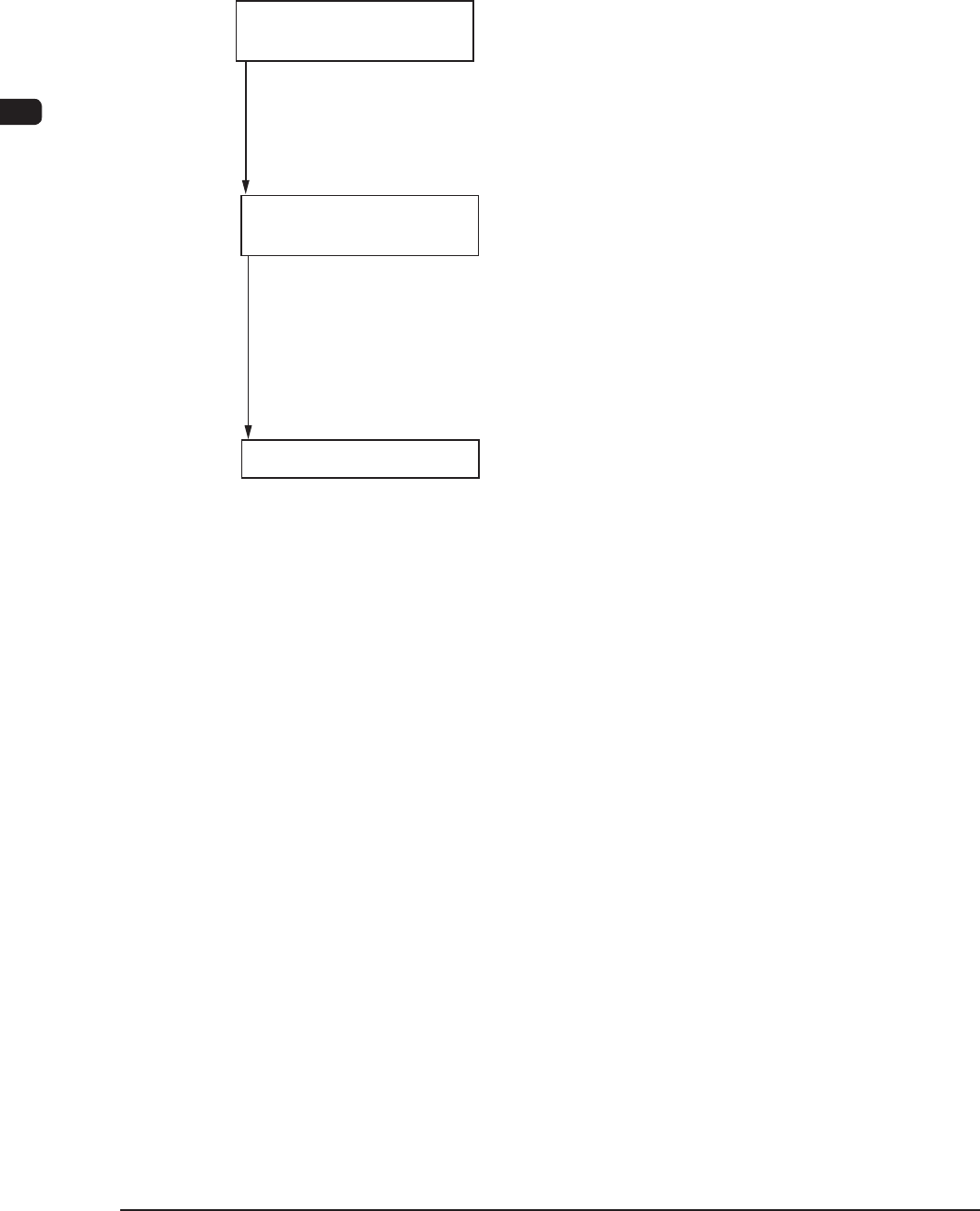
Follow the steps below to perform a program change operation.
Preparation for Program
Change Operation
Program Change
Operation
Confirmation of Placement
2.2.1 Preparation for Component Library
2.2.2 Creation of Pattern Program for Production Model
2.2.3 Registration of Pattern Program for Production Model
2.2.4 Preparation for Feeders
2.2.5 Replacement of Bank Feeder Chang Cart
2.3.1 Selection of Run Mode
2.3.2 Selection of Operation Mode
2.3.3 Setups for PCB Support Pins and Conveyor Width
2.3.4 Preparation for Vacuum Nozzles
2.3.5 Confirmation of PCB Transfer and Positioning
2.3.6 Confirmation of Component Pickup Position
2.4.1 Setting of Operation Mode
2.4.2 Confirmation of Component Placement
Flow of Program Change Operation for Production Model F1C12