00197044-02_IM_706_1_DE_EN.pdf - 第14页
Station S oftware 706. 1 / Install ation Man ual Ausgabe 11/2012 E dit ion 14 4 Requi rements 4.1 SIPLACE X - , SX - and DX -S eri es S oftw ar e C omponents 4.1.1 Station The st ation uses one of the follo wing op erati…
Station Software 706.1 / Installation Manual Ausgabe 11/2012 Edition
13
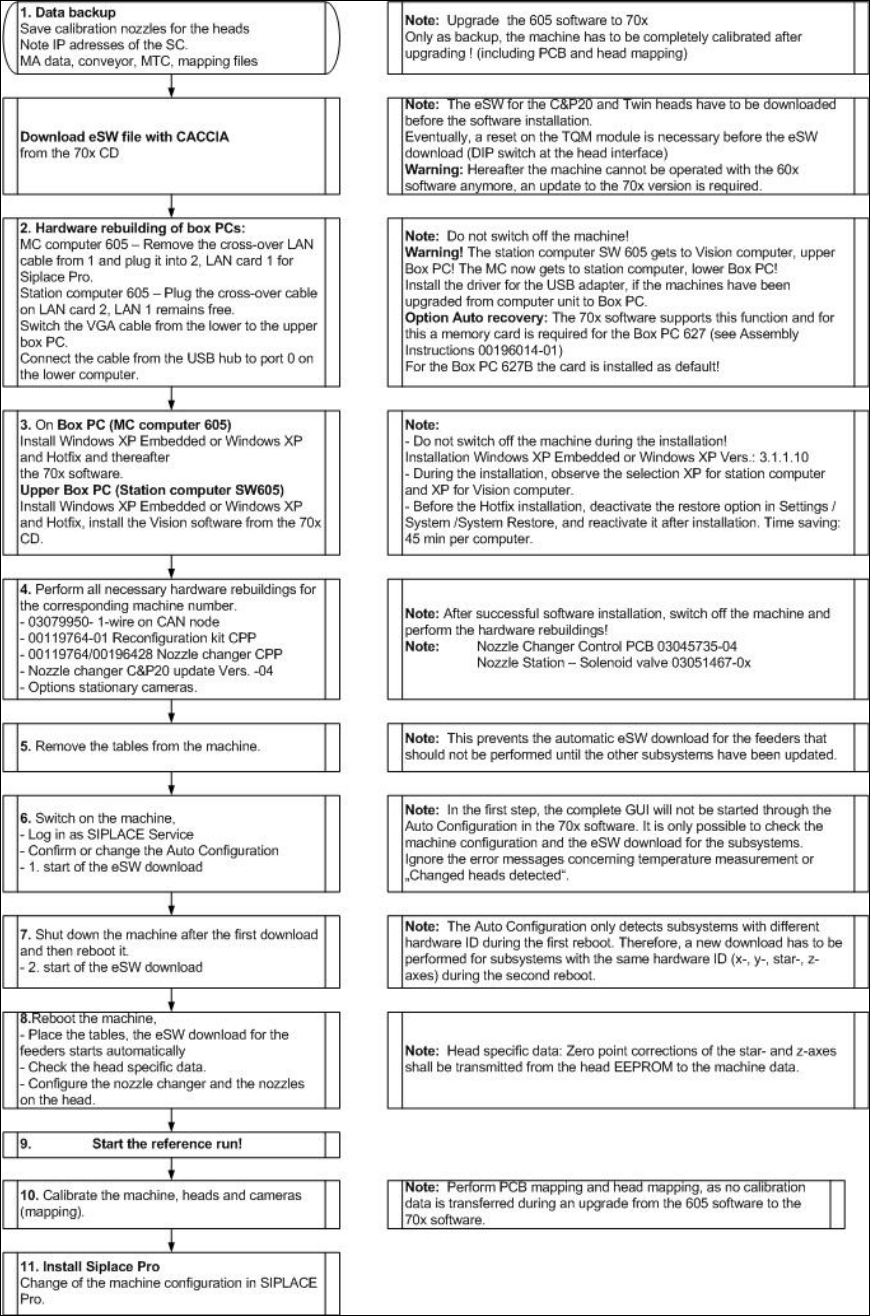
Flowchart: Upgrading from 60x Software Versions
Figure 3-1: Upgrading from 60x software versions
Station Software 706.1 / Installation Manual Ausgabe 11/2012 Edition
14
4 Requirements
4.1 SIPLACE X- , SX- and DX-Series Software Components
4.1.1 Station
The station uses one of the following operating system configurations on the machine and Vision
computer(s):
– Microsoft Windows XP Embedded with Service Pack 2
– Microsoft Windows Embedded Standard (XPe SP3)
– Microsoft Windows XP Professional (incl. Service Pack 3 and most recent hot fixes)
– Microsoft Windows Embedded Standard 7 (WES7)
The machine computer and Vision computer software can optionally be used in one-computer or
two-computer operation.
4.1.2 Machine Components
The following versions of other machine components are required for the station software to
function correctly:
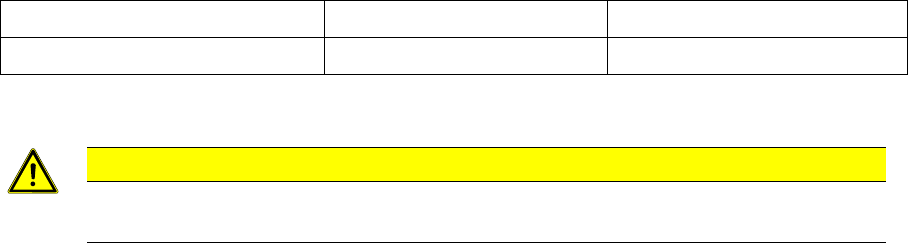
SIPLACE station software SIPLACE Vision SIPLACE Pro
Version 706.1 Version 502 Version 10.1*
* In compatible mode 705© : SIPLACE Pro Version 9.3.
CAUTION
The functional statuses of the station computer, Vision computer and SIPLACE Pro
software must be compatible, as specified above. Another configuration is not supported.

Station Software 706.1 / Installation Manual Ausgabe 11/2012 Edition
15
4.1.3 Embedded Software
You will find the used eSW versions listed in the eSW_Firmware_Files.txt file in the Documentation
directory on the installation DVD.
4.1.3.1 Composition of the File Name
1..6 7 8 9 10 11 12 13 14 15 16 17 18 19
Sub-
system
name
Sepa-
rator
Variant ID Hard-
ware ID
1)
Target
2)
Version Release . File type
See table
in section
4.1.3.2
_ 0 = no
variant
00 0 = BIOS 00
H
00
H
. HEX
_ A =
Variant
(SOKO)
… 1 = App 1 … … . JED
_ ... 99 2 = App 2 FF
H
FF
H
. BHX
Table 4-1: Composition of the file name
1)
Change compared with old file name (from one to 2 digits)
2)
Extended to second CAN