00194702_SIPLACE Trace Config Assistant Setup Center RF.pdf - 第18页
SIPLACE Setup Center RF 2.1 - Tools Installation Manual – SIPLACE Trace Config Assistant Step 7: Update Progress and Finish In this step you can see the update process. T he current obje ct in progress is displayed. Pres…
Installation Manual – SIPLACE Trace Config Assistant SIPLACE Setup Center RF 2.1 - Tools
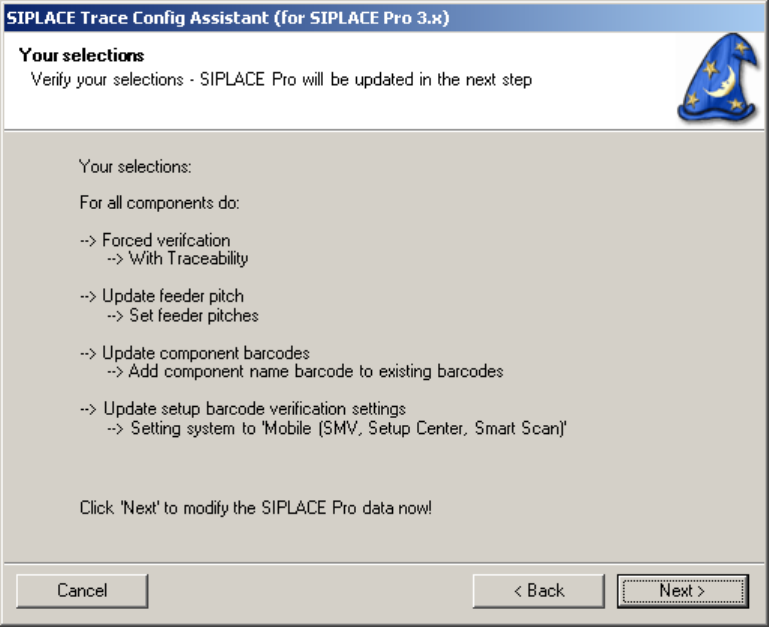
Step 6: Verify Selections
In this step you can verify the selection. The update process of the SIPLACE Pro data will start when
“next” is pressed.
Figure 8 "Verify Selections" page
17 von 20
-
SIPLACE Setup Center RF 2.1 - Tools Installation Manual – SIPLACE Trace Config Assistant
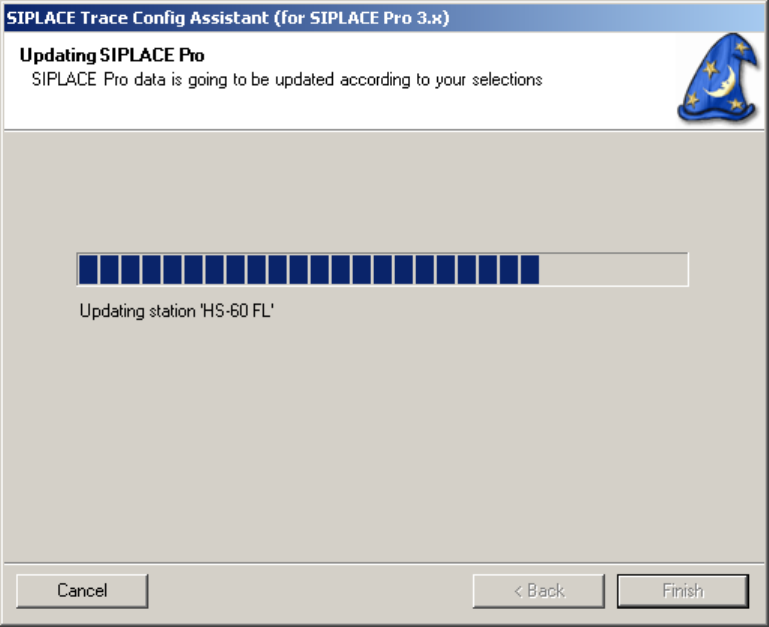
Step 7: Update Progress and Finish
In this step you can see the update process. The current object in progress is displayed.
Press “finish” to close the SIPLACE Trace Config Assistant.
Figure 9 "Update Progress and Finish" page
18 von 20
Installation Manual – SIPLACE Trace Config Assistant SIPLACE Setup Center RF 2.1 - Tools
19 von 20
-