00191171-01 - 第33页
Operating Manual Offset calibrat ion system for SIPL ACE 80 S15 / S2 0 / F3 / F 4 Edition 01/ 98 Page 33 of 47
Offset calibration system for SIPLACE 80 S15 / S20 / F3 / F4 Operating Manual
Edition 01/98
Page 32 of 47
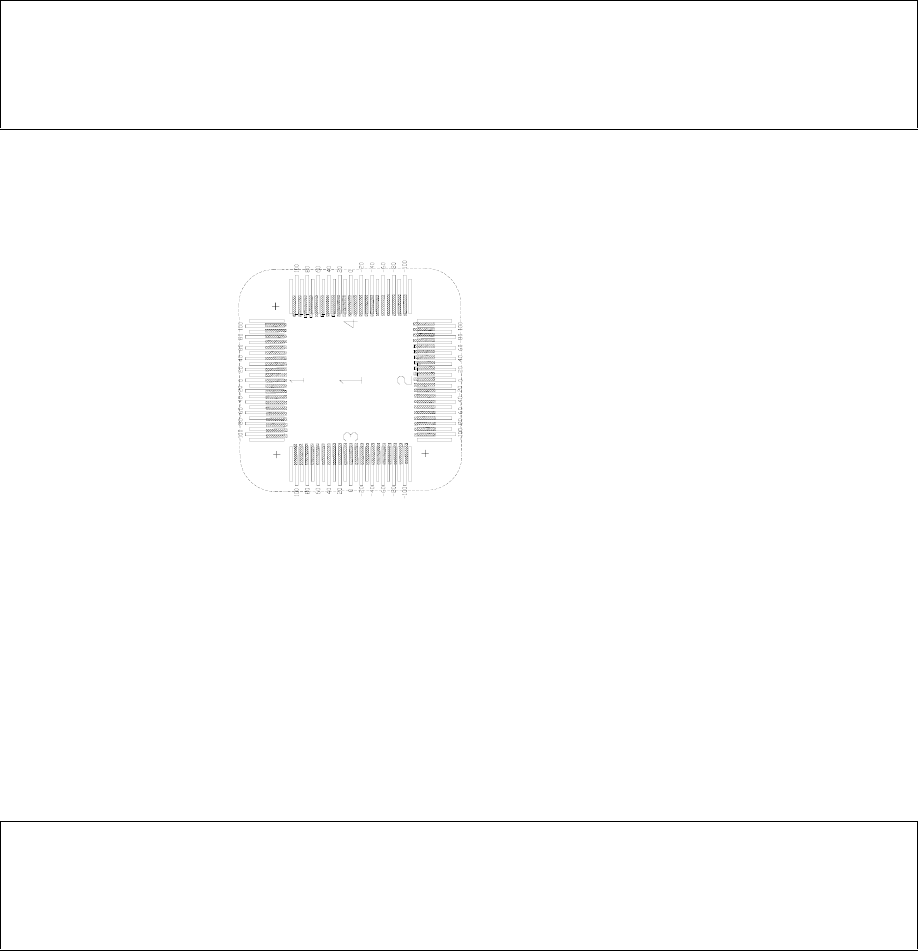
Note
Do not mix up the sequence and sides of the glass components. Otherwise, the evaluation will be fal-
sified!
2.4 Evaluation
•
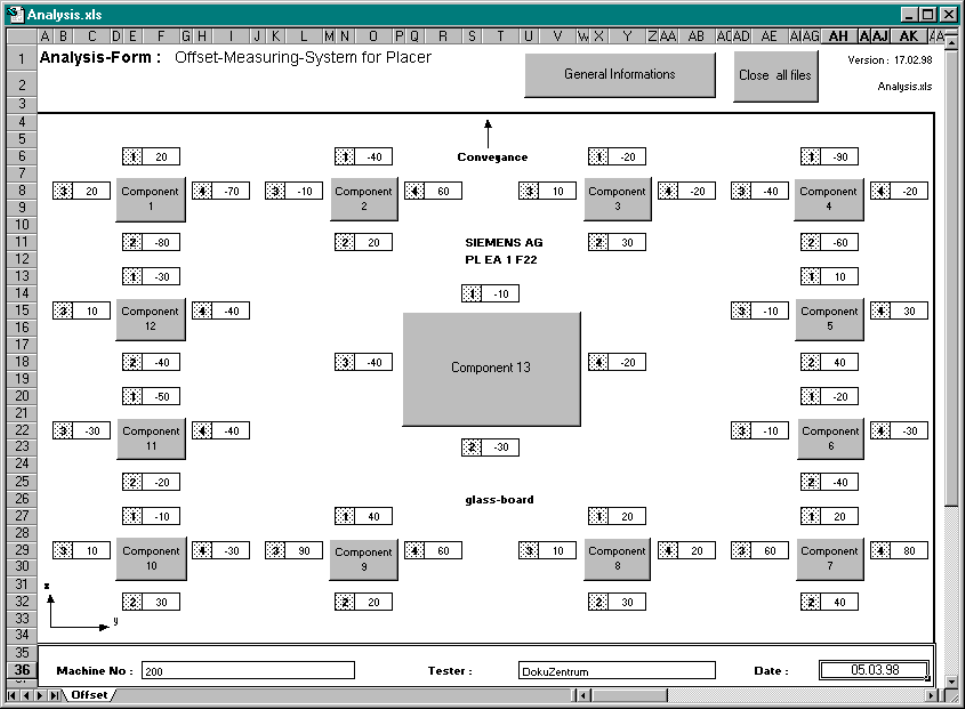
Use MS Excel to open the ANALYSIS.XLS file and fill in the ”General Information” (Machine No.,
User Name, Date). Click on the specific component and transfer each measured value in turn from
the evaluation form into the dialog boxes which appear.
Note
Manual evaluation (mathematical calculation without MS Excel) is also possible. Use the enclosed
evaluation form for this purpose.
•
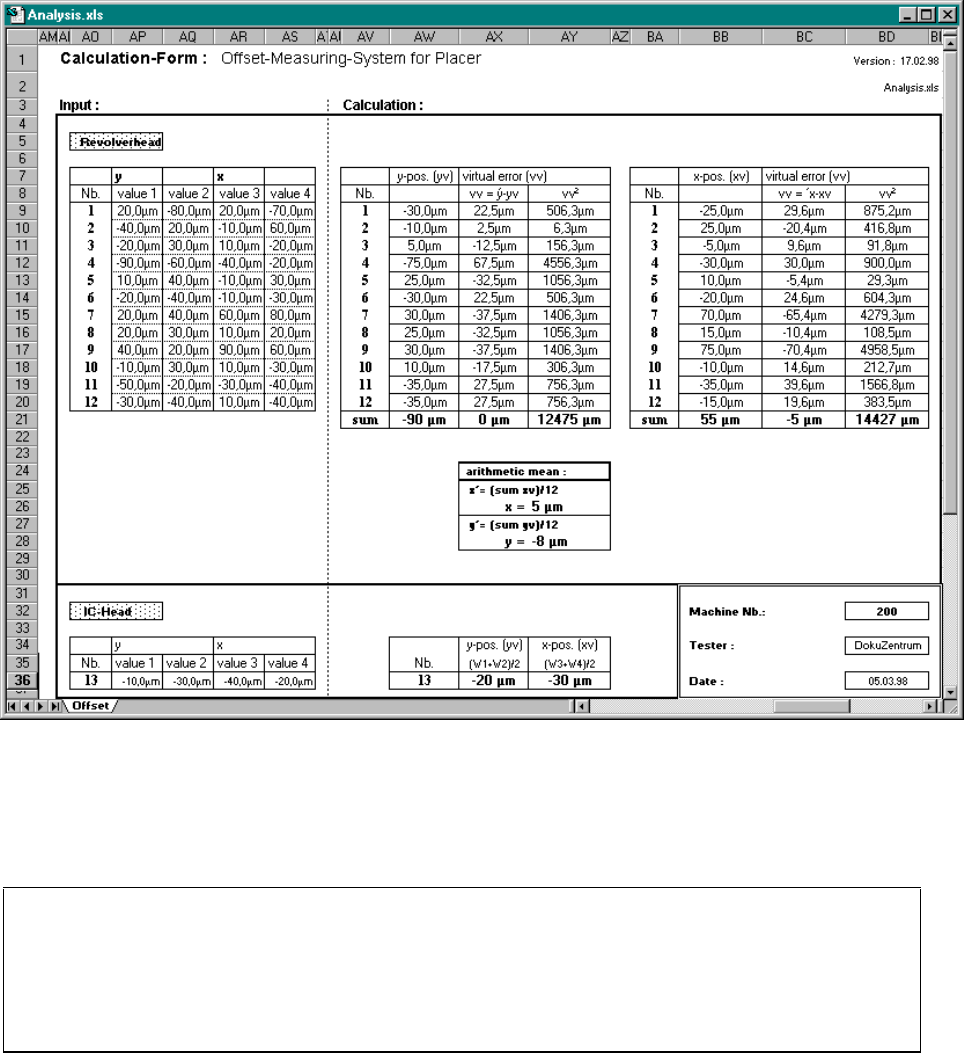
Scroll to the right in the Excel window. The correction values are displayed under ”arithmethic
mean”.
•
Print out the Excel page with the mean values and place it to hand for entering corrections. Close
the Excel file by clicking on the ”Close all files” button.
Operating Manual Offset calibration system for SIPLACE 80 S15 / S20 / F3 / F4
Edition 01/98
Page 33 of 47
Offset calibration system for SIPLACE 80 S15 / S20 / F3 / F4 Operating Manual
Edition 01/98
Page 34 of 47
3. Entering Corrections
Note
The following sections describe entering corrections for the various machine types in the REAL.MA
file. You require an editor program and a boot diskette in order to edit the REAL.MA file. First make a
backup copy of the REAL.MA file!
3.1 Entering Corrections on the SIPLACE 80 S15
Please observe the following sequence when entering corrections:
− 1
st
gantry 2
− 2
nd
gantry 1