CX200-4(Maint).pdf - 第5页
Contents Page Before Use ......................................... 1 About the Instruction Manual ........................... 2 Contents ........................................... 4 Checking Items ......................…
About the Instruction Manual
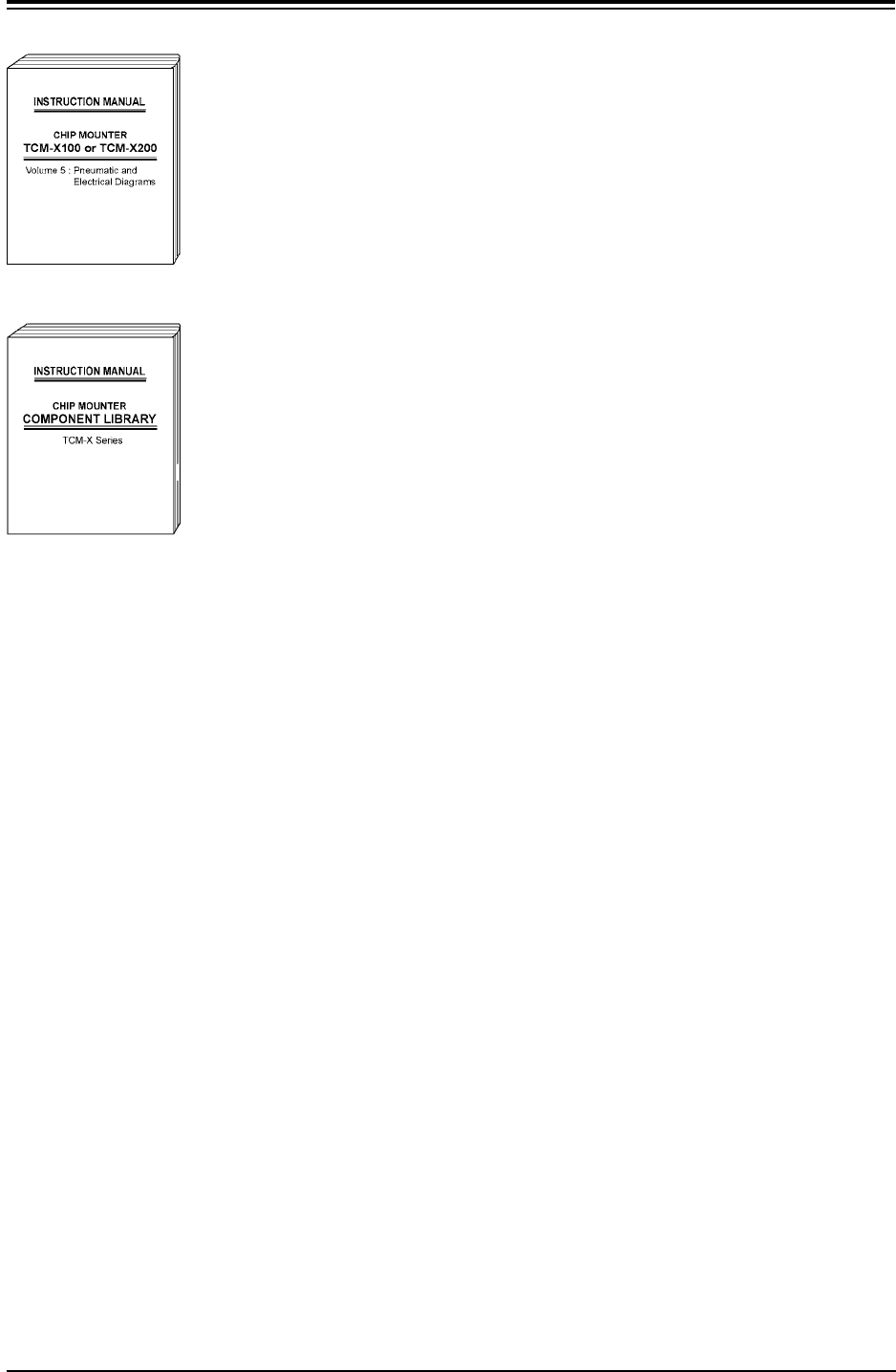
Volume 5: Pneumatic and Electrical Diagrams
This provides various kinds of material such as pneu-
matic and electrical circuit diagrams for those who are
in charge of machine servicing operations.
Coverage: Pneumatic Diagram, Parts Location, Elec-
trical Circuit Diagrams, etc.
COMPONENT LIBRARY:
This describes an explanation of component library data
and how to create it.
• This manual may not be copied, in whole or part, with-
out written consent of the publisher.
• This manual should be regarded as part of the ma-
chine and the contents comply with all the specifica-
tions regarding the purchased machine. Please keep
this manual within reach to serve as a handy tool in
completely understanding the workings of this ma-
chine.
• The contents of this manual are subject to change
without prior notice.
01 10-003 3
Afo01ETRP
Fig. 4X6
Fig. 4X7

Contents
Page
Before Use ......................................... 1
About the Instruction Manual ........................... 2
Contents ........................................... 4
Checking Items ...................................... 6
Safety Precautions ................................... 7
Section 1 Maintenance
......................... 1- A
1. Periodic Maintenance ............................. 1- 1
1.1 Precautionary Items before Maintenance ............ 1- 1
1.2 Preparation for Maintenance ...................... 1- 2
1.2.1 Preparation for Cleaning ....................... 1- 2
1.2.2 Preparation for Lubrication ..................... 1- 2
1.3 Maintenance Spots ............................. 1- 8
1.3.1 General View ................................ 1- 8
1.3.2 Understanding of Maintenance
Items on Each Section ............... 1-10
1.3.3 Inspection, Cleaning, and Lubrication Spots........ 1-11
1.4 Maintenance Method ............................ 1-45
1.4.1 Air Source .................................. 1-45
1.4.2 Filter Replacement of Head Section .............. 1-46
1.4.3 Cleaning of Vacuum Nozzle ..................... 1-47
1.4.4 Detachment and Attachment of Vacuum Nozzle ..... 1-48
1.4.5 Disassembly, Cleaning and Lubrication of
Miniature Stroke Bearing ............. 1-54
1.4.6 Lamp Replacement of Light Source Device for
Recognition Lighting ................ 1-62
1.4.7 Replacement of Cutter Blade ................... 1-64
1.4.8 Cleaning of Linear Scale/Encoder Head ........... 1-65
1.5 Maintenance Check List ......................... 1-67
1.5.1 Daily Maintenance ............................ 1-67
1.5.2 Weekly Maintenance .......................... 1-68
1.5.3 Monthly Maintenance ......................... 1-69
1.5.4 Every 3 Months Maintenance ................... 1-71
1.5.5 Every 6 Months Maintenance ................... 1-73
2. Lists of Consumables and Important Servicing Parts ..... 1-74
2.1 Lists of Consumables ........................... 1-74
2.2 Lists of Important Sevicing Parts ................... 1-75
01 10-003 4 AFO01ETRP

Contents
Page
Section 2 Troubleshooting
..................... 2- A
1. Scope ......................................... 2- 1
1.1 Scope of Troubleshooting ....................... 2- 1
1.2 “CHECK” Windows ............................ 2- 2
1.2.1 “CHECK” Windows .......................... 2- 2
1.2.2 List of Check Message ....................... 2- 4
1.3 Machine Information............................ 2- 9
1.3.1 “Machine Information” Window ................ 2- 9
1.3.2 List of Check Message ....................... 2- 11
1.4 “ERROR” Windows ............................ 2- 20
2. Easy Troubleshooting ............................. 2- 22
2.1 Power Operation Impossible ..................... 2- 22
2.2 Nothing Displayed on Touch Screen ............... 2- 23
2.3 [EMERGENCY STOP] Button Pressed ............. 2- 24
2.4 Continuous Operation Disabled
during Component Placement .............. 2- 27
3. Troubleshooting after Error Window .................. 2- 30
3.1 Typical Description............................. 2- 31
3.2 Error IDs and Controlled Areas ................... 2- 32
3.3 Error IDs and Remedial Procedures ............... 2- 33
4. Troubleshooting on Recognition System .............. 2-161
4.1 Typical Description ............................. 2-161
4.2 Recognition Error IDs and Controlled Areas .......... 2-162
4.3 Recognition Error IDs and Remedial Procedures ...... 2-163
4.3.1 Recognition Communication and Data Errors ...... 2-163
4.3.2 Component Recognition Errors ................. 2-179
4.3.3 P.E.C. Recognition Errors ...................... 2-187
4.3.4 Nozzle Recognition Errors ..................... 2-189
4.3.5 Various Teach Errors ......................... 2-190
4.3.6 Component Recognition
Lighting Lamp Burnout Errors ............. 2-193
4.3.7 Lighting Control Board-to-Board
Communication Errors ................... 2-194
01 10-003 5 AFO1ETRP