YS24X_Ope_E.pdf - 第74页
1-37 1 Part names and functions Ea29094: Pallet Set Error T his error message appears when pull-out of the recovery pallet failed. Open the sA TS door and chec k that the pallet and magazine positions are correct. n Othe…
1-36
1
Part names and functions
n
Error messages and troubleshooting during operation
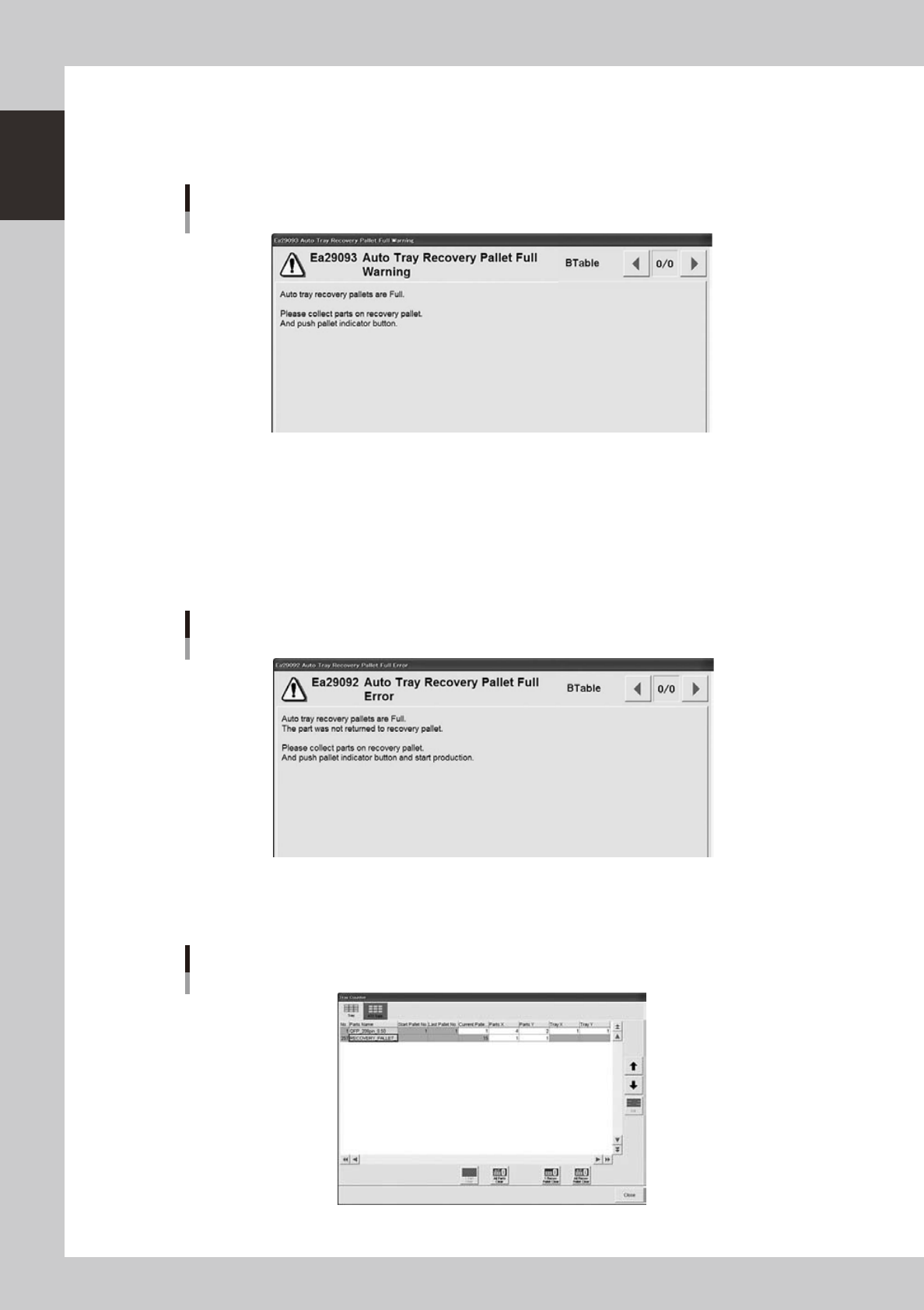
Ea29093: Auto Tray Recovery Pallet Full Warning
This error warning appears when all recovery pallets are full. Operation continues until the next disposal step.
Auto tray recovery pallet FULL warning
24106-L4-00
Ea29092: Auto Tray Recovery Pallet Full Error
The following error message appears when all recovery pallets are full and parts can no longer be placed in the recovery
pallets. The machine will come to a stop, so restore operation by using the procedure below.
1. Pull out the recovery pallets, remove all the parts, and set the pallets back in position.
2. Press the flashing indicator buttons to clear the counter. (You can also clear them on the screen below.)
3. Cancel emergency stop and press the [RUN] button to start operation.
Auto tray recovery pallet FULL error
24105-L4-00
Besides using the indicator buttons to clear the recovery pallet counter as described above, you can also clear it with the
[Tray Counter] on the Setup screen.
Clearing the recovery pallet
24107-L4-00
1-37
1
Part names and functions
Ea29094: Pallet Set Error
This error message appears when pull-out of the recovery pallet failed. Open the sATS door and check that the pallet and
magazine positions are correct.
n
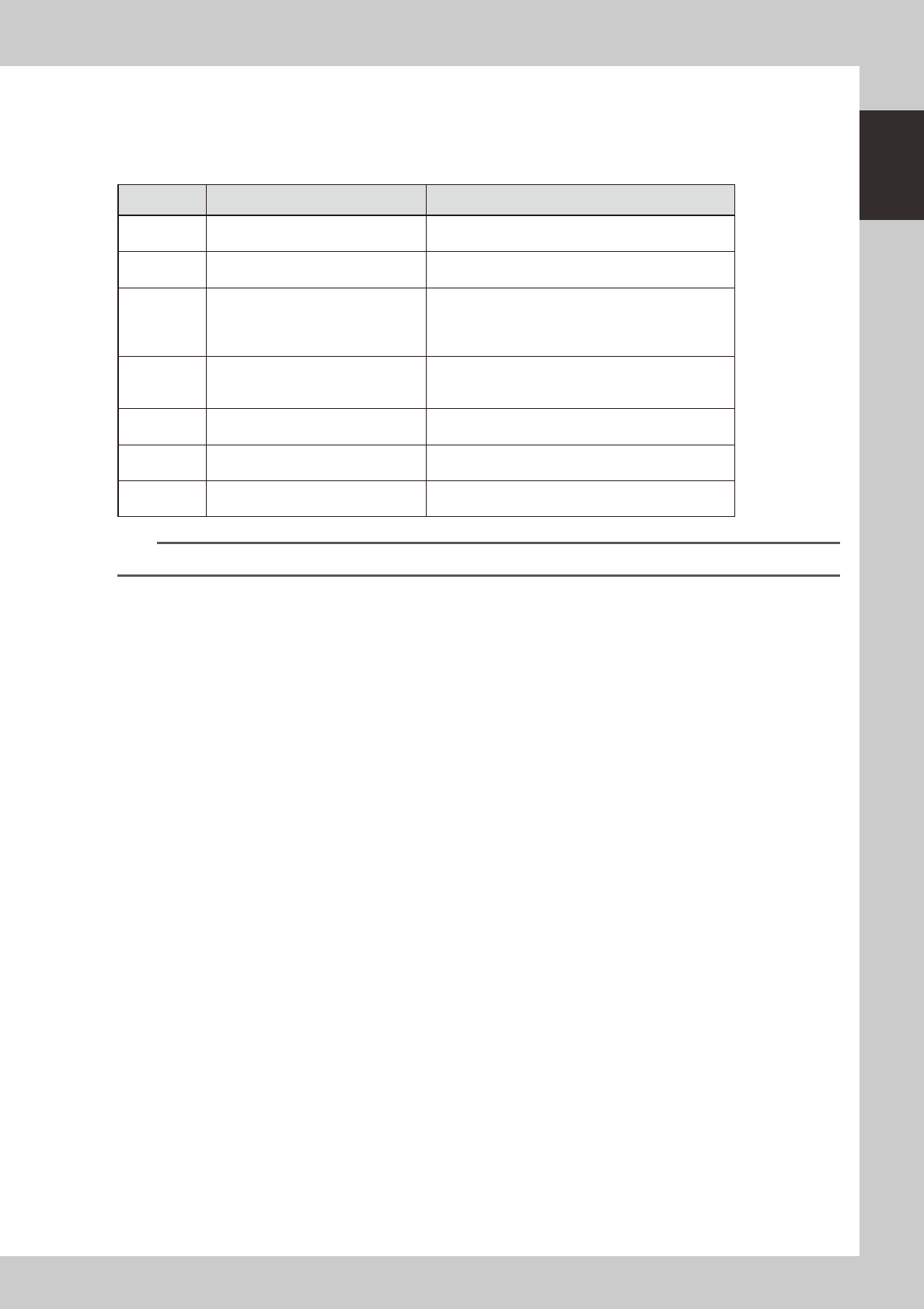
Other errors
No. Error Name Error Message
Ea3989 Recovery Pallet Setting Error
Pallet No. set as magazine No. X recovery pallet is the
wrong No. for magazine No. X.
Ea3990 Recovery Pallet Setting Error
Not even one recovery pallet is set, even though set to
“Recovery: EXIST” in the machine settings.
Ea3991 Recovery Pallet Disable to Access
Parts picked up from the A table were set for disposal
onto recovery pallet.
(Error occurs because the A table cannot access the
ATS.)
Ea3992 Recovery Pallet Parts Size Error
Size of parts (XY) for disposal in the recovery pallet
exceeds maximum part size (XY) allowed in recovery
pallet.
Ea3993 Recovery Pallet Parts Size Error
Thickness of parts for disposal in recovery pallet
exceeds maximum part size allowed in recovery pallet.
Ea3994 Recovery Pallet Disable to Use
Disposal method was set to "Recovery Unit" but cannot
use dump station or recovery pallet.
Ea3995 Recovery Pallet Interfere Error
Pallet for supplying parts might be binding on recovery
pallet due to part thickness, etc.
n
NOTE
See the separate "YS Series Programming Manual" for information on changing parameters in the machine settings.

Chapter 2 Basic operation
Contents
1
1.1 Canceling emergency stop 2-1
1.2 Clearing an error 2-2
1.3 Typical errors and troubleshooting 2-3
8
8
2.2 Setup screen 2-11
2.3 Unit screen 2-13
3. Starting and stopping the machine 2-19
3.1 Pre-operation check 2-20
3.2 Starting the machine 2-21
3.3 Warming up the machine 2-23
5
3.4.1 Conveyor unit setup flow 2-26
4. Preparing the component supply unit 2-29
4.1 Tape feeders 2-29
4.1.1 Setting the tape 2-29
4.1.2 Setting a tape feed pitch 2-34
4.1.3 Installation on a mounter 2-38
4.2 Wide multi-stick feeder 2-39
4.2.1 Installation of tracks and sticks 2-39
4.2.2 Installation on a mounter 2-42
4.3 Tray changer (sATS
II
3
4.3.1 Setting the component trays in the pallet 2-44
4.3.2. Setting the pallet in the magazine 2-45
4.3.3 Replacing a magazine or pallets 2-47
5. Settings on the mounter side 2-49
5.1 Setting the "Package" parameter. 2-49
4