Printer 600 Machine Programming.pdf - 第111页
0$&+,1 (352*5$0 0,1* 0(18 3$5 $0( 7(5 6 Software Version 07SP04 User Manual 1.111 of the par ameter ca uses the followi ng warning a nd menu bar to be di splayed: On se lect ing Apply the alterat ions to t he fiduc…
0$&+,1(352*5$00,1*
0(183$5$0(7(56
1.110 User Manual Software Version 07SP04
Screen 1 Fiducial
Type
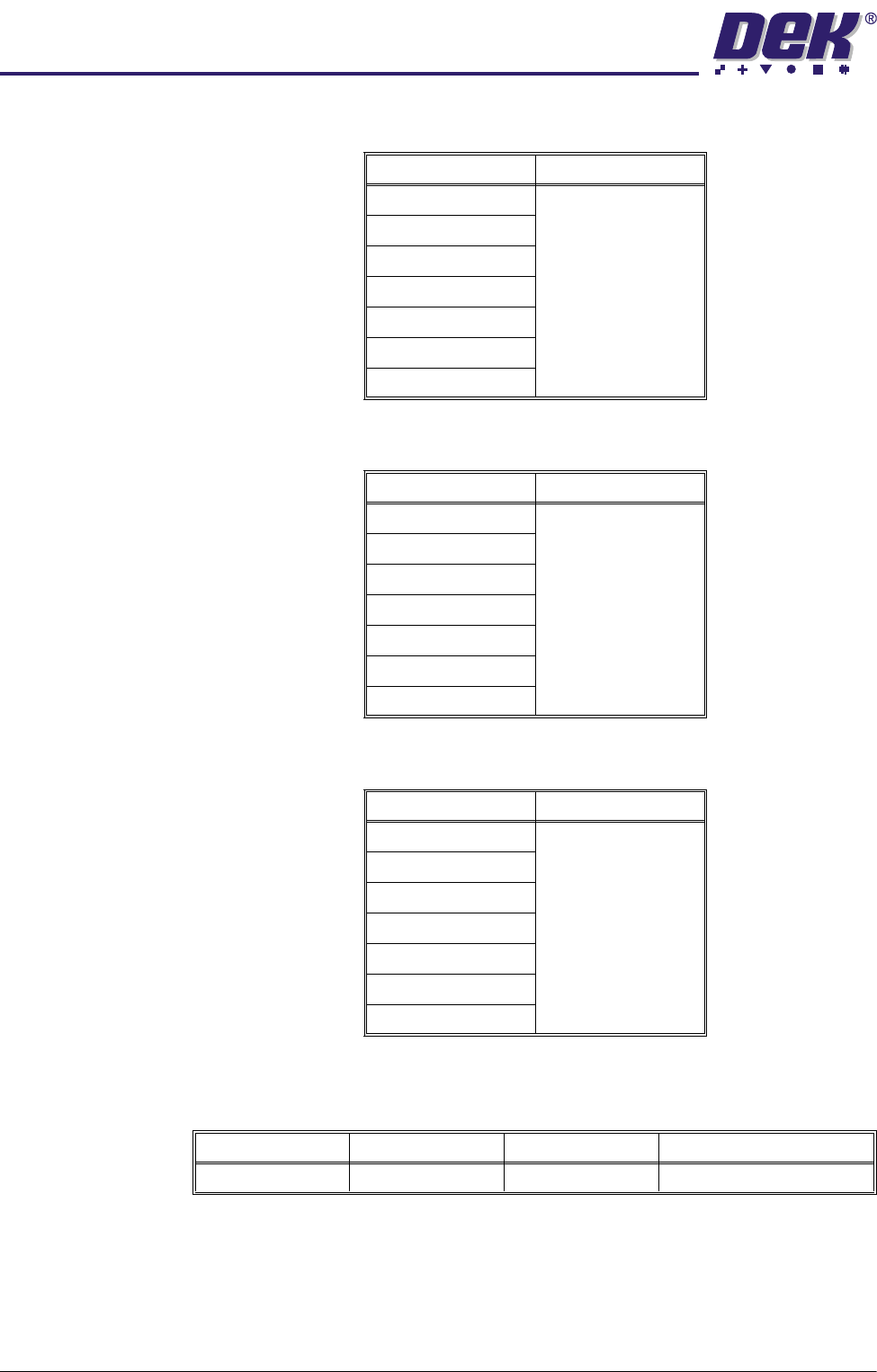
This determines the type of model to be used for this fiducial. Options are:
Screen 2 Fiducial
Type
This determines the type of model to be used for this fiducial. Options are:
Screen 3 Fiducial
Type
This determines the type of model to be used for this fiducial. Options are:
Fiducial 1 X
Coordinate
Distance of first fiducial from the right or left hand edge of the board (configura-
tion dependent).
Continue for other selected fiducials by selecting Step at the end of each fiducial
setup.
If the current product includes at least one inspection site, changing the value
Model Option Note
Circle
See vision system
Rectangle
Diamond
Triangle
Double Square
Cross
Video Model
Model Option Note
Circle
See vision system
Rectangle
Diamond
Triangle
Double Square
Cross
Video Model
Model Option Note
Circle
See vision system
Rectangle
Diamond
Triangle
Double Square
Cross
Video Model
Minimum Maximum Increment Default
1.0mm Board Length 0.1mm 1.0mm
0$&+,1(352*5$00,1*
0(183$5$0(7(56
Software Version 07SP04 User Manual 1.111
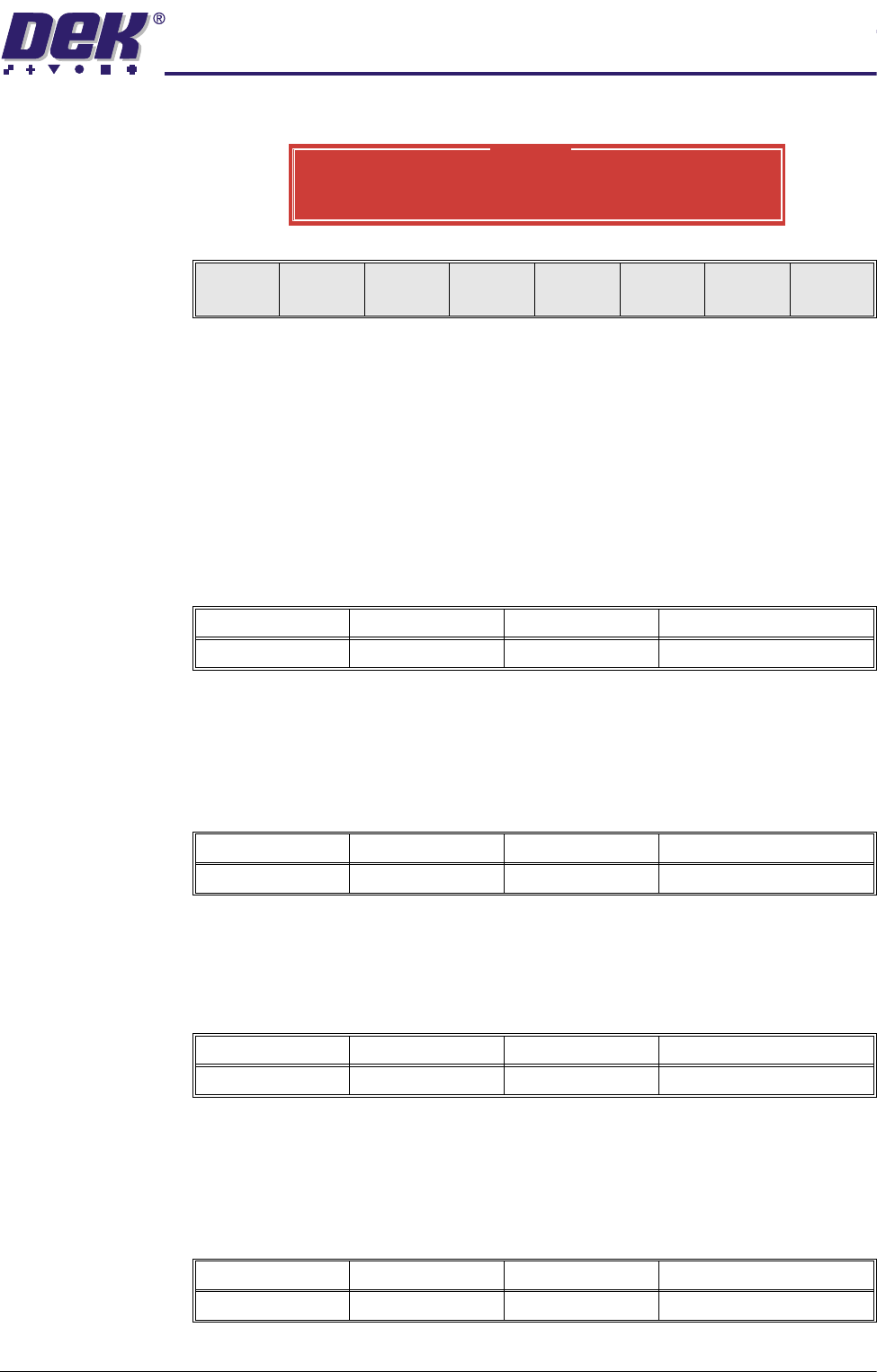
of the parameter causes the following warning and menu bar to be displayed:
On selecting Apply the alterations to the fiducial positions become effective and
are applied to all inspection sites.
On selecting Abandon Changes the alterations to the fiducial positions are
discarded, the positions of the inspection sites remain unaltered and control is
returned to the initiating sequence.
On selecting Don’t Apply the alterations to the fiducial positions become
effective, but are not applied to the inspection sites.
Fiducial 1 Y
Coordinate
Distance of first fiducial from the front edge of the board.
NOTE
See Fiducial 1X Coordinate above for information on warning window.
Fiducial 2 X
Coordinate
Distance of second fiducial from the right or left hand edge of the board
(configuration dependent).
NOTE
See Fiducial 1X Coordinate above for information on warning window.
Fiducial 2 Y
Coordinate
Distance of the second fiducial from the front edge of the board.
NOTE
See Fiducial 1X Coordinate above for information on warning window.
Fiducial 3 X
Coordinate
Distance of third fiducial from the right or left hand edge of the board (configu-
ration dependent).
Warning
From the changes made to fiducial positions
do you want a correction to be applied to
all inspection sites?
Apply
Abandon
Changes
Don’t
Apply
Minimum Maximum Increment Default
1.0mm Board Width 0.1mm 1.0mm
Minimum Maximum Increment Default
1.0mm Board Length 0.1mm 1.0mm
Minimum Maximum Increment Default
1.0mm Board Width 0.1mm 1.0mm
Minimum Maximum Increment Default
1.0mm Board Length 0.1mm 1.0mm
0$&+,1(352*5$00,1*
0(183$5$0(7(56
1.112 User Manual Software Version 07SP04
NOTE
See Fiducial 1X Coordinate above for information on warning window.
Fiducial 3 Y
Coordinate
Distance of the third fiducial from the front edge of the board.
NOTE
See Fiducial 1X Coordinate above for information on warning window.
Select Mark X Distance of the select mark from the right or left hand edge of the board
(configuration dependent).
NOTE
Only used while Selective Print/Pass is enabled in Set Preferences.
Select Mark Y Distance of the select mark from the front edge of the board.
NOTE
Only used while Selective Print/Pass is enabled in Set Preferences.
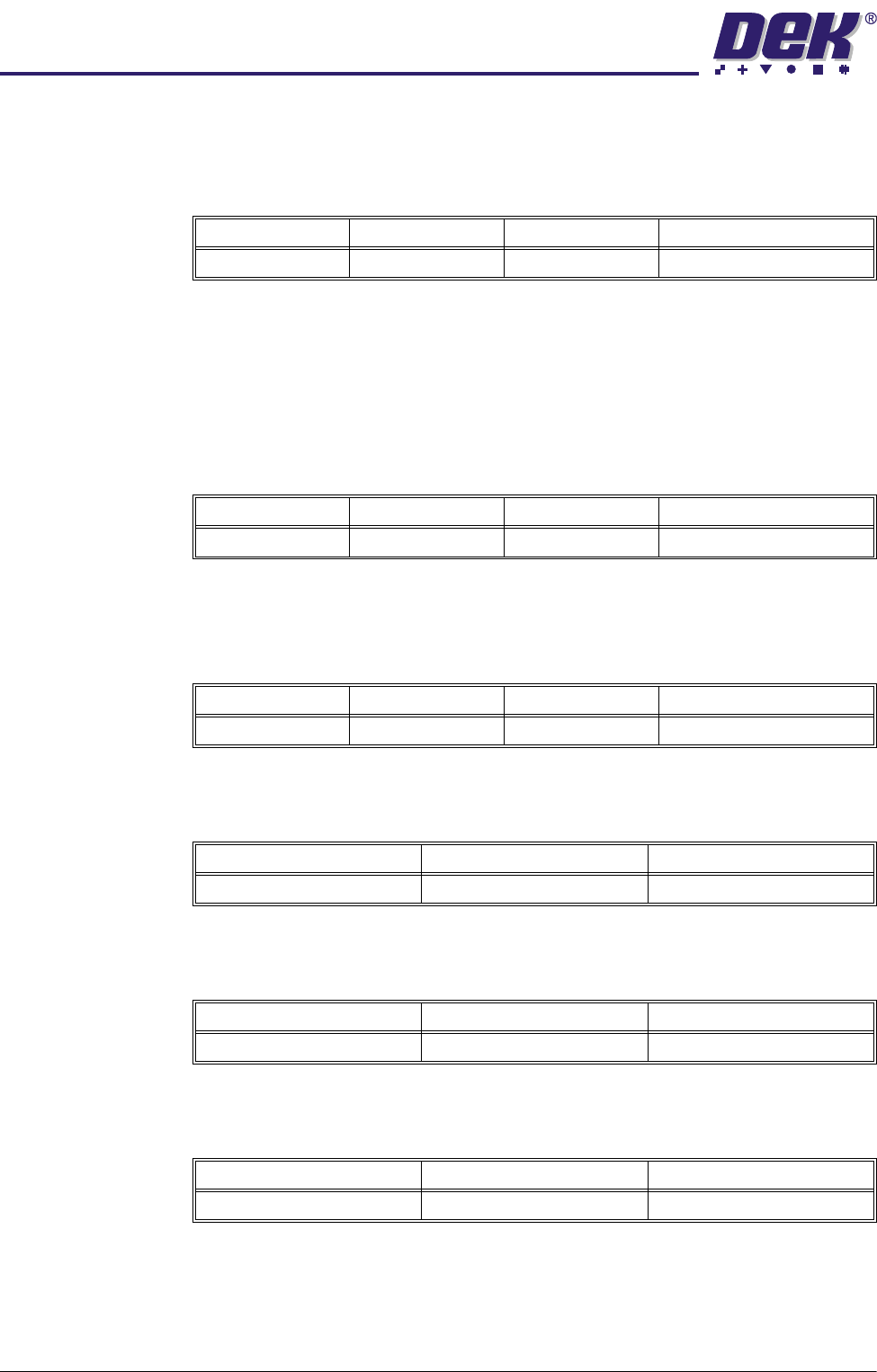
Forward X Offset Programmable offset of the print on the board when printing from the rear.
A positive offset moves the print to the right of the board.
Forward Y Offset Programmable offset of the print on the board when printing from the rear.
A positive offset moves the print to the rear of the board.
Forward Theta
Offset
Programmable offset of the print on the board when printing from the rear.
A positive offset moves the print in a clockwise direction.
Reverse X Offset Programmable offset of the print on the board when printing from the front.
Minimum Maximum Increment Default
1.0mm Board Width 0.1mm 1.0mm
Minimum Maximum Increment Default
0.0mm Board Length 0.1mm 148.5mm
Minimum Maximum Increment Default
0.0mm Board Width 0.1mm 13.0mm
Minimum Maximum Increment
-1.0mm +1.0mm 0.004mm
Minimum Maximum Increment
-1.0mm +1.0mm 0.004mm
Minimum Maximum Increment
-1000 arc seconds +1000 arc seconds 2 arc seconds