Printer 600 Machine Programming.pdf - 第125页
0$&+,1 (352*5$0 0,1* 67$786 3$*( Software Version 07SP04 User Manual 1.125 ST A TUS P AGE The inform ation displa yed on the main control monit or is shown on the sta tus page. There ar e two versi ons of the s ta …
0$&+,1(352*5$00,1*
63&&21),*85$7,21
1.124 User Manual Software Version 07SP04
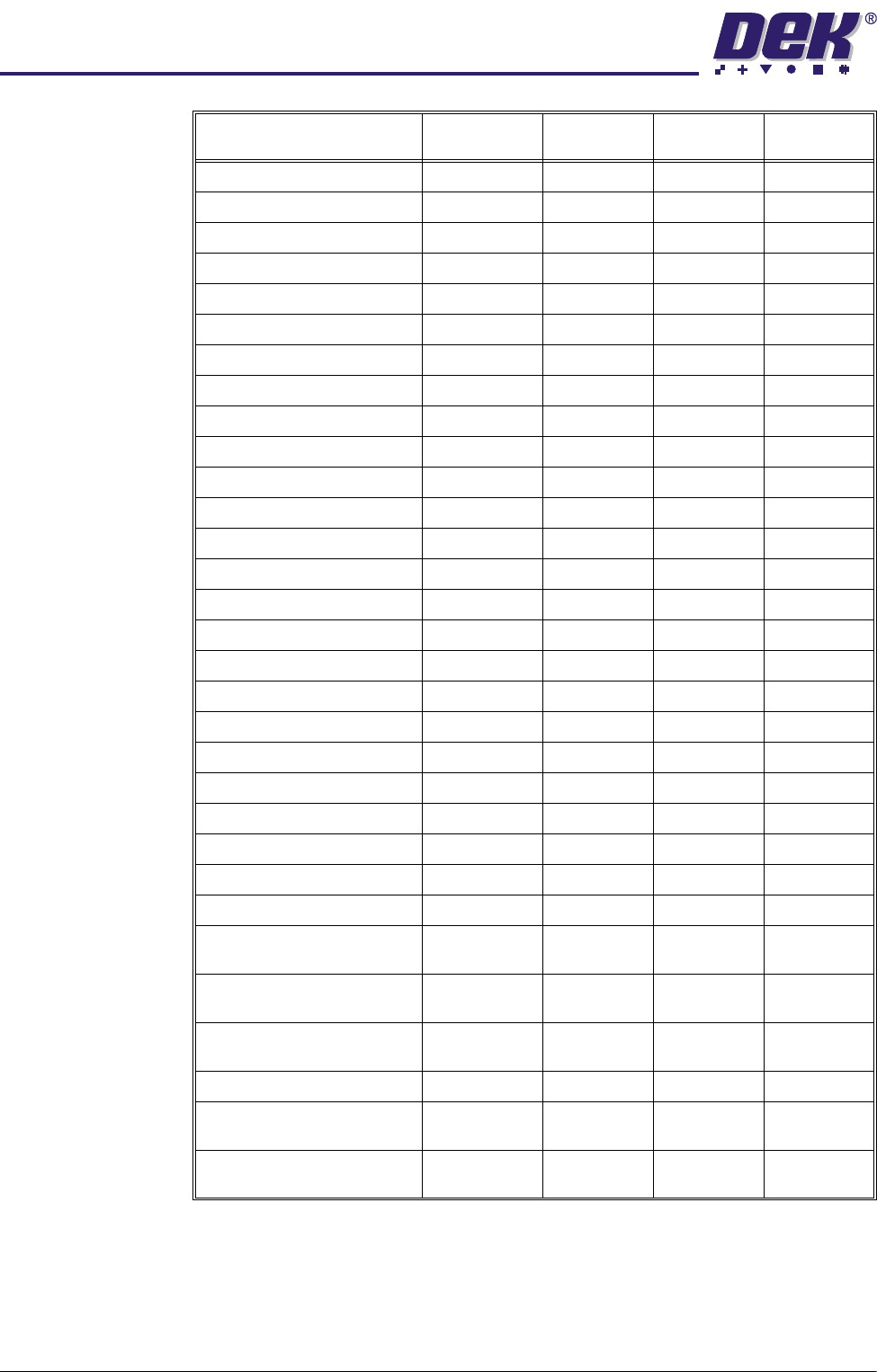
Board Fiducial 1 Score 700 +375, +100 10 ± 500
Screen Fiducial 1 Score 700 +375, +100 10 ± 500
Board Fiducial 2 Score 700 +375, +100 10 ± 500
Screen Fiducial 2 Score 700 +375, +100 10 ± 500
Board Fiducial 3 Score 700 +375, +100 10 ± 500
Screen Fiducial 3 Score 700 +375, +100 10 ± 500
X Pre Alignment Deviation 0 ± 0.025mm 0.0005mm ± 1mm
Y Pre Alignment Deviation 0 ± 0.025mm 0.0005mm ± 1mm
Theta Pre Align Deviation 0 ± 27 arcsec 1 arcsec ± 100 arcsec
Pre Print Board Stretch 0 ± 0.1mm 0.01mm ± 1mm
Pre Fid 1 X Align Deviation 0 ± 0.0625mm 0.0005mm ± 1mm
Post Fid 1 X Align Deviation 0 ± 0.0625mm 0.0005mm ± 1mm
Pre Fid 1 Y Align Deviation 0 ± 0.0625mm 0.0005mm ± 1mm
Post Fid 1 Y Align Deviation 0 ± 0.0625mm 0.0005mm ± 1mm
Pre Fid 2 X Align Deviation 0 ± 0.0625mm 0.0005mm ± 1mm
Post Fid 2 X Align Deviation 0 ± 0.0625mm 0.0005mm ± 1mm
Pre Fid 2 Y Align Deviation 0 ± 0.0625mm 0.0005mm ± 1mm
Post Fid 2 Y Align Deviation 0 ± 0.0625mm 0.0005mm ± 1mm
Pre Fid 3 X Align Deviation 0 ± 0.0625mm 0.0005mm ± 1mm
Post Fid 3 X Align Deviation 0 ± 0.0625mm 0.0005mm ± 1mm
Pre Fid 3 Y Align Deviation 0 ± 0.0625mm 0.0005mm ± 1mm
Post Fid 3 Y Align Deviation 0 ± 0.0625mm 0.0005mm ± 1mm
Front X Act Rel Movement 0 ± 0.45mm 0.025mm ± 2mm
Rear X Act Rel Movement 0 ± 0.85mm 0.025mm ± 2mm
Act Y Rel Movement 0 ± 0.25mm 0.025mm ± 2mm
Front X Act Position Front X Rough
Align Value
± 0.45mm 0.025mm ± 9mm
Rear X Act Position Rear X Rough
Align Value
± 0.85mm 0.025mm ± 9mm
Act Y Position Y Rough Align
Value
± 0.25mm 0.025mm ± 9mm
PVP Result 80 ± 20% 5% ± 50%
Front Print Speed Product
Parameter
± 0.5mm 0.25mm ± 5mm
Rear Print Speed Product
Parameter
± 0.5mm 0.25mm ± 5mm
Parameter Nominal Default
Tolerances
Increment
Size
Tolerance
Range
0$&+,1(352*5$00,1*
67$7863$*(
Software Version 07SP04 User Manual 1.125
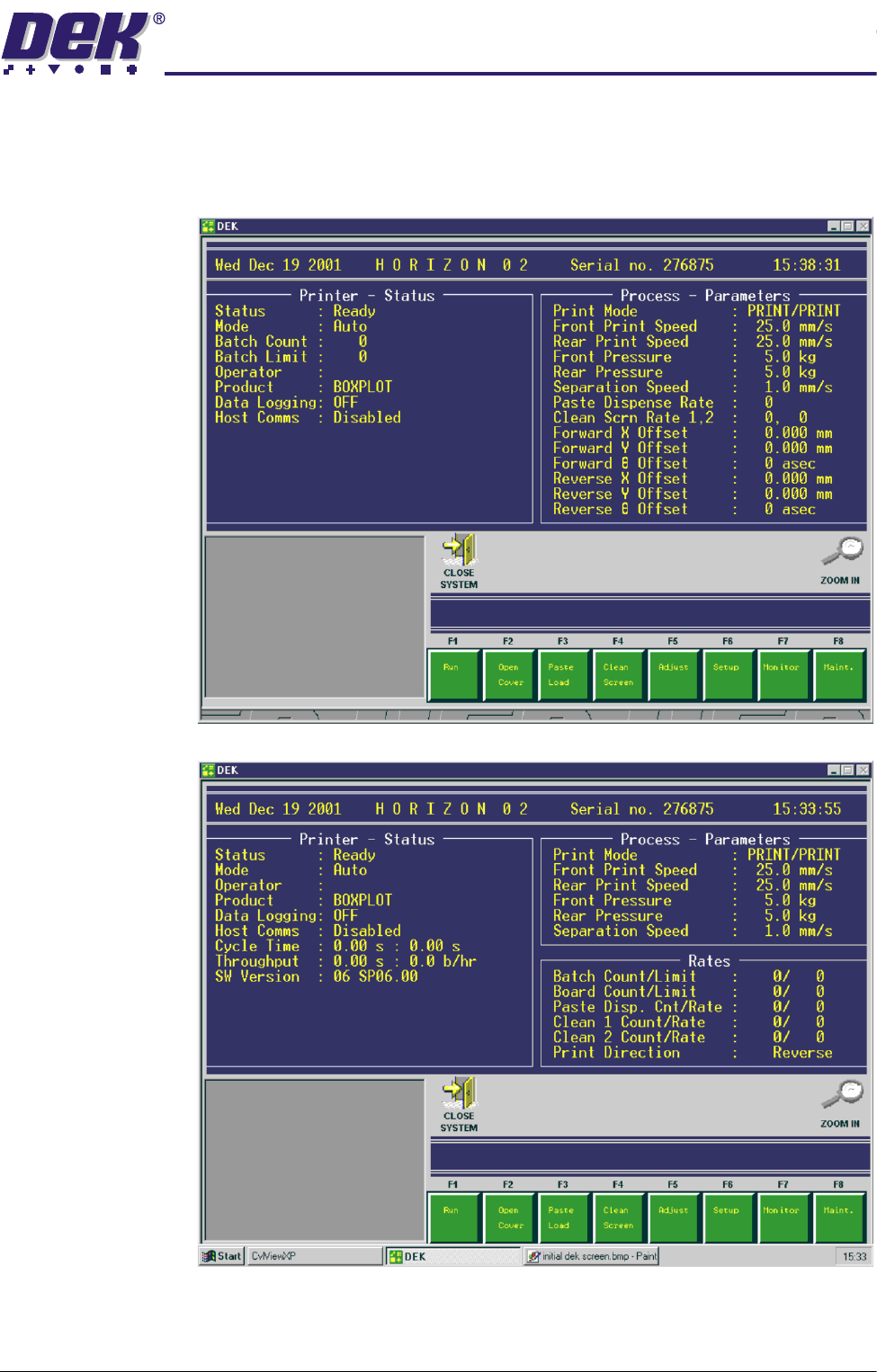
STATUS PAGE The information displayed on the main control monitor is shown on the status
page. There are two versions of the status page, selectable in Display Type in
Set Prefs menu.
Display Type 1
Display Type 2
0$&+,1(352*5$00,1*
67$7863$*(
1.126 User Manual Software Version 07SP04
Information
Windows
Three information windows are displayed on the status page as follows:
• Printer - Status (on Display Types 1 and 2)
• Process - Parameters (on Display Types 1 and 2)
• Rates (on Display Type 2 only)
Printer - Status The following table lists all the items that can be displayed in the Printer - Status
information panel:
The Printer - Status panel can display up to a maximum of 14 items, (on both
Display Types 1 and 2).
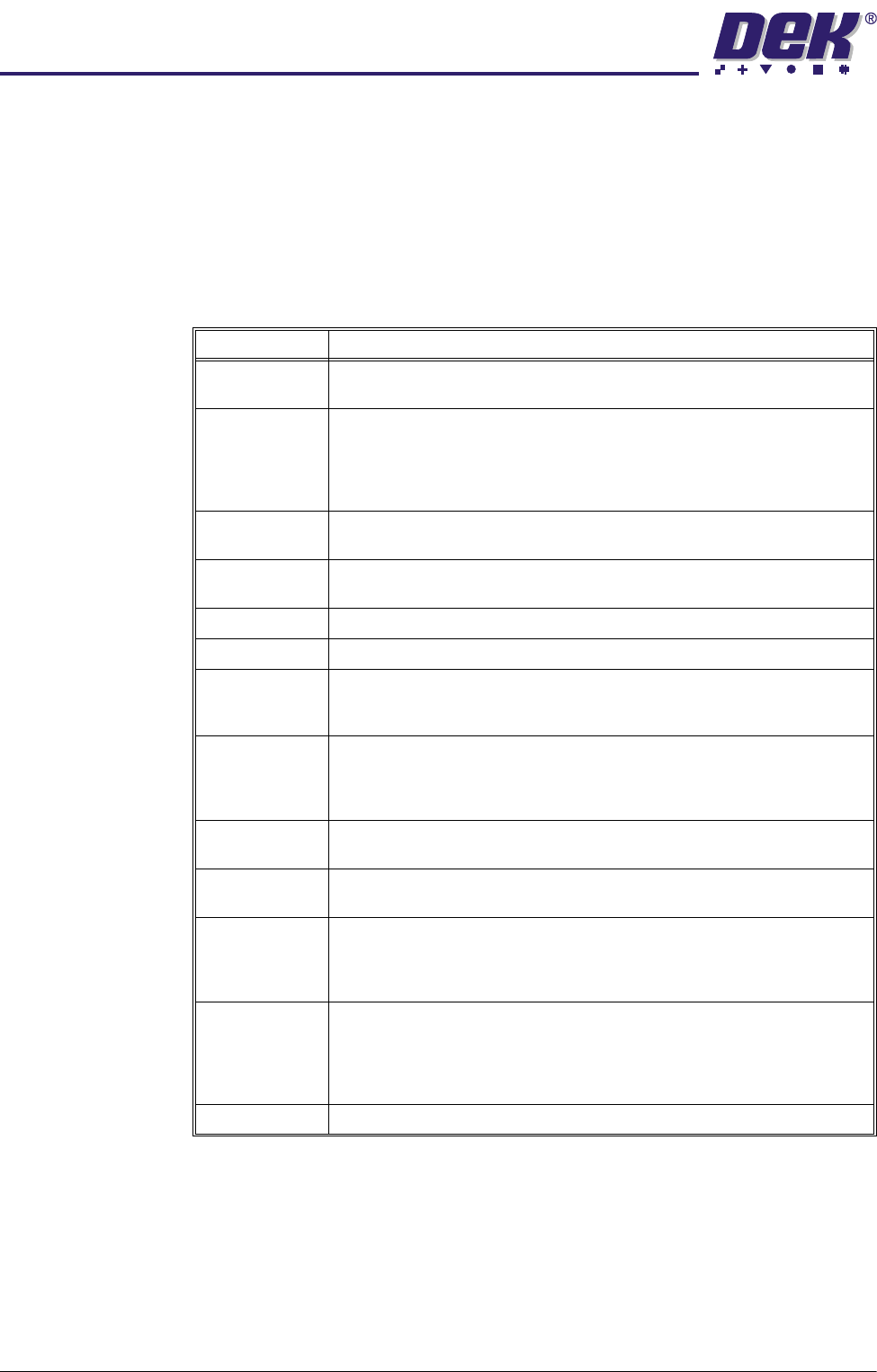
Item Description
Status The printers current status is displayed. Options are:
Maintenance; Operator Active; Ready; Machine Set Up.
Mode Displays the current mode of operation of the printer. Options are:
Step - The printer operates one step at a time;
Auto - The printer operates continuously;
Single - The printer prints a single board;
No Print - The printer passes the board through the printer without printing.
Batch Count Displays the amount of boards printed from the current batch. This is only
shown on Display Type 1.
Batch Limit Displays the total amount of boards to be printed in the current batch. This
is only shown on Display Type 1.
Operator Displays the name of the operator currently logged on to the printer.
Product Displays the current product loaded onto the printer.
Data Logging Displays whether data logging is selected. When selected, a pressure. dat
file is created as the squeegee carries out a print stroke. This option is
selected in Test Cycles in the Maint. menu.
Host Comms Displays the condition of host communications. Options are:
Disabled - Host Comms not selected;
Enabled-No Comm - Host Comms selected, but not connected;
Enabled-Comm - Host Comms selected and connected.
Temperature Displays the current temperature within the printhead area. This is only
displayed if a temperature and humidity sensor is fitted.
Humidity Displays the current relative humidity within the printhead area. This is only
displayed if a temperature and humidity sensor is fitted.
Cycle Time The first figure displays the cycle time of the last board to be printed. The
second figure displays the average cycle time of the batch. Cycle time is
the time taken for the board to pass from the input sensor to the output
sensor, not including delays, ie waiting for the downline machine.
Throughput The first figure displays the throughput time of the last board to be printed.
The second figure displays the amount of boards to be printed in an hour,
based on the throughput times of the batch. Throughput is the time taken
for the board to pass from the input sensor to the output sensor, including
all delays.
SW Version Displays the version of software currently loaded on the printer.