Printer 600 Machine Programming.pdf - 第66页
0$&+,1( 352*5$00 ,1* 67$*(( )250)/(; 722/,1* 1.66 User Manual Software Ve rsion 07SP04 Secure the plates usi ng the thumbscrews. 30. Ensuring correct o rient ation, load th e product stencil into the machi ne.…
0$&+,1(352*5$00,1*
67$*(()250)/(;722/,1*
Software Version 07SP04 User Manual 1.65
NOTE
If contaminated squeegees are fitted, these should be replaced at this point.
22.Select Continue (F1). Cleaner moves to the Home position and the print
carriage moves to the rear of the machine. The message ‘Table at Home
Height’ is displayed.
23.Select Transprt Height (F3). The message ‘Table at Transport Height’ is
displayed.
24.Place a board at the input sensor of the upline conveyor.
25.Select Load (F1).
26.Select Auto Board (F1).
27.Select Open Cover (F7).
28.Either:
a. Open the front printhead cover.
or
b. Raise the printhead shutter.
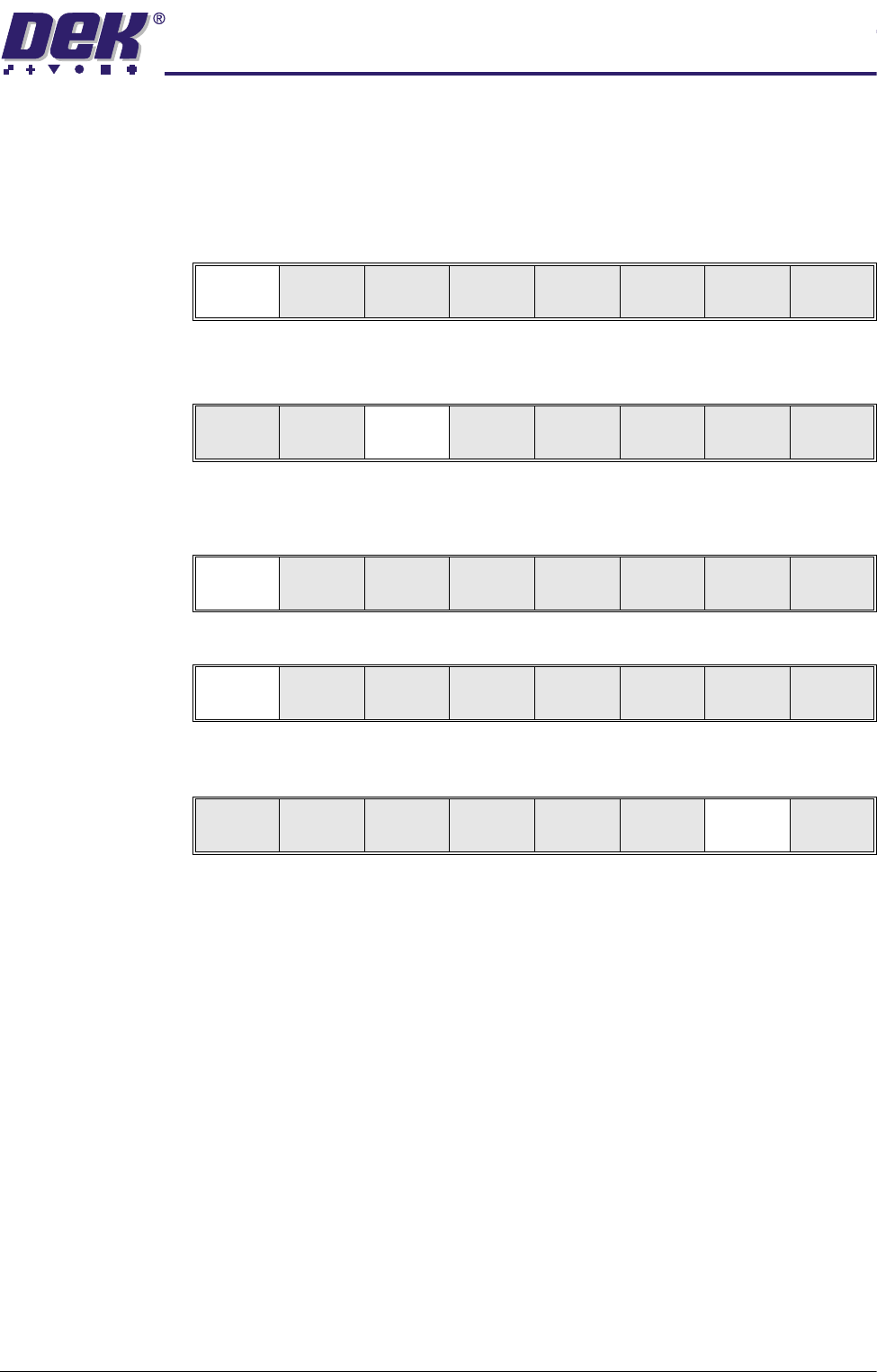
29.Slide the appropriate size and number of FormFlex blanking plates on to the
tooling modules outside the area of the squeegees/ProFlow transfer head.
Continue
Open
Cover
No
Load
Transprt
Height
Board
Clamps
Change
Screen
Open
Cover
Exit
Load
Vision
Height
Home
Height
Board
Clamps
Change
Screen
Open
Cover
Exit
Auto
Board
Manual
Board
Unload
Vision
Height
Home
Height
Board
Clamps
Change
Screen
Open
Cover
Exit
0$&+,1(352*5$00,1*
67$*(()250)/(;722/,1*
1.66 User Manual Software Version 07SP04
Secure the plates using the thumbscrews.
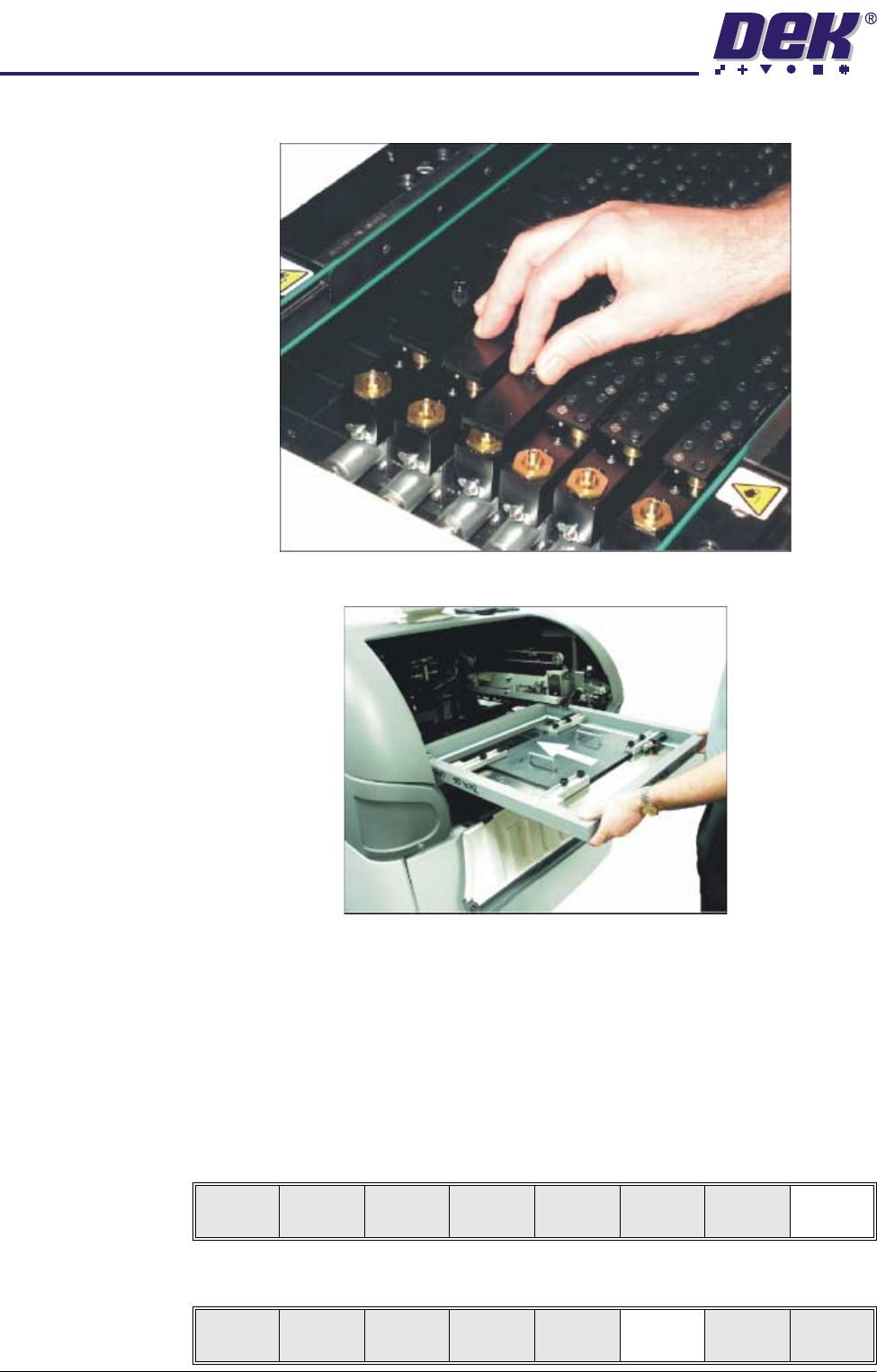
30.Ensuring correct orientation, load the product stencil into the machine.
31.If fitted, toggle screen clamp switch to down position (on).
32.Either:
a. Close the front printhead cover.
or
b. Lower the printhead shutter.
33.Press the System button.
34.Select Exit (F8).
35.Select Change Screen (F5).
Board
Clamps
Exit
Unload
Vision
Height
Home
Height
Board
Clamps
Change
Screen
Open
Cover
Exit
0$&+,1(352*5$00,1*
67$*(()250)/(;722/,1*
Software Version 07SP04 User Manual 1.67
36.Select Vision Height (F3). The message ‘Table at Vision Height. Check
Tooling Clearance’ is displayed.
37.Select Contact Height (F3).
The following window and menu bar are displayed:
38.Select Continue (F1). The message ‘Table at Contact Height. Check
Tooling Clearance.’ is displayed.
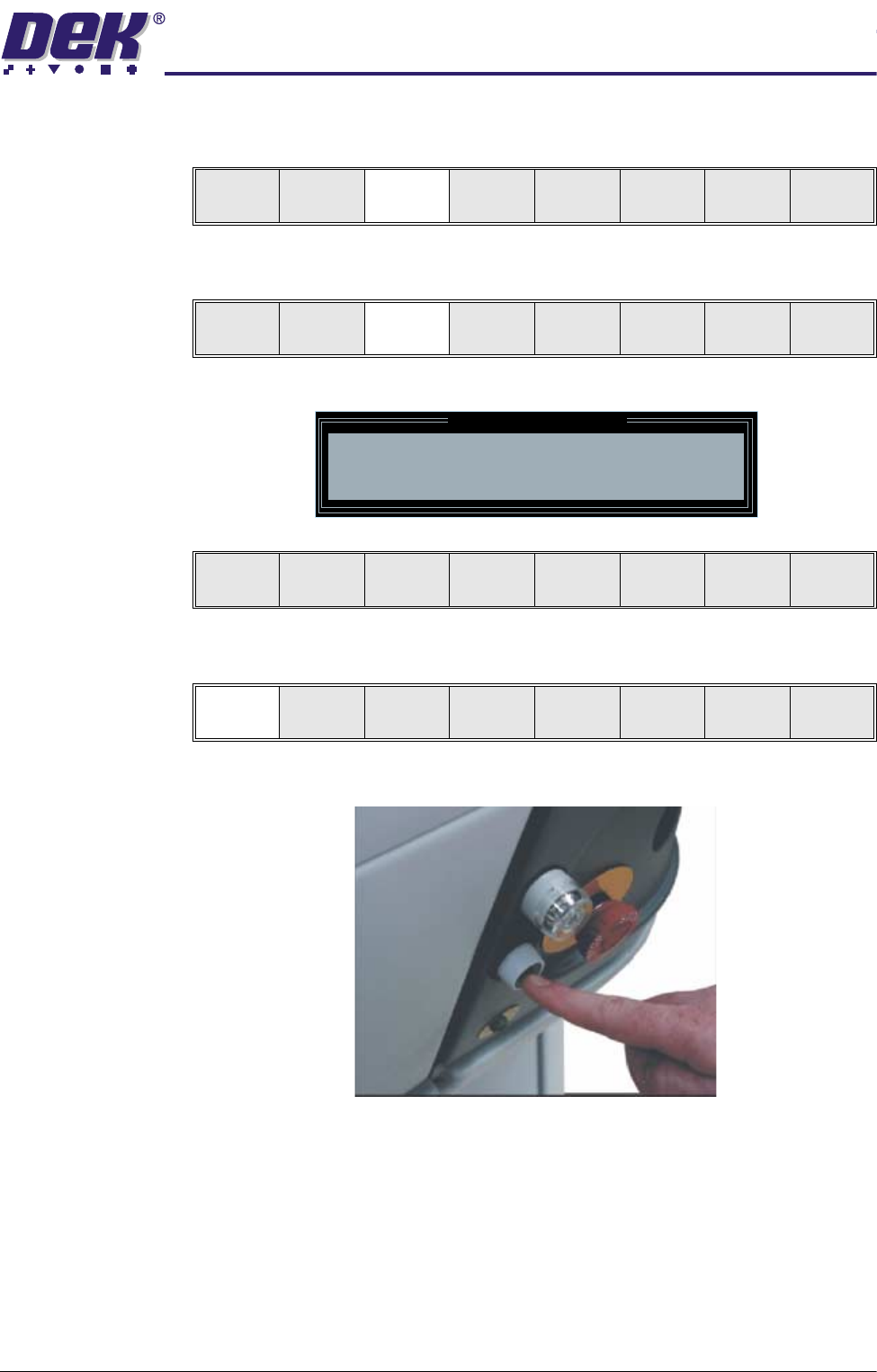
39.Press the operator switch on the front of the machine covers.
Unload
Vision
Height
Home
Height
Board
Clamps
Change
Screen
Open
Cover
Exit
Contact
Height
Tra nspr t
Height
Change
Screen
Open
Cover
Exit
Contact Height Warning
WARNING Check for obstructions between
the Rails and the Screen
Continue
Open
Cover
Exit
Continue
Open
Cover
Exit