Printer 600 Machine Programming.pdf - 第80页
0$&+,1( 352*5$00 ,1* 67$*( 9,6,216 <67(06 (783 1.80 User Manual Software Ve rsion 07SP04 The following windo w is displayed: 28. Use the Next, Pr evious, I ncr . and Decr . keys (F4 - F7), t o highlight an…
0$&+,1(352*5$00,1*
67$*(9,6,216<67(06(783
Software Version 07SP04 User Manual 1.79
NOTE
If selective print/pass through is enabled, the first board fiducial should now
be displayed on the monitor. In this case repeat Steps 11 - 23 for this fiducial.
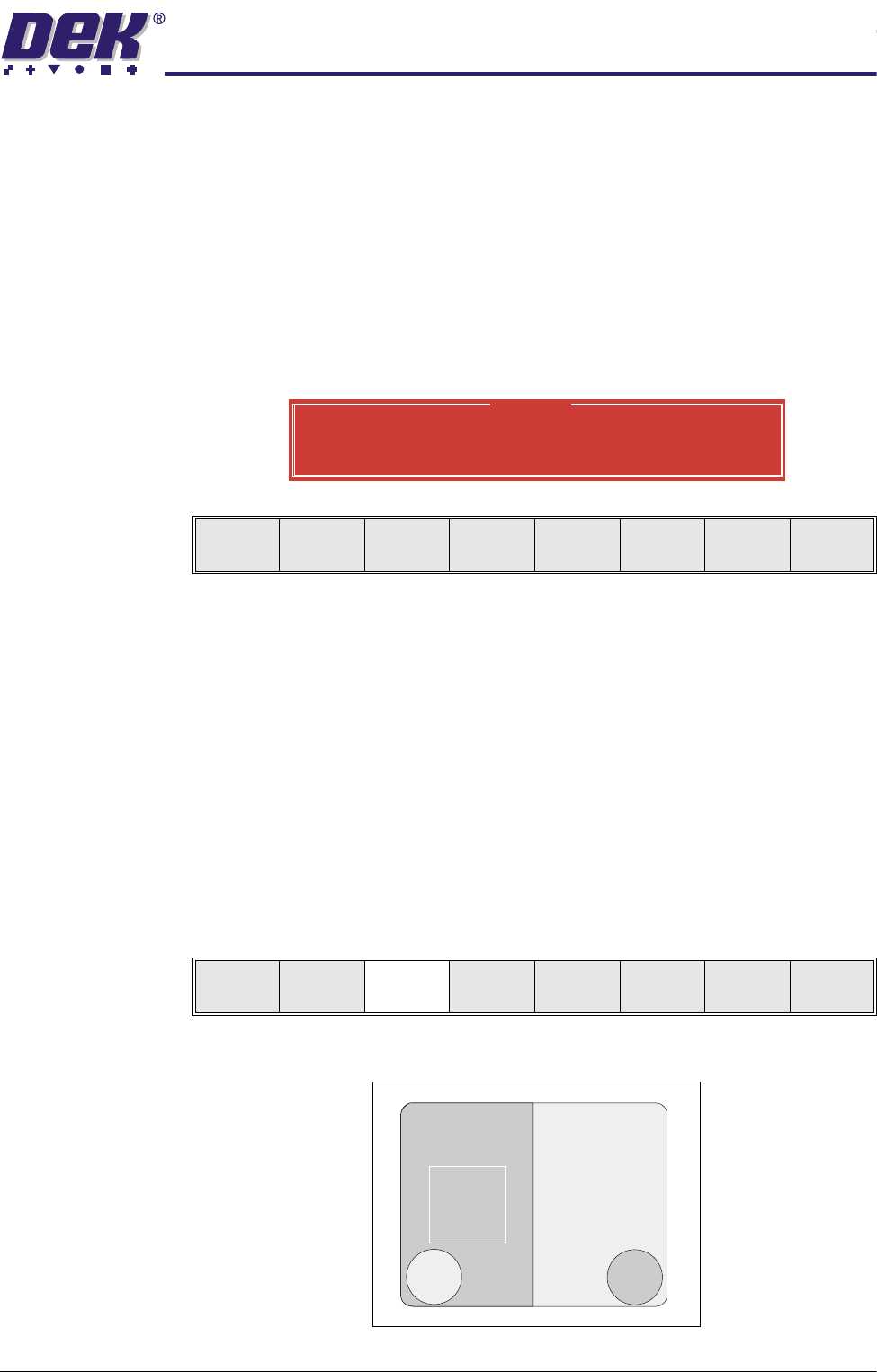
The first stencil fiducial should now be displayed on the monitor.
24.Repeat Steps 11 - 22 for this fiducial.
25.Continue for other selected fiducials by selecting Step at the end of each
fiducial setup.
If the current product includes at least one inspection site, changing the
value of the parameter causes the following warning and menu bar to be
displayed:
On selecting Apply the alterations to the fiducial positions become effective
and are applied to all inspection sites.
On selecting Abandon Changes the alterations to the fiducial positions are
discarded, the positions of the inspection sites remain unaltered and control
is returned to the initiating sequence.
On selecting Don’t Apply the alterations to the fiducial positions become
effective, but are not applied to the inspection sites.
26.After Step 25 for the second stencil fiducial the message ‘Saving Fiducial
Data - Please Wait Board data file saved’ is displayed. After aligning
stencil to board the camera checks all four fiducial positions. Go to Step 37.
27.Select Fiducial Setup (F3). The message ‘Adjust the X and Y values to
bring it into view. Enclose it within the ROI and then select Auto Learn.’
is displayed.
With auto fiducial setup enabled the monitor displays the following:
Warning
From the changes made to fiducial positions
do you want a correction to be applied to
all inspection sites?
Apply
Abandon
Changes
Don’t
Apply
Step Head
Fiducial
Setup
Adjust
Search
Step
Search
Reset
Single Exit
0$&+,1(352*5$00,1*
67$*(9,6,216<67(06(783
1.80 User Manual Software Version 07SP04
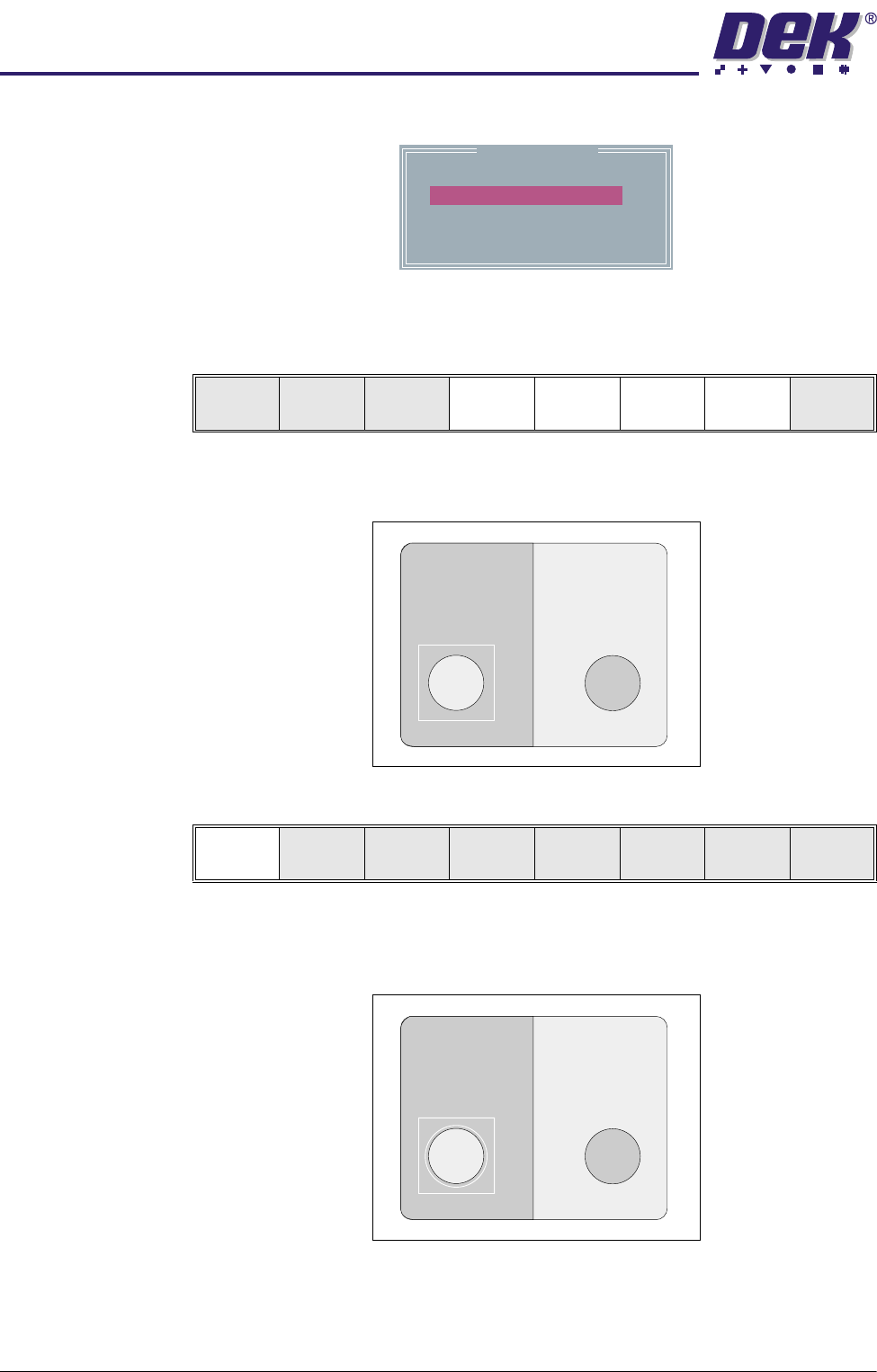
The following window is displayed:
28.Use the Next, Previous, Incr. and Decr. keys (F4 - F7), to highlight and
adjust the parameters, to set the background, accept score and to bring the
fiducial into view.
29.Drag and drop the Region Of Interest box (ROI) to enclose the fiducial by
either using the left mouse button, or the touchscreen.
30.Select Auto Learn (F1).
The vision system examines the ROI, selects the fiducial type that matches
what it finds, creates a model of it and locates it. A coloured outline of the
resulting fiducial is superimposed on the display.
The vision system attempts to match the fiducial type against every feature
it finds within the field of view, not just the ROI, so there may be more than
Board Fiducial 1
Fiducial Type
Background
Accept Score
Fiducial X
Fiducial Y
Circle
Dark
700
184.4
77.9
Auto
Learn
Manual
Setup
Next Previous Incr. Decr. Exit
Auto
Learn
Manual
Setup
Next Previous Incr. Decr. Exit
0$&+,1(352*5$00,1*
67$*(9,6,216<67(06(783
Software Version 07SP04 User Manual 1.81
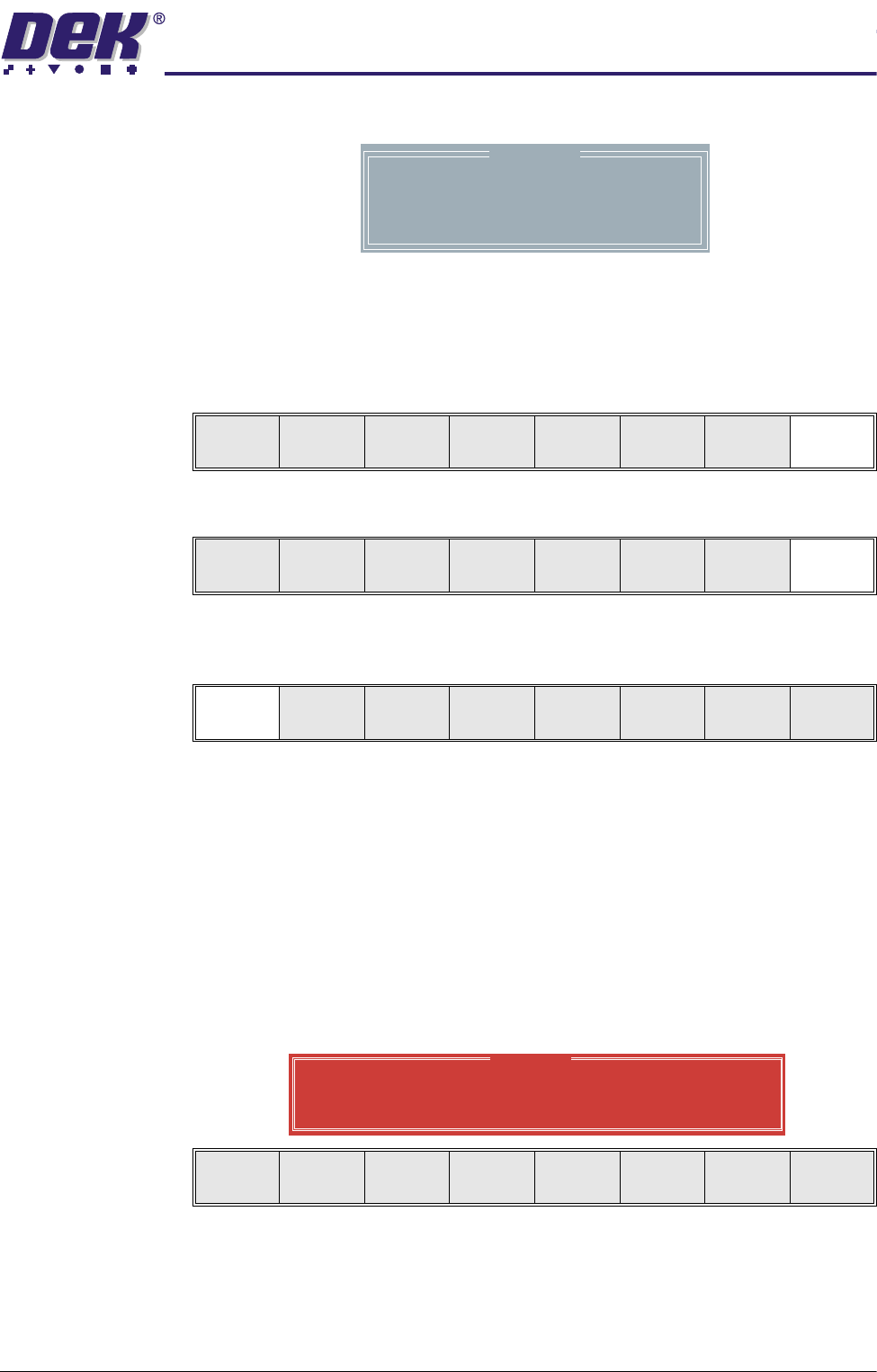
one coloured outline. The following window is displayed:
The list usually contains a single item, ie the required fiducial, there could
however be several up to a maximum of five. If the required fiducial is not
the highest scoring, ie first in the list, select Manual Setup to set it up
correctly.
31.Select Exit (F8).
32.Select Exit (F8).
33.Select Step (F1). The first screen fiducial should now be displayed on the
monitor.
NOTE
If selective print/pass through is enabled, the first board fiducial should now
be displayed on the monitor. In this case repeat Steps 27 - 33 for this
fiducial.
34.Repeat Steps 27 - 32 for this fiducial.
35.Continue for other selected fiducials by selecting Step at the end of each
fiducial setup.
If the current product includes at least one inspection site, changing the
value of the parameter causes the following warning and menu bar to be
displayed:
On selecting Apply the alterations to the fiducial positions become effective
and are applied to all inspection sites.
On selecting Abandon Changes the alterations to the fiducial positions are
discarded, the positions of the inspection sites remain unaltered and control
is returned to the initiating sequence.
Location
Fiducial
1
X
0.038
Y
-0.017
Score
984
Step Single Exit
Auto
Learn
Manual
Setup
Next Previous Incr. Decr. Exit
Step Head
Fiducial
Setup
Adjust
Search
Step
Search
Reset
Single Exit
Warning
From the changes made to fiducial positions
do you want a correction to be applied to
all inspection sites?
Apply
Abandon
Changes
Don’t
Apply