MV-9_Chapter 5. Teaching.pdf - 第162页
MV -9 Use r Manual 5- 162 [Figure 5- 195 Screen to cr eate r esist ance colo r band i nspection windo w] Direction Reference name Refer to „reference name‟ i n „5.3.1 m ounti ng inspect i on window‟ excepting shape. Na…
错误!使用“开始”选项卡将 제목 2 应用于要在此处显示的文字。错误!使用“开始”选项卡将 제목 2 应用
于要在此处显示的文字。 .
5-161
component through triangulation method. In case of component with high height, it interrupts
laser reflection. Hence, solve the problem using angle compensation of laser device.
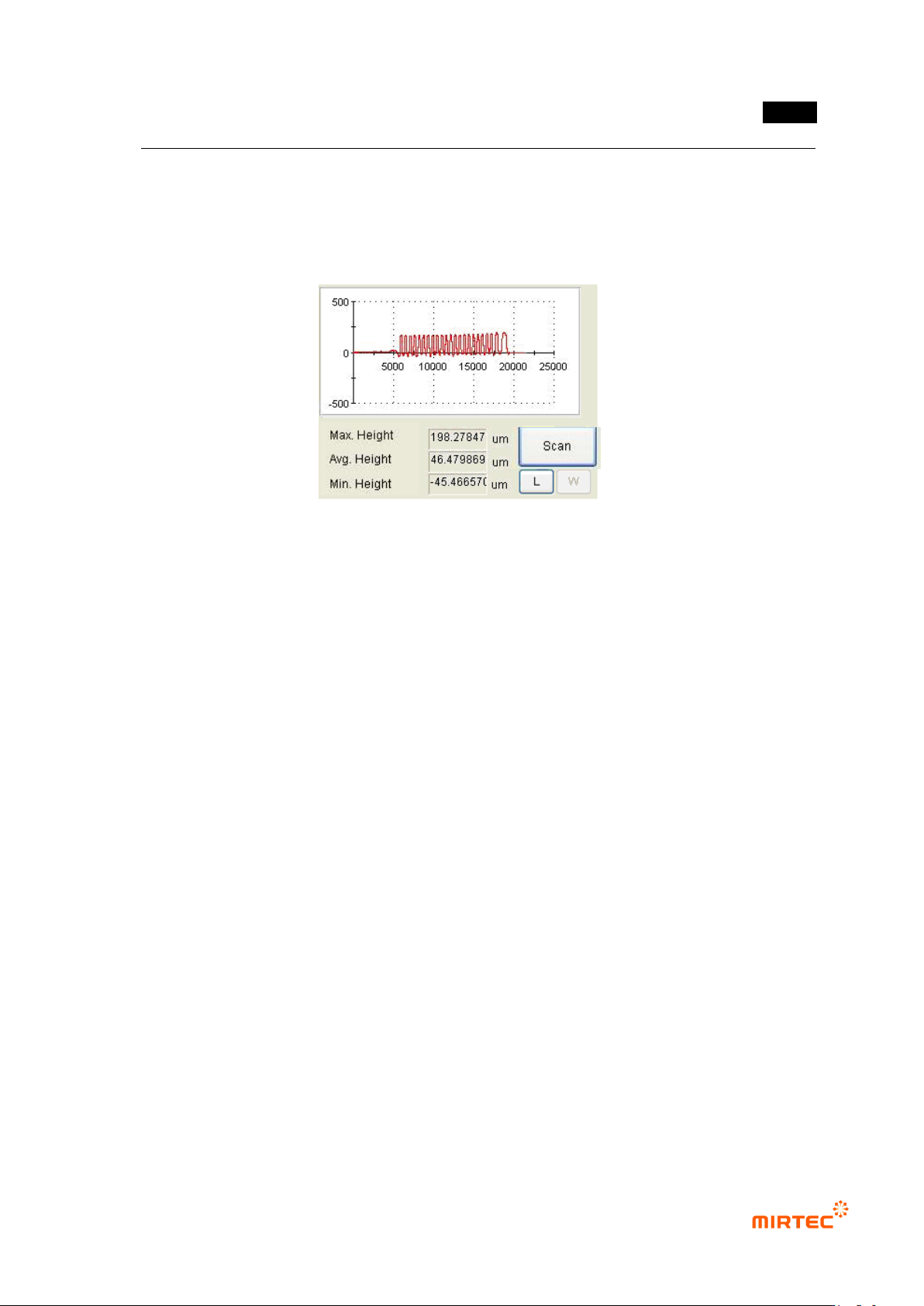
④ Click <Measure> button to get height of part desired to be measured comparing to reference
height.
[Figure 5-194 lifted inspection window reference height measurement]
⑤ Set min height and max height that will be used for measurement. If solder window of IC
Bridge exceeds min/max value, it will be detected das defect during measurement.
5.3.11 Resistance color band inspection window
Resistance color band inspection window is to inspect wrong mounting of component by
inspecting the color of color band of axial type resistance (Resistor) mounted on PCB.
1) Parameter of resistance color band inspection window
MV-9 User Manual
5-162
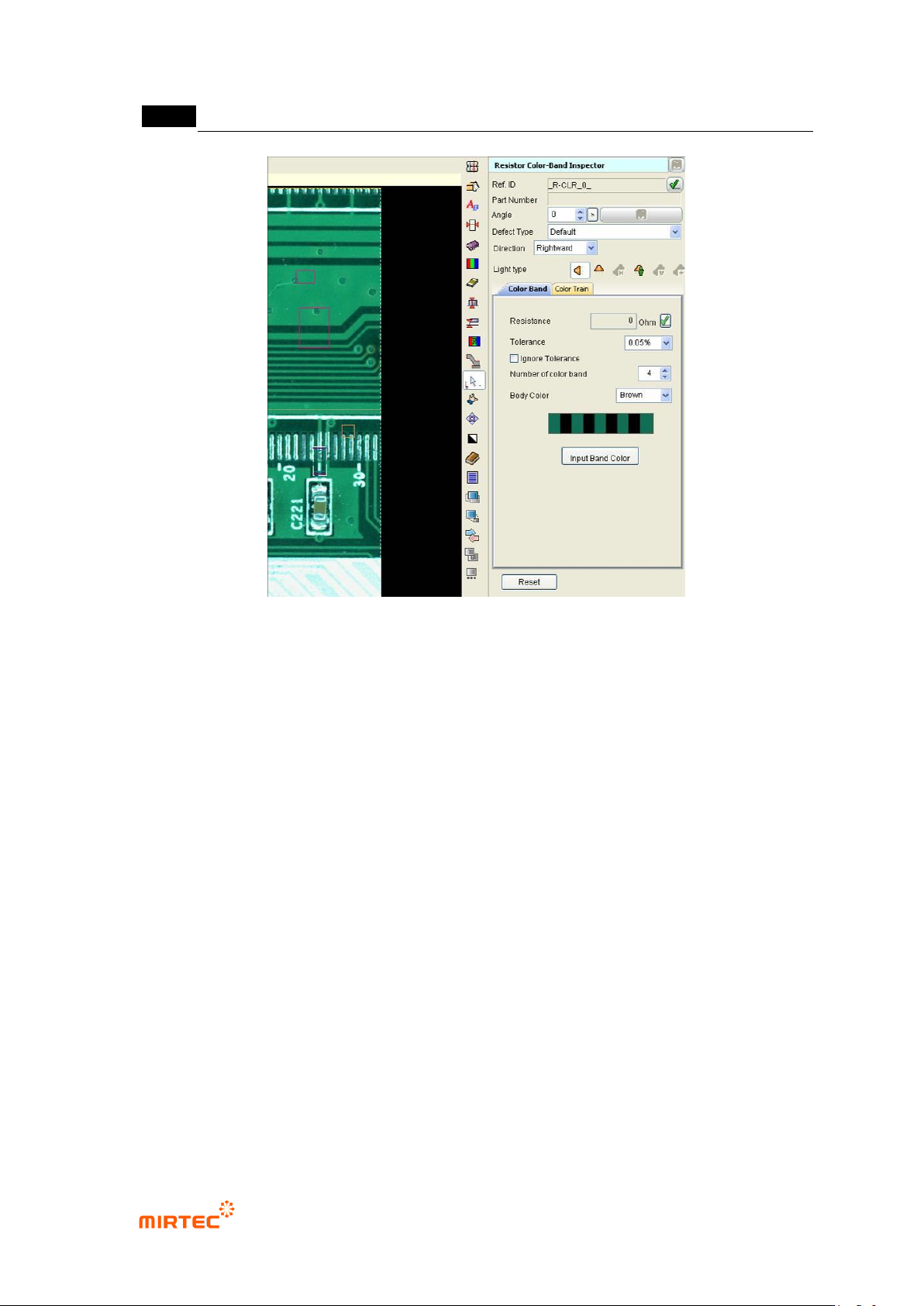
[Figure 5-195 Screen to create resistance color band inspection window] Direction
Reference name
Refer to „reference name‟ in „5.3.1 mounting inspection window‟ excepting shape.
Name is created in „_R∙CLR_1_‟ format. „R∙CLR‟ mean Resistor color and the number means
creation order of color inspection window.
Component name
Give name to one resistance component. Since 2 inspection windows of resistance color band
are created, group inspection windows into one component. If necessary, enter component
name. For more information, refer to „component name‟ in „5.3.1 mounting inspection window‟
Rotation angle
Display angle of inspection window in 0 ~ 359° unit.
Angle of window created by manual teaching will be always displayed by 0°, and inspection
window rotates counterclockwise based on the current position. If inspection window is created
by using ATT, angle information of the relevant component will be displayed.
Rotate component to properly change direction of color band resistance according to rotation
angle.
Defect type
Refer to „defect type‟ in '5.3.1 mounting inspection window‟
.
错误!使用“开始”选项卡将 제목 2 应用于要在此处显示的文字。错误!使用“开始”选项卡将 제목 2 应用
于要在此处显示的文字。 .
5-163
Direction
Set direction of color band resistance. Direction will be based on the direction from the first
color to the last color.
Light type
Set light that is used to inspect the relevant inspection window that completed teaching. To
change light, delete all colors of color band of window that completed teaching and register
colors again at the current position.
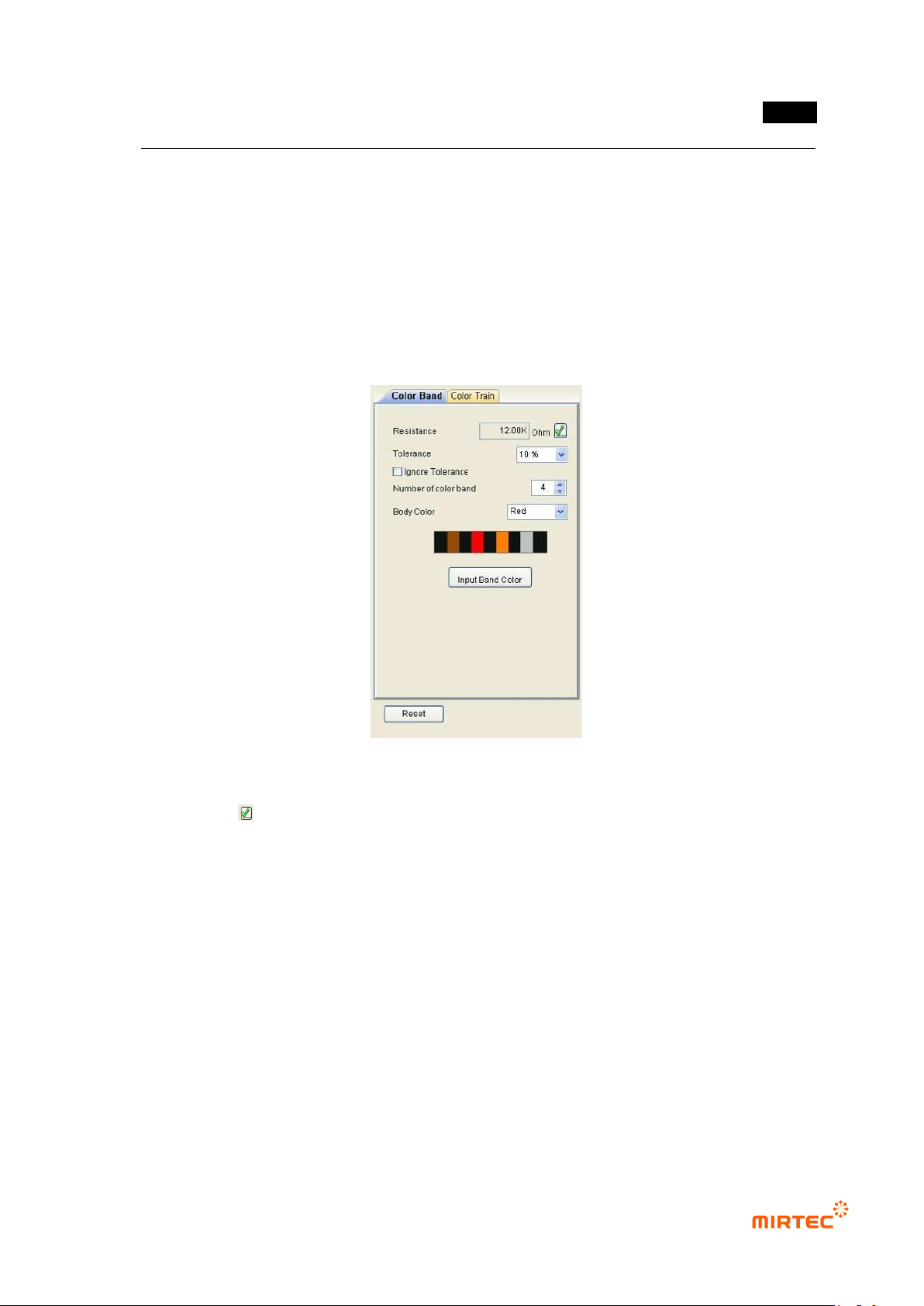
Color band
[Figure 5-196 Color band setting screen]
Resistance value
Click < > button and input real resistance value to set color band color in color band
inspection window. resistance value can be entered by 2700, 2.7 K or others and
reference color will be displayed in resistance value entered in color band information
window. If color of real resistance and color in color band information window does not
match, click <band color input> button and input color information.