MV-9_Chapter 5. Teaching.pdf - 第191页
错误 ! 使用“开始” 选项卡将 제목 2 应用于要在此处显示的文字。 错误 ! 使用“开始”选项卡将 제목 2 应用 于要在此处显示的 文字。 . 5- 191 5.3.14 T eaching by using side viewer Use thi s opt io n to insp ect c omponent of which com ponent h eight is high and solder area is not…
MV-9 User Manual
5-190
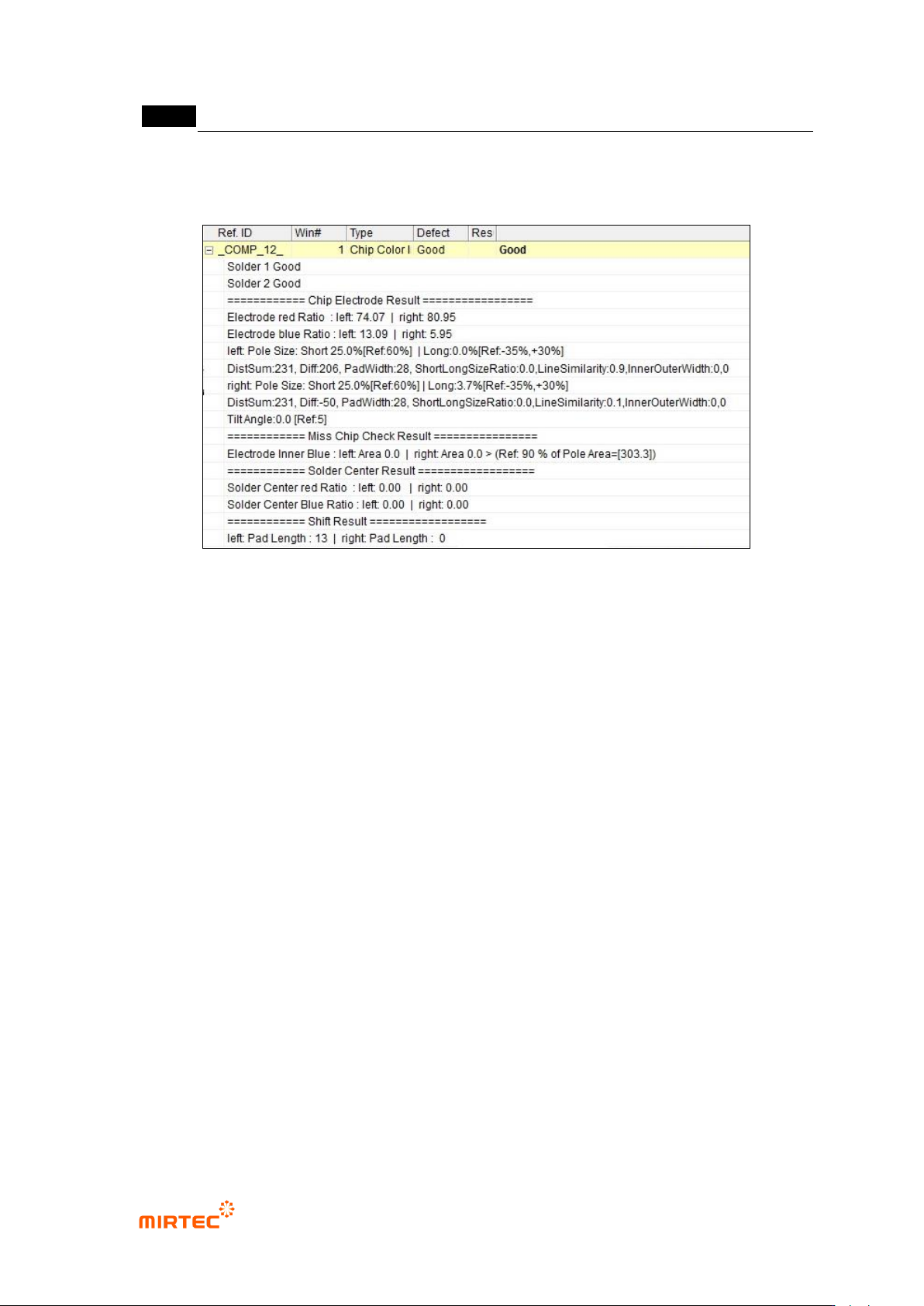
9) Inspection result in status screen
[Figure 5-233 IC offset inspection result screen]
错误!使用“开始”选项卡将 제목 2 应用于要在此处显示的文字。错误!使用“开始”选项卡将 제목 2 应用
于要在此处显示的文字。 .
5-191
5.3.14 Teaching by using side viewer
Use this option to inspect component of which component height is high and solder area is not
clear.
Teaching method
① Click desired inspection window button among general-purpose/exclusive inspection
windows.
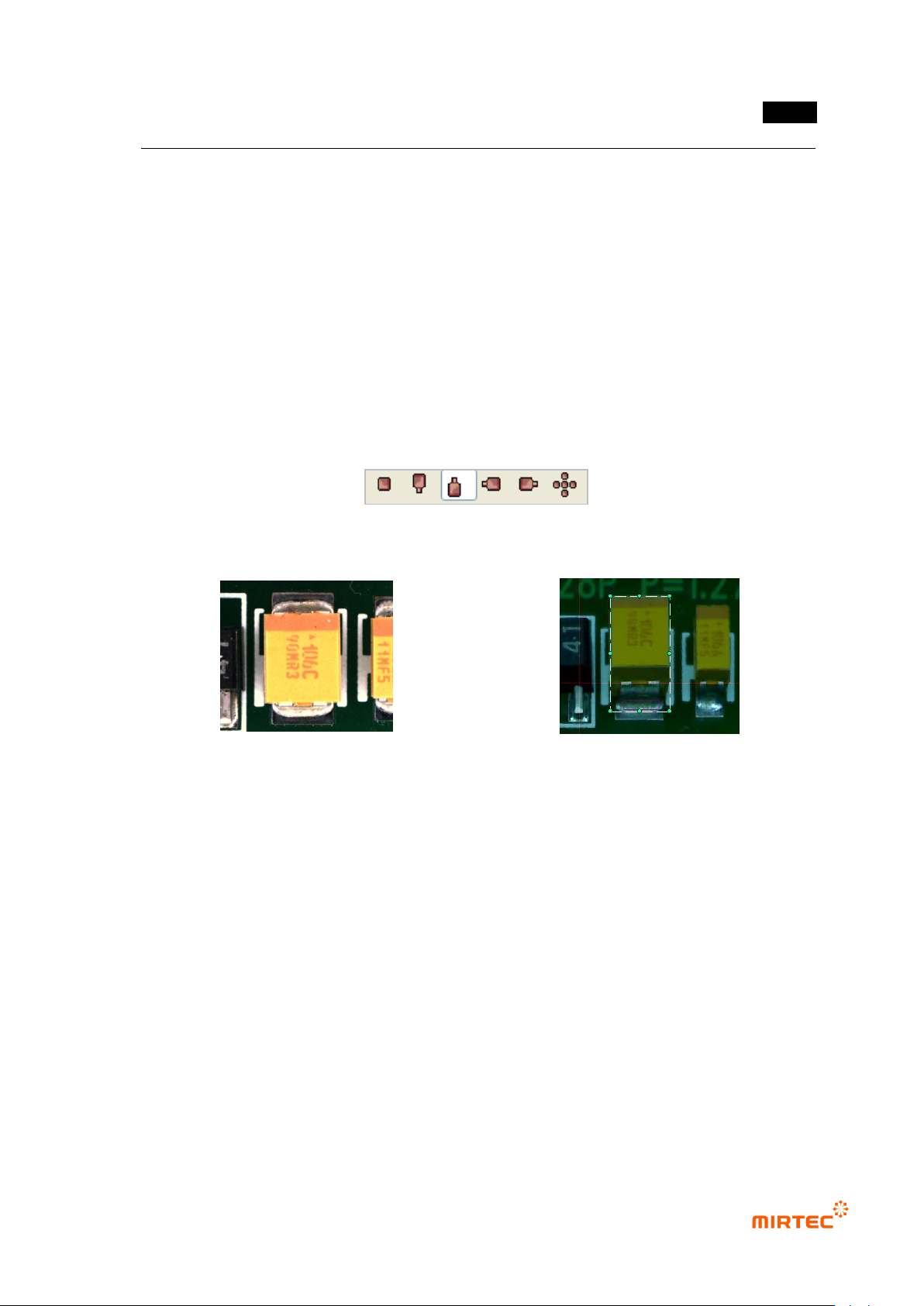
② Change camera using camera selection button and conduct teaching using same method for
main camera.
[Figure 5-234 camera selection button (main, north/south/east/west, total]
main camera image
image from south direction camera
[Figure 5-235 Teaching example using side viewer]
As shown in [Figure5-147], even teaching for solder area that is not clearly displayed by main
camera can be easily done if side cameras are used and more correct inspection can be
conducted.
Since the frame of side cameras are fixed frames, if camera is different even for teaching at the
same position, „Group component‟ can‟t be done.
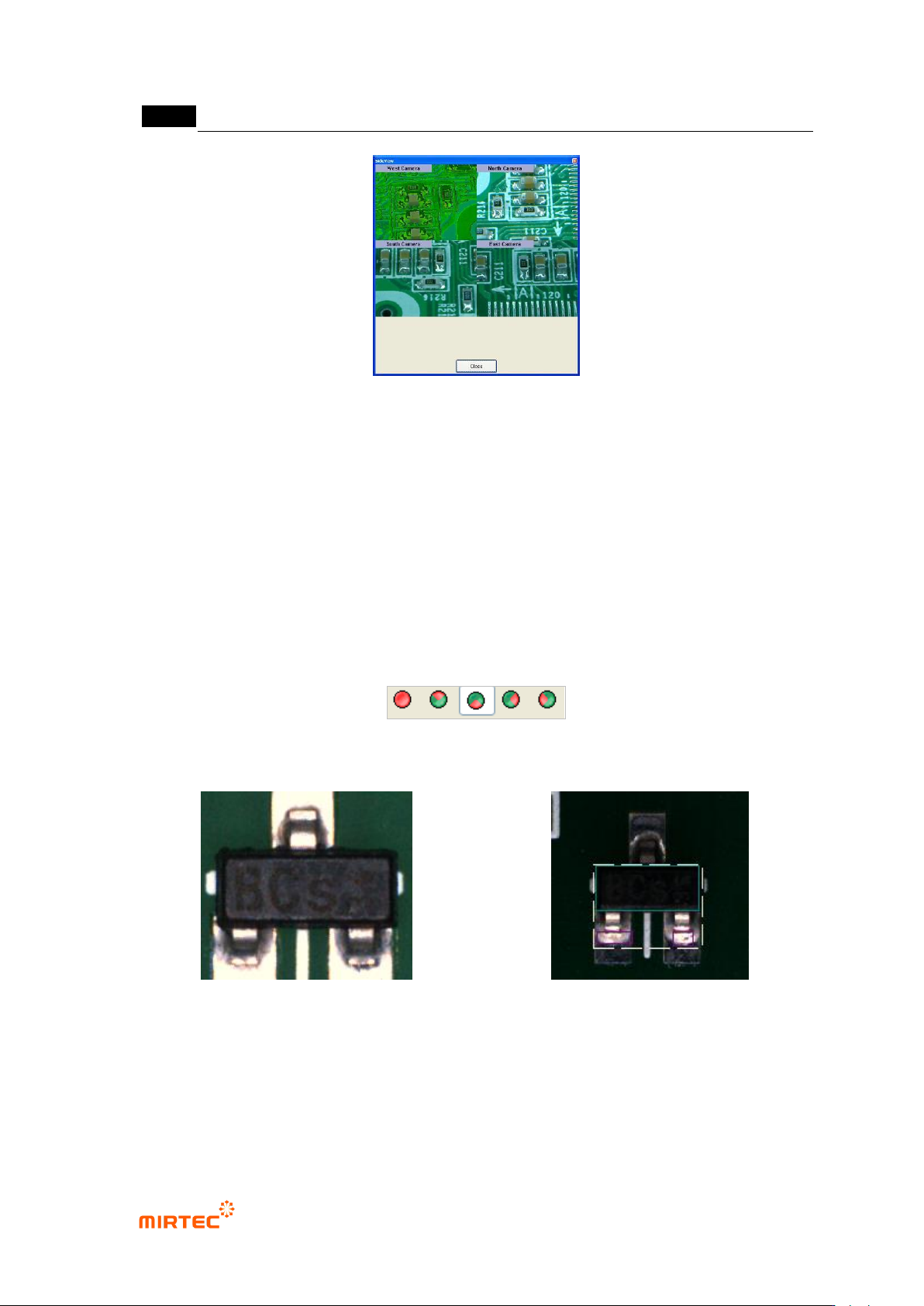
③ If component that completed teaching is selected in the frame, click <All> button after
activating of <All> button among camera selection buttons to display images imaged by all
cameras as shown in [Figure5-148].
MV-9 User Manual
5-192
[Figure 5-236 whole images of side cameras]
5.3.15 Teaching by using divided light
This function is used to inspect solder defect or Polarity, lifted and others of component.
Teaching method
① Click desired inspection window button among general-purpose/exclusive inspection window.
② Teaching method is same with component teaching method of horizontal light. select
horizontal light and change light to desired light when divided light button is activated before
teaching.
[Figure 5-237 divided light button (All horizontal, north/south/east/west)]
horizontal total light image
divided light image
[Figure 5-238 Teaching example using divided light]
③ [Figure5-150] shows image that is imaged in horizontal total light. That shows teaching of
mounting inspection window in the vertical light and solder teaching and „Group component‟
in the divided light (south). Like this, if divided light is used, more precise inspection for
soldering area or Polarity is possible.