MV-9_Chapter 5. Teaching.pdf - 第262页
MV -9 Use r Manual 5- 262 5.8.8 Setting of Criteria and Exp anded Region 23 Ex panded_Size - W idth : Set the width of the exp anded region. - Hei ght : Set the h eight of the ex panded region. 24 Max Heig ht - i n case …
错误!使用“开始”选项卡将 제목 2 应用于要在此处显示的文字。错误!使用“开始”选项卡将 제목 2 应用
于要在此处显示的文字。 .
5-261
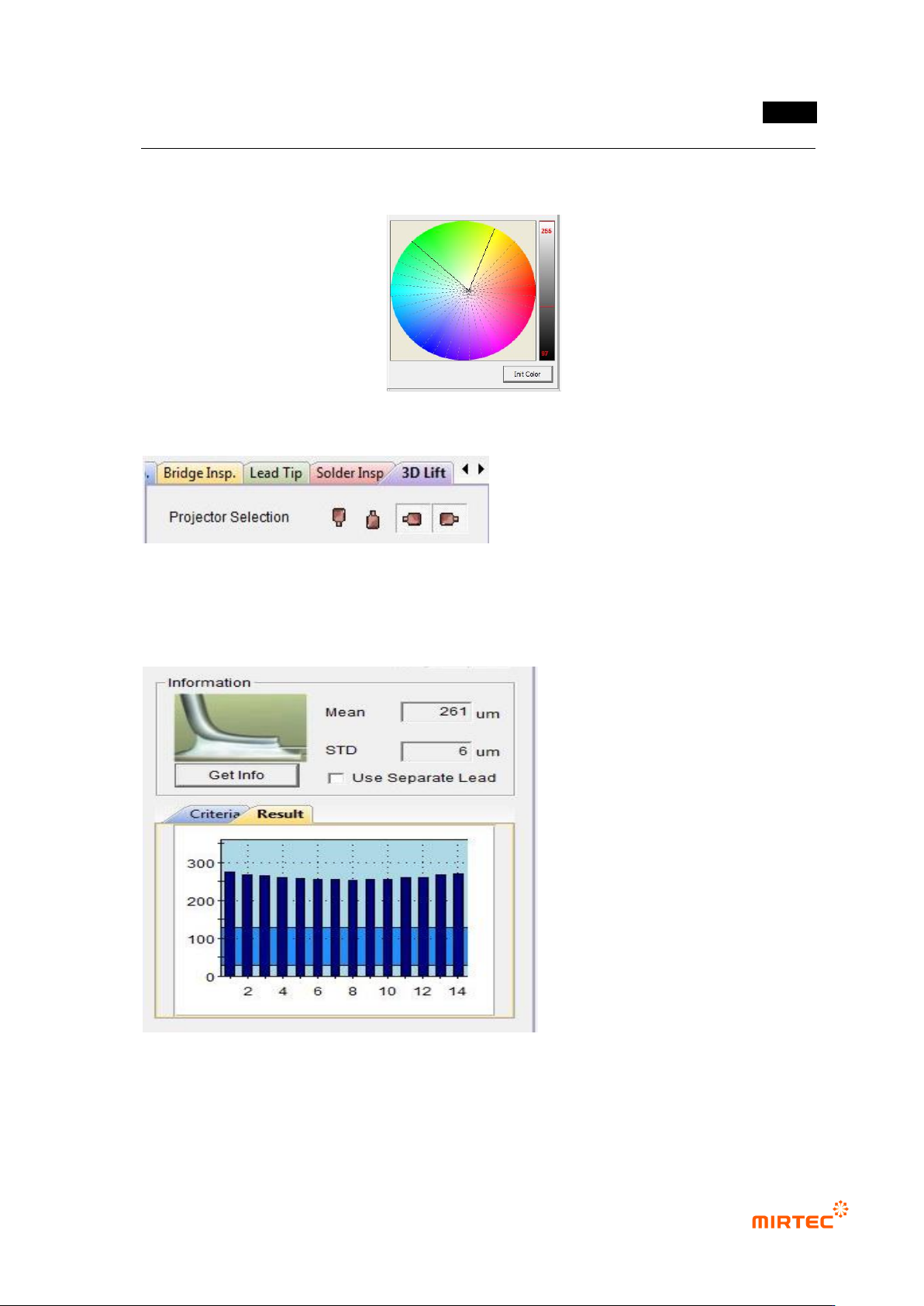
- The data with the color and brightness values corresponding to the inside of the network
composed of 3 points are set as valid data and used in measurement of heights.
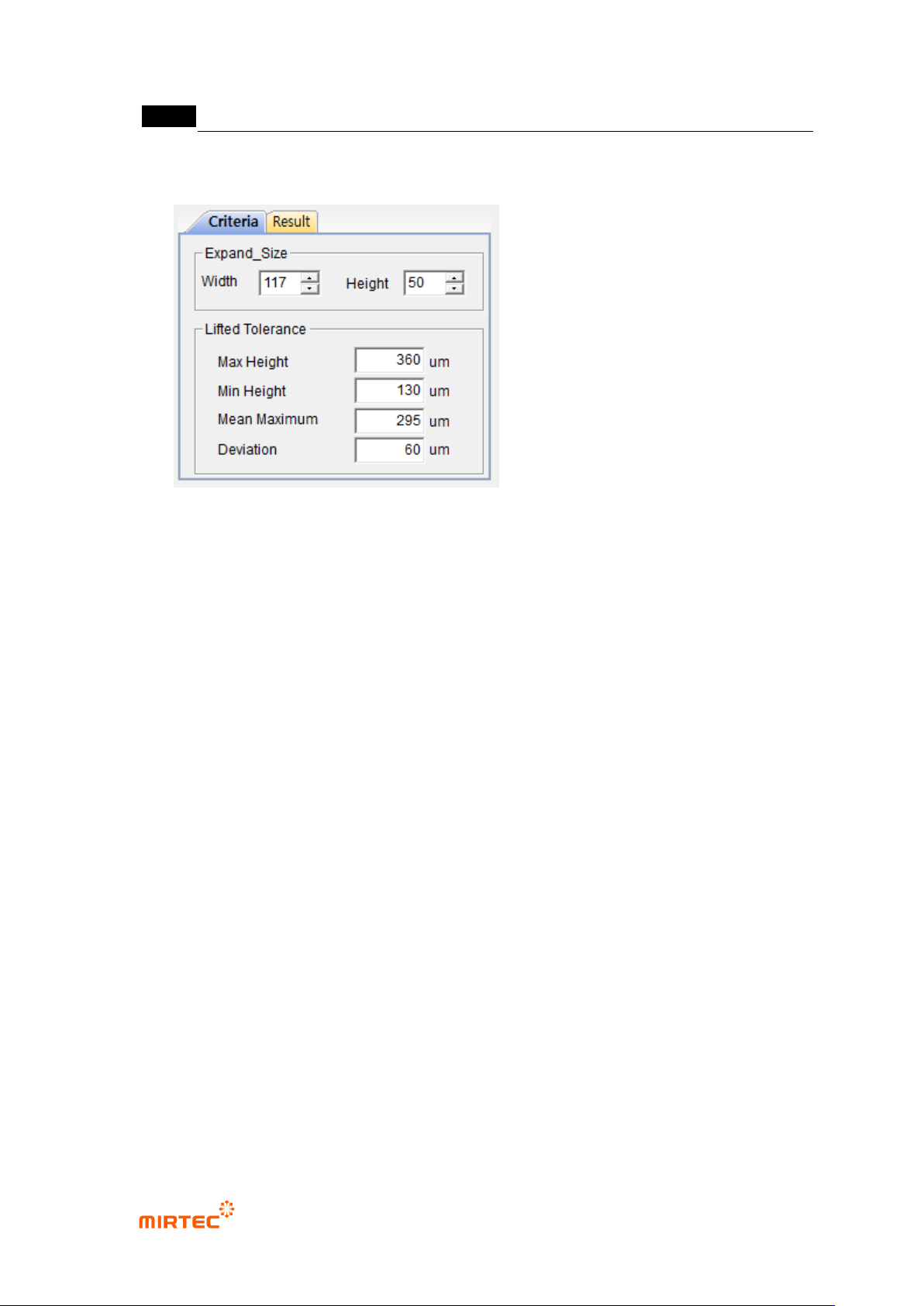
5.8.6 Projector Selection
Two projectors are selected automatically depending on the direction of leads.
5.8.7 Measurement of Lead Height Information
If “Get Info” is clicked, the average
height of leads and the standard
deviation between leads are
measured and the height of each
lead is displayed as a graph.
MV-9 User Manual
5-262
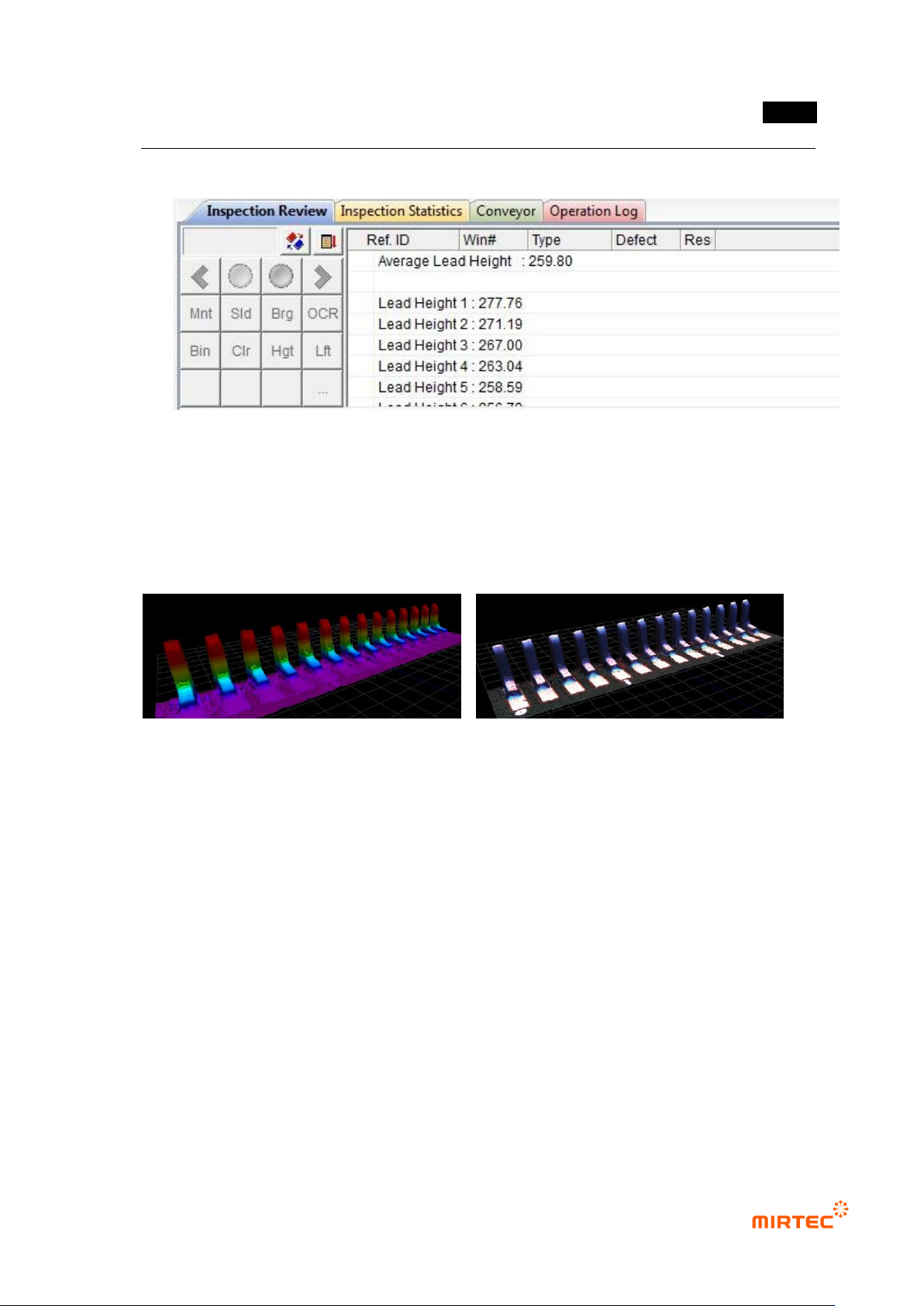
5.8.8 Setting of Criteria and Expanded Region
23 Expanded_Size
- Width : Set the width of the expanded region.
- Height : Set the height of the expanded region.
24 Max Height
- in case the lead height is greater than the Max Height, the part is treated as a poor-
quality one.
25 Min Height
In case the lead height is smaller than the Min Height, the part is treated as a poor-
quality one.
26 Mean Maximum
In case the average height of leads is greater than the Mean Maximum, the part is
treated as a poor-quality one.
27 Deviation
In case the deviation the average height is greater than the Deviation,, the part is
treated as a poor-quality one.
错误!使用“开始”选项卡将 제목 2 应用于要在此处显示的文字。错误!使用“开始”选项卡将 제목 2 应用
于要在此处显示的文字。 .
5-263
5.8.9 Inspection Results
28 Inspection Review
- Display the average height of leads.
- Display the height of each lead (The number of leads is the same as the number
displayed on the image.)
29 3D Viewer
<Color Map> <Texture Mapping>