00193786-01.pdf - 第45页
SIPLACE GEM SW Version GEM 505.01 HOST Interface Manual ©Siemens AG, all rights reserved page 45 of 236 Variable Name VID CONFIGALARMS 1002018 WBITS5 1002019 ALARMID 1002013 ALARMSERIAL 1002015 ALARMSENABLED 1002020 ALAR…

SIPLACE GEM SW Version GEM 505.01 HOST Interface Manual
Page 44 of 236 ©Siemens AG, all rights reserved
3.5 Alarm Management
The SIPLACE has a fixed set of alarm conditions which can occur. Each alarm is
identified by a unique Alarm ID (ALID), and has an associated severity code (ALCD) and
alarm text (ALTX). The possible alarms are shown in "Appendix C -- Alarms".
3.5.1 Alarm States
Each alarm (ALID) can be in either of two states: CLEAR (off) or SET (on). Several
alarms can be SET simultaneously. At power up, all Alarms are cleared.
3.5.2 Reporting
The SIPLACE reports alarms to the Host when they occur, without Host action, using the
alarm report message S5F1 or configurable option, depending on CONFIGALARMS (VID
1002018). The transition of an ALID from OFF to ON is referred to as "going on" or
"leading edge", and the transition from ON to OFF as "going off" or "trailing edge". The
Equipment reports both leading and trailing edge transitions.
The equipment has two CEIDs for each ALID, one for the "going on" transition and one
for the "going off" transition. In addition to the Alarm Report, the Equipment sends an
Event Report if the CEID associated with the alarm change is enabled. If the CEID is
enabled and no report is defined, a "null" Event Report is sent. The event report for an
alarm transition is sent if it is enabled, even if the reporting for the alarm is disabled.
3.5.3 Enable/Disable
The Host can use S5F3 (Enable/Disable Alarms) to control which alarms the SIPLACE
should report. Using S5F3, the Host can specify for each ALID whether the Equipment
should report that alarm when it occurs. When an alarm transition occurs, if that ALID is
enabled the Equipment will send an alarm report message to the Host. If the ALID is
disabled, the Equipment will not send the alarm message. The Host can use S2F37 to
enable or disable the CEIDs associated with these alarm transitions.
The SIPLACE saves Alarm Enable/Disable settings on a disk file. When the Equipment
powers up, it will restore Alarm Enable/Disable settings to the same condition they had at
power off.
3.5.4 Host Requests Alarm Status
The Host can use S5F5 to request the SIPLACE to report all alarms which exist and the
ON/OFF state for each.
The Host can use S5F7 which is similar, but which causes the Equipment to report only
those alarms (ALIDs) which are Enabled, regardless of whether the alarm is ON or OFF.
3.5.5 Compatibility
The SIPLACE supports the following Alarm Report message formats for older host
implementations.
S5F71/S5F72
S5F73/S5F74
3.5.6 Related Variables
The following table lists the variables (SV's, EC's, or DVVALS) which are relevant to
alarm management. For a more complete description of these variables, see "Appendix
A -- Variables".

SIPLACE GEM SW Version GEM 505.01
HOST Interface Manual
©Siemens AG, all rights reserved page 45 of 236
Variable Name VID
CONFIGALARMS 1002018
WBITS5 1002019
ALARMID 1002013
ALARMSERIAL 1002015
ALARMSENABLED 1002020
ALARMSSET 1002021
ALARMSTATE 1002014
3.5.7 Related Collection Events
Each alarm defined on the SIPLACE has two unique collection events associated with it,
a "Going-On" event, and a "Going-Off" event. The CEIDs are listed in "Appendix B --
Collection Events".
SIPLACE GEM SW Version GEM 505.01 HOST Interface Manual
Page 46 of 236 ©Siemens AG, all rights reserved
3.6 Material Movement
The Events and Variables from the Material Movement depend on the structure of the
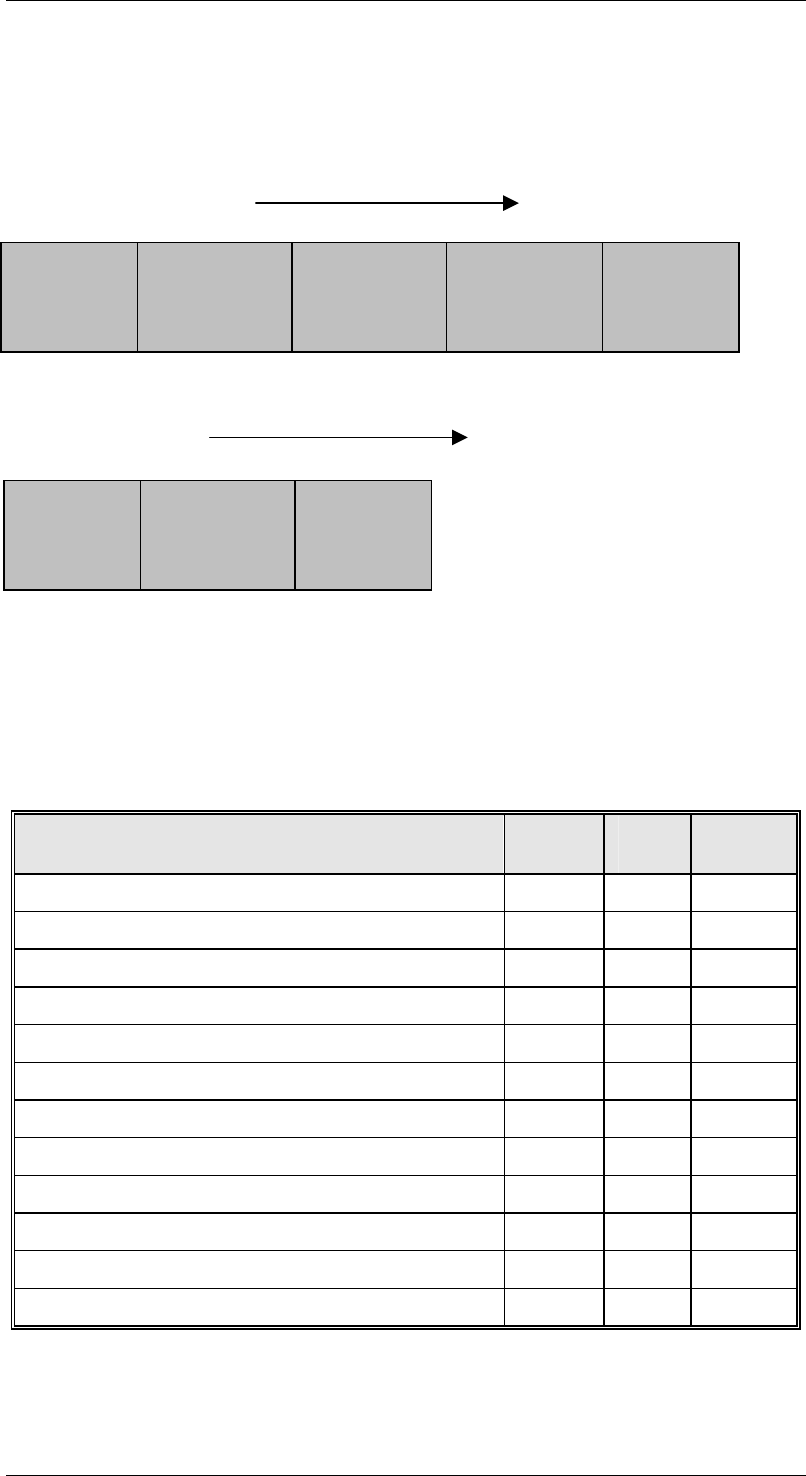
machine at hand. The following diagram shows the individual areas of the PCB conveyor:
Conveyor HF / HS50
Conveyor S25
3.6.1 Related Variables
The following table lists the variables which are relevant to material movement. 'TWIN'
variables are required for the dual conveyor.
For a more complete description of these variables, see "Appendix A -- Variables".
Variable Name VID HS50,
HF
S25
INPUTCONVEYORSTATE 612011
✔ ✔
FIRSTPROCESSINGCONVEYORSTATE 612012
✔ ✔
INTERMEDIATECONVEYORSTATE 612013
✔
SECONDPROCESSINGCONVEYORSTATE 612014
✔
OUTPUTCONVEYORSTATE 612015
✔ ✔
TWININPUTCONVEYORSTATE 612021
✔ ✔
TWINFIRSTPROCESSINGCONVEYORSTATE 612022
✔ ✔
TWININTERMEDIATECONVEYORSTATE 612023
✔
TWINSECONDPROCESSINGCONVEYORSTATE 612024
✔
TWINOUTPUTCONVEYORSTATE 612025
✔ ✔
TRANSPORTWIDTH 612007
✔ ✔
TWINTRANSPORTWIDTH 612017
✔ ✔
Input
Conveyor
First
Processing
Conveyor
Intermediate
Conveyor
Output
Conveyor
Second
Processing
Conveyor
Input
Conveyor
First
Processing
Conveyor
Output
Conveyor