德森印刷机说明书之操作手册-4d1321fc284ac850ac024234 - 第44页
深圳德森精密设备有限公司 Shenzhen Desen Pre cision Machine Co., Ltd. - 44 - 4.4. 4.4. 4.4. 4.4. 14[ 14[ 14[ 14[ 设置用户产品 信息及生产信 息 ] ] ] ] 4.4.14 4.4.14 4.4.14 4.4.14 S et ting S et ting S et ting S et ting of of of of P roduct P roduc…
深圳德森精密设备有限公司
Shenzhen Desen Precision Machine Co., Ltd.
- 43 -
6. 当运输选择进出方向相同时 ,PCB 不能正常运出请将运输脉冲加大。
6. When the incoming and outgoing transport directions are identical and PCB boards cannot be
conveyed out normally,
it
is necessary to increase the transport pulse.
注意: 此参数设置更改可能引起危险,请不要随意尝试,如有问题请与本公司售后服务部 联
系。
Note:
Note:
Note:
Note:
do not practice parameter amendment, for
it
can result in danger. C ontact our after-sale
service department for any questions.
4.4.
4.4.
4.4.
4.4.
11[
11[
11[
11[
系统管理 ]
]
]
]
4.4.11
4.4.11
4.4.11
4.4.11
System
System
System
System
Management
Management
Management
Management
用来锁定 windows
windows
windows
windows
xp
xp
xp
xp
系统
It
is used for lock windows xp system.
单击 [ 设置 \ 系统管理 ], 在弹出密码窗口输入密码 ‘ dssystem ’ , 确定后回到主窗口。
C lick System Management under Setting option, input password “ dssystem ” in the popped
password window and click OK, then the system will return to the main interface.
4.4.
4.4.
4.4.
4.4.
12[
12[
12[
12[
密码设置 ]
]
]
]
4.4.12
4.4.12
4.4.12
4.4.12
Password
Password
Password
Password
Setting
Setting
Setting
Setting
用来设置或修改 [
[
[
[
生产界面 ]
]
]
]
的参数修改密码
It
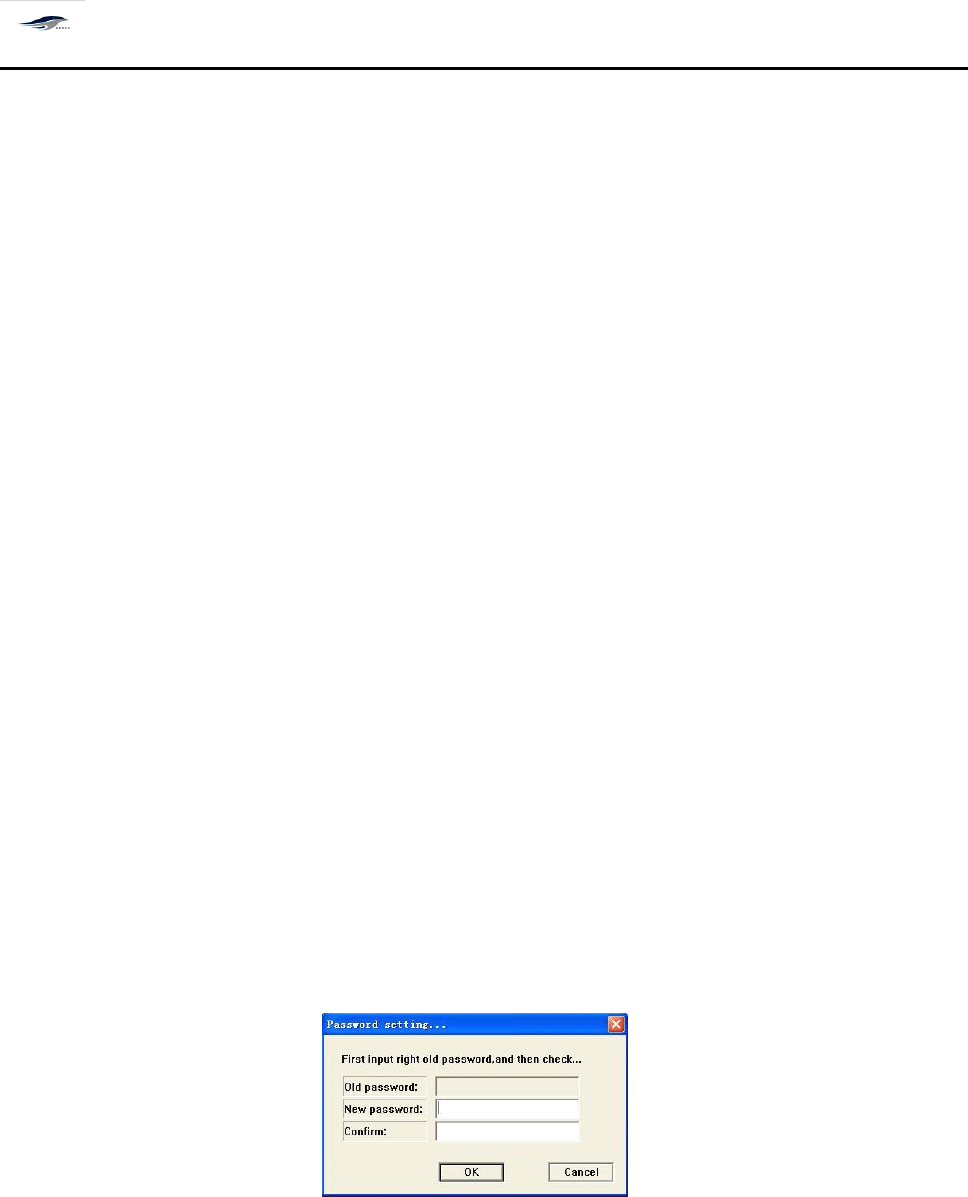
is used to set or amend the parameter amendment password of Production Interface.
Figure 4-19 Password Setting Dialog Box
4.4.
4.4.
4.4.
4.4.
13[
13[
13[
13[
语言 ]
]
]
]
4.4.13
4.4.13
4.4.13
4.4.13
Language
Language
Language
Language
中英文快速切换
It
is used for the quick transfer between Chinese version and English version.
深圳德森精密设备有限公司
Shenzhen Desen Precision Machine Co., Ltd.
- 44 -
4.4.
4.4.
4.4.
4.4.
14[
14[
14[
14[
设置用户产品信息及生产信息 ]
]
]
]
4.4.14
4.4.14
4.4.14
4.4.14
Setting
Setting
Setting
Setting
of
of
of
of
Product
Product
Product
Product
Information
Information
Information
Information
and
and
and
and
Production
Production
Production
Production
Information
Information
Information
Information
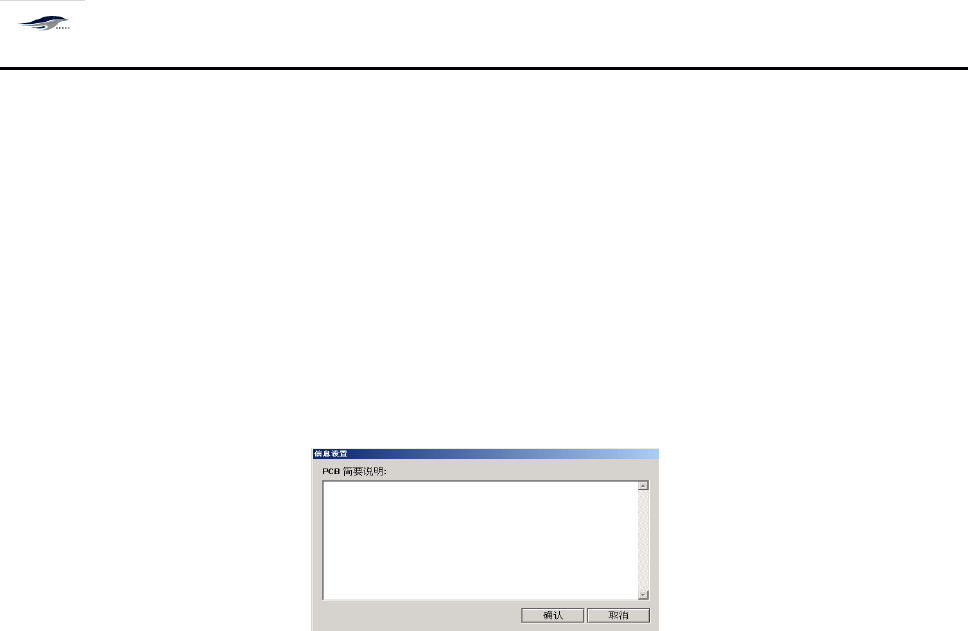
用户可在此设置中对 PCB 、生产信息等作简要说明,便于以后操作参考查阅。操作步骤
如下:
Users can give brief descriptions on the PCB board and production information in this setting
option for future reference. T he operating steps are as follows:
图 4- 20 〈信息设置〉
Figure 4-20 Information Setting
在上图对话框中可进行对 PCB 的简要说明。单击 [ 确认 ] ,保存所设置的信息,回到主窗
口画面;单击 [ 取消 ] ,取消信息设置,回到主窗口画面。
Brief description related to PCB board can be given in the above dialog box. C licking OK will
save the set information and return to the main interface; and clicking Cancel will cancel the set
information and return to the main interface.
4.4.1
4.4.1
4.4.1
4.4.1
5[
5[
5[
5[
查看报警记录 ]
]
]
]
4.4.15
4.4.15
4.4.15
4.4.15
View
View
View
View
Alarm
Alarm
Alarm
Alarm
Record
Record
Record
Record
当机器出现故障发出声、光报警时,系统将自动诊断故障原因并记录下报警时间和故障
原因。操作步骤如下:
When the printing machine suffers from fault and gives audible and visual alarms, system will
make automatic judgment on the fault cause and record the alarming time and fault cause. T he
operating steps are as follows:
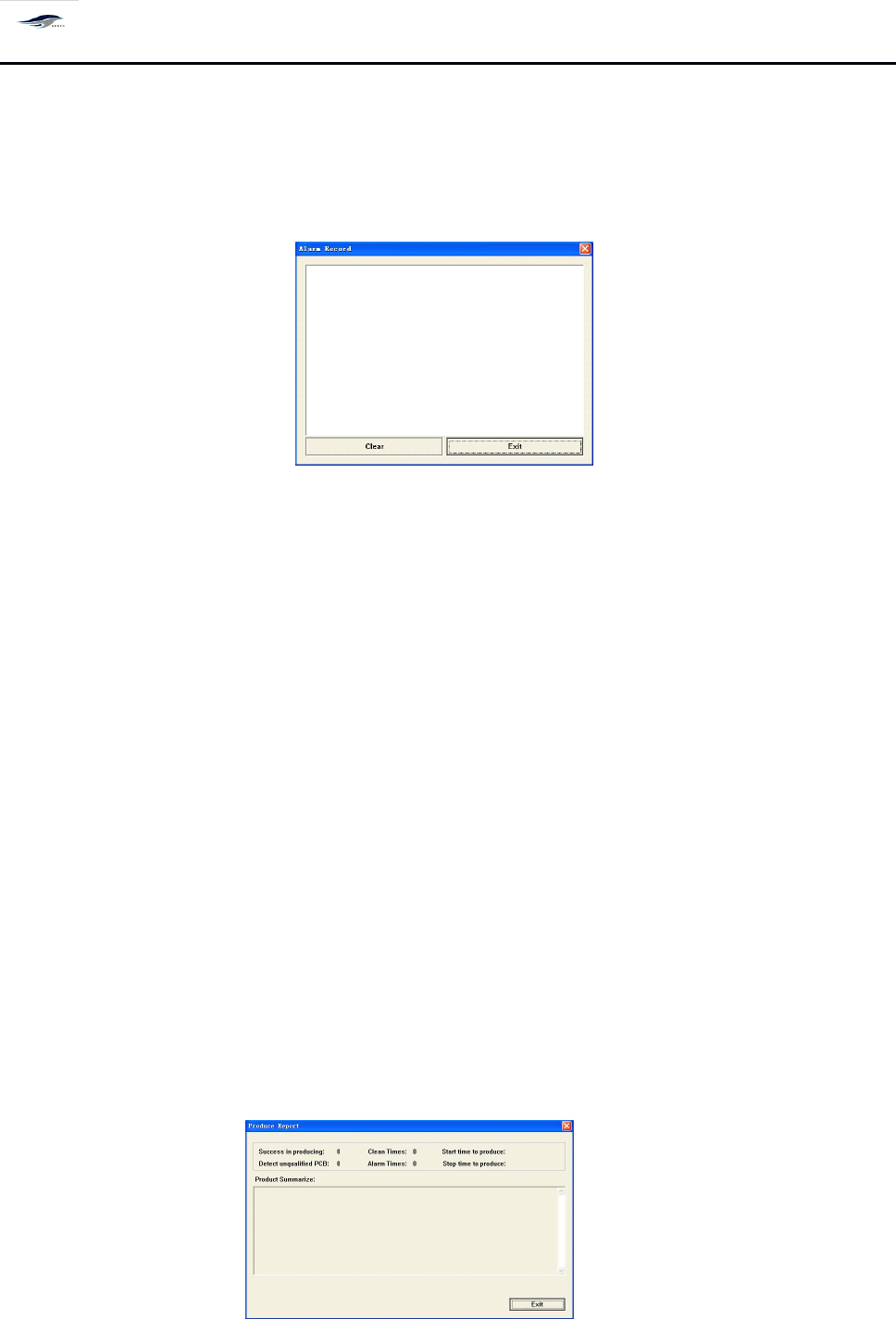
在主窗口画面单击 [ 查看 / 报警记录 ] ,出现 [ 报警记录 ] 对话框。如图 4-2 1 所示:显示当时
和以往的报警记录。
Click Alarm Record under View in the main interface, then the Alarm Record dialog box as
shown in Figure 4-21 will emerge to display current and previous alarm records.
深圳德森精密设备有限公司
Shenzhen Desen Precision Machine Co., Ltd.
- 45 -
拖动鼠标左键选中某项报警记录,单击 [ 清除 ] ,清除此项报警记录;单击 [ 退出 ] ,回到 主
窗口画面。
Click an alarm record by moving the mouse by pressing its left key and click Delete to delete
this alarm record. C licking Back will return to the main interface.
图 4-2 1 〈查看报警记录〉对话框
Figure 4-21 View Alarm Record Dialog Box
4.4.1
4.4.1
4.4.1
4.4.1
6[
6[
6[
6[
生产记录 ]
]
]
]
4.4.16
4.4.16
4.4.16
4.4.16
Production
Production
Production
Production
Record
Record
Record
Record
显示已进行的有关生产记录并可记录下相应产品的概况。操作步骤如下:
It
is used to display the associated production records and to record the general information of
related products. T he operating steps are as follows:
在主窗口画面单击 [ 查看 / 生产报表 ] , 出现 [ 生产报表 ] 对话框。 显示成功生产数量、 检测 坏
板数量、清洗次数、报警次数、开始生产和停止生产的时间等。还可对产品概况进行描述。
如图 4 – 2 2 所示:单击 [ 退出 ] 回到主窗口画面。
Click Production Statement under View in the main interface, then the Production Statement
dialog box will emerge to display contents such as successful quantity produced, quantity of
defective boards detected, times of cleaning, alarm times, time of prod uction commencement and
time of production stop, etc.
It
can also give brief description for product. S ee Figure 4-22. Clicking
Back will return to the main interface.
图 4-2 2 〈生产记录〉对话框