OM-1646-001_w.pdf - 第39页
20 OM-1646 (7) Open the transparent cover . CAUTION The load power to the motors, etc., is turned OFF but the setup operation must be performed carefully when you put your hand inside the machine. Avoid handandngerin…
19
OM-1646
11.4 ConrmationofPCBTransferandPositioning
The following describes how to check the status of the PCB transfer and
positioning in the "PCB XFER" window (a menu of "AUTO OPN").
Procedure
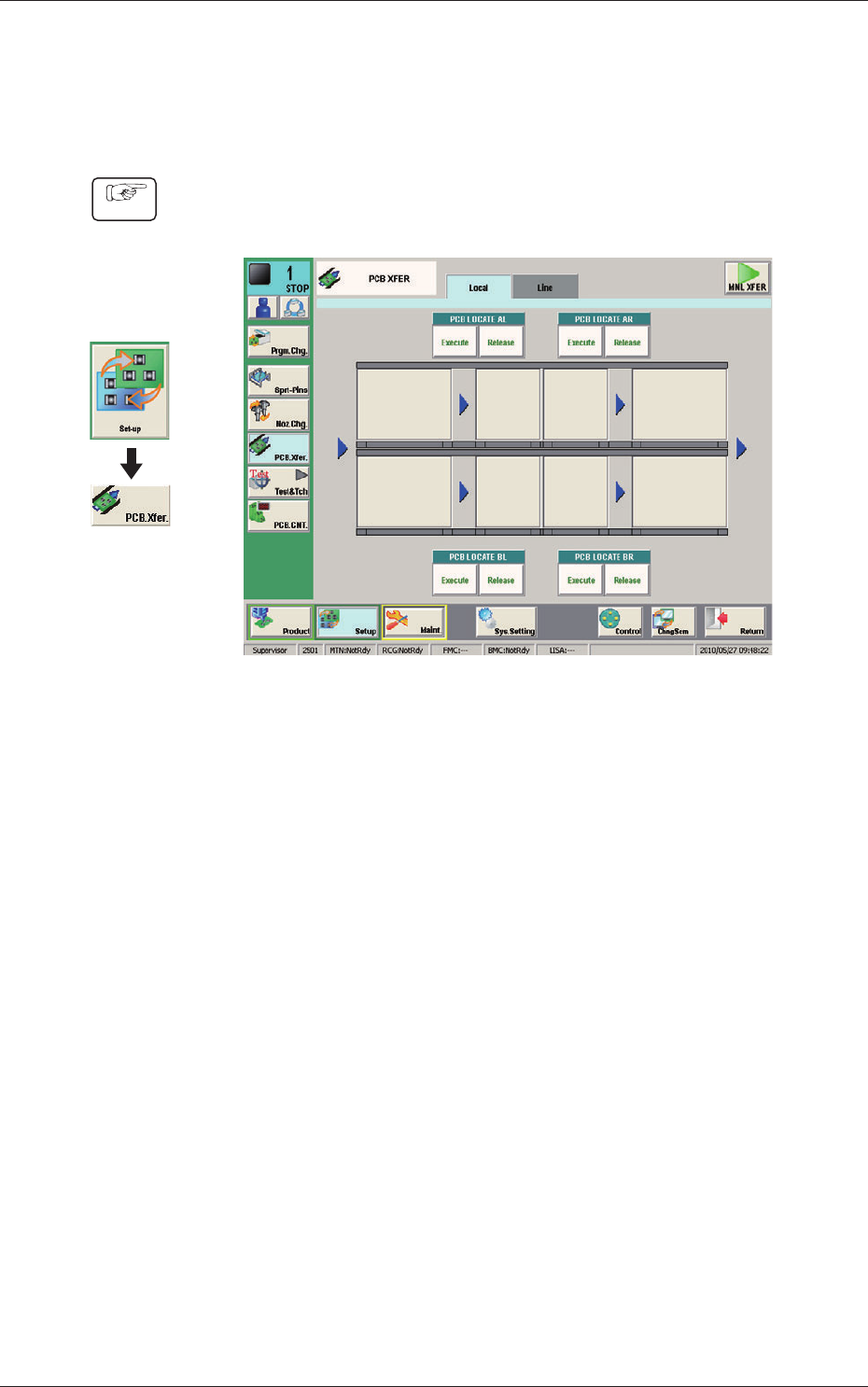
(1) Display the "PCB XFER" window using the following icon procedure.
F21
(2) Send the PCB in the lane where the PCB transfer and positioning status are
conrmed with the input machine.
(3) Select a desired block button (expressed graphically) for "PCB LOCATE 1".
In 10 seconds, press the [START] button on the operation panel to transfer
the PCB.
(4) Conrm that the PCB can be transferred normally and move smoothly
without falling down during the transfer.
(5)
Press the [Execute] button (entitled "PCB LOCATE L").
In 10 seconds, press the [START] button on the operation panel.
(The backup base moves up. )
(6) Press the cover lock switch to turn off the lamp.
(The transparent cover is unlocked. )
Graphic
Development
1005-001
11.4ConrmationofPCBTransferandPositioning

20
OM-1646
(7) Open the transparent cover.
CAUTION
The load power to the motors, etc., is turned OFF
but the setup operation must be performed carefully
when you put your hand inside the machine. Avoid
handandngerinjuries.
(8) Slightly push the PCB by nger to conrm that there is no problem in the
location of the support pins.
(9) Close the transparent cover.
(10) Press the cover lock switch to turn on the lamp.
1005-001
11.4ConrmationofPCBTransferandPositioning
21
OM-1646
1005-001
12. Pattern Program
12. Pattern Program
12.1 Composition of Pattern Program
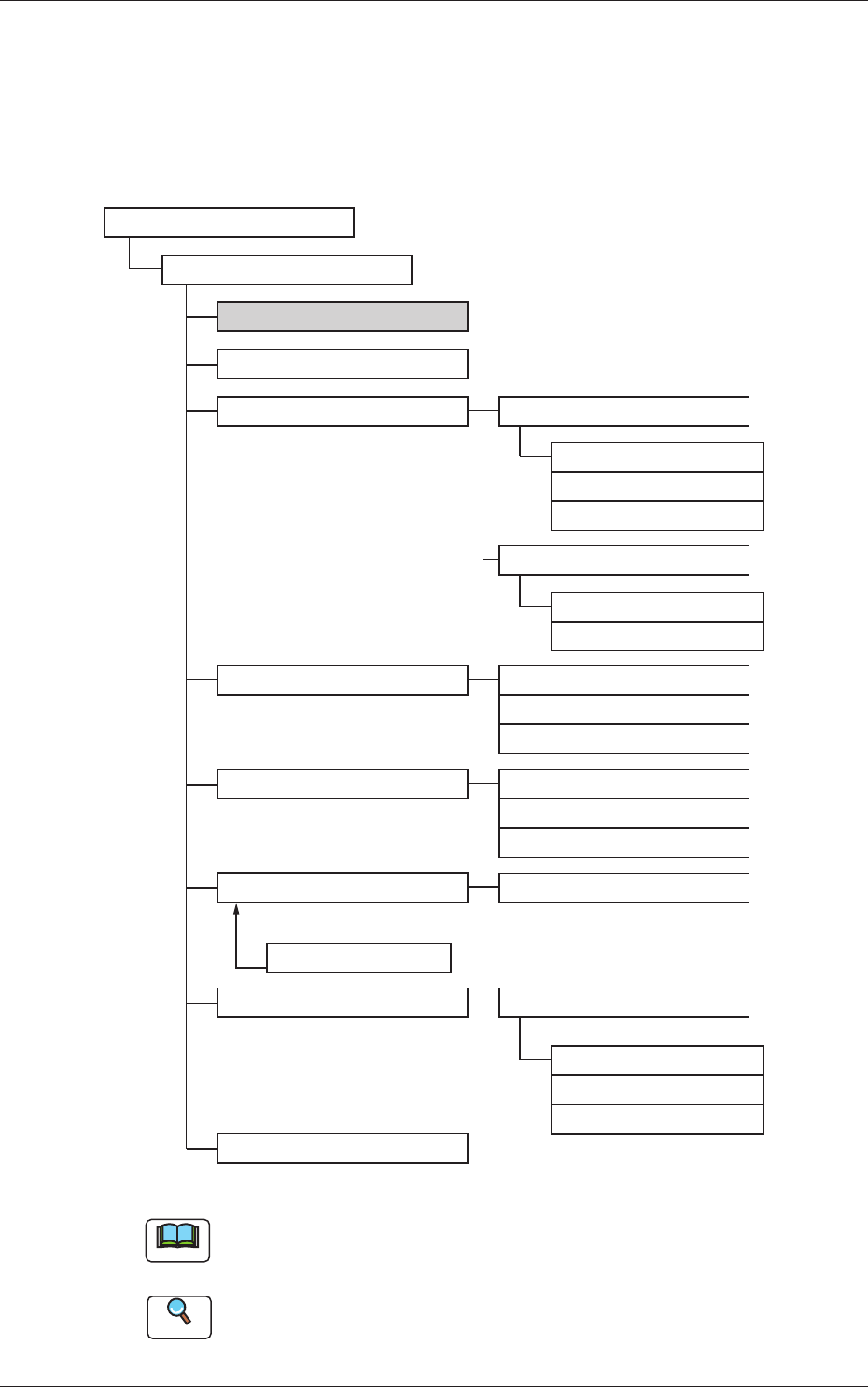
The pattern program for dual transfer consists of the following data items.
Pattern Program
Pattern Program Name
Common SET
PCB
Operation
Control
PL Head/Nozzle
CMPNT PL
Component Library
Component ID
Placement
PCB Recog
Control
PCB locate
Transfer speed
Nozzle Place
Nozzle Stk1
Nozzle Stk2
Function
Mark
Operation
Set-up
Set-up
Support Pin
Block1(2)
Un
Offset
P-data
O-data
HDLG/PL
Composition of Pattern Program F22
Note
The item in gray is to be changed for dual transfer.
Reference
Refer to the Instruction Manual of the SIGMA-G5 for the information
except for dual transfer.