MEC-CP842-1.0E.pdf - 第223页
Setup >> Electrical Power Supply & Transfor mer Wiring MEC-CP842-1.0E 9-7 Checking the Three-phase Connections Perform the following procedure to ve rify that the three-phases are properly con- nected. 1 T urn …
Setup >> Electrical Power Supply & Transformer Wiring
9-6 MEC-CP842-1.0E
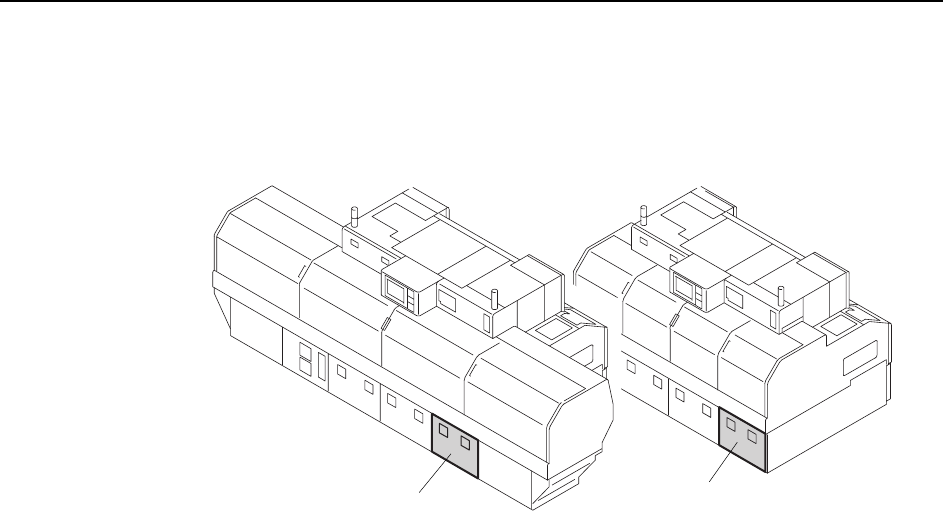
Wiring the Transformer
1 Open the transformer box cover.
2 Wire the transformer’s primary taps to match the supplied voltage.
<
C
P
-
842
M
E><
C
P
-
842
E>
C746M6005
Transformer box
Transformer box
Setup >> Electrical Power Supply & Transformer Wiring
MEC-CP842-1.0E 9-7
Checking the Three-phase Connections
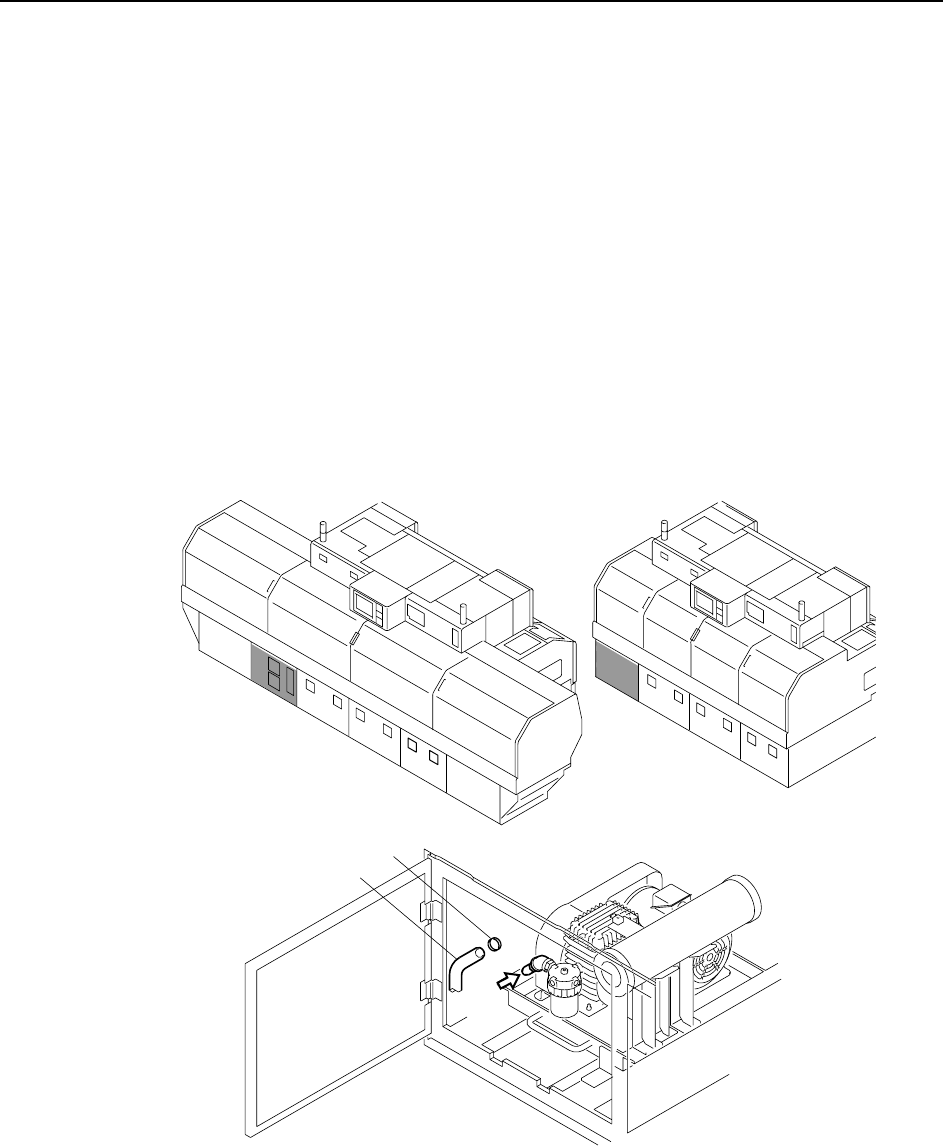
Perform the following procedure to verify that the three-phases are properly con-
nected.
1 Turn the 200V power on.
2 Log in the machine.
3 Press the [AUTO] button (but do not press START).
Note
1. Do not press the START button.
2. The vacuum pump begins operating when [AUTO] is pressed, so disconnect the hose to ver-
ify that suction exists. If there is suction, this indicates that the wiring is correct and the motor
is rotating in the correct direction. If the air flow is reversed (air is blowing out instead of in),
then turn the main power off and reverse the three-phase power cable’s U-phase and V-
phase connections, then try again.
Caution:To avoid leaks, the hose should be pushed firmly into position, and then secured in position
with the hose band.
C746M6006
<CP-842ME><CP-842E>
Hose
Hose band
air
Setup >> Connecting the Data Transmission Cable
9-8 MEC-CP842-1.0E
9.4 Connecting the Data Transmission Cable
Point
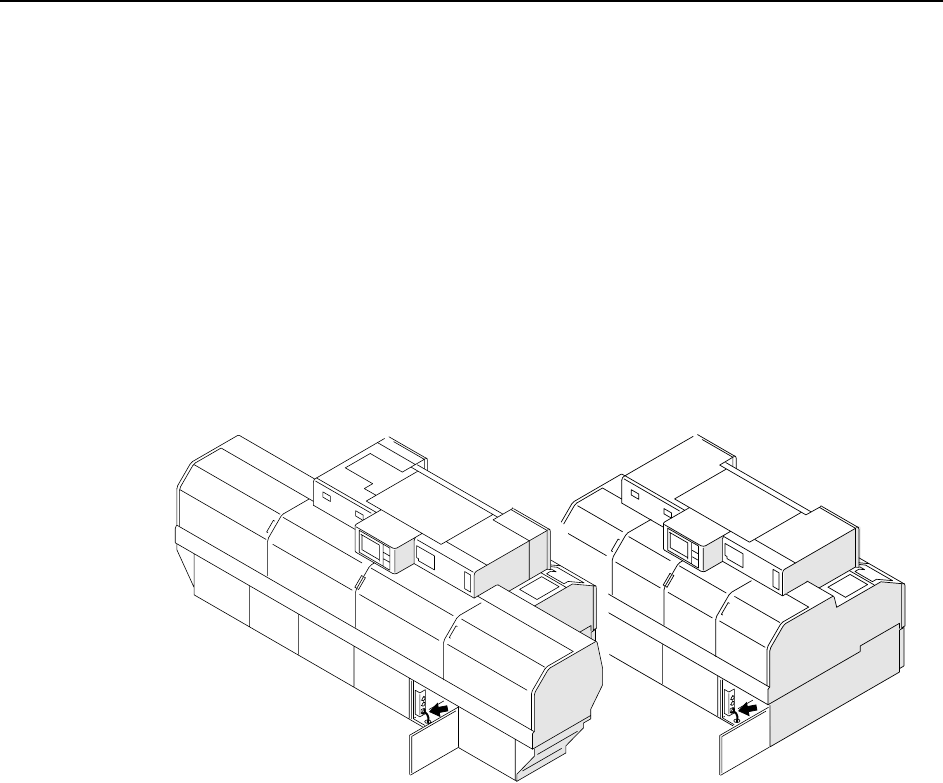
The machine is connected to the host computer by an Ethernet communication cable
(class 5) that enables program transmissions and production log compilation.
Procedure
1 Register the CP-842E/842ME in the line descriptor file at the host.
Note: Refer to the host computer manual for details regarding the registration procedure.
2 Connect one end of the transmission cable to the Ethernet connector at the host,
and connect the other end to the machine.
C746M6007
<CP-842E>
<CP-842ME>