2500_Users_Manual - 第196页
Preven tive Maint enance 5-42 ProMa ster 25 00 U ser Ma nual Cycle Parts This option inserts devices into the pro gramming modu le without programming them. It differs from the diagnostic tests because it allows you to a…
Preventive Maintenance
ProMaster 2500 User Manual 5-41
Note: The beam traverse motor (tests 1 and 2) may appear to stall or fail. This
could be caused by a dirty or dry lead screw. Refer to page 5-63 for the lead
screw cleaning and lubricating procedure. If this does not resolve the
problem, adjust the motor speed by entering the STOP command
LOWER CASE
+
M
, described in Appendix B.
CAUTION: Be sure to open the hood during traverse motor test 1 to
prevent the beam from hitting the hood shock mount.
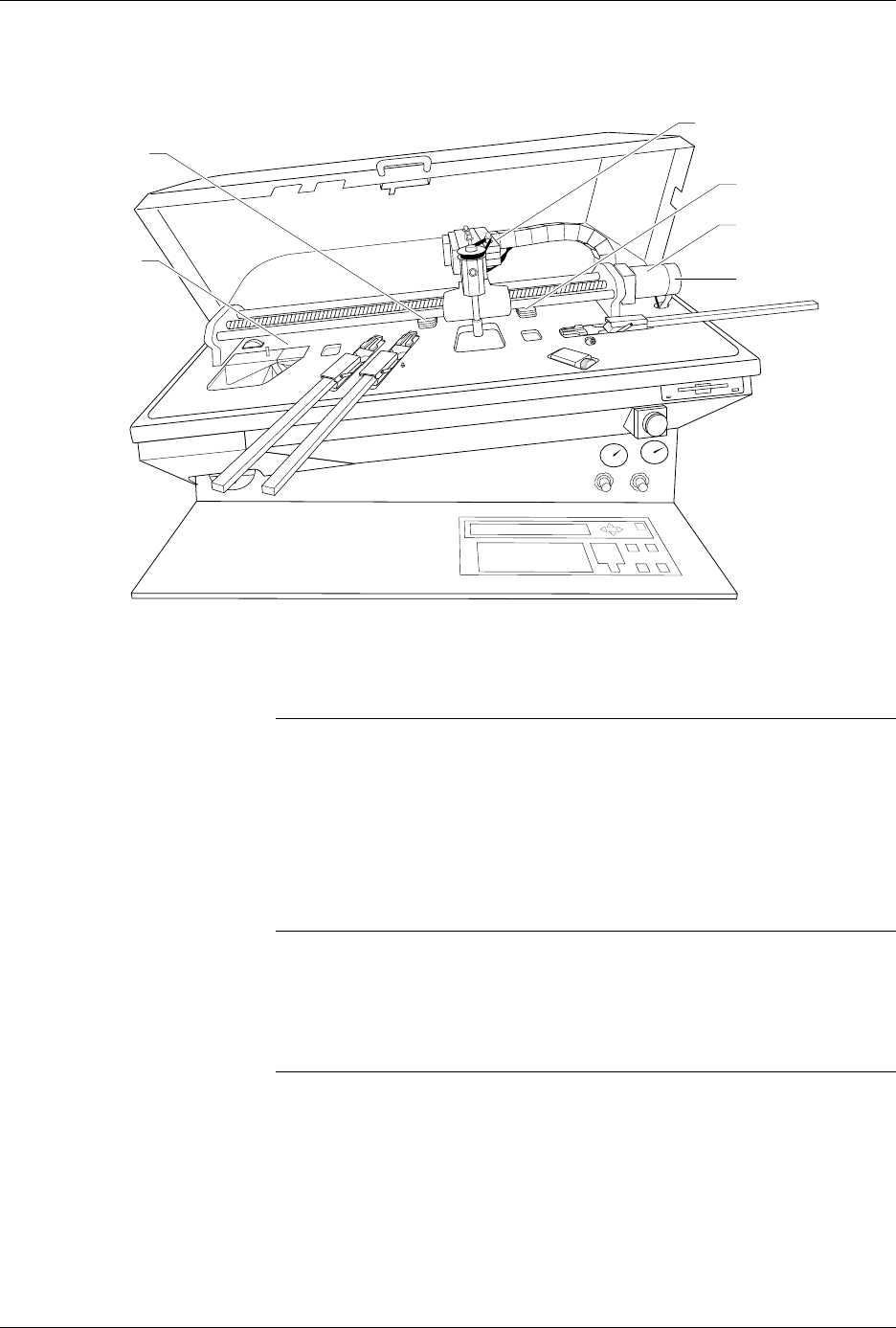
Figure 5-17
Location of the Motors
Test No. Motor Description
1Beam Forward
2Beam Reverse
3 Beam (Head) Rotate
4Tube Input (Orbital)
5Tube Output (Orbital)
6Label Drive
1942-2
(5) TUBE OUTPUT
(1 + 2) BEAM
TRAVERSE
(6) LABELER
(Hidden)
(4) TUBE INPUT
(3) BEAM ROTATE
MOTOR ENCODER
Preventive Maintenance
5-42 ProMaster 2500 User Manual
Cycle Parts
This option inserts devices into the programming module without
programming them. It differs from the diagnostic tests because it allows
you to assess the following system operations under operating conditions
without having to program devices:
• Beam movement
• Vacuum generator functionality
• High and low air pressure
• Applying labels to devices
To select Cycle Parts, press
4
from the Diagnostic menu. The 2500
displays:
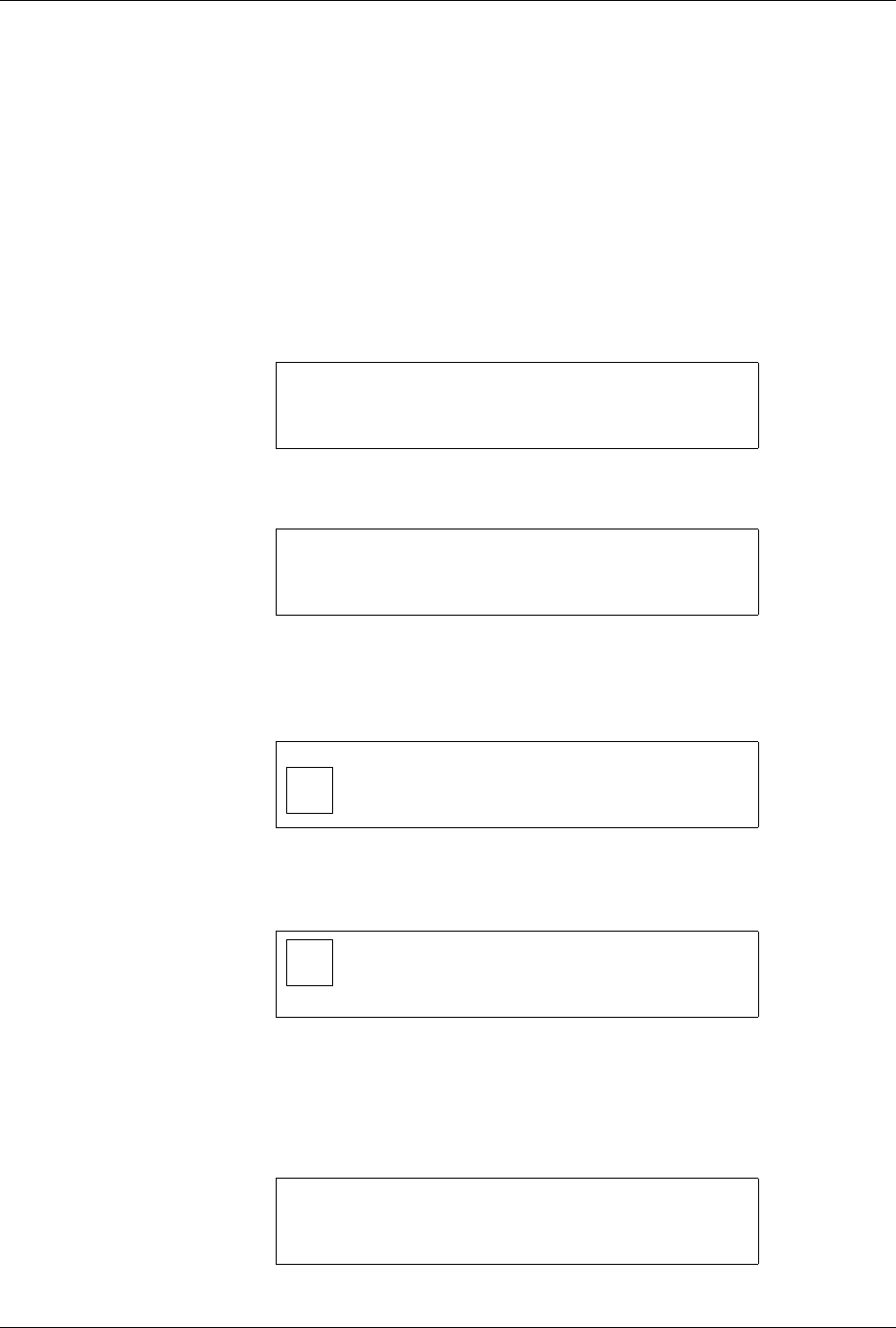
To Cycle Only
If you do not want to label devices, press
N
at the
DO YOU WANT TO
LABEL?
prompt. The 2500 displays:
Use the arrow keys to select an existing device or describe a custom
device, and press
ENTER
. Only eight selections appear on the display at
once; use
↑
and
↓
to scroll to the selections not visible on the display.
The 2500 displays:
Use the 2500’s arrow keys to move the pin 1 icon to correspond to the
location of pin 1 on the device in the input tube, and press
ENTER
. The
2500 displays:
Use the arrow keys to select the pin 1 position of the device as it goes into
the receiving tube. Press
ENTER
when you are satisfied with your
selection.
The next display prompts you to enter the number of parts per tube. The
default value appears in parentheses.
DO YOU WANT TO LABEL? (Y OR N)
CYCLE PARTS
CUSTOM PLCC 20 PLCC 28 PLCC 32
PLCC 44 PLCC 52 PLCC 68 PLCC 84
MOVE TO SELECTION THEN PRESS ENTER
1 <------- TEMPORARY FILE
SELECT POSITION OF PIN 1
AS IT COMES OUT OF THE TUBE.
USE ARROW KEYS THEN PRESS ENTER.
<------- TEMPORARY FILE
SELECT POSITION OF PIN 1
AS IT WILL GO INTO THE TUBE.
1 USE ARROW KEYS THEN PRESS ENTER.
CYCLE PARTS
ENTER NUMBER OF PARTS PER TUBE (13): _
Preventive Maintenance
ProMaster 2500 User Manual 5-43
Enter a new number, or accept the default, and press
ENTER
.
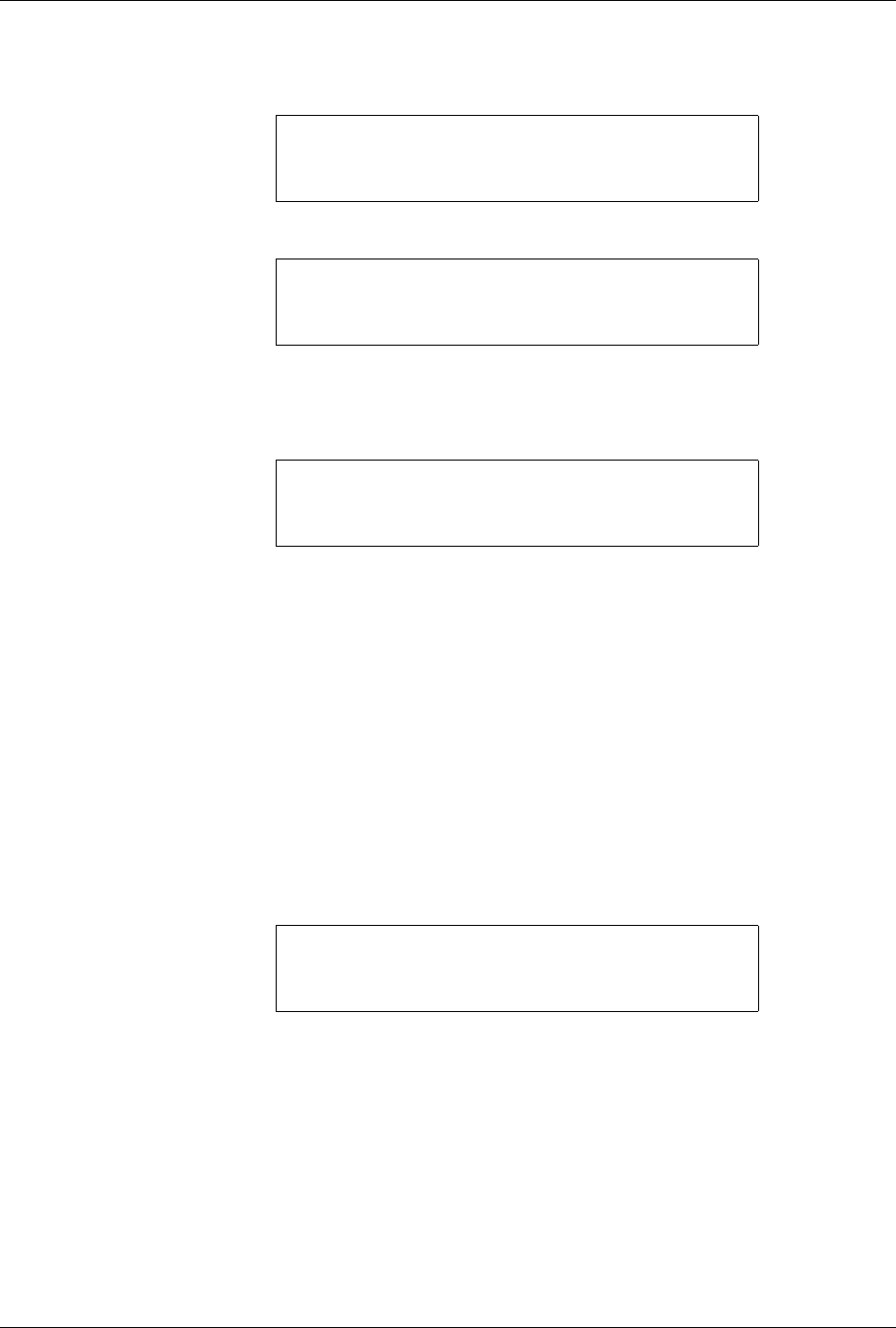
The 2500 displays:
Press
START
and the 2500 displays:
When you are finished with the test, press
RESET
.
To Label Devices
If you want to label devices, press
Y
at the
DO YOU WANT TO LABEL?
display. The 2500 displays:
Select the file you want to use, or edit the Temporary file as described
below.
Editing the Temporary File
To create a test label file to be used once (for example, a test file), edit the
Temporary file, which is the first file in the directory. The content of this
file is lost when the 2500 is turned off.
Editing the Temporary file includes selecting the following:
1.
Device package
(either existing or custom)
2.
Type size
3.
Device orientation in input tube
4.
Position of the label
on the device
5.
Device orientation in output tube
6.
Text
Device Package
The 2500 displays:
To select an existing device package, use the arrow keys to move the
display cursor to the type you want and press
ENTER
. Only eight
selections appear on the display at once; use
↑
and
↓
to scroll to the
selections not visible on the display.
CYCLE PARTS
PART TYPE: PLCC 20
PART LENGTH: .390
PRESS START TO BEGIN
CYCLE PARTS
COMM: NO INTERFACE PART TYPE: PLCC 20
PARTS PER TUBE: 5 PART LENGTH: .390
PART TOTAL = 0 PROGRAM TARGET: INF
CYCLE & LABEL
TEMPORARY FILE2 FILE3 FILE4
FILE5 FILE6 FILE7 FILE8
ENTER FILE NAME:
PROGRAM/TEST LABEL TEMPORARY FILE
CUSTOM PLCC 20 PLCC 28 PLCC 32
PLCC 44 PLCC 52 PLCC 68 PLCC 84
MOVE TO SELECTION THEN PRESS ENTER