2500_Users_Manual - 第241页
Troubleshoo ting ProM aster 25 00 User Manua l 6-19
Troubleshooting
6-18 ProMaster 2500 User Manual
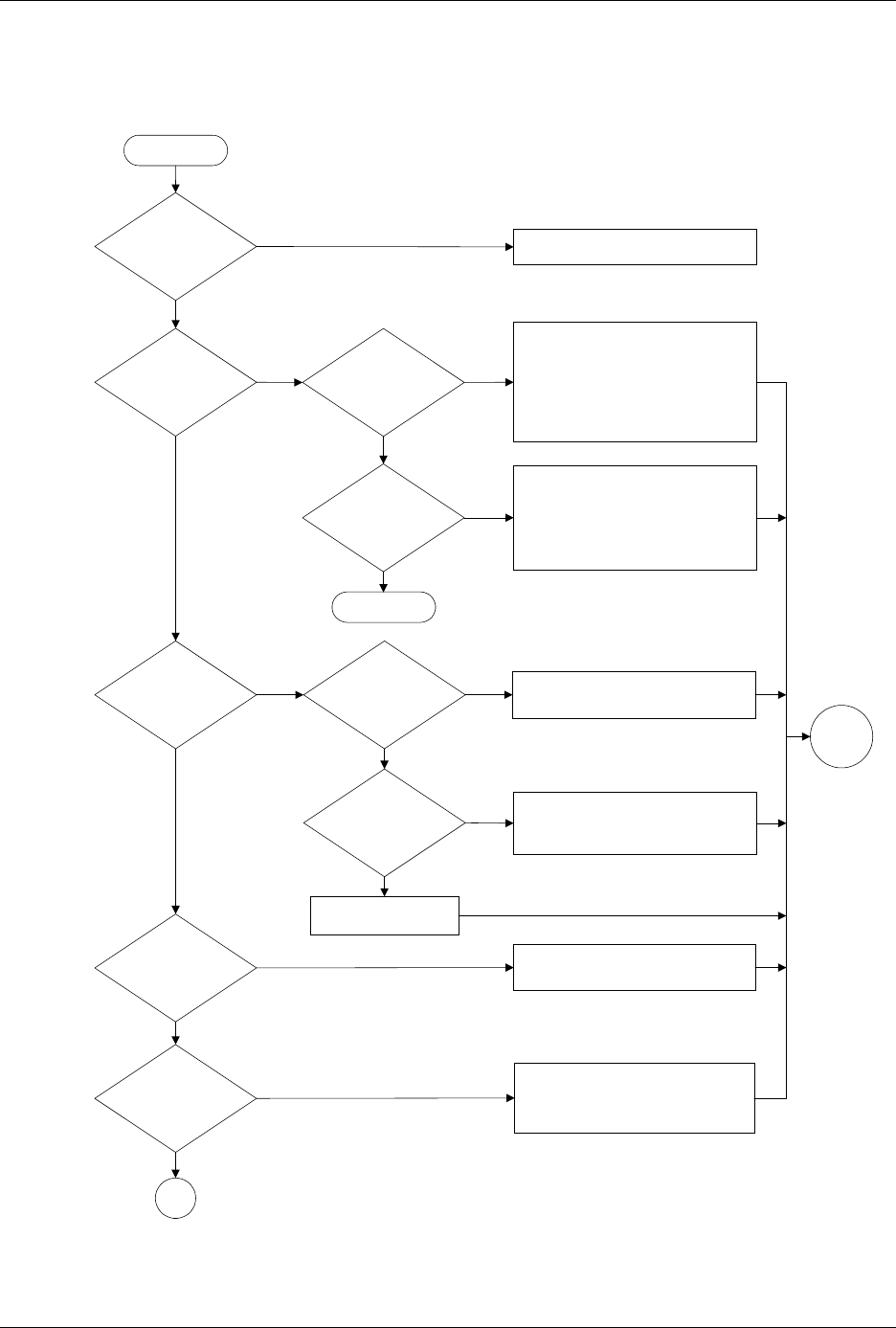
Figure 6-6
Label Application Problems, Dot Matrix Printer (page numbers are in parentheses)
Is label in
wrong position on
device?
Do
labels advance
?
Can you
calibrate labels
?
Are pinch
rollers in operating
position?
No
Yes
No
Yes
No
Yes
Set correct label placement value (2-25)
Check application plate height (2-9)
Ensure press bearings are turning
Check label stock
Put pinch rollers in operating position
(4-19)
Check & adjust ADC optic (5-34)
Check label stock
Yes
Is labeler
motor turning
?
Yes
Check label stock
No
Check labeler motor power supply (5-13)
Run labeler motor test to check motor,
belt, and tensioner pulley (5-40)
No
Does
device align
over labeling
station?
Does beam
move along lead
screw?
Does
beam move
smoothly & align
over labeler
?
End
Does beam
hold device?
See Figure 6-2 (6-8)
Check +90V beam voltage (5-13)
Check motor fuses F5 to F8 (schematic)
Check motor driver circuit U25 to U27
and Q1 to Q4 (schematic)
Check flex coupler (7-21)
Check beam obstruction
Check wiring & connectors
Check for mechanical obstructions
Check +90V beam voltage (5-13)
Check flex coupler (7-21)
Clean & lubricate lead screw (5-63)
Reduce beam motor speed (B-3)
Check wiring & connections
No
No
Yes
Yes
No
No
Yes
Yes
A
Start
Go to
Start

Troubleshooting
ProMaster 2500 User Manual 6-19
Troubleshooting
6-20 ProMaster 2500 User Manual
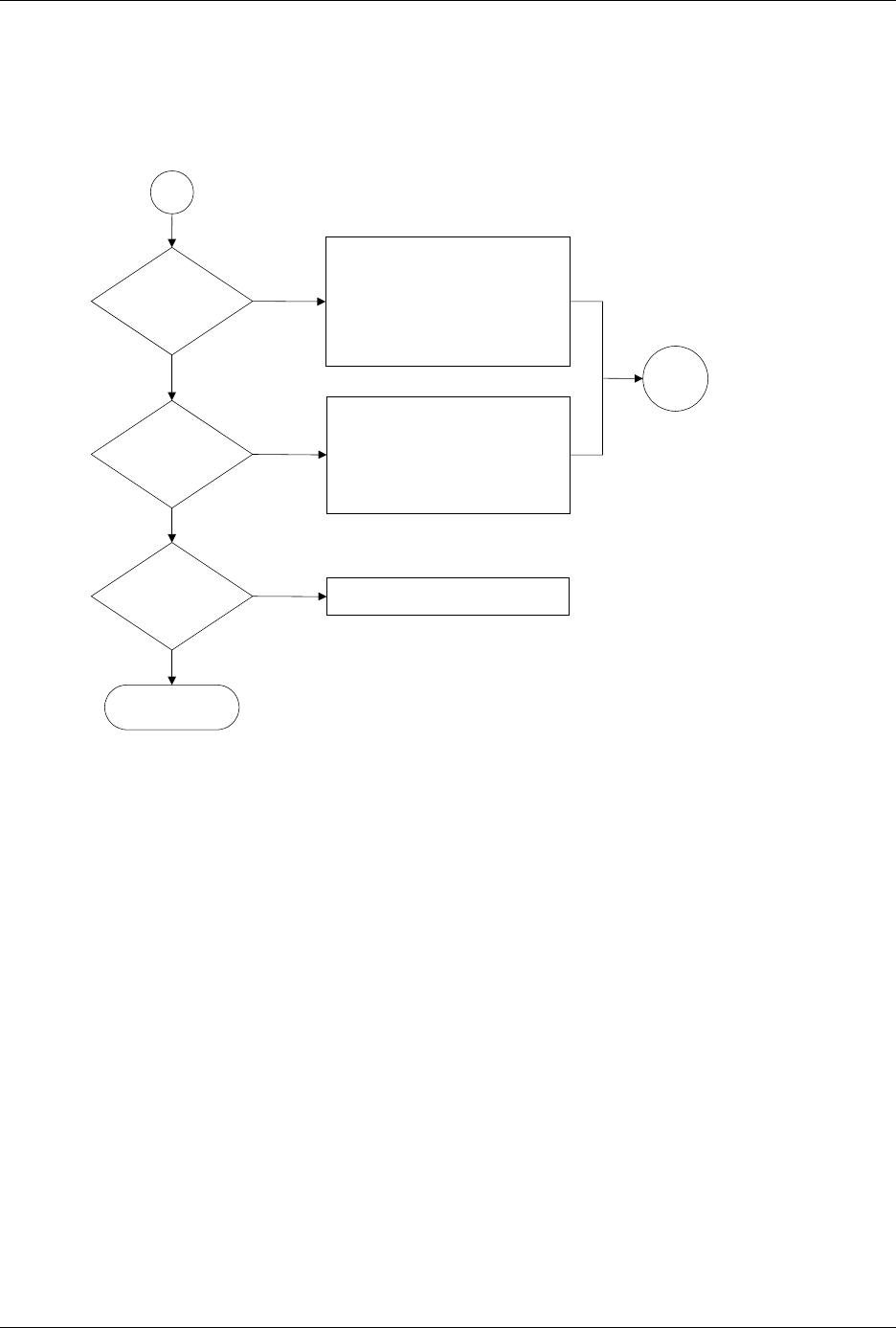
Figure 6-6 (continued)
Label Application Problems, Dot Matrix Printer (page numbers are in parentheses)
Does
part of label extend
over edge of
device?
Does beam
hold device during
labeling?
End
No
Yes
No
Yes
Clean ADC optic hole (5-56)
Adjust ADC optic value (5-34)
Adjust advance label value (B-2)
Clean label path (5-57)
Clean pinch rollers (5-57)
Check & adjust height of application
plate (2-9)
Check label stock
Check & adjust bearing plate (2-9)
Check chuck size (2-8)
Check high air pressure setting (2-7)
Clean (5-56) or replace (4-17) chuck tip
Check vacuum sensor diagnostics (5-32)
Check vacuum filter (5-61)
Clean or replace label stock
A
Are labels
being applied
correctly?
Yes
No
Call Customer Support
Go to
Start