2500_Users_Manual - 第243页
Troubleshoo ting ProM aster 25 00 User Manua l 6-21
Troubleshooting
6-20 ProMaster 2500 User Manual
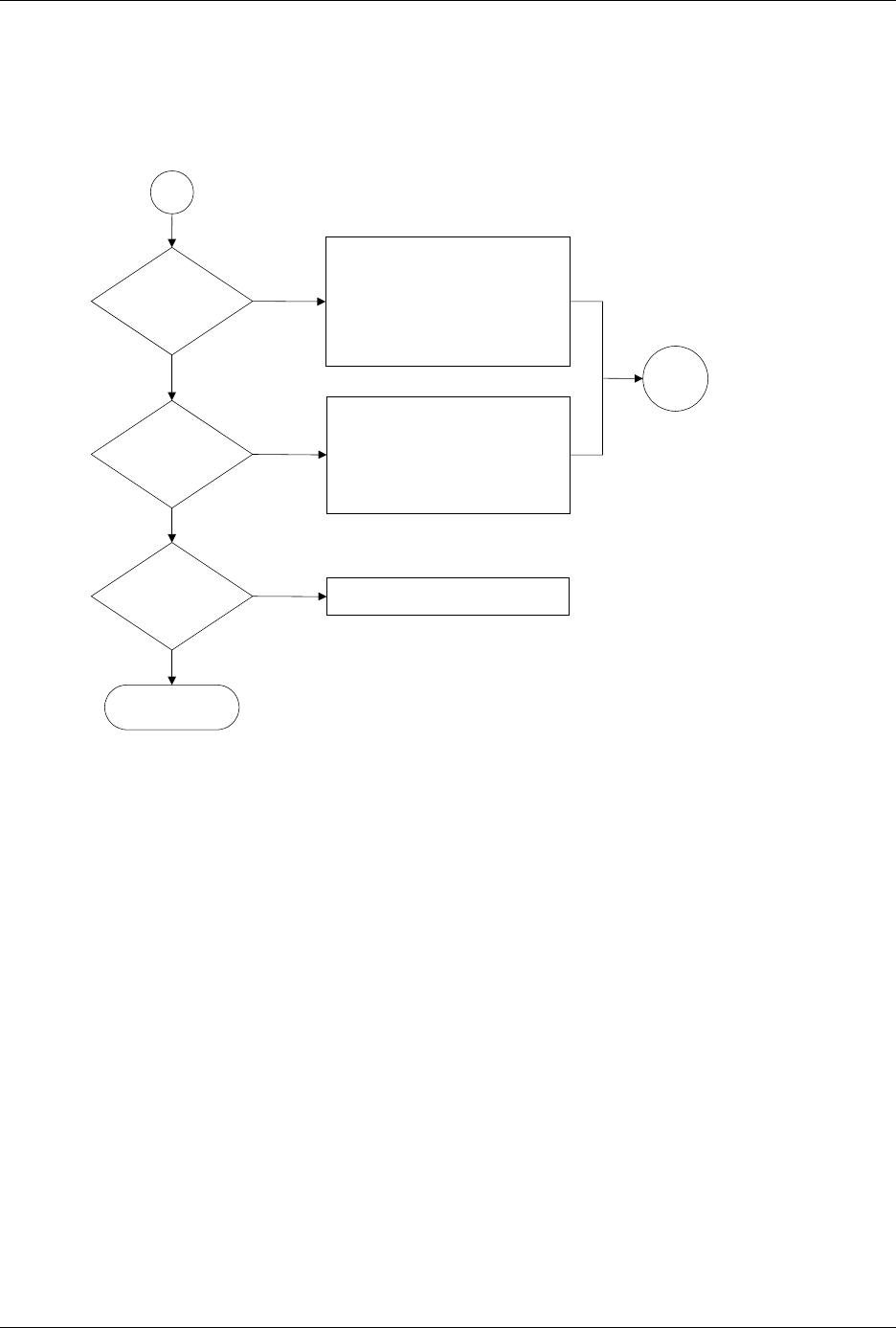
Figure 6-6 (continued)
Label Application Problems, Dot Matrix Printer (page numbers are in parentheses)
Does
part of label extend
over edge of
device?
Does beam
hold device during
labeling?
End
No
Yes
No
Yes
Clean ADC optic hole (5-56)
Adjust ADC optic value (5-34)
Adjust advance label value (B-2)
Clean label path (5-57)
Clean pinch rollers (5-57)
Check & adjust height of application
plate (2-9)
Check label stock
Check & adjust bearing plate (2-9)
Check chuck size (2-8)
Check high air pressure setting (2-7)
Clean (5-56) or replace (4-17) chuck tip
Check vacuum sensor diagnostics (5-32)
Check vacuum filter (5-61)
Clean or replace label stock
A
Are labels
being applied
correctly?
Yes
No
Call Customer Support
Go to
Start

Troubleshooting
ProMaster 2500 User Manual 6-21
Troubleshooting
6-22 ProMaster 2500 User Manual
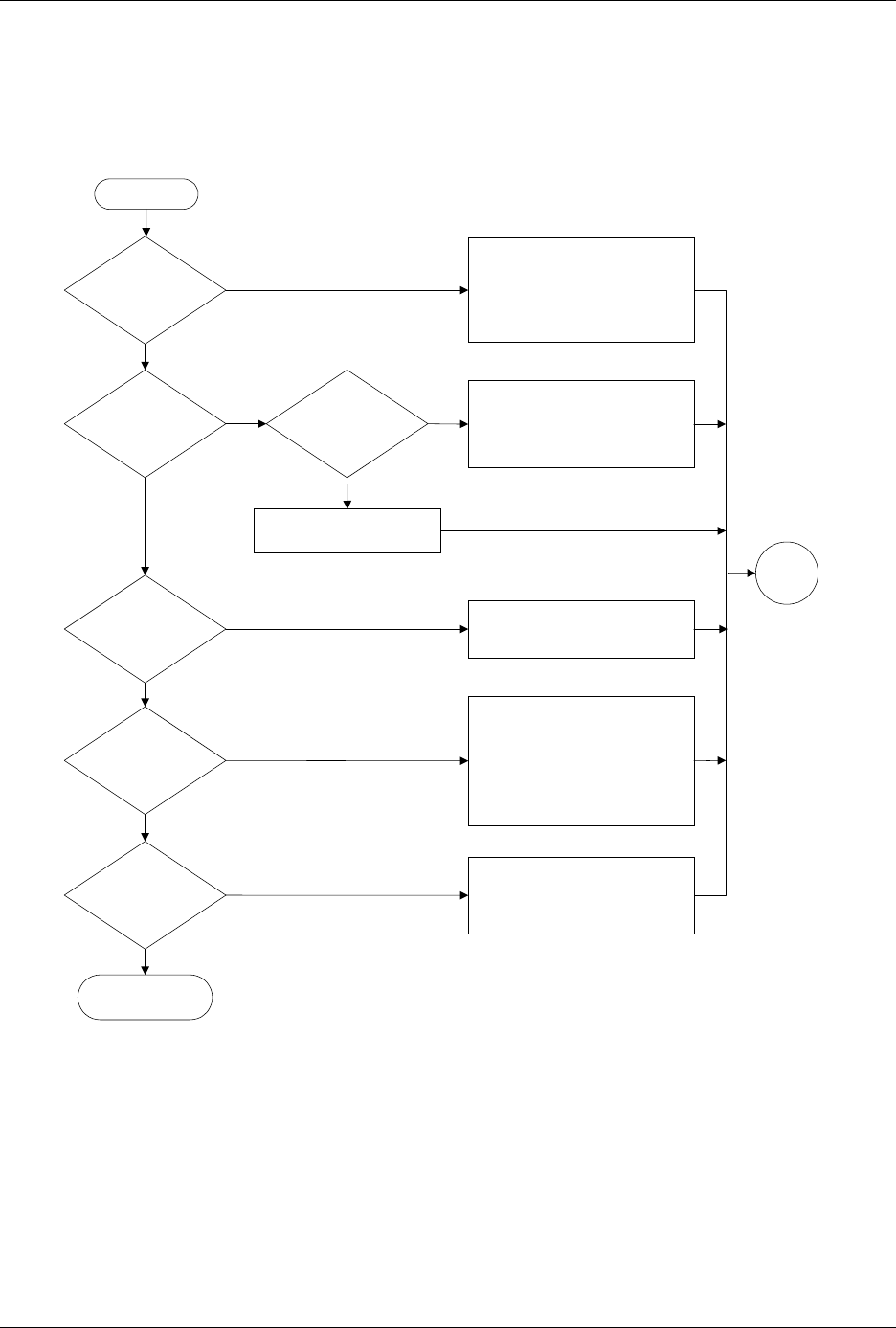
Figure 6-7
The Beam Does Not Deliver the Device Correctly (page numbers are in parentheses)
Does
beam release
devices?
Does the
device arrive at the
output track?
Does
beam lower to
output track
?
Does an
object block
beam?
Do
devices
move down
track?
Do devices
slide into output
tubes?
End
No
Yes
No
Yes
No
Yes
No
Yes
No
Yes
Clear the beam's vertical path
Yes
No
Check high air pressure (2-7)
Check vacuum generator (B-2)
Clean & chalk chuck tip (5-56)
Adjust track width (4-12)
Jog chuck position over track using
2500 keyboard arrow keys
Perform output track funnel
adjustment (5-64)
Adjust track air (4-38)
Check output orbital motor (5-40)
Check devices for label residue
Check for mechanical obstructions
Check +90V beam voltage (5-13)
Check flex coupler (7-21)
Clean & lubricate lead screw (5-63)
Reduce beam motor speed (B-3)
Check wiring & connectors
Check low pressure air (2-7)
Check beam up/down solenoid (5-38)
Check beam down optic test (5-32)
Clean & lubricate beam shafts (5-63)
Check wiring & connectors
Ensure that output tubes are correct
size, undamaged, & oriented correctly
Adjust track height (5-64)
Check devices for label residue
Start
Go to
Start