00190802-02.pdf - 第539页
User’ s Manual SIPLACE Line Computer UNI X 17.2 Description of Components and PCBs Software V e rsion 402.xx Edition 06/96 17.2.3 PCB 3: Focus on Cluster T echnique 17 - 3 9 65. In the Cluster Edi tor activate the approp…
17.2 Description of Components and PCBs User’s Manual SIPLACE Line Computer UNIX
17.2.3 PCB 3: Focus on Cluster Technique Software Version 402.xx Edition 06/96
17 - 38
The definition of the fiducials is dispensed with for the
duplicate.
The definition of the ink spot is dispensed with for the
duplicate.
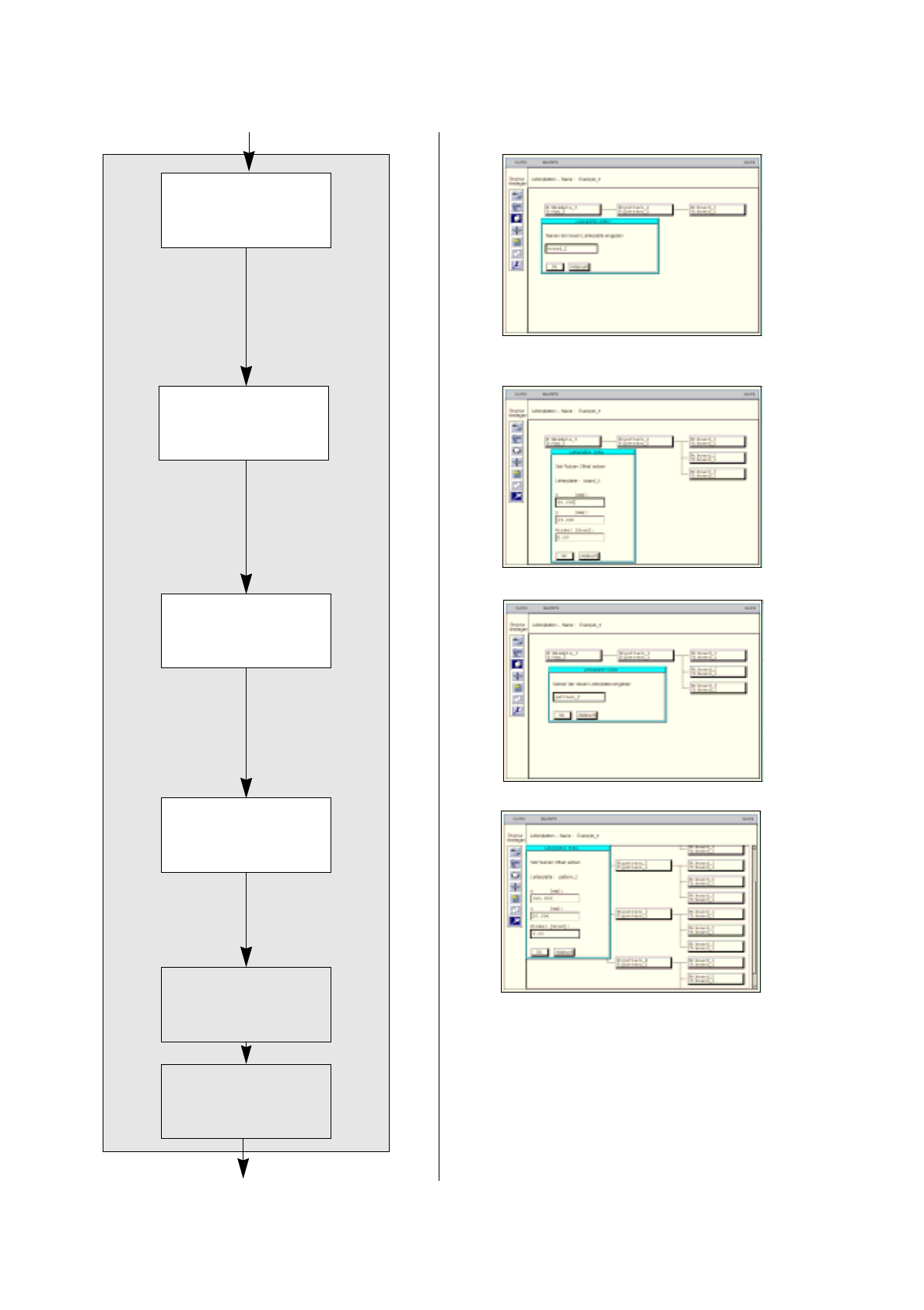
Duplicating
cluster
Entering offset values
for
duplicated cluster
Defining
fiducials
Defining
ink spot
continued from page 17-36
Duplicating single
circuits
Entering offset values
for duplicated single
circuit
continued on page 17-40

User’s Manual SIPLACE Line Computer UNIX 17.2 Description of Components and PCBs
Software Version 402.xx Edition 06/96 17.2.3 PCB 3: Focus on Cluster Technique
17 - 39
65. In the Cluster Editor activate the appropriate buttons for
PCB position recognition
and
Place. position
recognition
, here: for both options
no
.
66. Activate the appropriate button for
Ink spot
, here:
yes
.
67. Click on the
Quit
option on the
FILE
menu.
The Cluster Editor is closed
To duplicate a single circuit, proceed as follows:
68. Click on the Duplicate icon .
69. Click on the single circuit, here:
board_1
.
A dialog box is opened.
70. Click on the editing field.
Enter the name for the new single circuit, here:
board_2,
and click on the
OK
button.
The dialog box is closed. The new single circuit is displayed at the third level.
71. Duplicate the other single circuit, here:
board_3
, analogously.
To enter the offset values for the duplicated single circuits, proceed as follows:
72. Click on the Coordinate system icon .
73. Click on a single circuit, here:
board_2
.
A dialog box is opened.
74. Click on the individual editing fields and enter the offset values, see Fig. 17.2.7 on page 17-31.
75. Click on the
OK
button.
The dialog box is closed.
76. Enter the offset values for the other single circuits, here:
board_3
analogously.
To duplicate a cluster together with the single circuits contained therein:
77. Click on the Duplicate icon .
78. Click on the cluster you wish to duplicate, here:
pattern_1
.
A dialog box is opened.
79. Click on the editing field and enter the name, here:
pattern_2
.
80. Click on the
OK
button.
A new cluster with three single circuits each is set up. All data of the duplicated cluster are adopted.
81. Duplicate the other clusters, here:
pattern_3
and
pattern_4,
analogously.
To enter the offset values for the duplicated clusters, proceed as follows:
82. Click on the Coordinate system icon .
83. Click on a duplicated cluster, here:
pattern_2
.
A dialog box is opened.
84. Click on the individual editing fields and enter the offset values, see Fig. 17.2.7 on page 17-31.
85. Click on the
OK
button.
The dialog box is closed.
86. Enter the offset values for the other single circuits, here:
pattern_3
,
pattern_4
analogously.
Defining fiducials:
the definition of the fiducials is dispensed with for the duplicate.
Defining ink spot:
the definition of the ink spot is dispensed with for the duplicate.
17.2 Description of Components and PCBs User’s Manual SIPLACE Line Computer UNIX
17.2.3 PCB 3: Focus on Cluster Technique Software Version 402.xx Edition 06/96
17 - 40
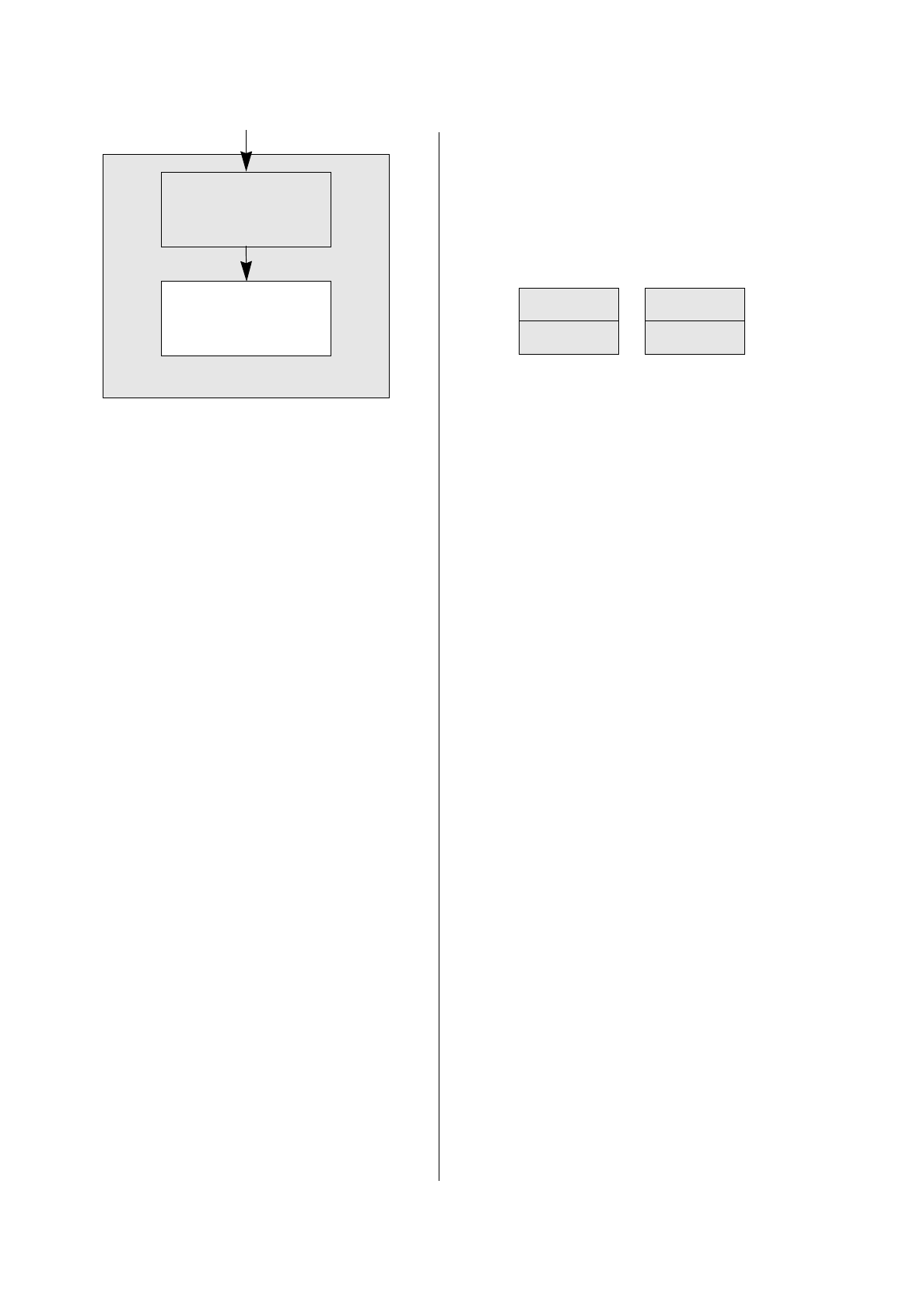
The entry of placement positions is dispensed
with for the duplicate.
FILE
Save
FILE
Quit
Entering placement
positions
Saving PCB data
continued from page 17-38