OperationInstruction_Vsision XP - 第107页
V ISION XP+ V AC Page 99 5 Software 5.4 The Data Menu Operating Instructions V ersion 1.5 5.4 The Da ta Menu Fig. 5-3 3 Wi ndow Data Menu (st andard) Fig. 5-3 4 Wi ndow Data Menu wi th product data ba nk (option) The fol…
Page 98 VISION XP+ VAC
5 Software
5.3 The Menu System
Operating Instructions
Version 1.5
5.3.6 Language
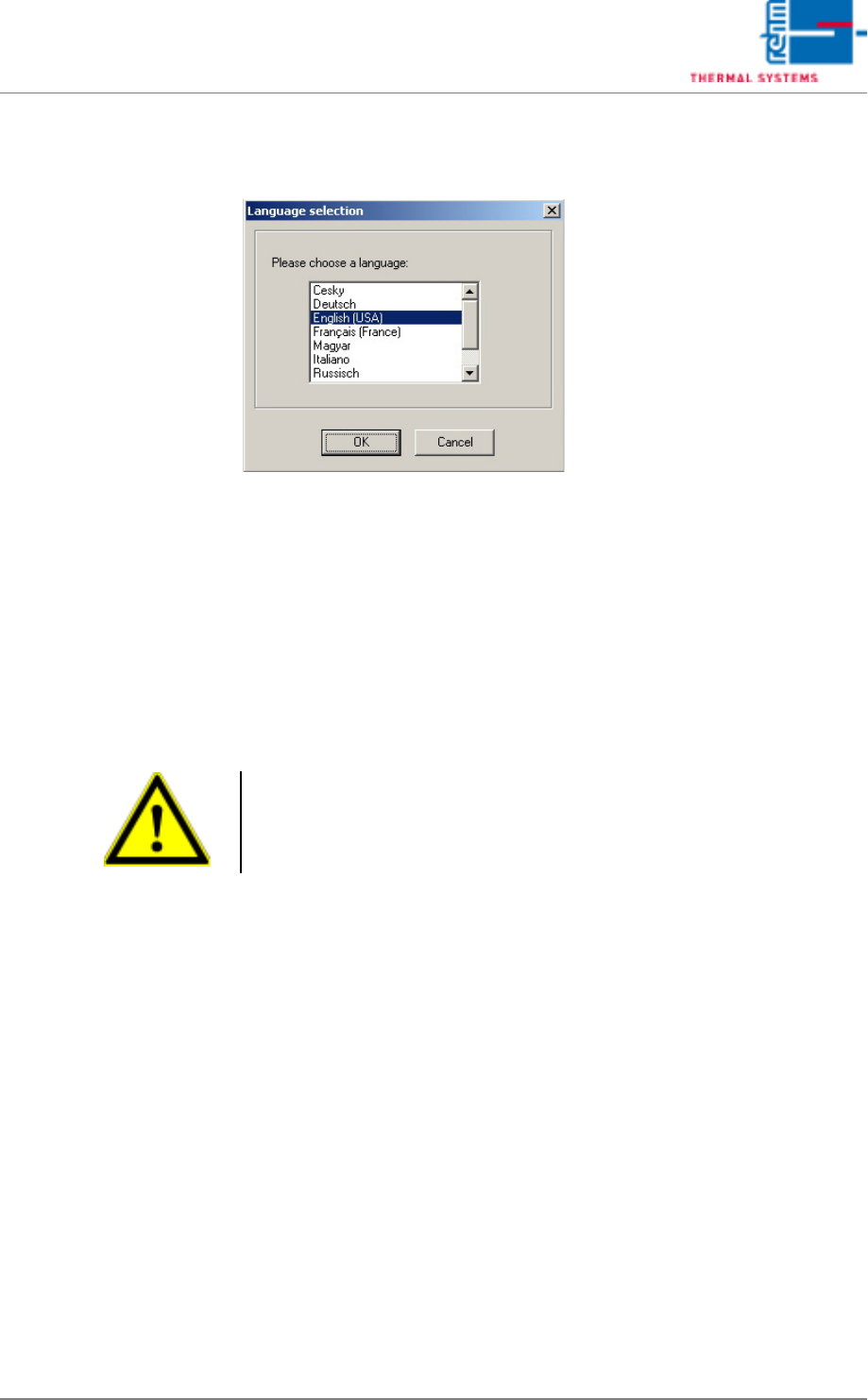
Fig. 5-32 Language Selection
A language can be selected with this dialog box.
The language change does not become effective until Visu is restarted.
5.3.7 Exit Program
Work with the software program from Rehm Thermal Systems GmbH can be
ended here.
The software can be restarted by double clicking the system icon.
Caution
If „Don't check data for changes“ has been activated under System Set-
tings/Authority, the software is shut down without displaying a security
prompt.
VISION XP+ VAC Page 99
5 Software
5.4 The Data Menu
Operating Instructions
Version 1.5
5.4 The Data Menu
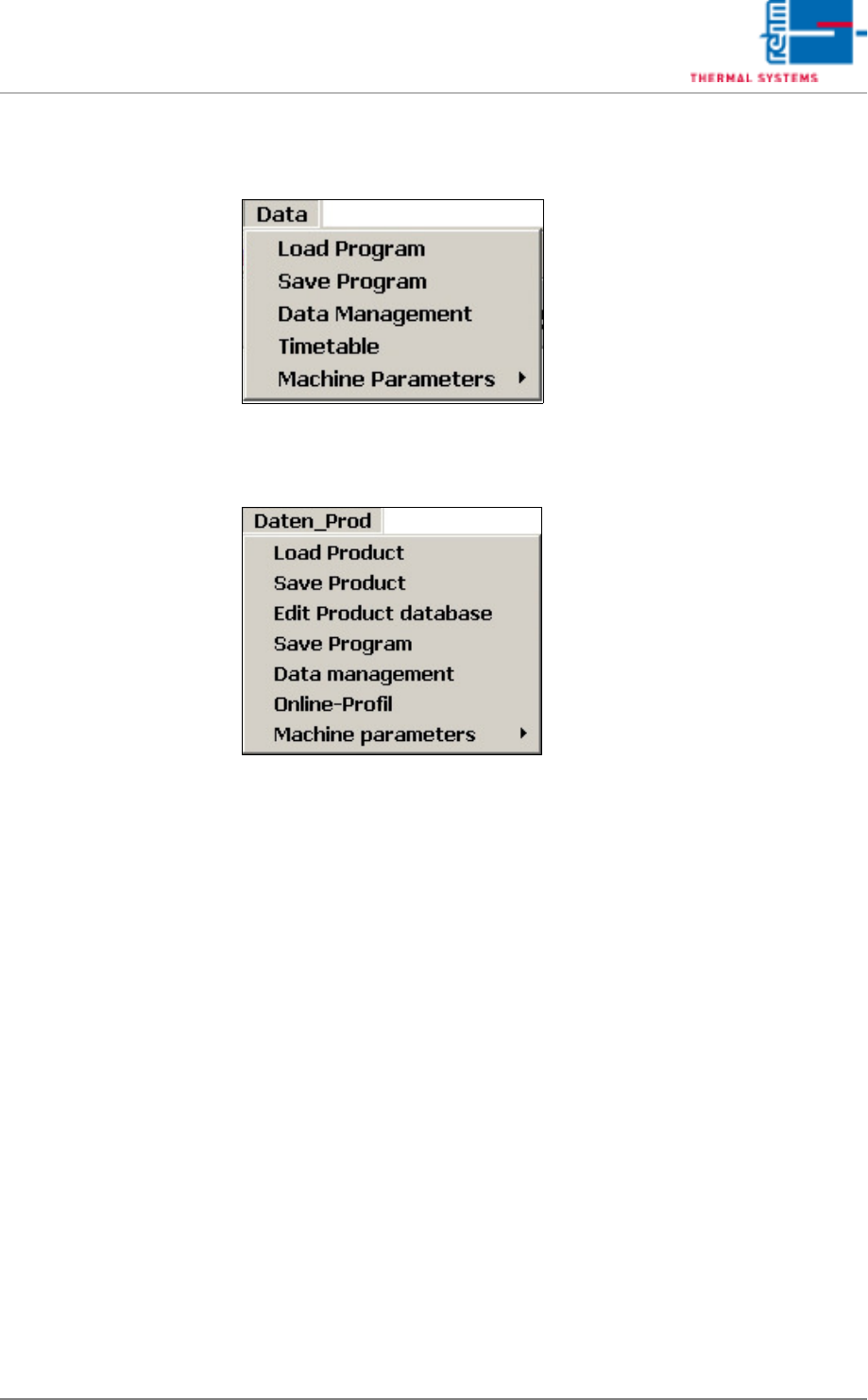
Fig. 5-33 Window Data Menu (standard)
Fig. 5-34 Window Data Menu with product data bank (option)
The following menu points are options, it means they are not available in
each system:
• Load Product
• Save Product
• Edit Product database
• Online-Profil.
You can find a description of these functions in the document Online Profil-
ing.
Page 100 VISION XP+ VAC
5 Software
5.4 The Data Menu
Operating Instructions
Version 1.5
5.4.1 Load Program
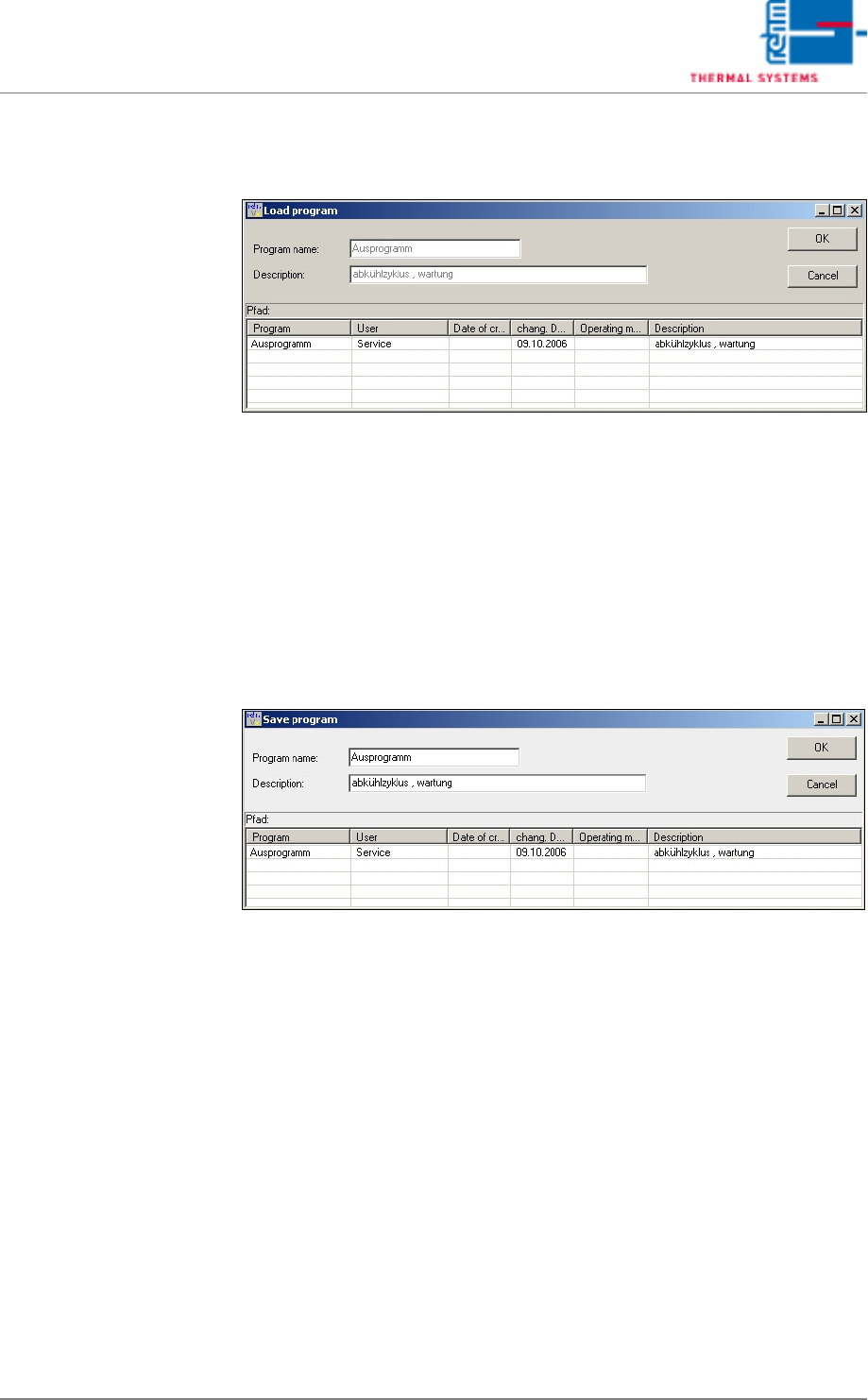
Fig. 5-35 Load Program
In order to load a program, the program name must either be entered to the
Program Name field, or the desired program must be selected from the file
list at the bottom.
The selection is then acknowledged with OK, and the program is loaded.
The data points are written.
5.4.2 Saving the Program
Fig. 5-36 The “Save Program” Menu Function
In order to save a new or an edited program, a name must be entered to the
Program Name field. The program name may have a length of up to 40
characters, and should not include any special characters or spaces.
Additional information can be entered to the description field, which may
also include special characters such as /., -!:. The description should not
exceed a length of approximately 100 characters.