OperationInstruction_Vsision XP - 第125页
V ISION XP+ V AC Page 1 17 5 Software 5.5 The Masks Menu Operating Instructions V ersion 1.5 G) Buffer Conveyor empty After covering the inlet light barrier the transpor t adjustment for the sum of con veyor le ngth and …
Page 116 VISION XP+ VAC
5 Software
5.5 The Masks Menu
Operating Instructions
Version 1.5
5.5.7 Interfaces
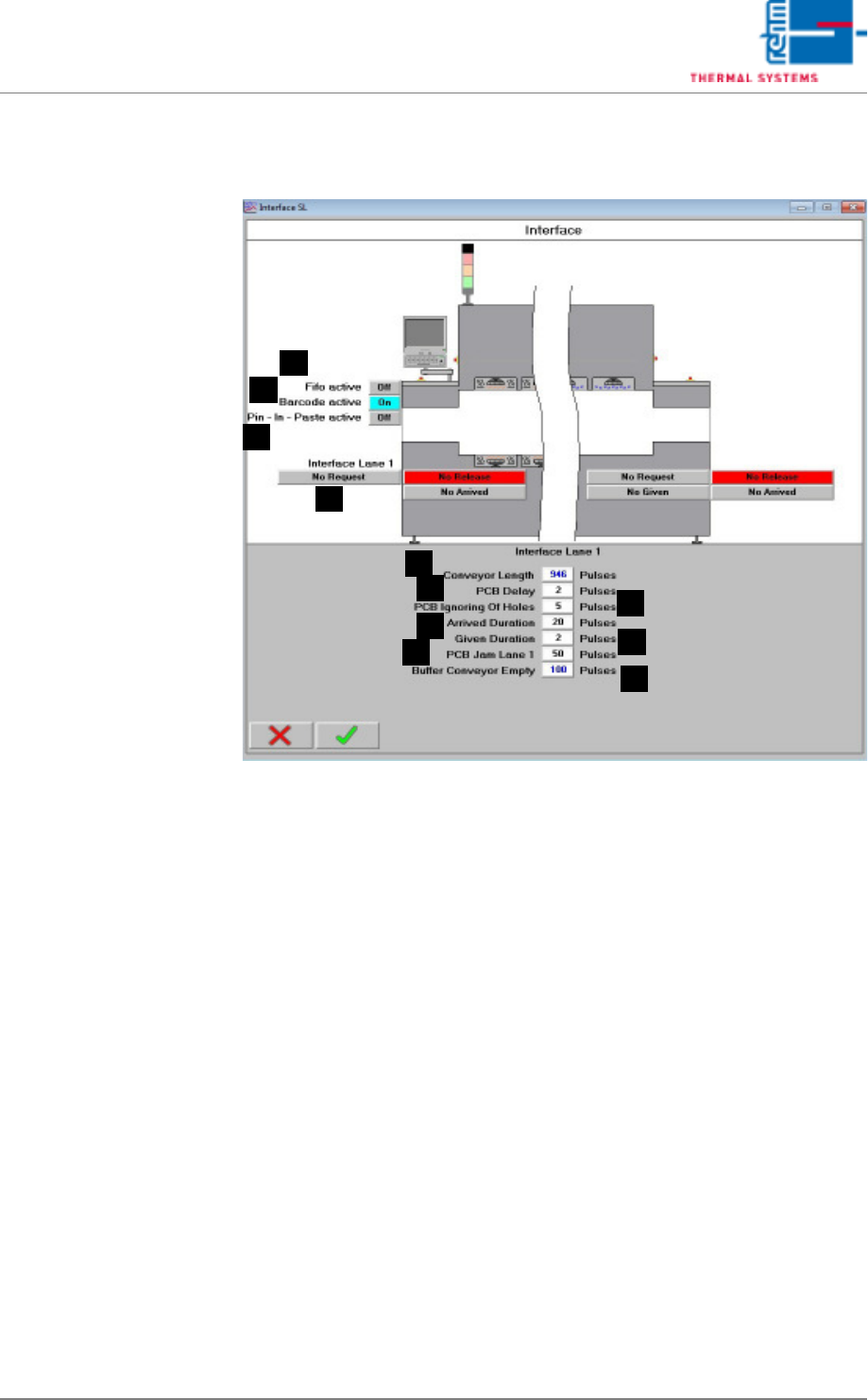
Fig. 5-46 Interface
Values for controlling the interfaces at the system’s inlet and outlet are
displayed here.
A) Belt Length
Number of pulses from the inlet to the outlet (determined at the factory).
B) PCB Delay
Number of pulses during which the light barrier must be obstructed be-
fore a PCB is detected.
C) PCB Hole Suppression
Distance specified for spanning holes in PCBs which do not obstruct the
light barrier (expressed in terms of pulses).
D) Arrival Duration
Number of pulses by which the “Arrival” signal is counted after the PCB
clears the light barrier at the inlet.
E) Discharge Duration
Number of pulses by which the “Discharge” signal is counted after the
PCB clears the light barrier at the outlet.
F) PCB jam lane 1
A number of impulses, after them the alarm „handing over pile-up“ is trig-
gered off when covering the outlet light barrier.
D
C
B
A
E
F
G
H
I
J
K

VISION XP+ VAC Page 117
5 Software
5.5 The Masks Menu
Operating Instructions
Version 1.5
G) Buffer Conveyor empty
After covering the inlet light barrier the transport adjustment for the sum
of conveyor length and buffer transport empty is decelerated. After enter-
ing 0, the function is deactivated. Is the value higher than „0“, the function
is active. With active function each board remains in the oven until it has
moved through the complete oven, plus the preset safety value. Indepen-
dently, if the board was deleted or reset manually only afterwards the
oven is unloaded.
H) Fifo (option)
It indicates if the PCB buffer at the outlet is active.
I) Barcode (option)
It indicates if the Barcode Scanner at the inlet is active.
J) Pin in Paste (option)
It indicates if the Pin in Paste-function is active.
K) No demand/demand at the inlet
It indicates that the preceding module wants to pass on the assembly
group to the oven.
Page 118 VISION XP+ VAC
5 Software
5.5 The Masks Menu
Operating Instructions
Version 1.5
5.5.8 Fifo Interface (optional)
Fig. 5-47 Fifo Interface
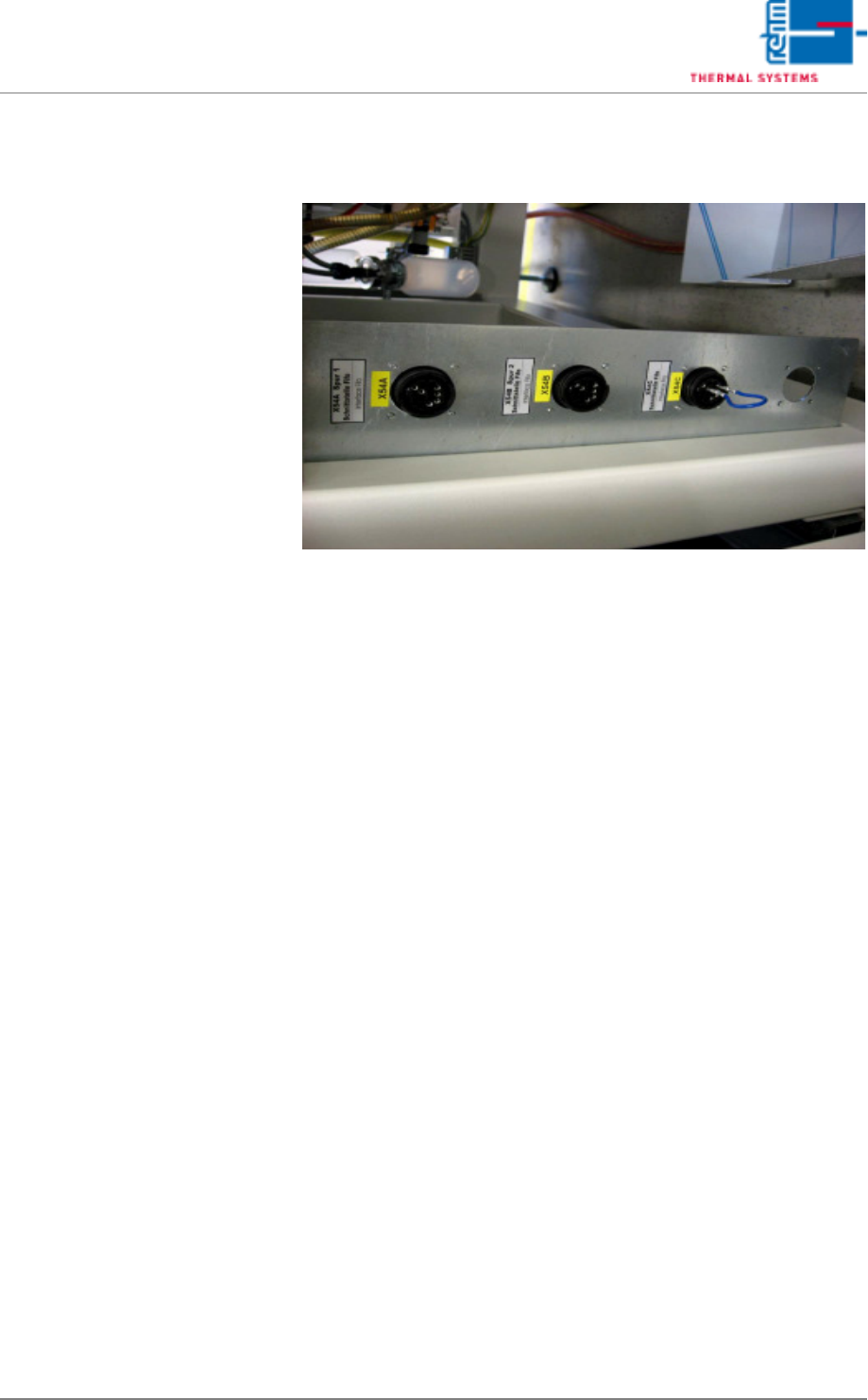
With the Fifo option there is a PCB buffer behind the oven. The buffer is re-
sponsible that all boards are collected correctly in the oven also when sub-
sequent machines stopped.
In case of a failure the oven cannot be stopped as otherwise the boards burn
up. If no buffer is available and the subsequent machine doesn't take over
the boards, they move on top of each other in the cooling zone.
To ensure that the buffer can take up the boards at any time, the buffer locks
the oven inlet when the number of boards in the oven has achieved the num-
ber of free spots in the buffer. In order that it works two signals have to be
exchanged between the oven and the buffer, one in order that the buffer can
lock the oven and the second in order that the oven can inform the buffer
about the number of boards (an impulse per board). The signal for inlet lock-
ing is wire break-proof, with 24V the oven inlet is free, if there is no signal –
the oven inlet is locked. If the buffer is removed subsequently from the line
please ensure that 24V are on the interface as otherwise the oven inlet is
locked permanently.