OperationInstruction_Vsision XP - 第169页
V ISION XP+ V AC Page 161 6 Rehm Recorder 6.2 Live mode configuration Operating Instructions V ersion 1.5 6.2.7 D elete configuration 6.2.8 Star t recording 6.2.9 A ctivate trigger Fig. 6-1 2 Meas ureme nt 1 Use the &quo…
Page 160 VISION XP+ VAC
6 Rehm Recorder
6.2 Live mode configuration
Operating Instructions
Version 1.5
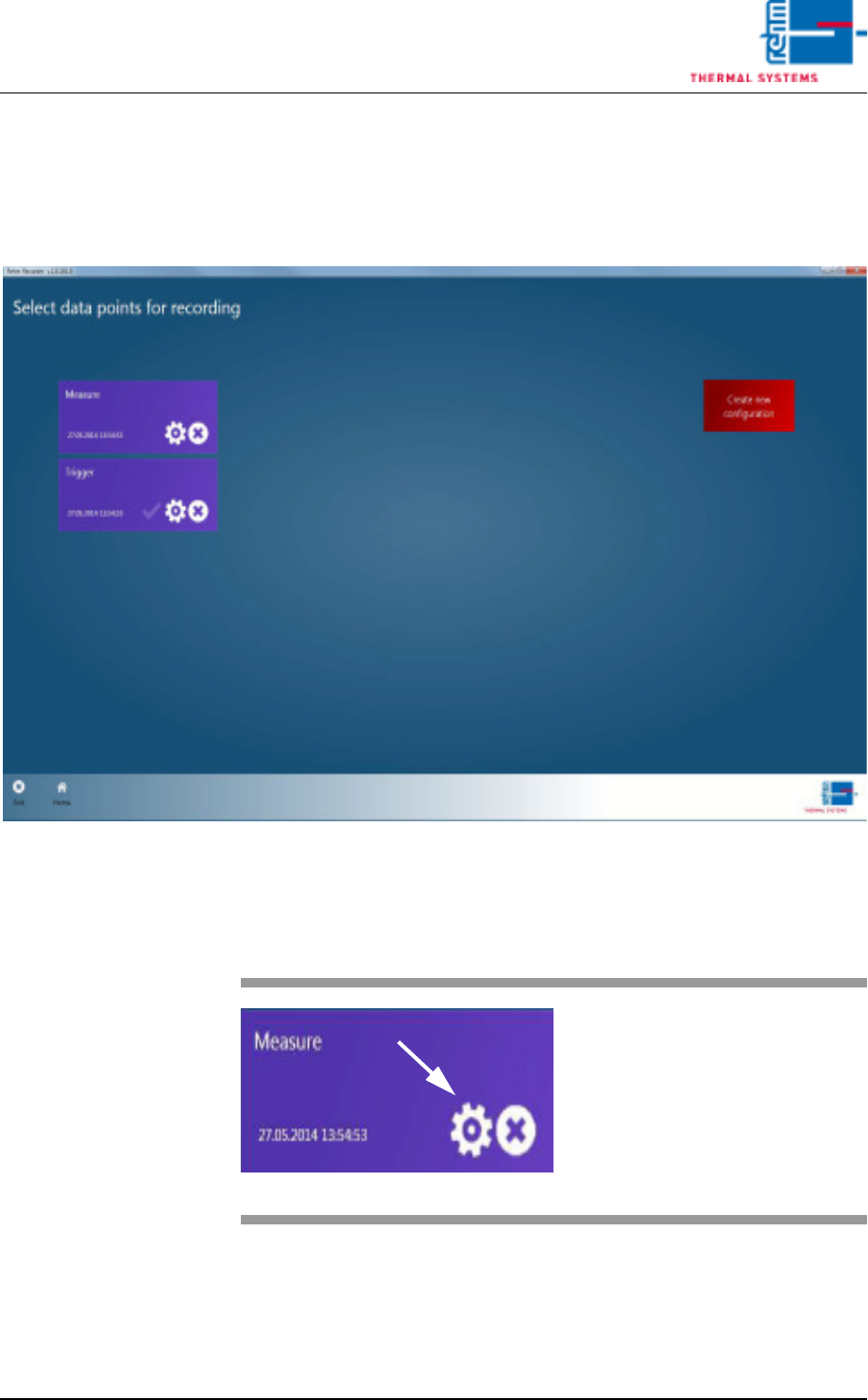
6.2.5 Edit existing configuration
If you want to edit a configuration already created, click the cog icon for the
required configuration tile in the overview.
Fig. 6-10 Configuration selection
6.2.6 Load configuration
Fig. 6-11 Starting 1
You are then shown the same Wiz-
ard as for creating a new configura-
tion, only here the data of the
configuration selected is loaded.
VISION XP+ VAC Page 161
6 Rehm Recorder
6.2 Live mode configuration
Operating Instructions
Version 1.5
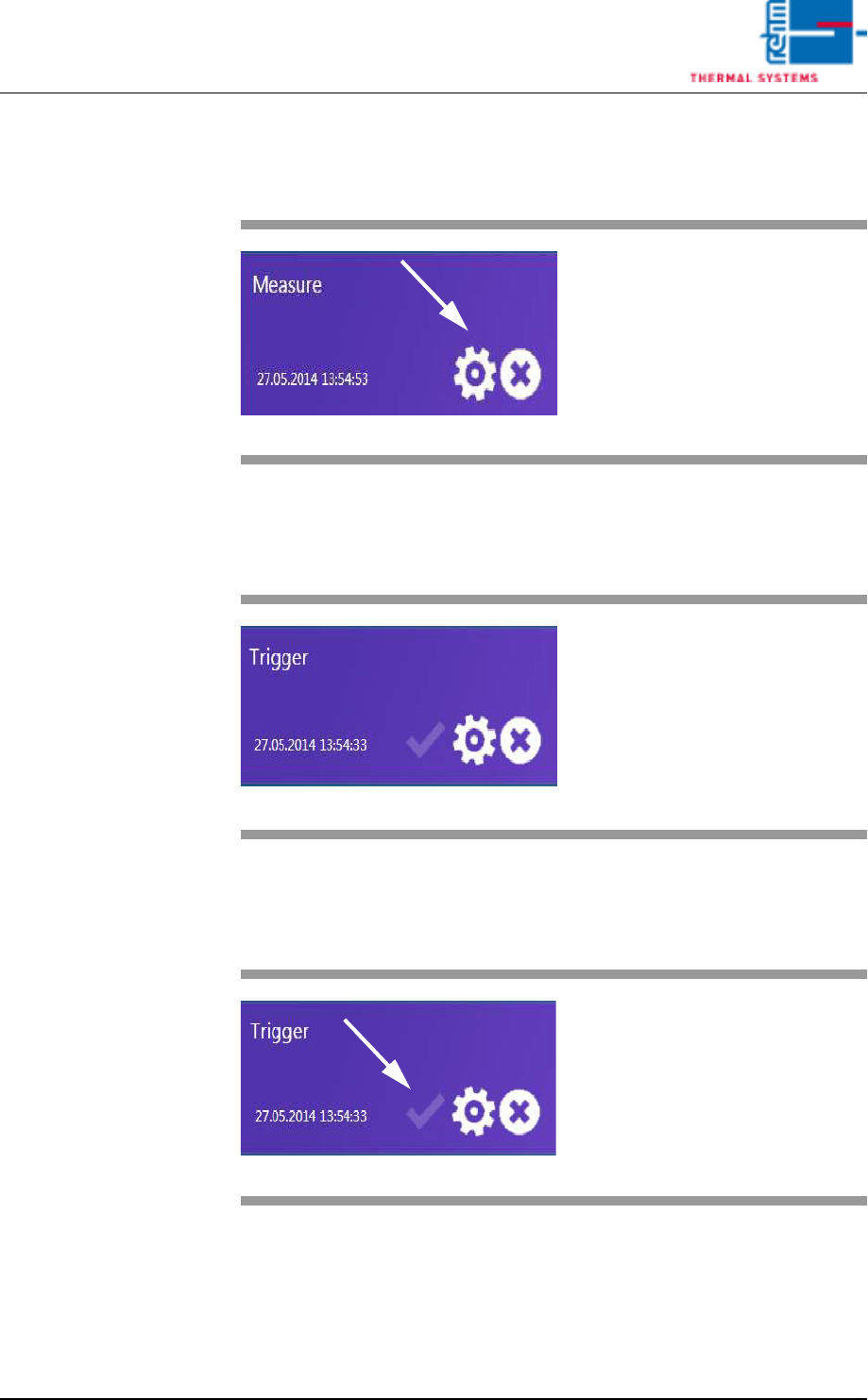
6.2.7 Delete configuration
6.2.8 Start recording
6.2.9 Activate trigger
Fig. 6-12 Measurement 1
Use the "x" button to delete the con-
figuration selected.
Fig. 6-13 Measurement 1
Directly clicking a tile starts the re-
cording immediately.
Fig. 6-14 Trigger
The "Active" button is shown if a
start and stop trigger are defined for
a configuration.
.
Page 162 VISION XP+ VAC
6 Rehm Recorder
6.2 Live mode configuration
Operating Instructions
Version 1.5
The recorder transitions to Viewer mode if a configuration is active. Only
data that is processed by triggers can be viewed.
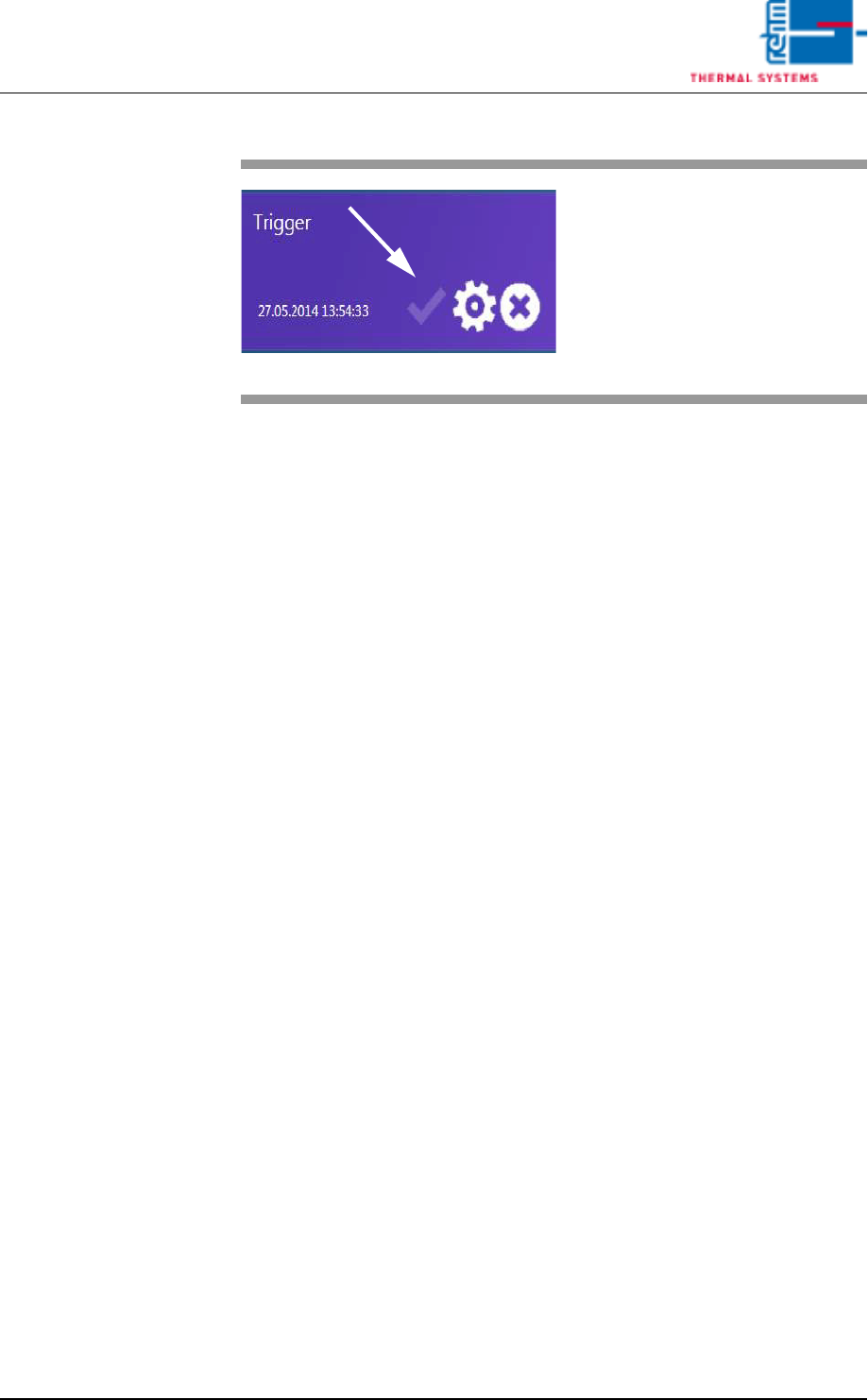
Fig. 6-15 Starting 2
Directly clicking the "Active" button
loads the configuration as the ac-
tive configuration and starts pro-
cessing the start and stop triggers.